This tag collects our practical guides to diagnosing and improving your home internet connection. It’s written for anyone who has ever stared at a spinning wheel, cursed a buffering screen, or wondered if their Wi‑Fi is secretly the slowest part of their day. The articles here assume you don’t have a networking degree, but you do want your downloads, streams, and game updates to just work.
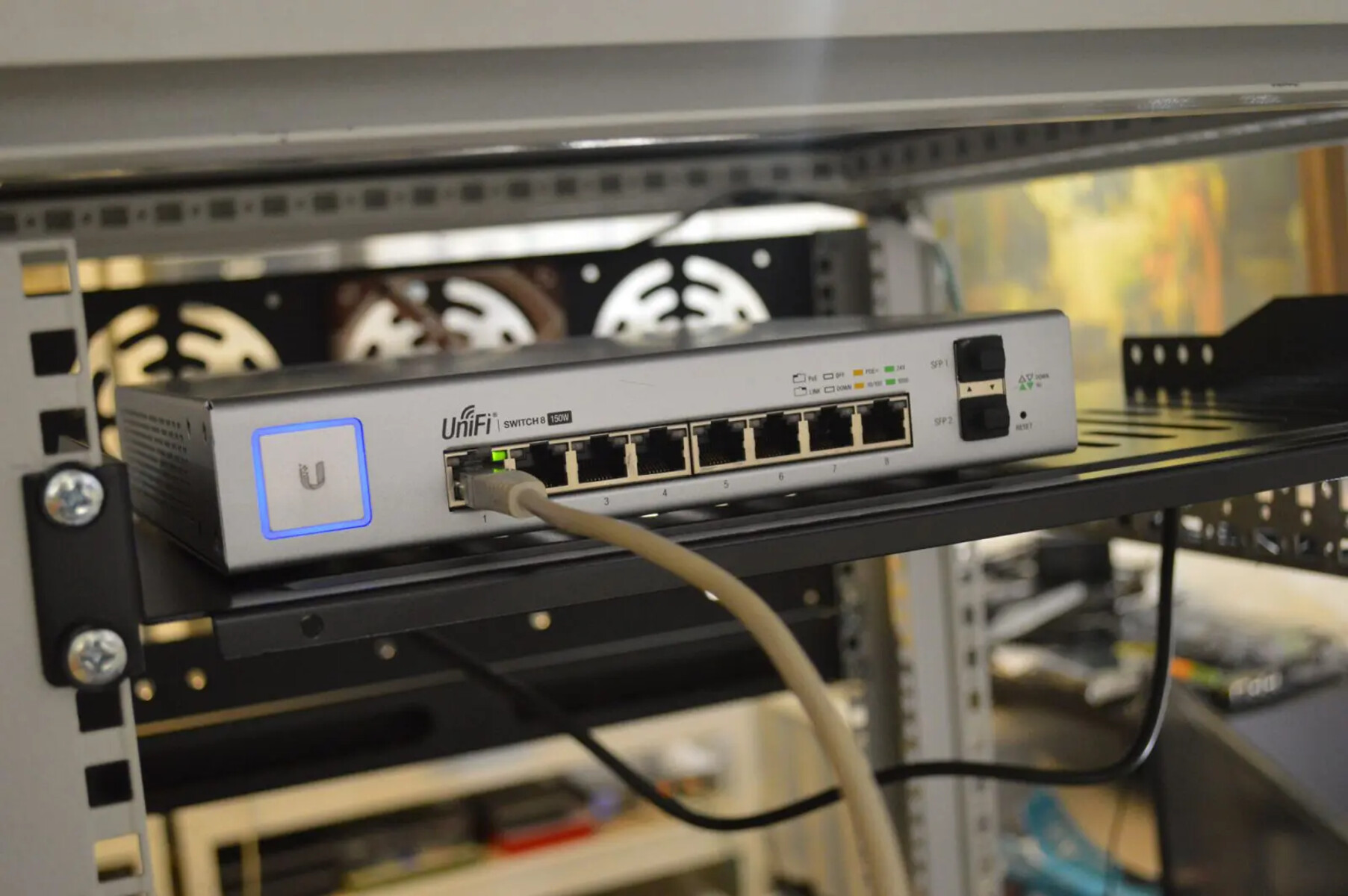
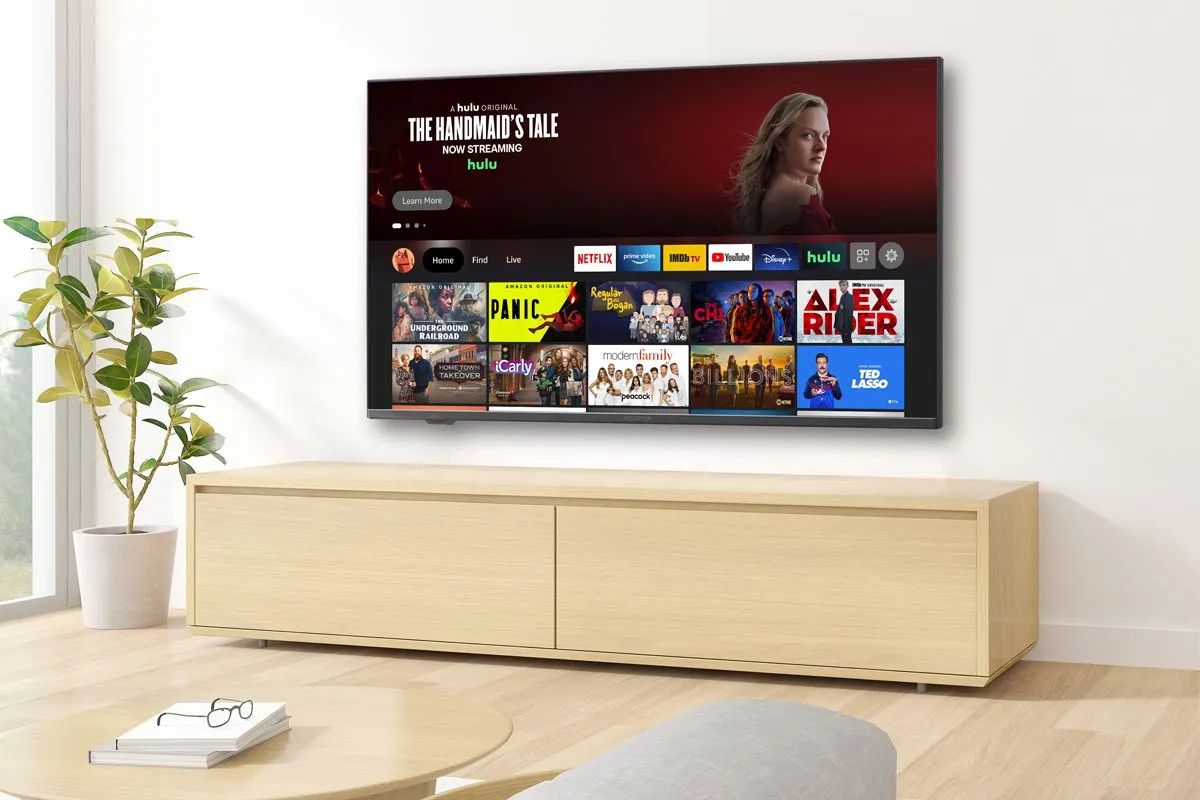
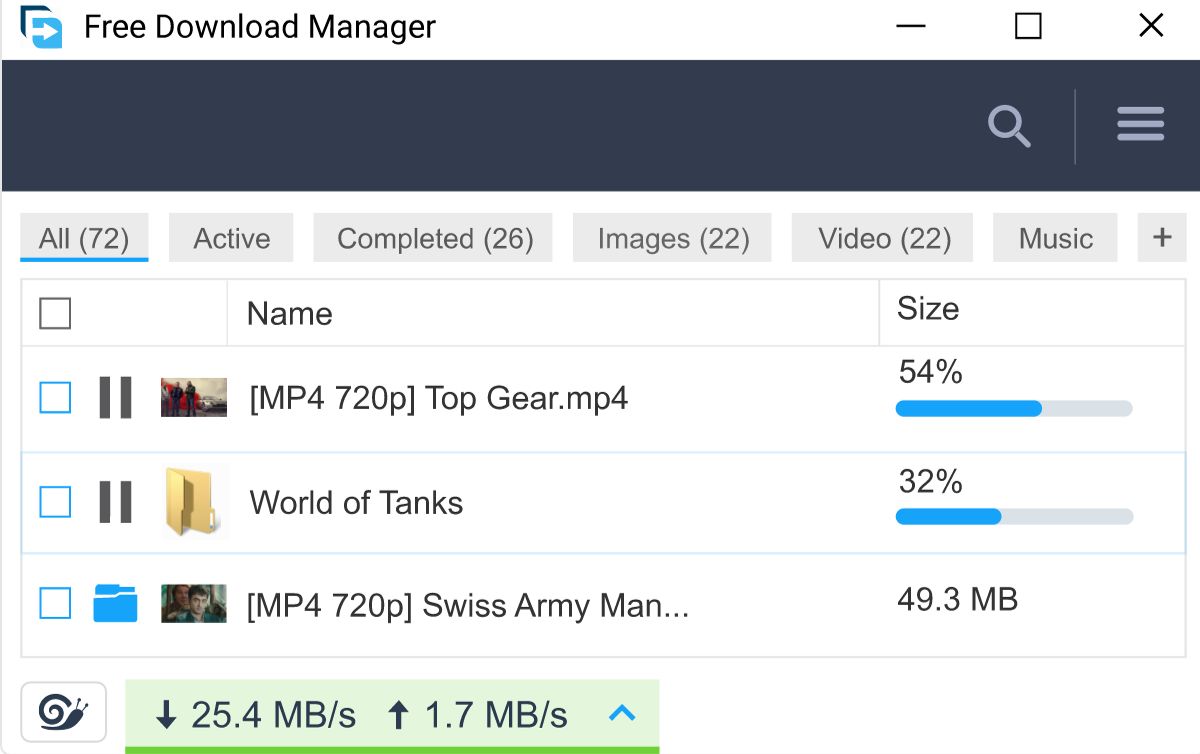
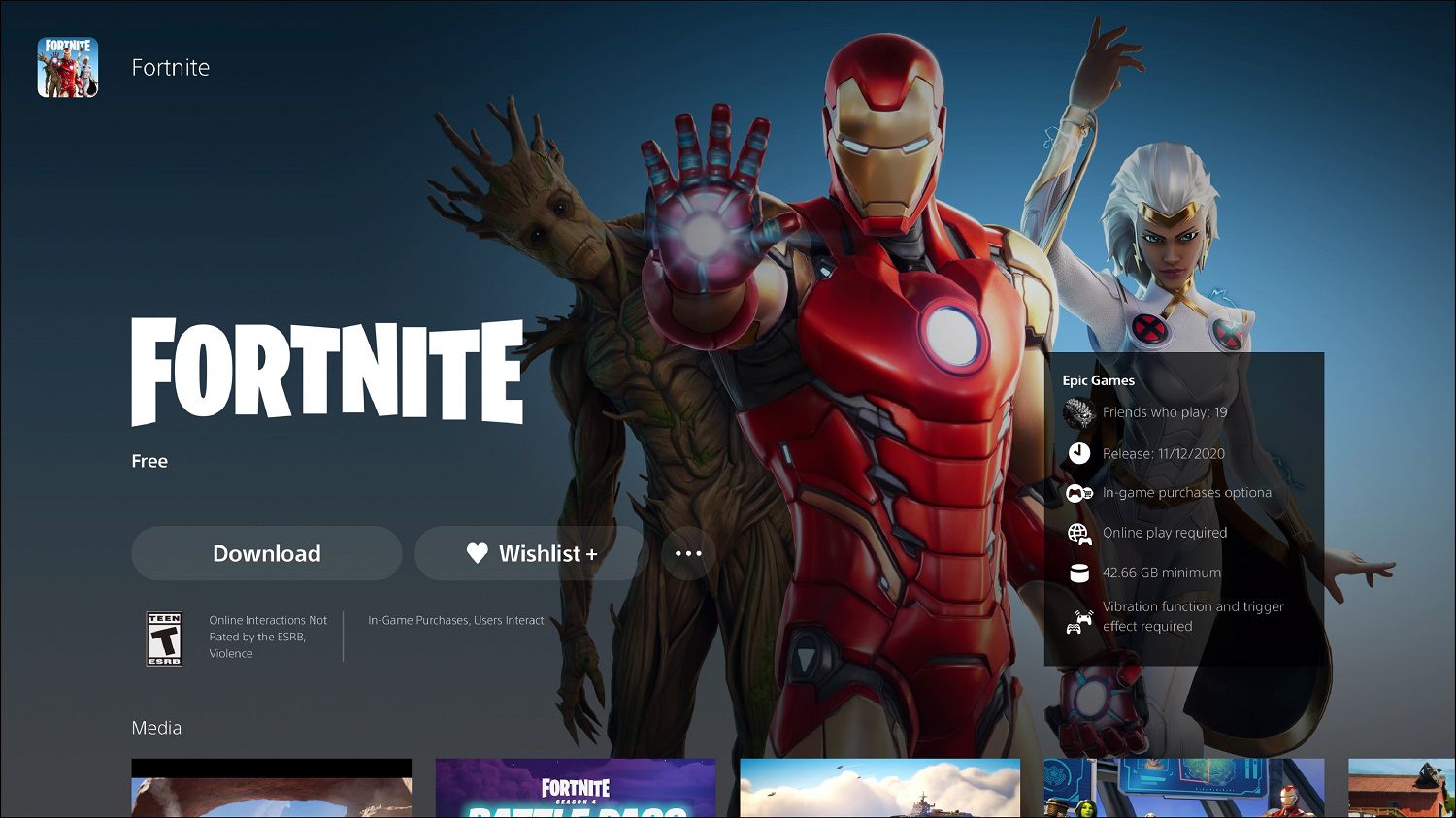
The pieces break down into two main themes. First, there’s the “know your baseline” group: these help you set realistic expectations and spot problems before you call your provider. For example, the guide to good upload and download speeds tells you exactly what numbers matter for different activities, while the article on bad Ethernet cables helps you decide whether a physical connection is your bottleneck or a false friend. Second, there’s the “stop wasting time” group, which tackles specific annoyances. You’ll see how long a Fortnite download really takes on different connections, why your smart TV buffers even on fast fiber, and how to get more out of Free Download Manager without breaking any rules, the guide there focuses on configuration and safe settings, not on pirating or circumventing limits.
Several articles also take a security-conscious angle. The roundup of public DNS servers, for instance, isn’t about tricking your ISP; it’s about choosing a faster, more private resolver that can shave milliseconds off your browsing. Similarly, the Ethernet cable guide helps you avoid cheap, damaged, or counterfeit cables that can cause packet loss, rather than encouraging any risky tinkering. Together, these six articles give you a clear, honest set of steps to measure, fix, and optimize your connection, without promising magic or encouraging anything shady.