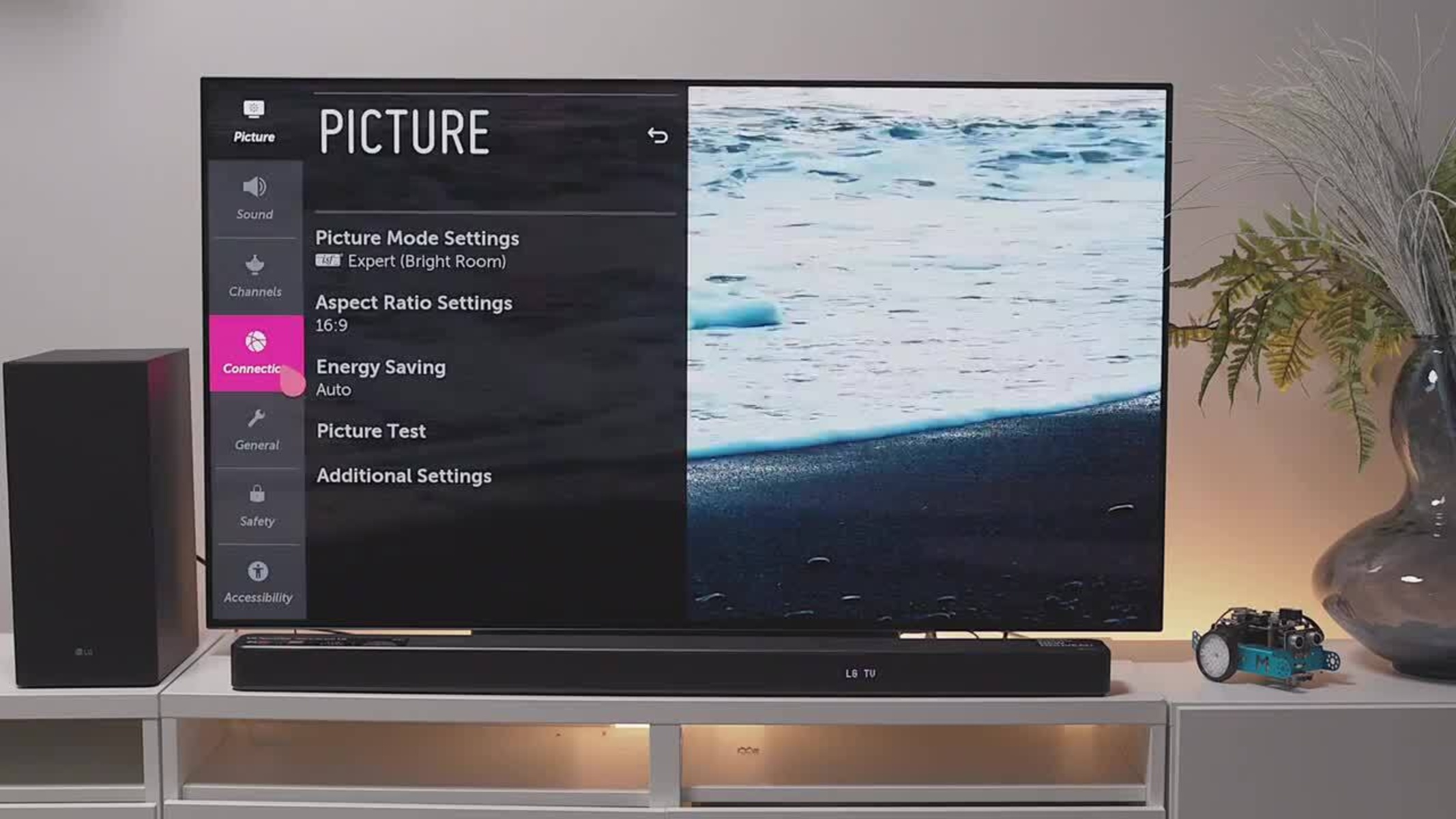
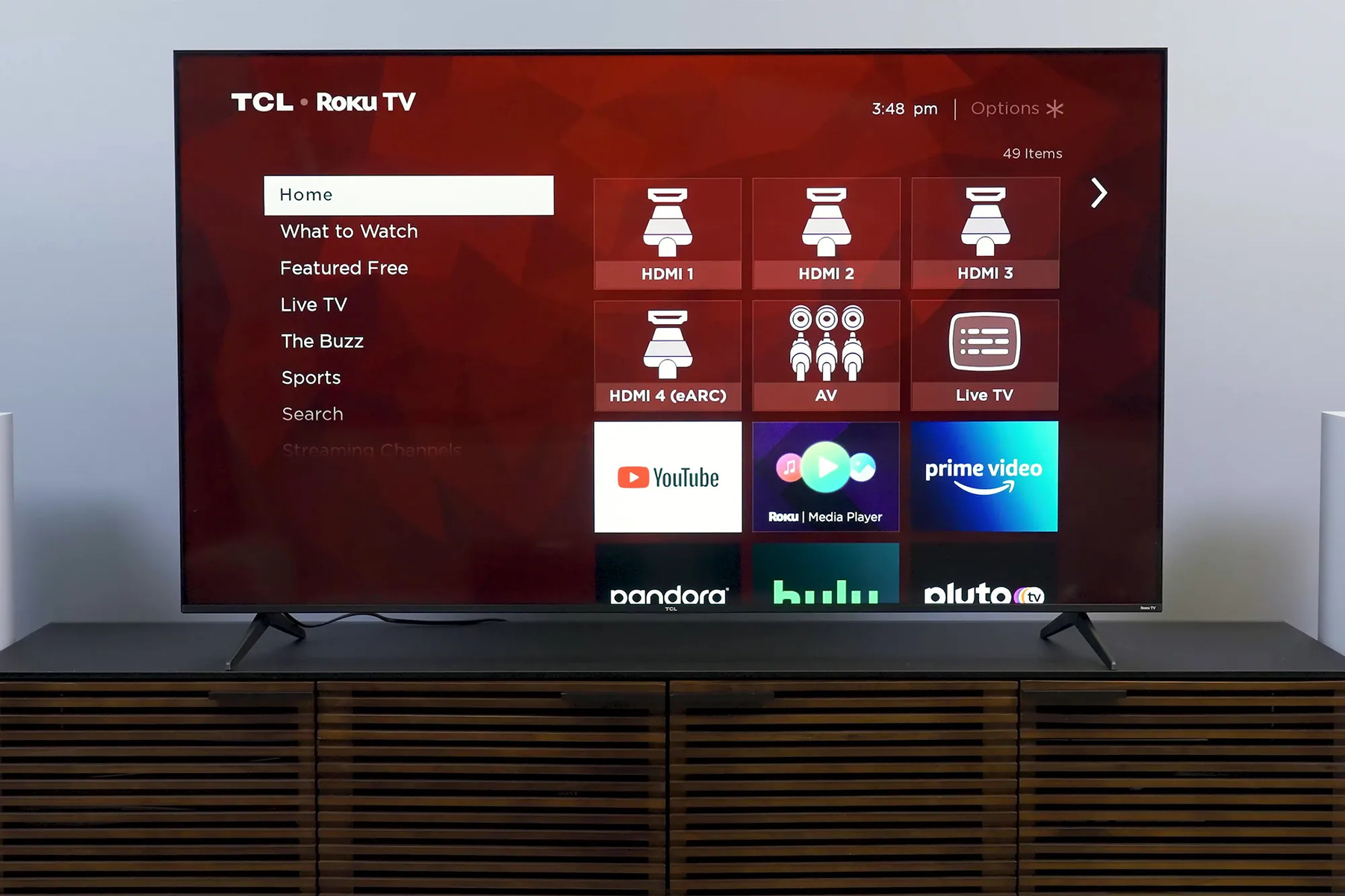
This tag collects articles about changing and managing the input sources on your television and gaming setup. It is written for everyday consumers who own a modern smart TV or use a game console alongside a computer, and who need clear, practical guidance for switching between devices like cable boxes, streaming sticks, or gaming systems. The focus is on straightforward, manufacturer-specific instructions that help you get the picture on screen without digging through a manual or guessing at menu names.
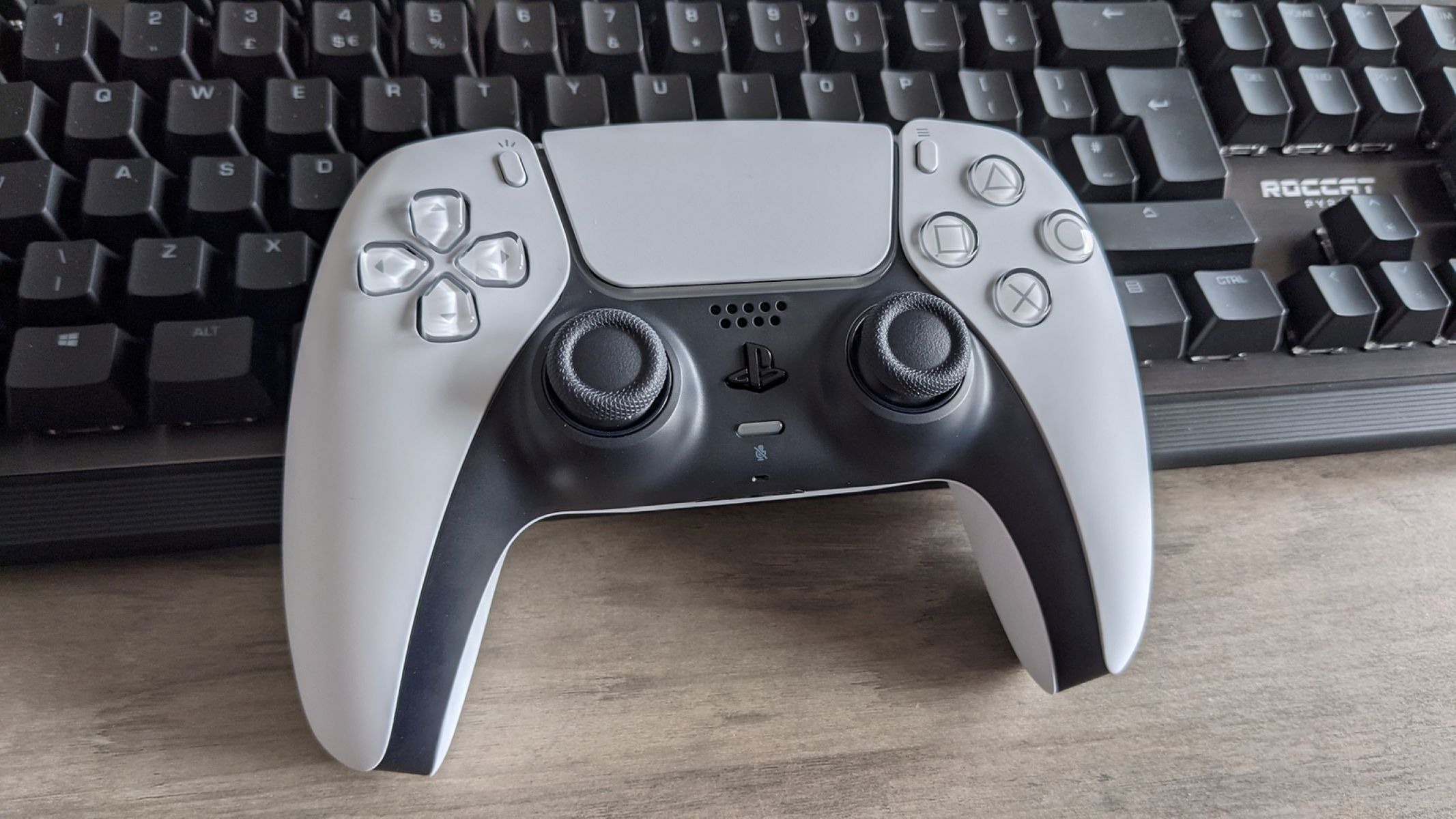
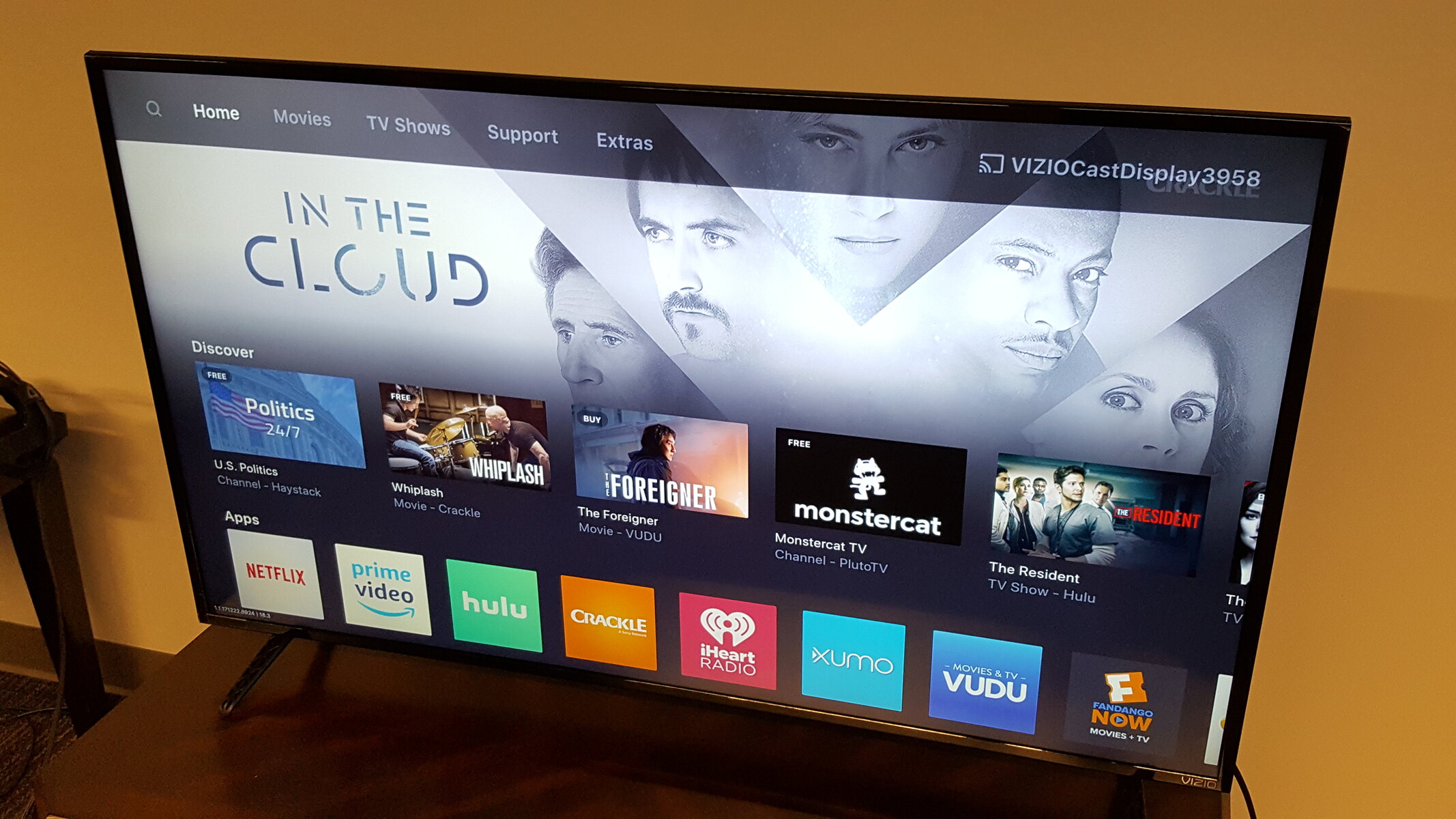
The articles solve two main kinds of problems. The first is the simple “I plugged it in, but nothing shows” issue: they walk you through selecting the correct HDMI port on popular brands like LG, Samsung, Vizio, and Roku TVs, including where the input button lives on each remote and how to navigate the on-screen menu. The second theme is control and prevention, one piece explains how to stop an LG TV from automatically switching inputs on its own, which is a common annoyance when a device powers on unexpectedly. There is also a separate article that helps you use both a keyboard and a game controller together in GTA V, which is less about TV inputs and more about managing multiple control methods on a PC or console setup.
For the safety and convenience angle, the article on stopping automatic input switching is framed as a way to regain control of your viewing experience, not as a workaround or hack. It teaches you to adjust settings so your TV behaves predictably, which reduces confusion and accidental interruptions. None of the articles cover bypassing protections, pirating content, or cheating in games, they are all about legitimate, everyday configuration changes that make your gear work the way you want.