This tag collects articles about Apple’s iMessage messaging platform, aimed at everyday iPhone and Mac users who want to manage their conversations more effectively, troubleshoot confusing features, or understand what their messaging app can and cannot do. The guides are practical and written for a general audience, not for developers or power users looking for deep technical specs.
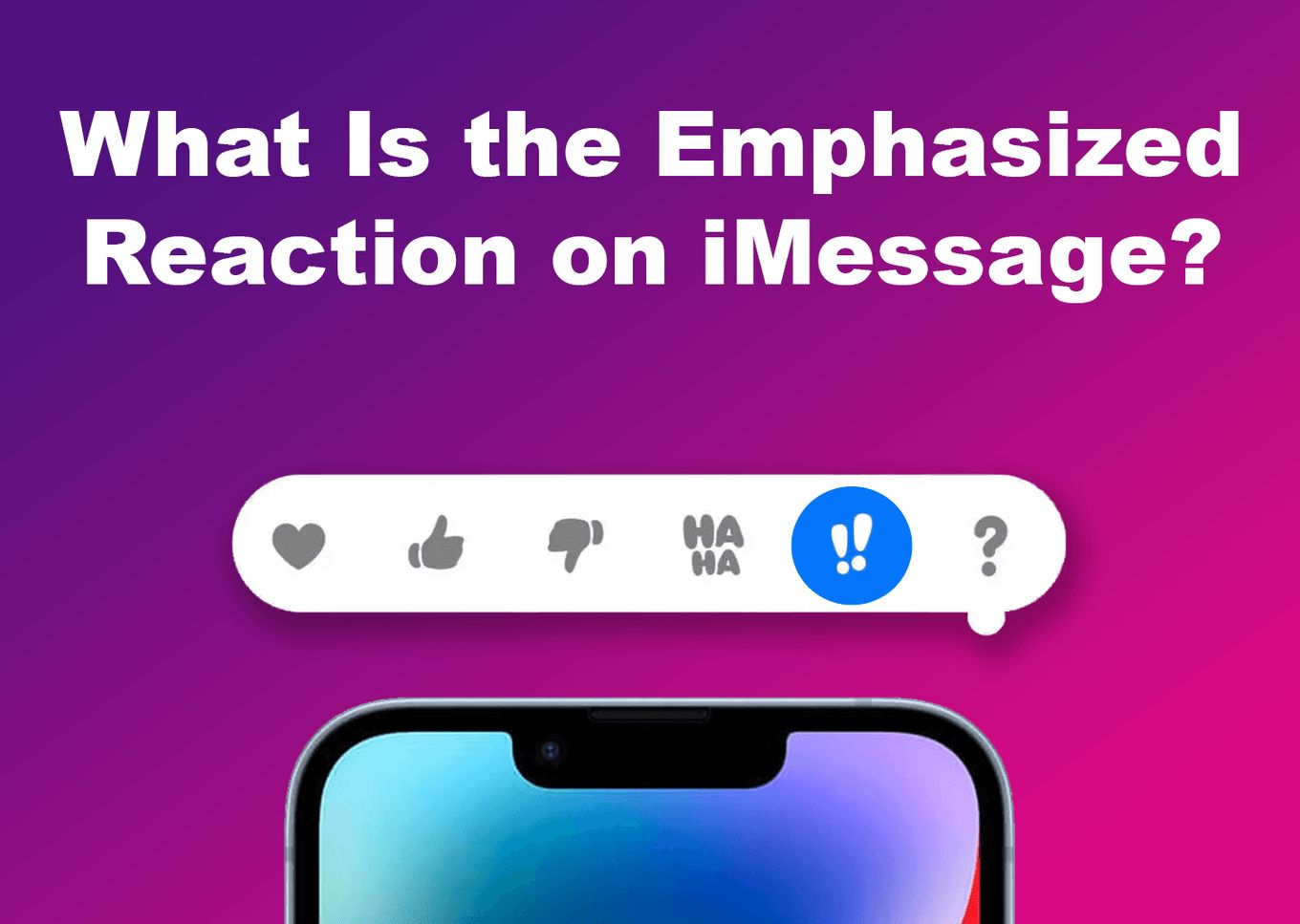
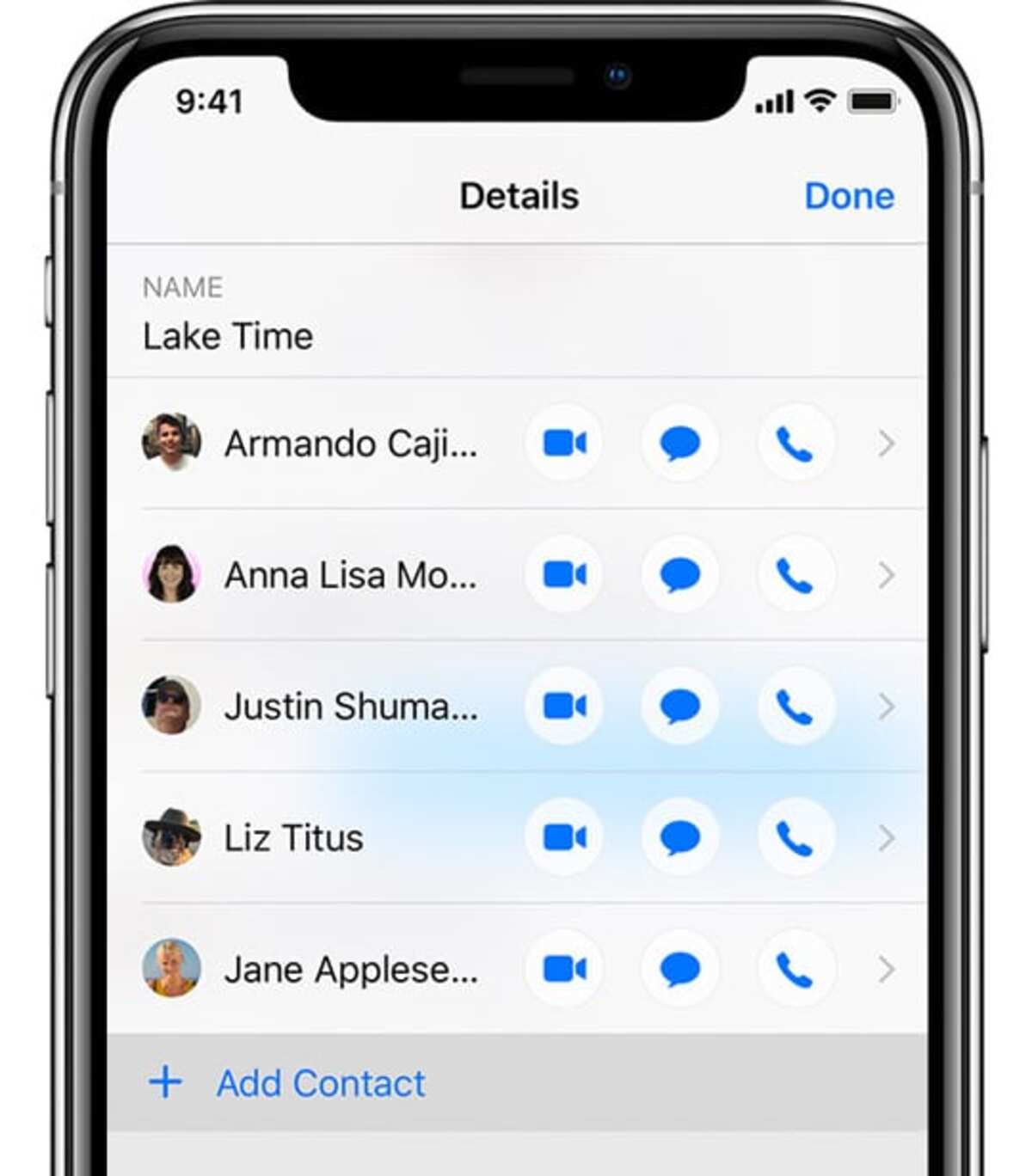
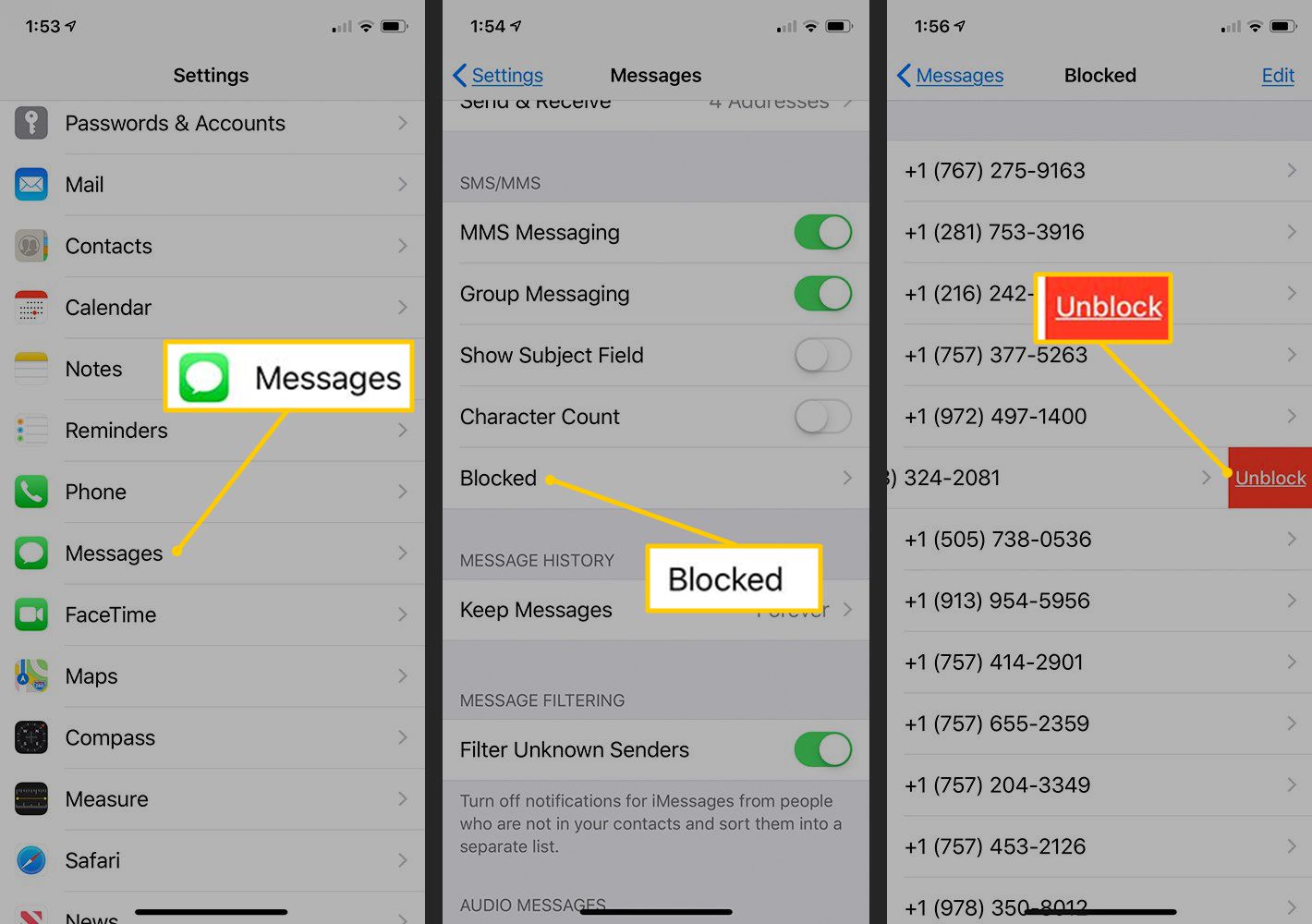
The articles here solve two main kinds of problems. First, there are organization and control tasks: how to add someone to an existing iMessage thread, how to hide a conversation from the main chat list, and how to remove a person from a group text on both Android and iPhone. Second, there are privacy and security concerns, such as putting a password on iMessage, sending a photo that disappears after viewing, or unsending a photo you already sent by mistake. A few pieces also explain the meaning behind interface signals, like what the two exclamation points mean, or help you navigate the intersection of iMessage with other services, such as using it on a Chromebook or checking your iMessage history on a Verizon bill.
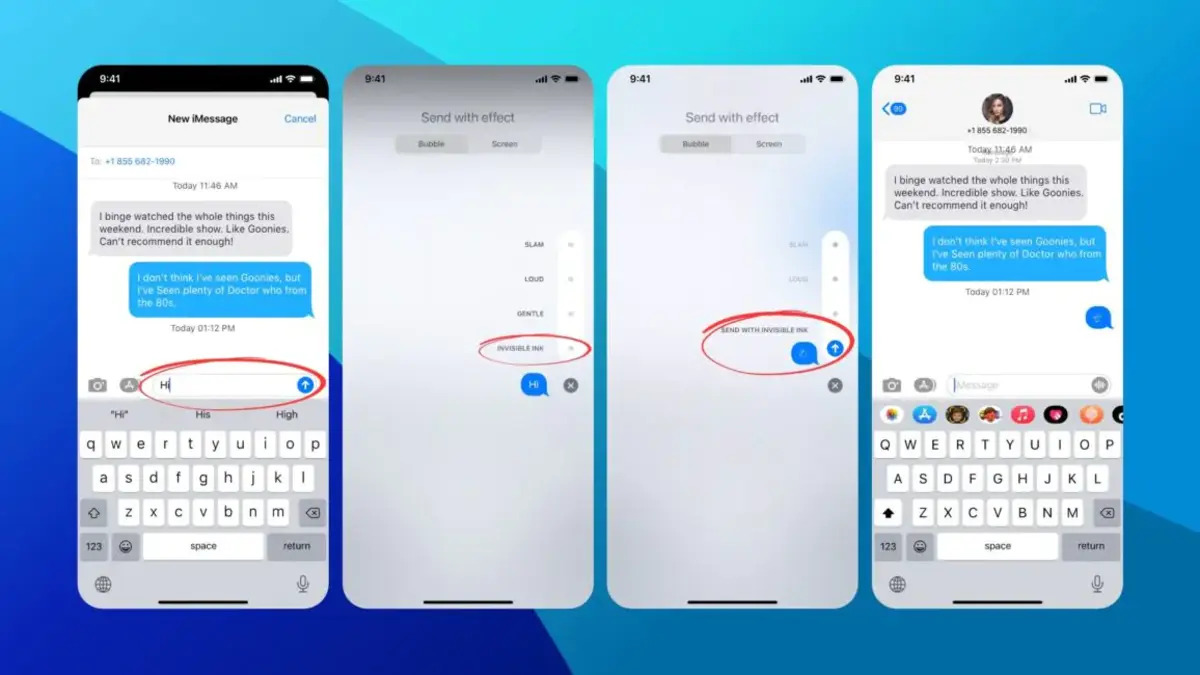
For topics that touch on sensitive areas, the guidance is framed around legitimate, everyday needs. For example, the piece on disappearing and deleted messages explains how the feature works and what limits exist, while the article about unsending a photo focuses on correcting a mistaken send, not on covertly retrieving someone else’s content. Similarly, the password and hiding-conversation guides help you protect your own phone from prying eyes, not bypass anyone else’s security. These are practical, above-board solutions for common messaging frustrations.