This tag collects articles about High Dynamic Range (HDR) video as it applies to everyday home entertainment gear. It is written for people who own a modern TV, streaming box, or game console and want to get the best possible picture without wading through technical manuals. Whether you are troubleshooting a setting that will not stay on, or simply trying to understand what all the acronyms on the box actually mean, these guides are aimed at practical, hands-on fixes.
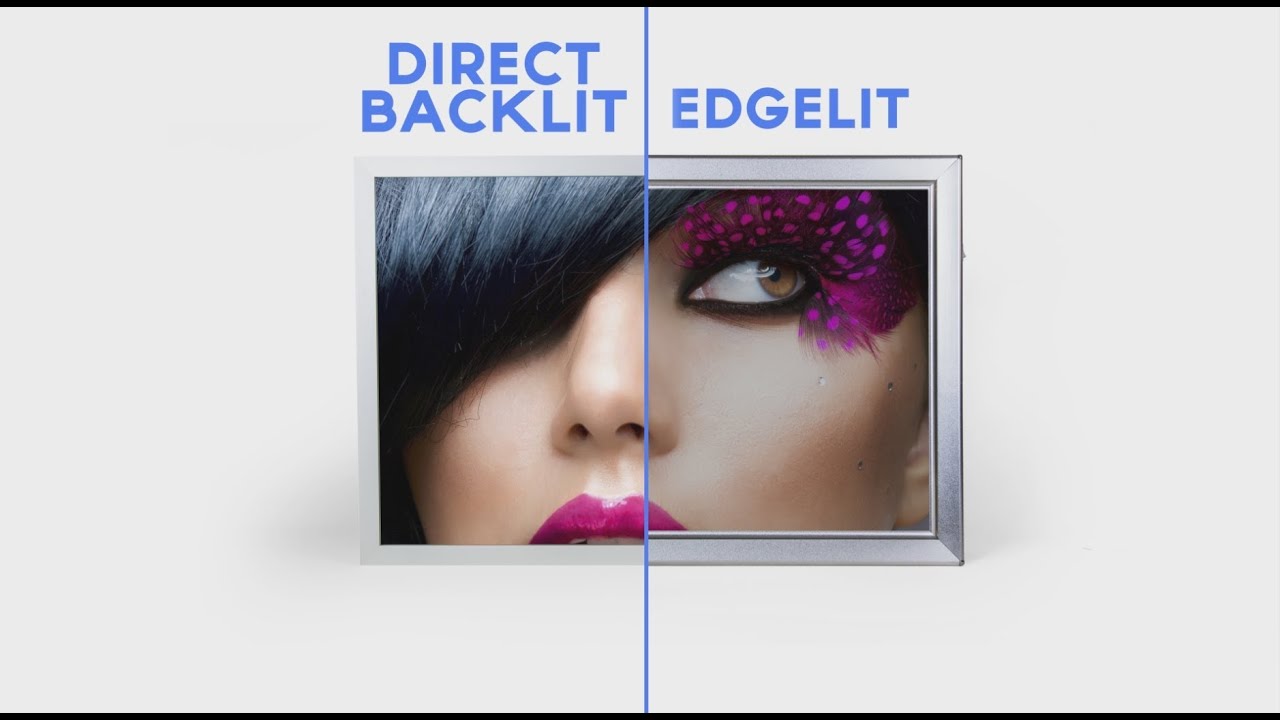
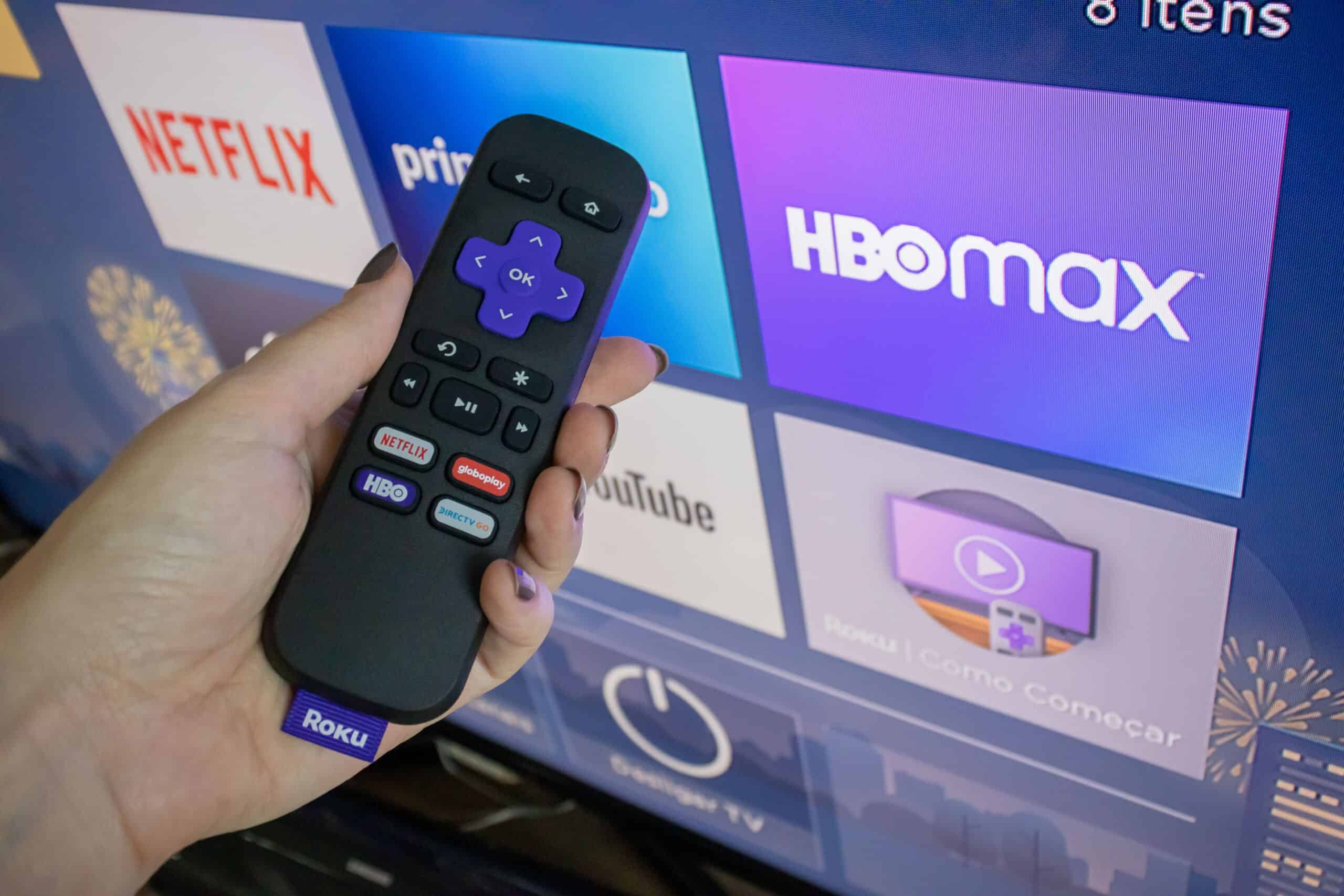
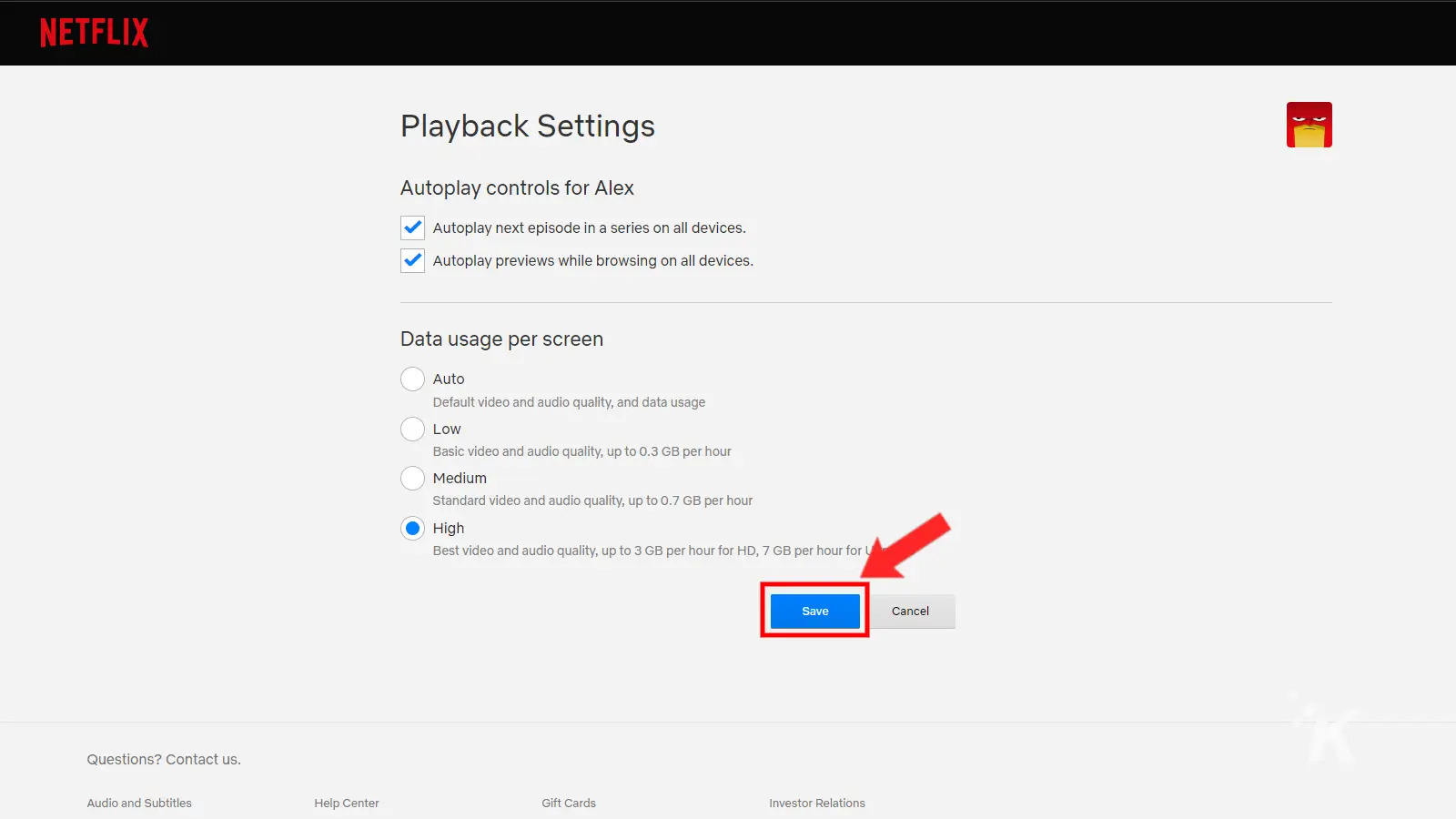
The articles cluster around two main practical themes. The first is configuration and optimization: how to turn on the right picture modes, adjust brightness on a PS5, enable Ultra HD Deep Color on an LG OLED, or choose the correct Netflix plan to actually receive HDR streams. The second theme is compatibility and purchasing decisions. Here, you will find comparisons like edge-lit versus direct-lit LED TVs, and guidance on which Roku model pairs best with a Samsung set. These pieces help you avoid buying the wrong hardware or settling for a dim, washed-out image when a simple setting change would fix it.
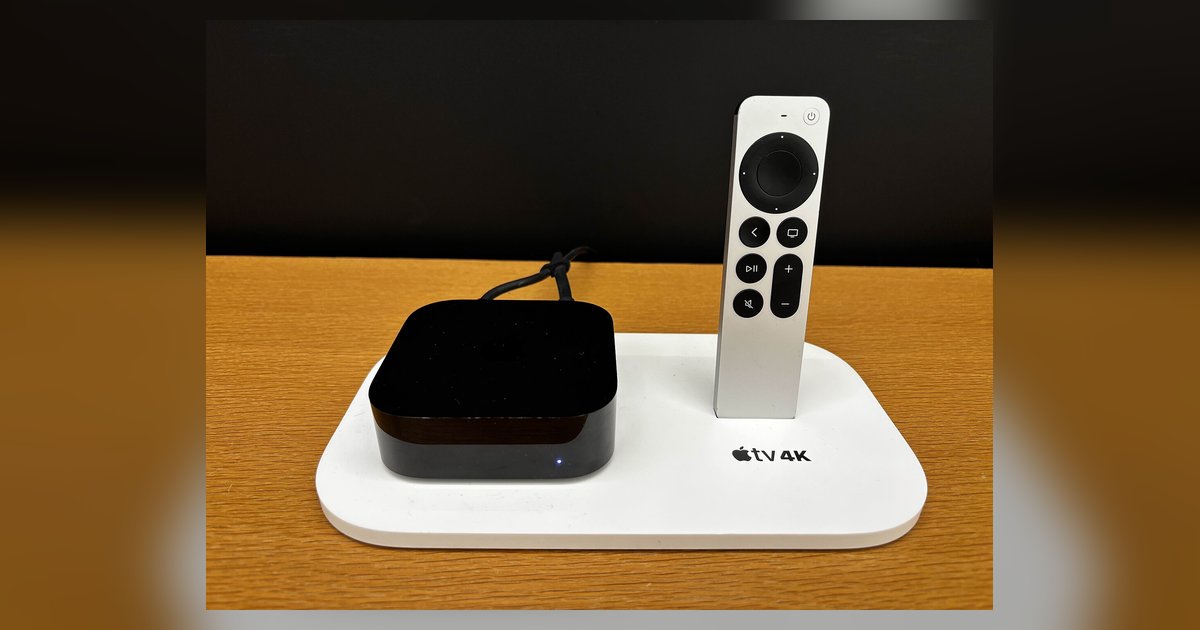
Several articles also address a third, smaller theme: troubleshooting when HDR simply will not engage. For example, one piece explains what to do when the Apple TV 4K HDR format appears greyed out, and another clarifies how to adjust quality on Netflix when the stream drops below 4K. These are not about bypassing any protection or forcing unsupported signals; they are about correctly configuring devices within their intended limits, and understanding what each setting legally and technically allows. The goal across all seven pieces is to help you watch content the way it was mastered, bright, colorful, and correctly mapped, without guesswork or unnecessary expense.