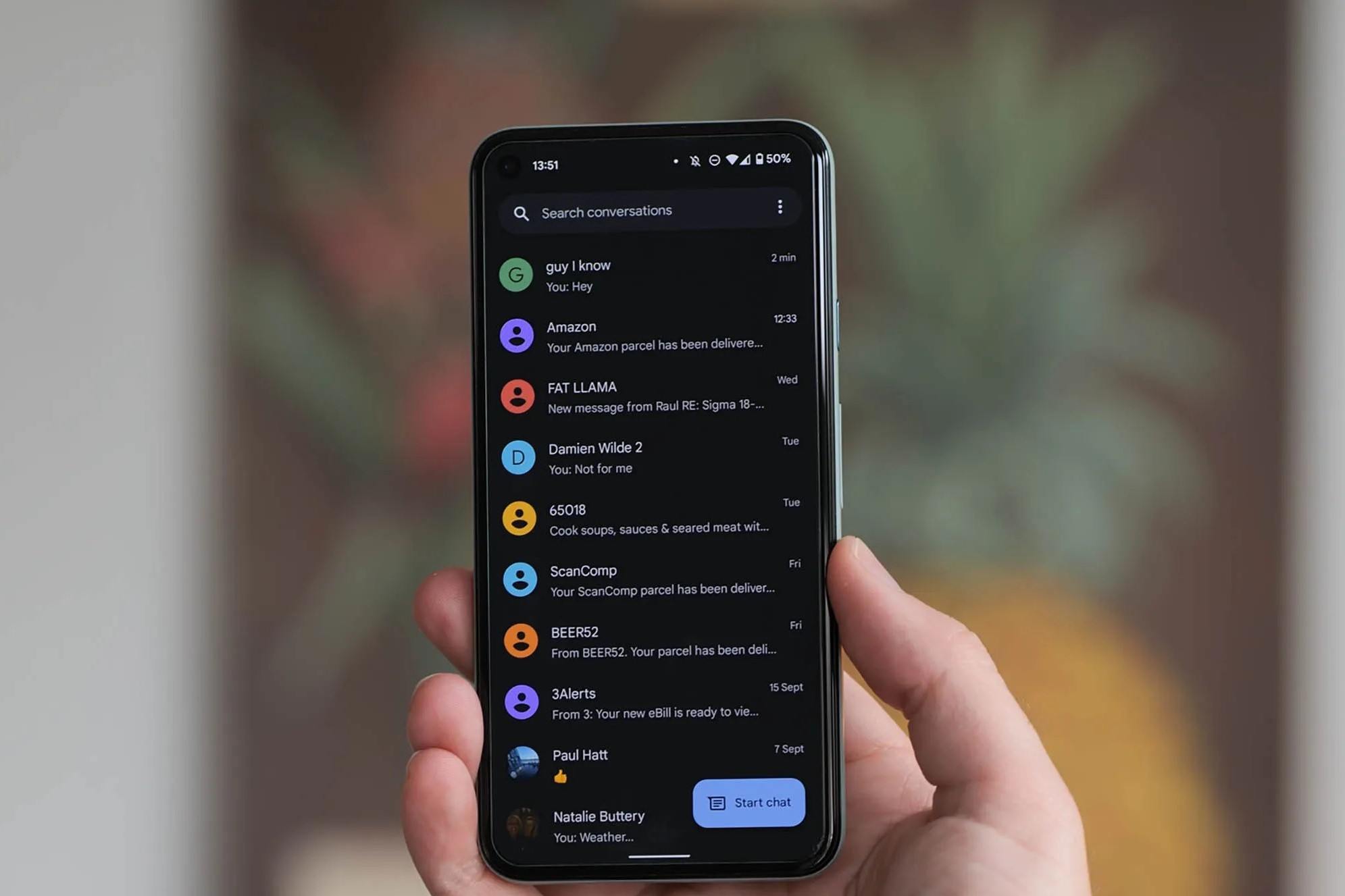
This tag collects articles about Google Messages and the broader world of Android texting, written for everyday users who want to get more control over their phone’s messaging app. Whether you’re troubleshooting a silent conversation, organizing a group chat, or trying to move texts between devices, these guides assume you’re starting from scratch and need clear, practical steps.
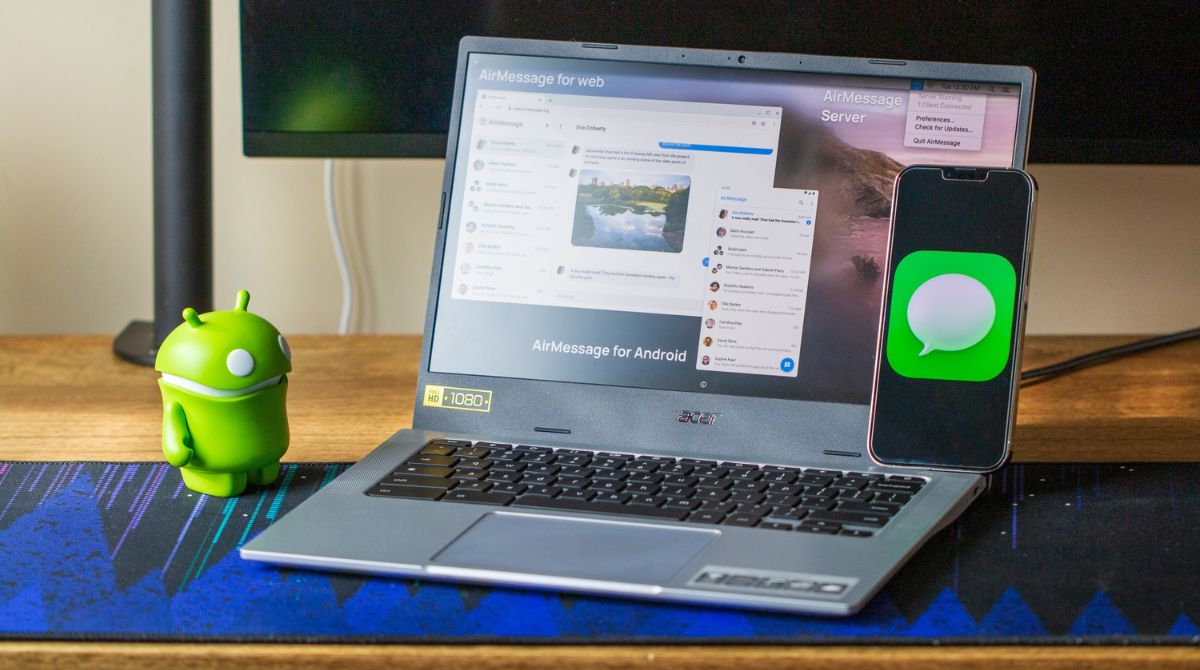
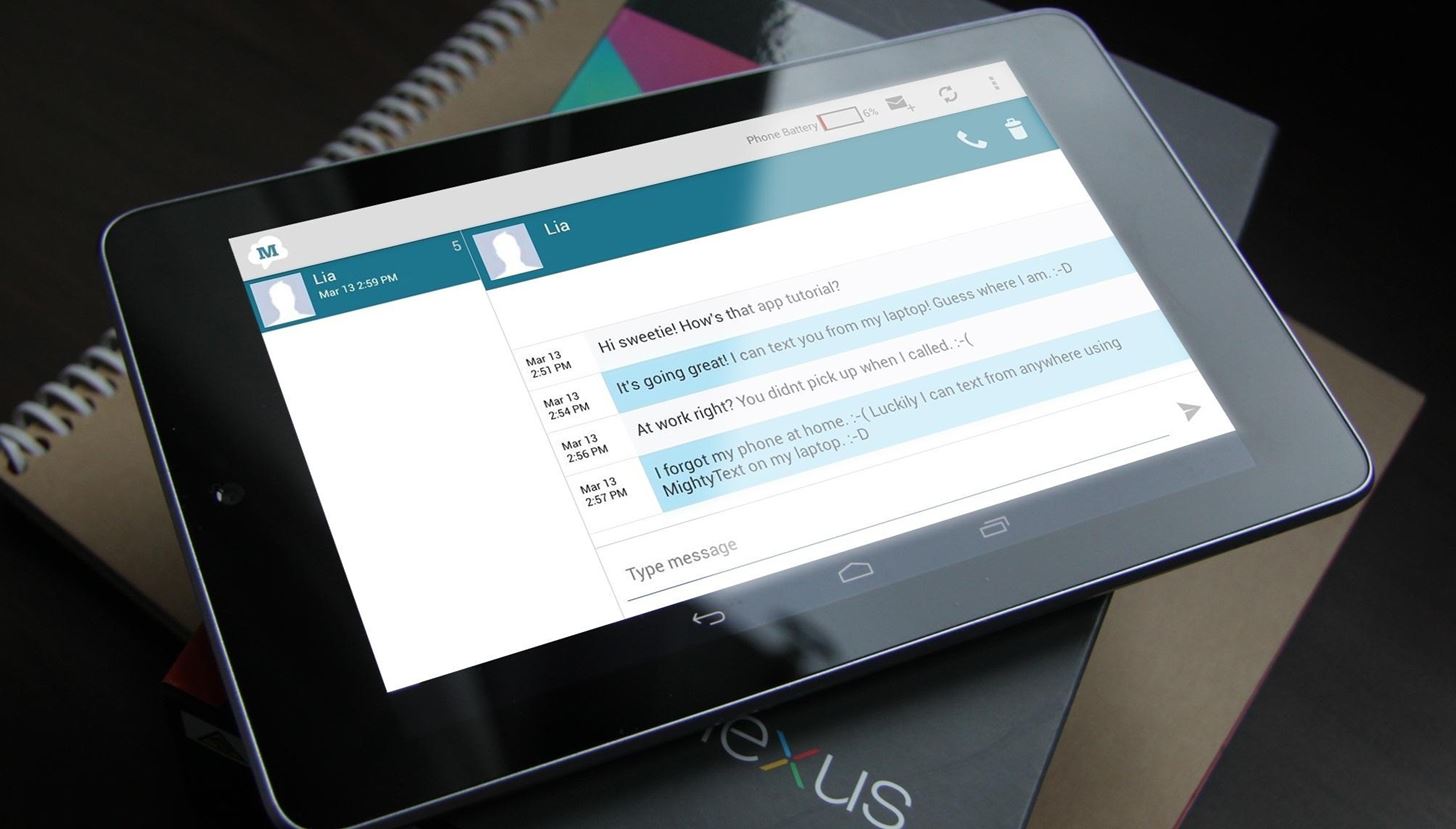
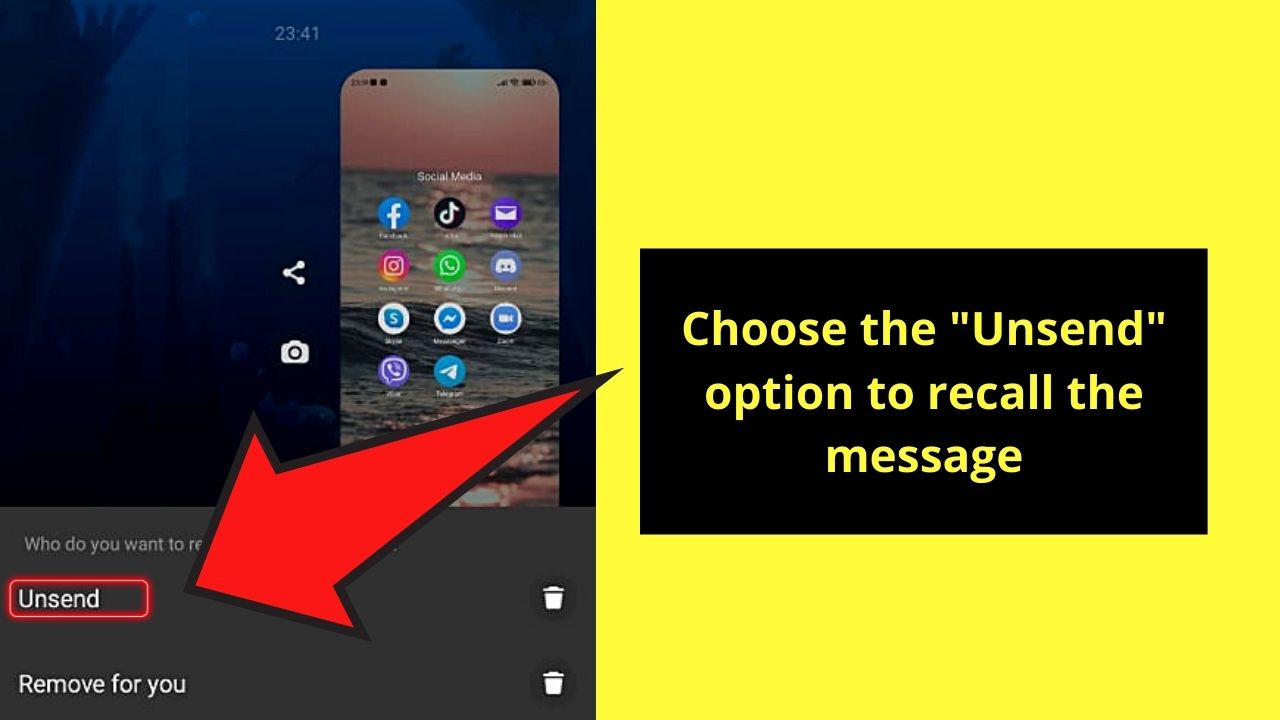
The pieces here fall into a few practical themes. One is managing conversations, like figuring out if a contact has blocked you, or learning how to create and name a group text so you can keep track of busy threads. Another theme is device flexibility: several articles help you send texts from a tablet, use iMessage on a Chromebook, or forward messages on a Samsung Galaxy, which is handy when your phone isn’t the only screen you use. A third theme is recovery and correction, such as recalling a text you sent by mistake, a feature that works within Google Messages’ own settings, not through any workaround.
Specific topics you’ll see covered include the “How Do You Know If Someone Blocked Your Text Messages On Android” guide, which explains the signs of a block without encouraging you to bypass it, and “How To Recall A Text Message On Android,” which walks you through the app’s built-in undo option. For Pixel 6 owners, the group texting guide offers clear steps for managing multiple recipients. These articles aim to help you use the tools you already have, safely, legally, and without hacks, so you can text with confidence across all your devices.