This tag collects every article on Robots.net that mentions Google Chrome, making it a practical starting point for anyone who uses the browser day-to-day and wants to fix a nagging issue without digging through forums. The content is aimed at everyday, non-technical users, people who just want their browser to behave, not at developers or IT pros. The articles are short, direct, and focused on a single task each, so you can jump straight to the problem you are facing.
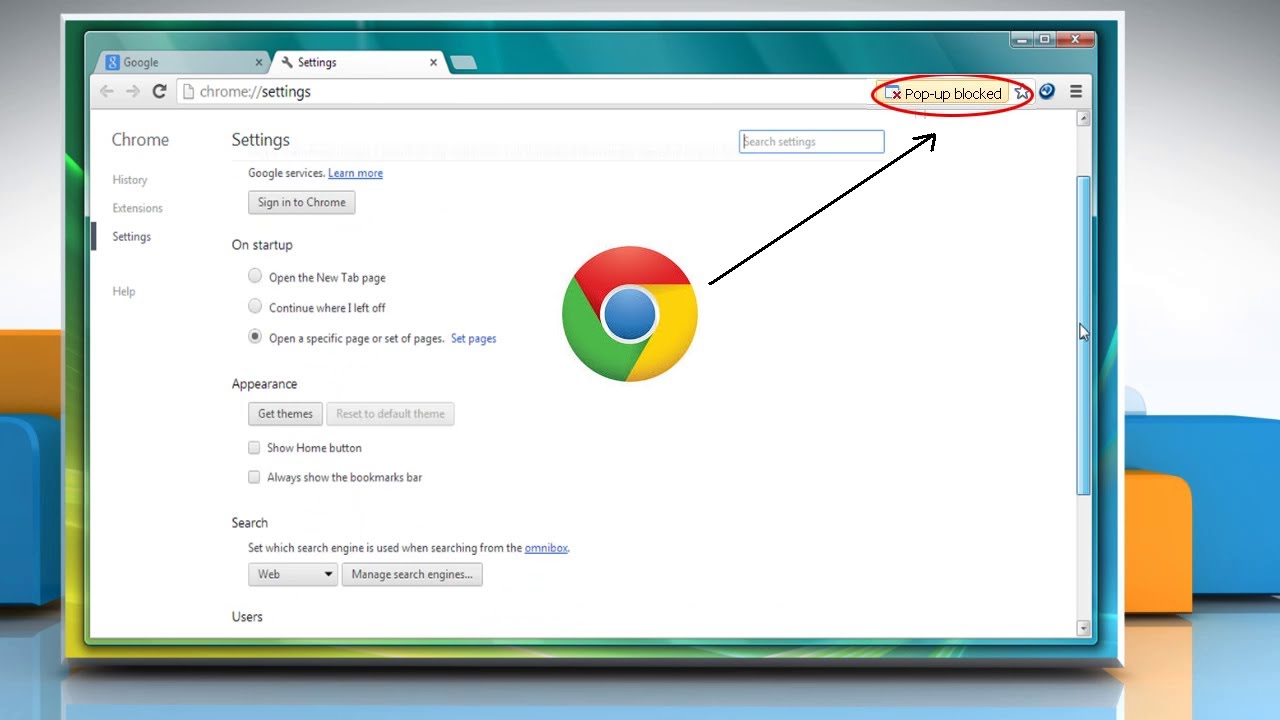
The topics fall into a few clear groups. One cluster is about personalizing the interface and layout: you can learn how to increase tab size in Google Chrome, how to make your tabs bigger, how to put your own picture on the Chrome background, and how to change the font size in the bookmarks toolbar. Another group deals with navigation and defaults, things like setting MSN as your homepage, adding webpages to the Chrome homepage, and finding where your downloads are stored. A third set covers behavior and privacy adjustments: stopping PDFs from opening automatically after download, unblocking pop-ups, and stopping trending searches from cluttering your new-tab page.
Several articles also address switching or cleaning up the browser, such as importing Microsoft Edge bookmarks to Chrome or removing DuckDuckGo as your search engine, useful if you accidentally installed an extension that changed your defaults. You will also find guidance on sharing your screen with Chrome, emailing a page directly from the browser, and resizing the window. For anyone curious about alternatives, the tag includes a comparison of Microsoft Edge versus Chrome to help you decide which browser fits your habits. None of the pieces encourage risky behavior; they are straightforward fixes and settings adjustments, including how to download videos from any website by using the browser’s built-in tools or legitimate extensions, not by bypassing protections.