This tag collects our guides on game streaming and remote play, written for anyone who wants to enjoy their console or PC games on a different screen, whether that’s a laptop, a Chromebook, or a phone. It’s for people who are setting up a second display, trying to play while traveling, or simply curious about the easiest way to get a game running outside the living room. The articles assume you’re comfortable with basic cables and settings, but they don’t require deep technical knowledge.
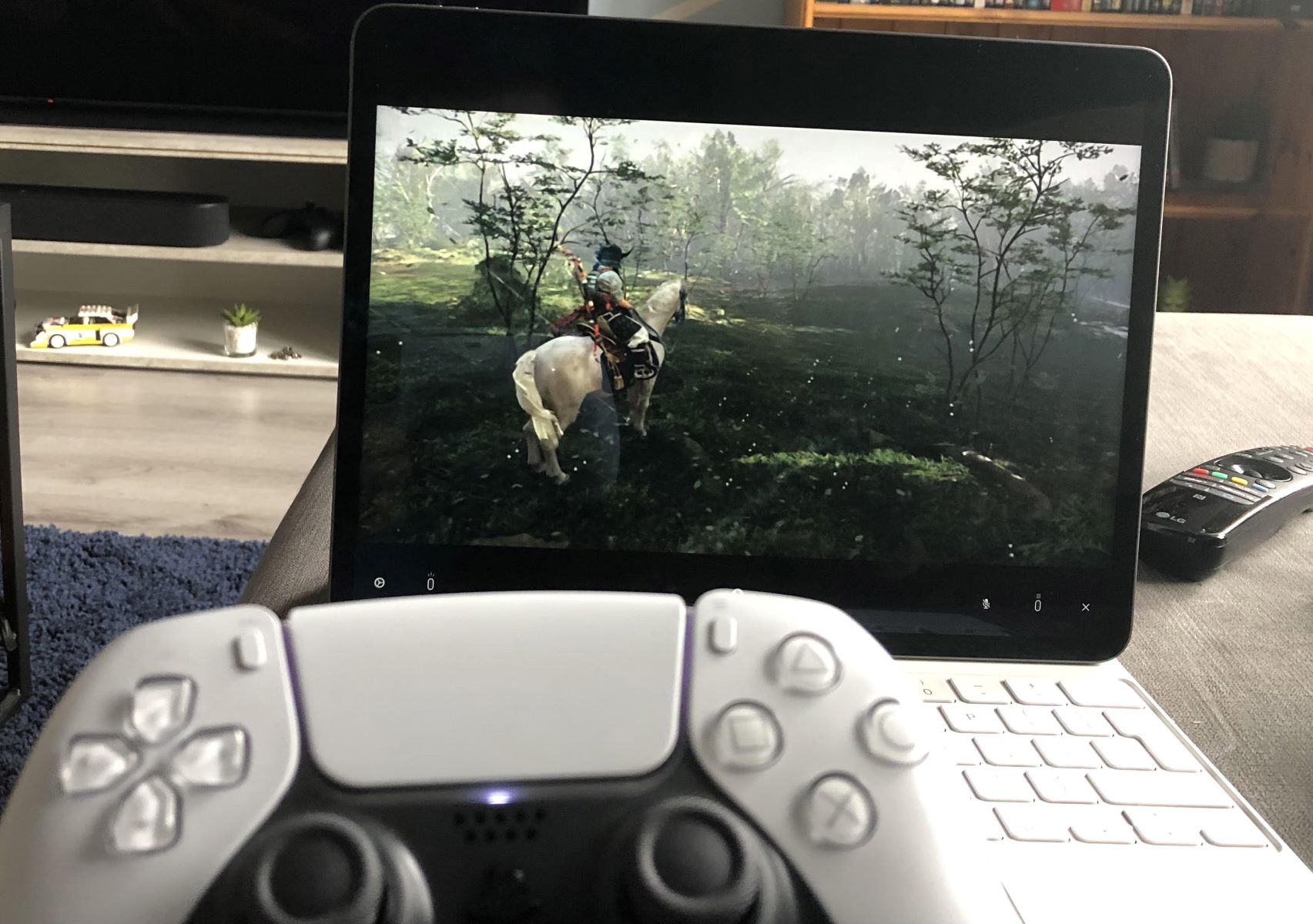
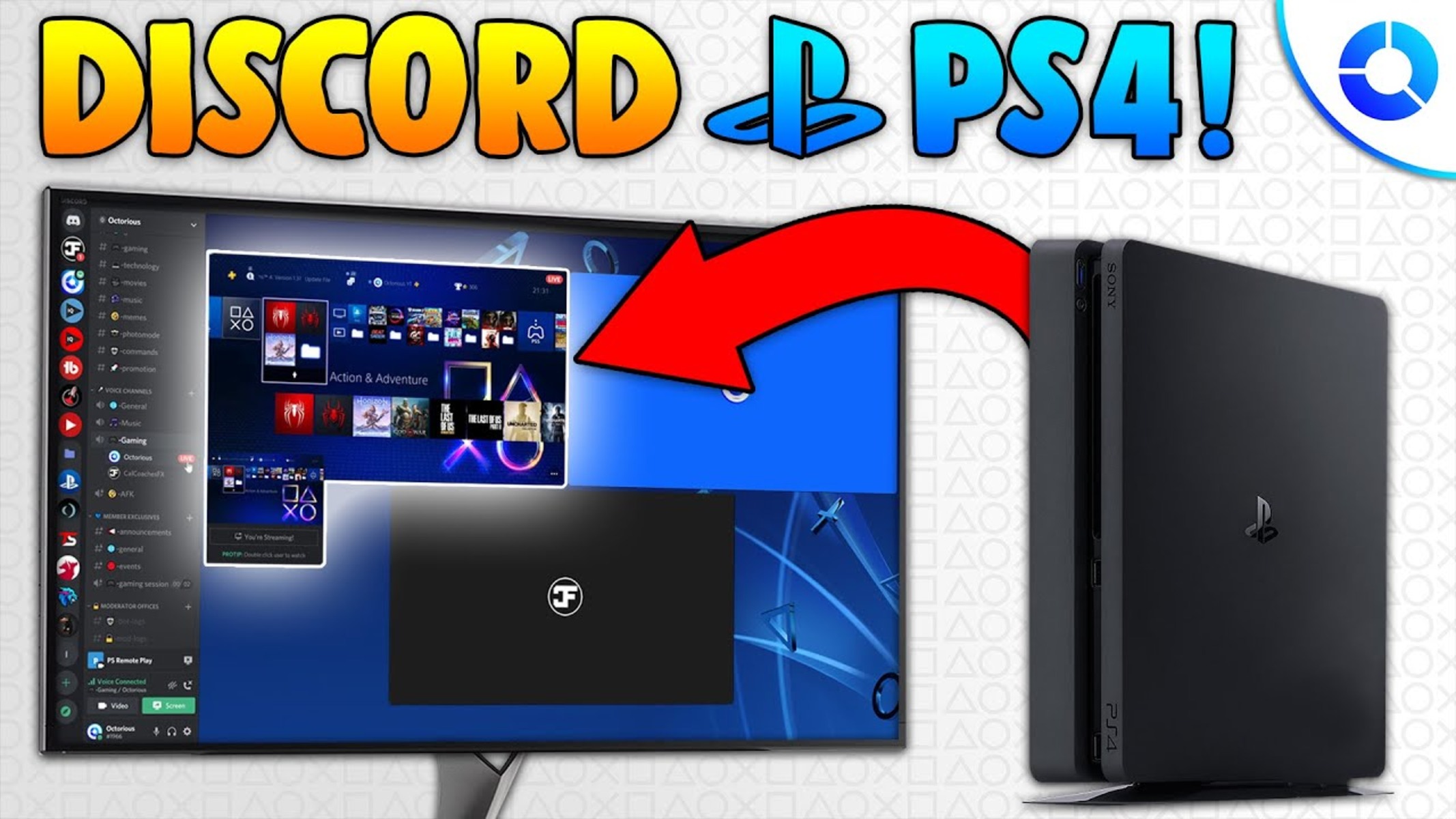
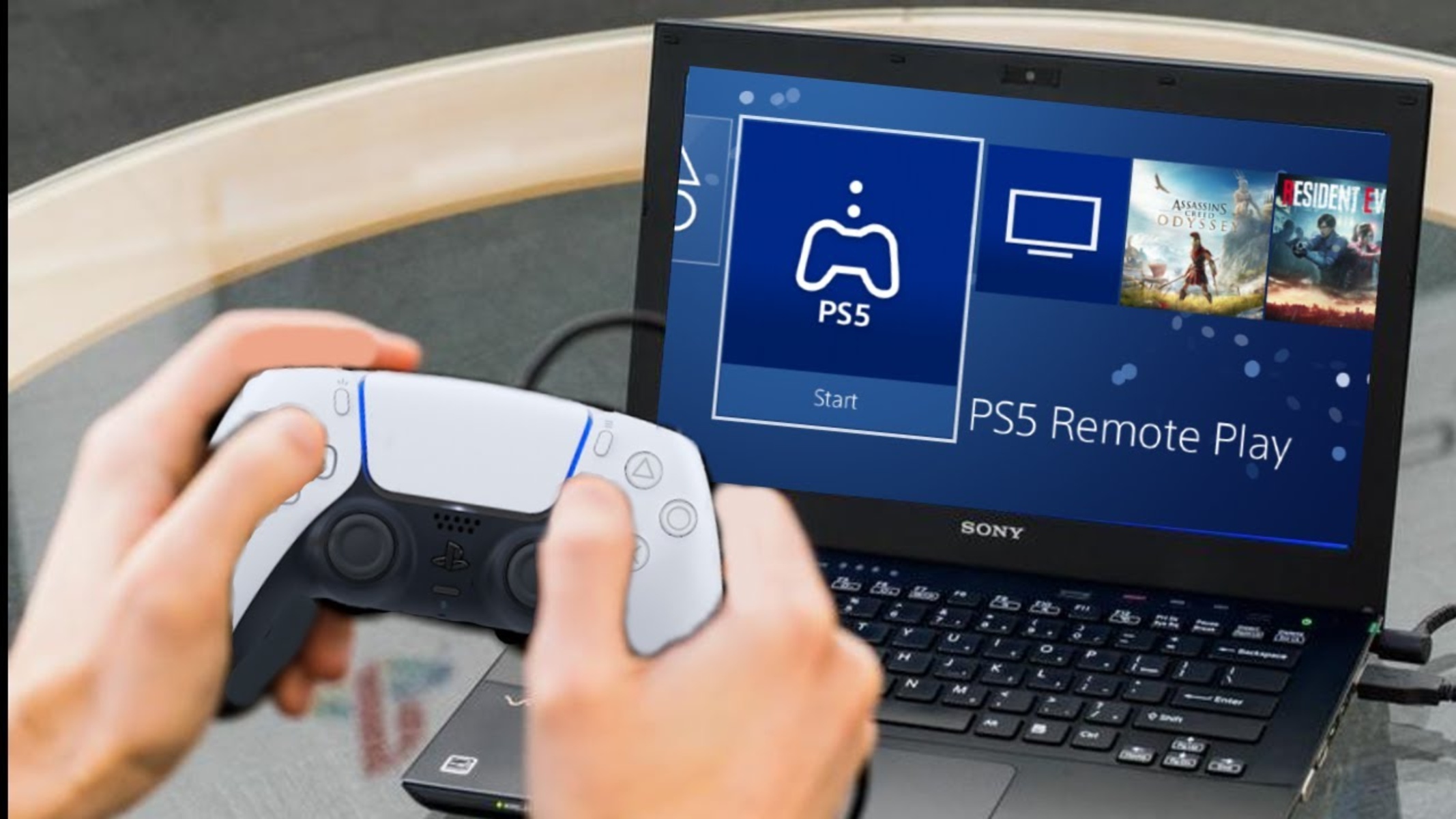
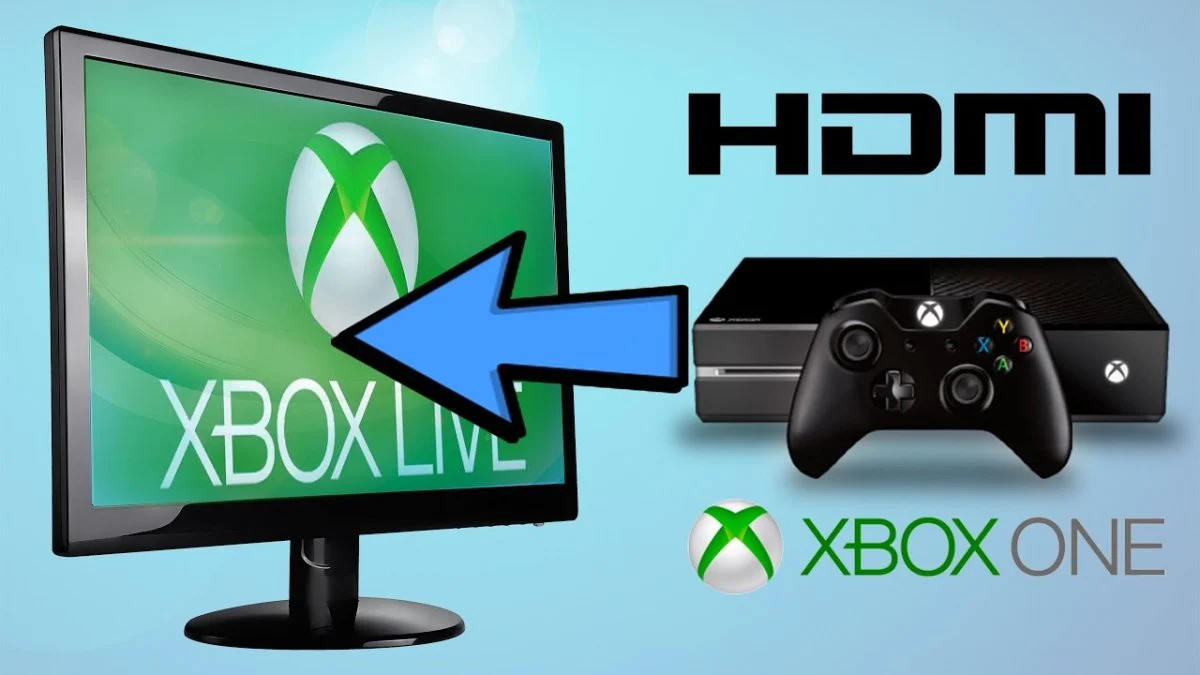
The pieces here fall into two practical themes. First, there are connection-focused guides that walk you through physical setups, like using an HDMI cable to link an Xbox to a PC or a PS5 to a laptop, and even the trickier task of getting an Xbox to work with a Chromebook. Second, there are software and network-based solutions, such as using PS Remote Play to stream your PS5 to another device, or setting up PS4 streaming on Discord without needing a capture card. A few articles also cover downloading and running games on mobile, like GTA 5 or The Sims 4 on a phone, which is less about streaming and more about getting the game files onto a portable device legally.
Importantly, several guides address these topics from a safety and legal-alternatives angle. For example, the articles on streaming PS4 to Discord and using PS5 Remote Play explain how to use official features and supported apps, so you’re not resorting to unofficial capture tricks or workarounds. Similarly, the mobile download guides point you to legitimate sources and storefronts, helping you avoid pirated copies or shady sideloads. In every case, the goal is to help you play where you want, using methods that respect the platform’s rules and keep your devices secure.