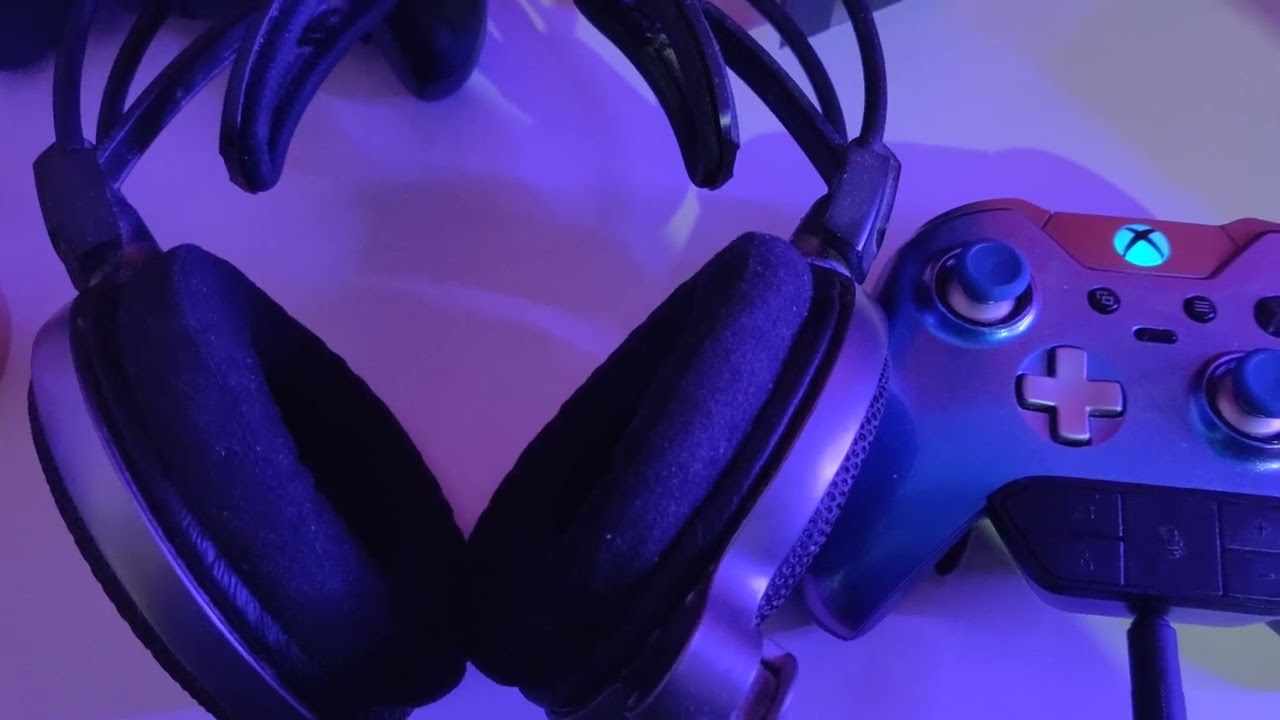
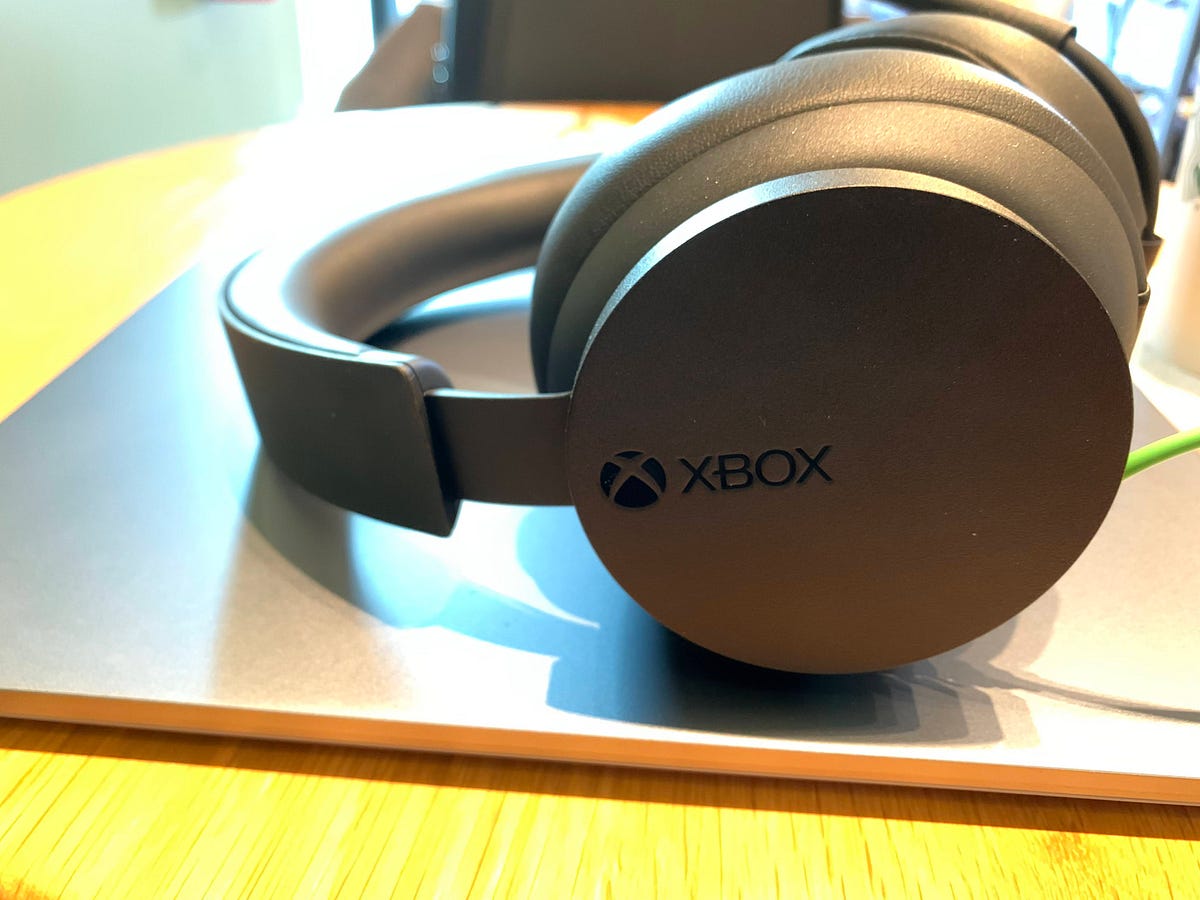
Why Your Xbox Audio Is Crackling Xbox crackling audio is almost always a fixable issue caused by loose connections, wireless interference, or incorrect audio settings on your console, TV, or...
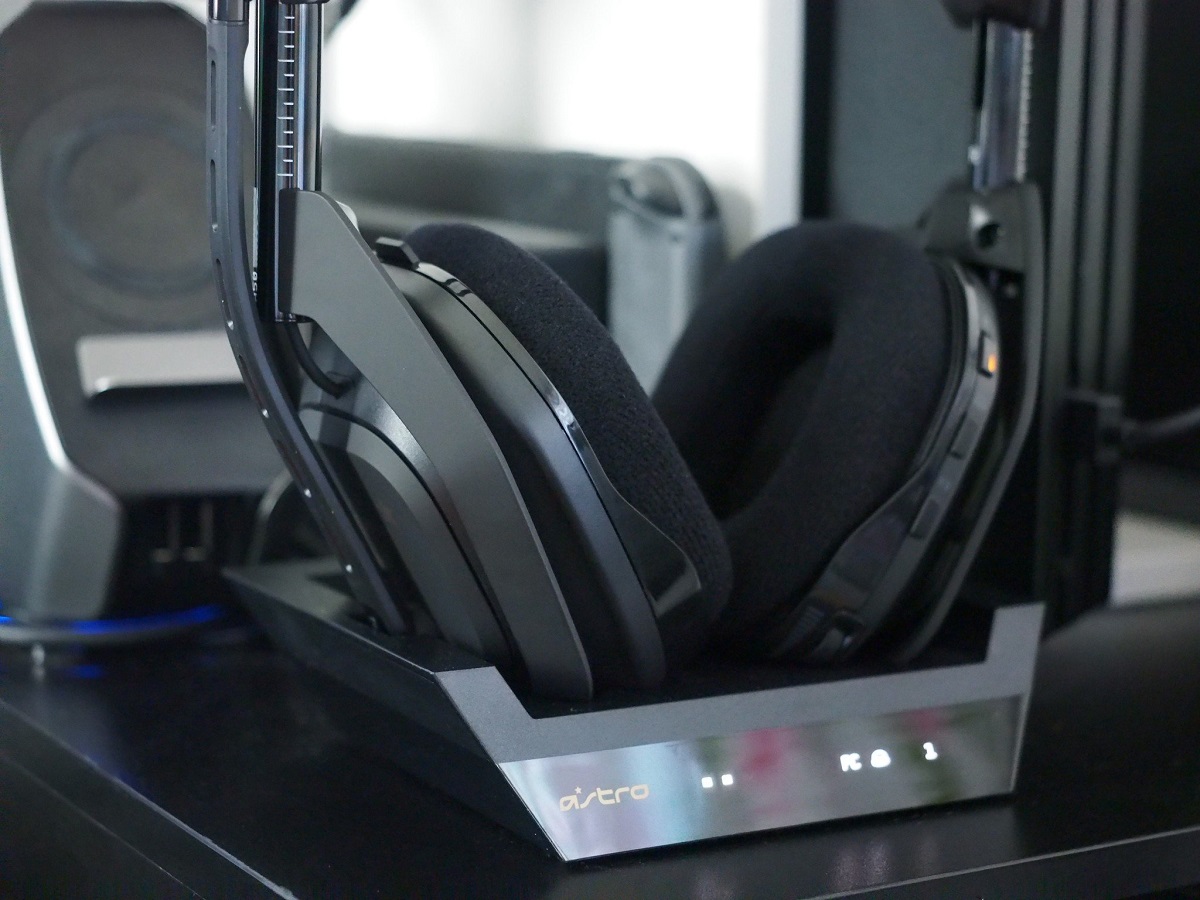
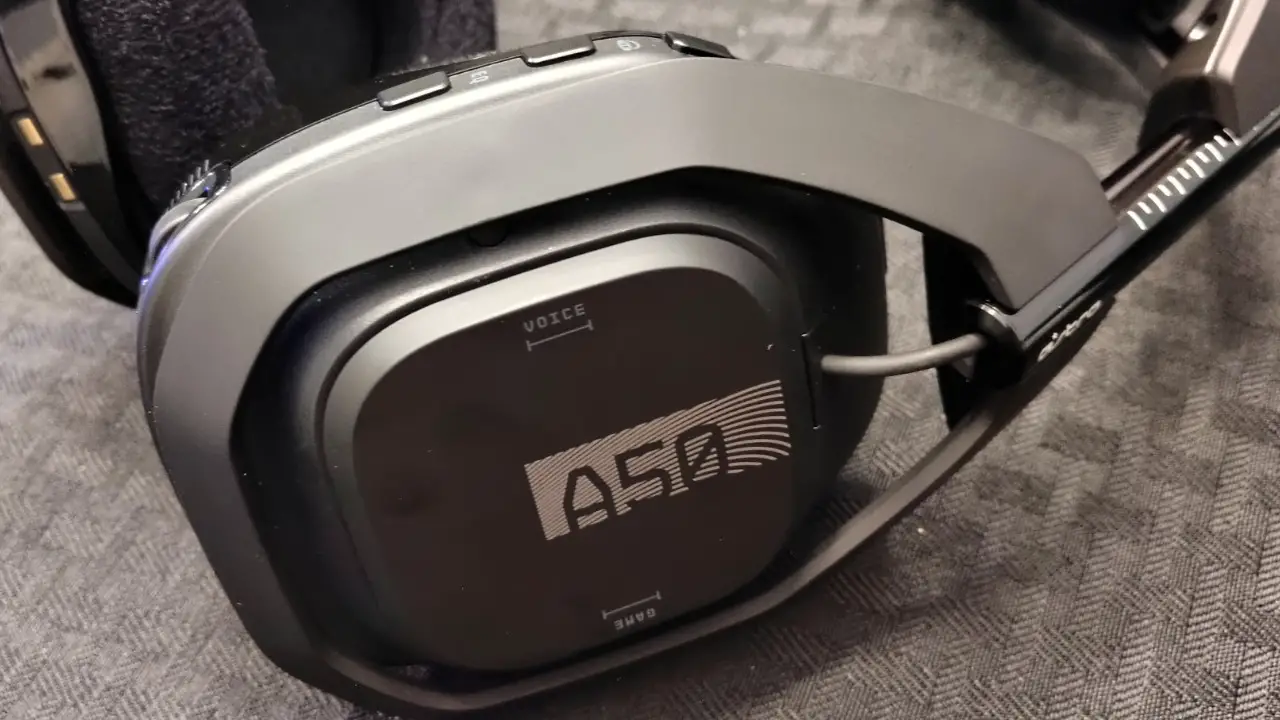
Why your Astro A50 needs a firmware update Keeping your Astro A50 firmware update current is the single most reliable way to ensure your headset performs at its best, fixes...
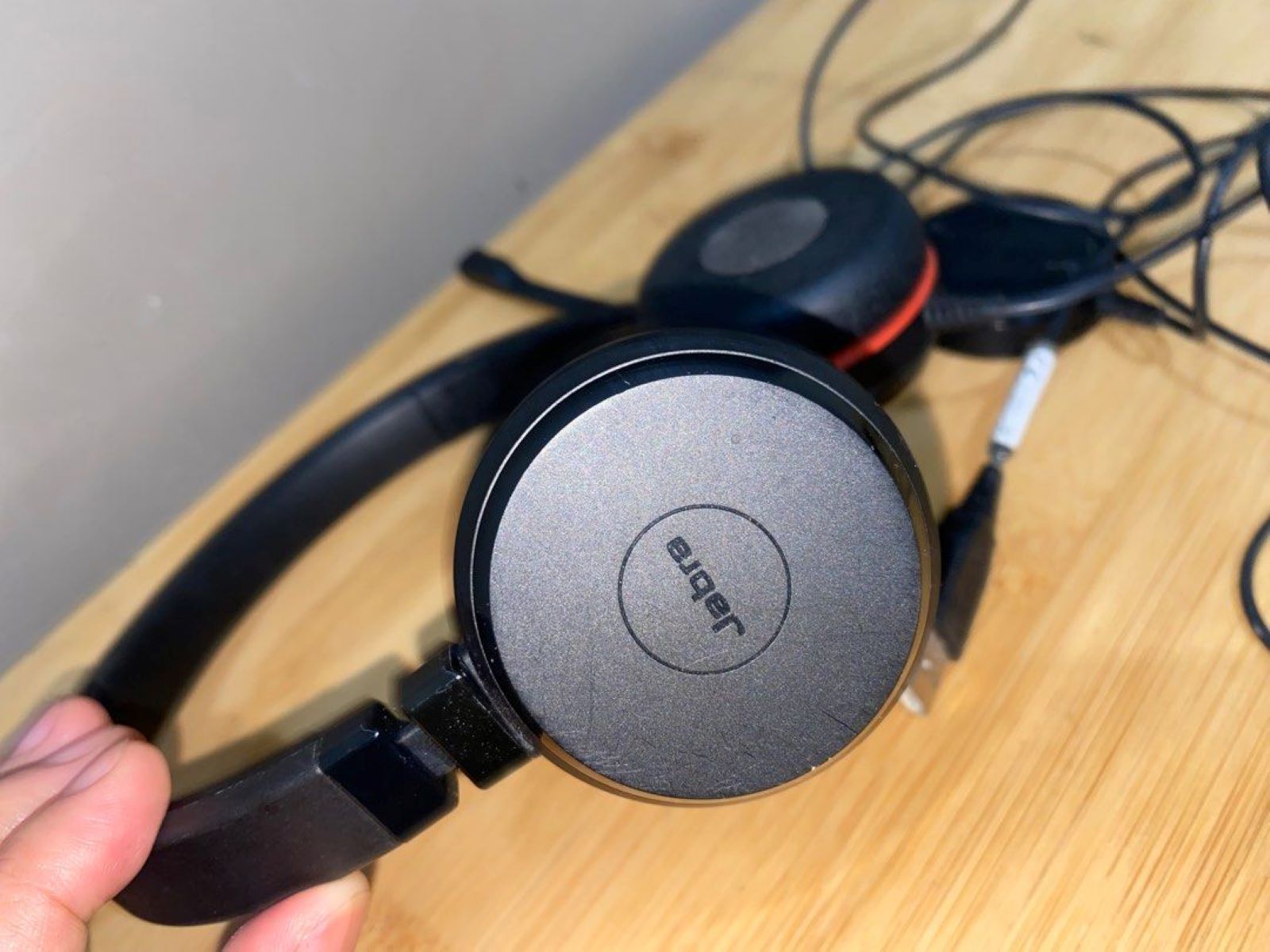
If you see a Jabra headset red light, the most common meanings are that the busylight is active, the battery is low, or the device is charging. The specific meaning...
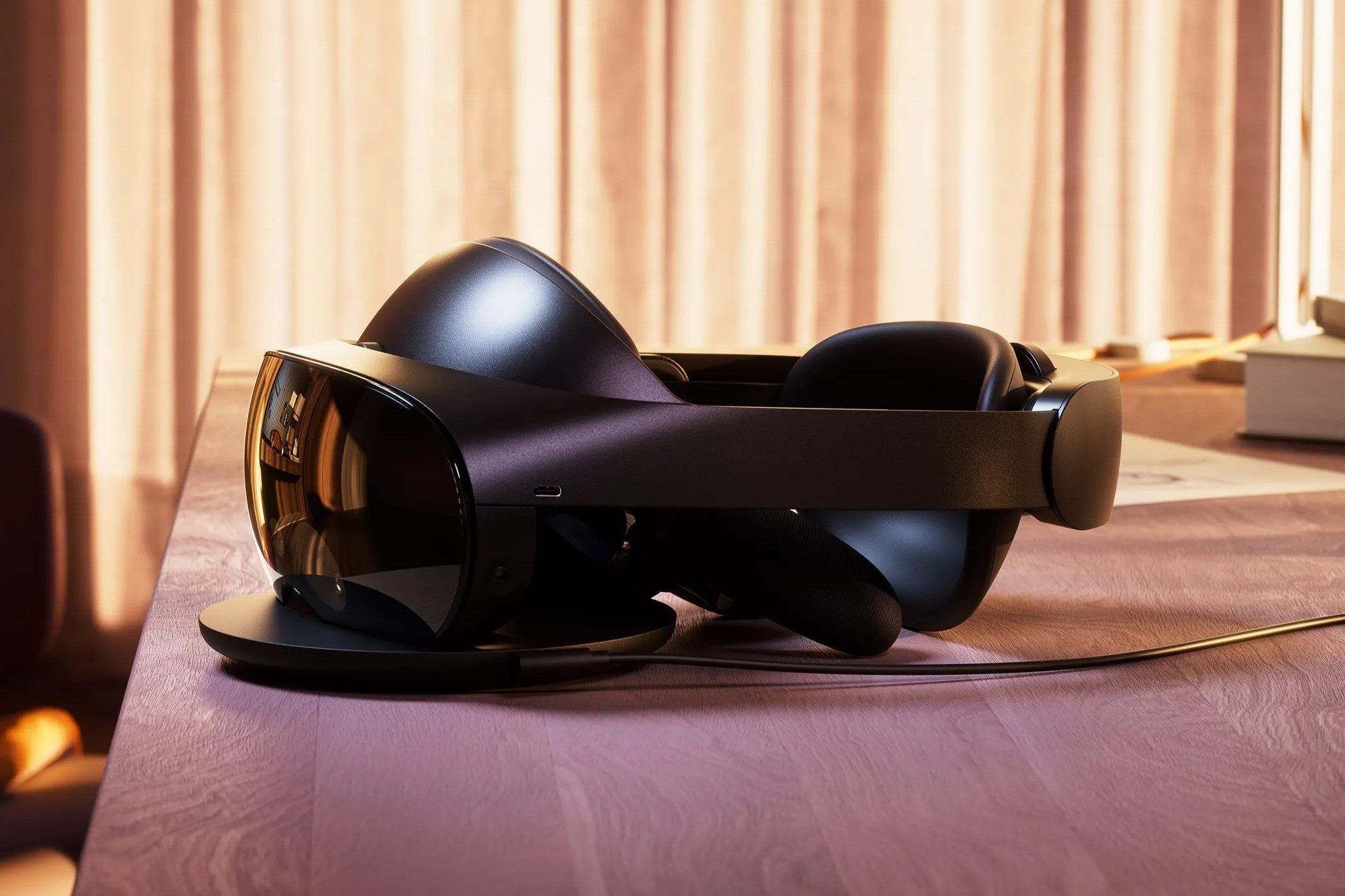
You cannot delete the primary Meta account that your Oculus account has migrated to directly from your VR headset, but you can remove additional profiles right from the device settings....
Astro A50 troubleshooting: Start with a factory reset When your Astro A50 headset starts acting up, the most reliable first step in astro a50 troubleshooting is a factory reset. This...
If your Xbox headset volume is low, the fix usually comes down to two simple things: the physical volume dial on your headset and the console-side audio sliders in the...
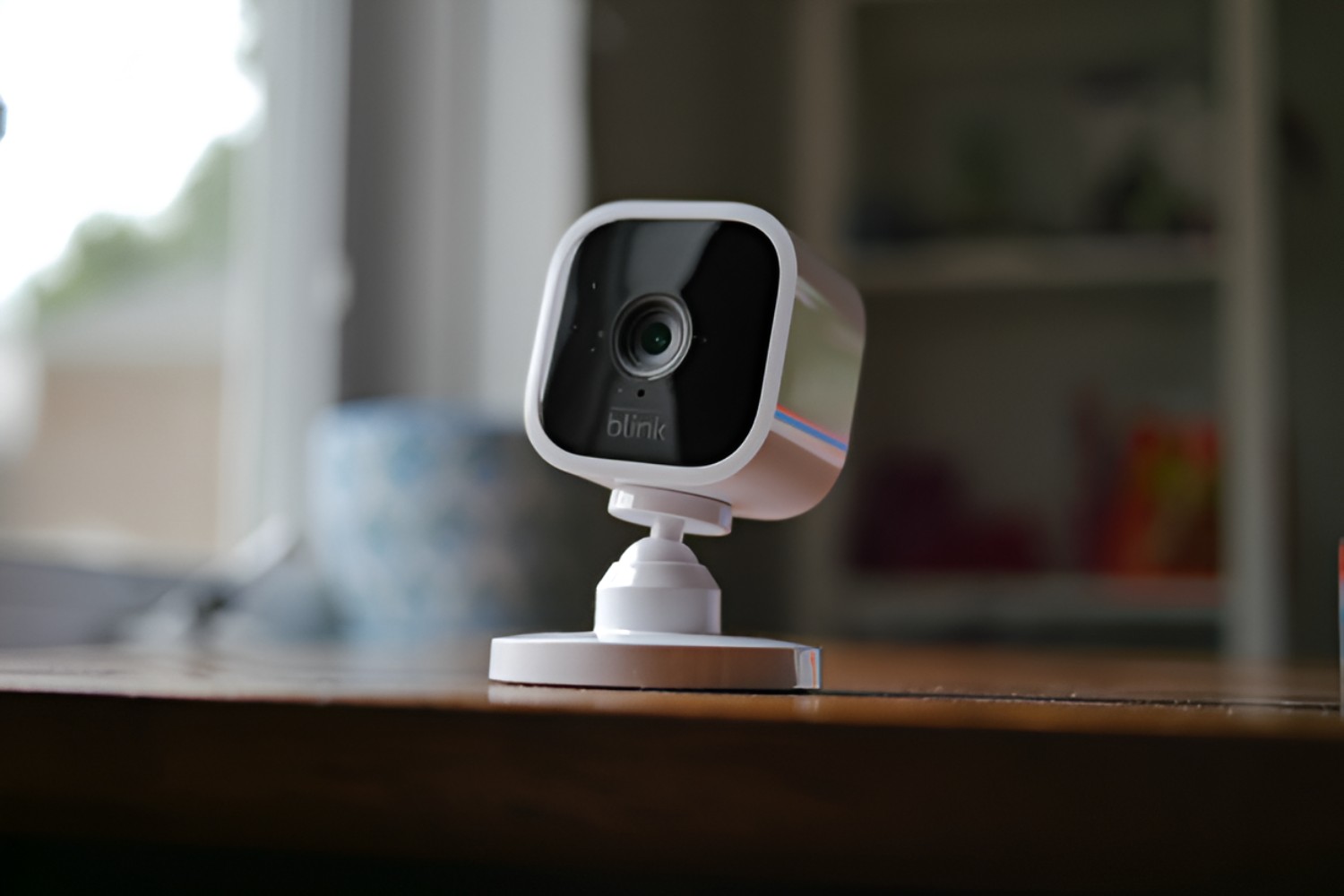
To turn off the blue light on your Blink camera, you need to disable the Status LED, which is the small blue indicator that lights up when the camera records...
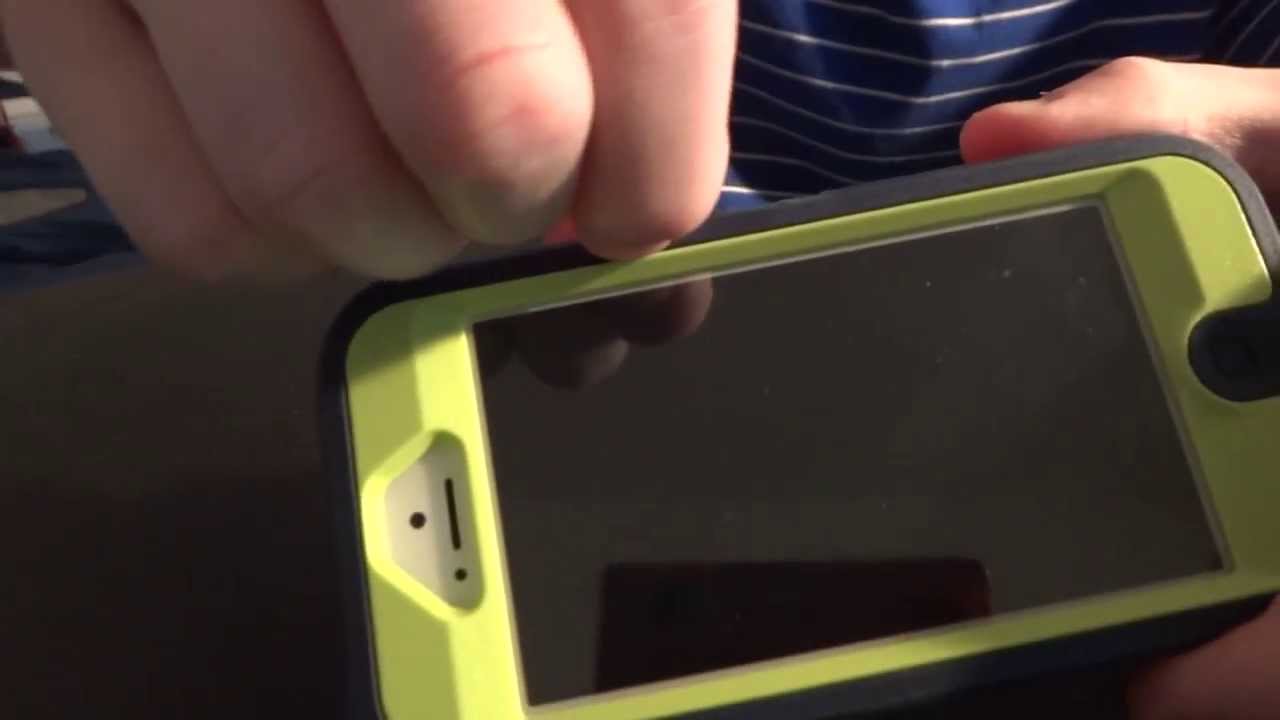
OtterBox didn’t actually make a waterproof case for the iPhone 5; the case you have is the LifeProof Frē, which OtterBox acquired later, so the safe method to open OtterBox...
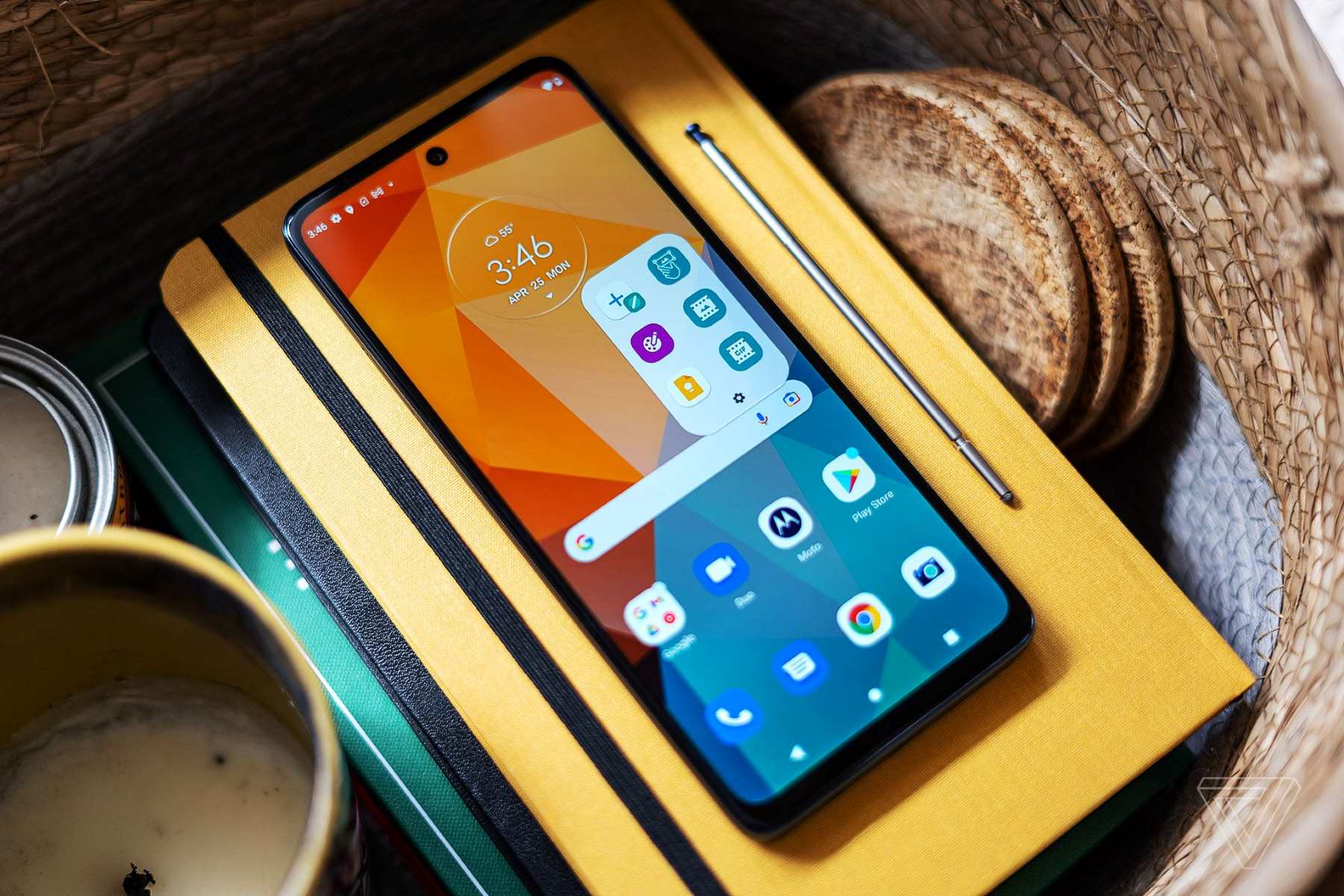
To root Moto G Stylus 5G safely, the modern method uses Magisk to patch the stock boot image rather than flashing a third-party recovery or a pre-made root package. This...
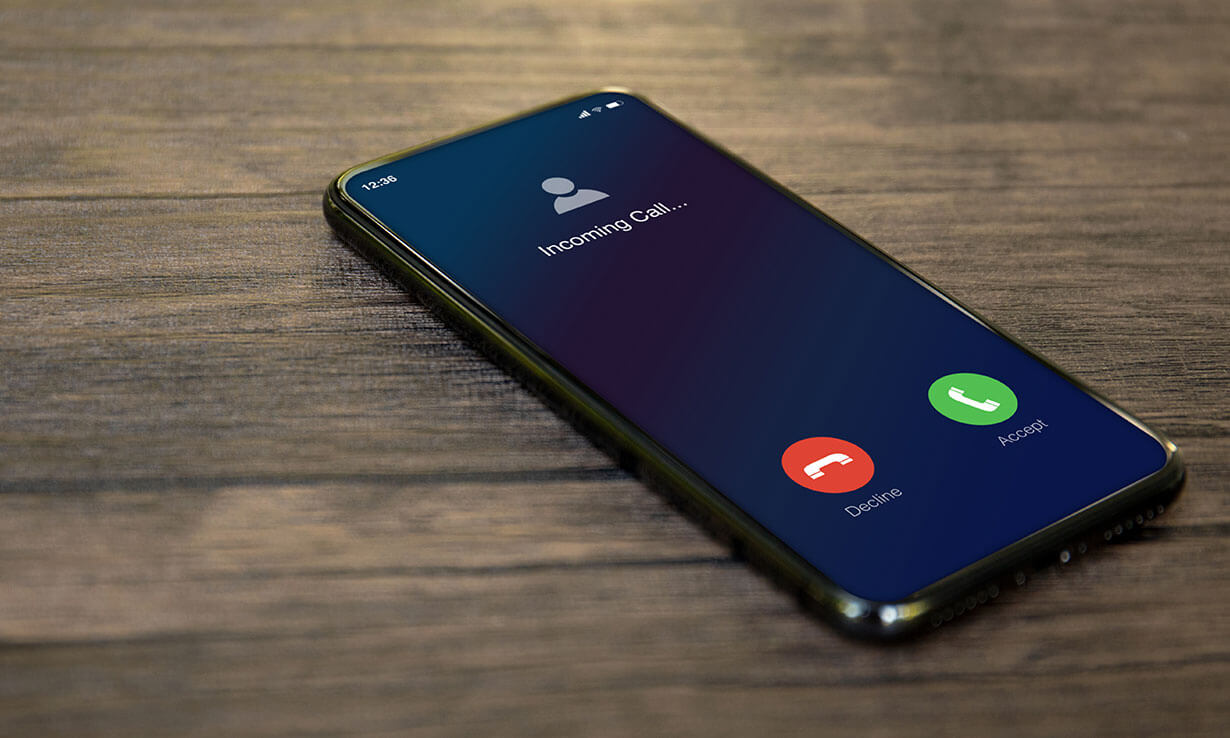
To extend phone ring time, the most direct solution is to contact your mobile carrier, because the number of seconds your phone rings before diverting to voicemail is controlled by...
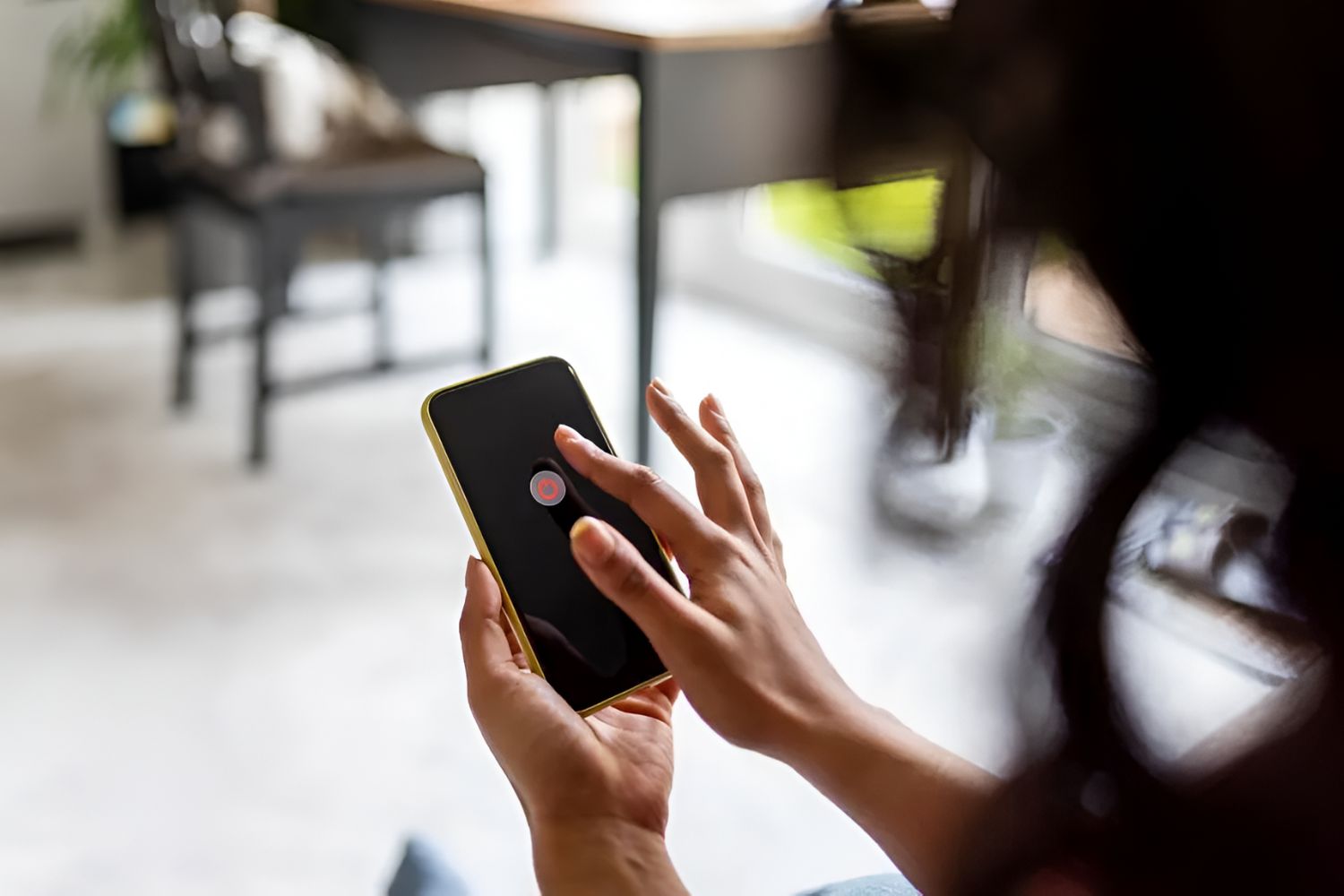
Your phone rings when turned off because it isn't actually fully off in most cases, either the shutdown process is still finishing, a Find My network is keeping it partially...
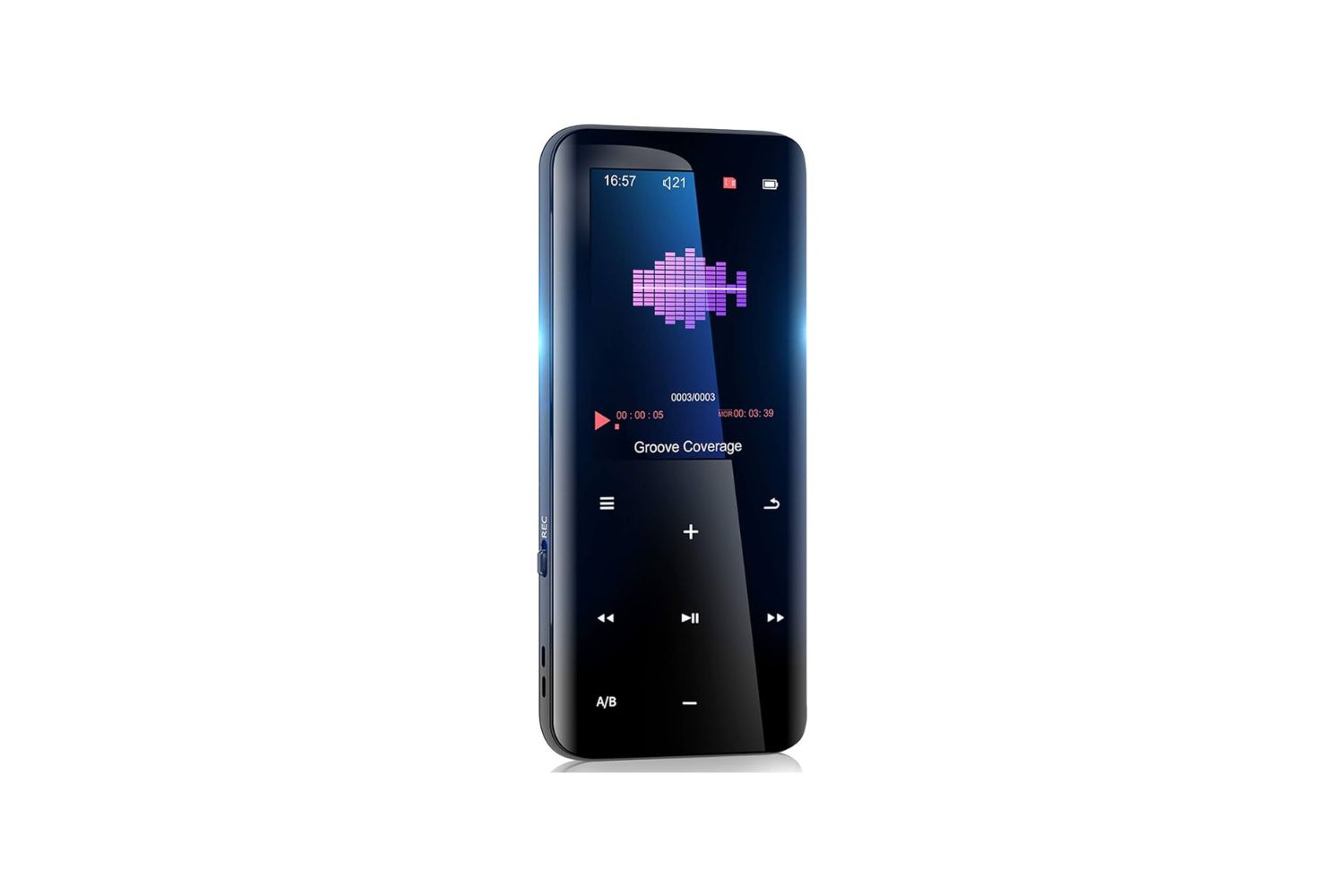
To download music to Aiworth MP3 player, connect the powered-on device to your computer with the included Type-C USB cable, then drag and drop your audio files into the Music...
This website uses cookies so that we can provide you with the best user experience possible. Cookie information is stored in your browser and performs functions such as recognising you when you return to our website and helping our team to understand which sections of the website you find most interesting and useful.
Strictly Necessary Cookies
Strictly Necessary Cookie should be enabled at all times so that we can save your preferences for cookie settings.
If you disable this cookie, we will not be able to save your preferences. This means that every time you visit this website you will need to enable or disable cookies again.