This tag collects the Disney Plus coverage published on robots.net, aimed at everyday viewers who want to get more out of their streaming subscription without wrestling with confusing menus or error screens. Whether you are a new subscriber setting up your account or a long-time user troubleshooting a playback issue, these articles are written for a general audience that prefers clear, step-by-step instructions over technical jargon.
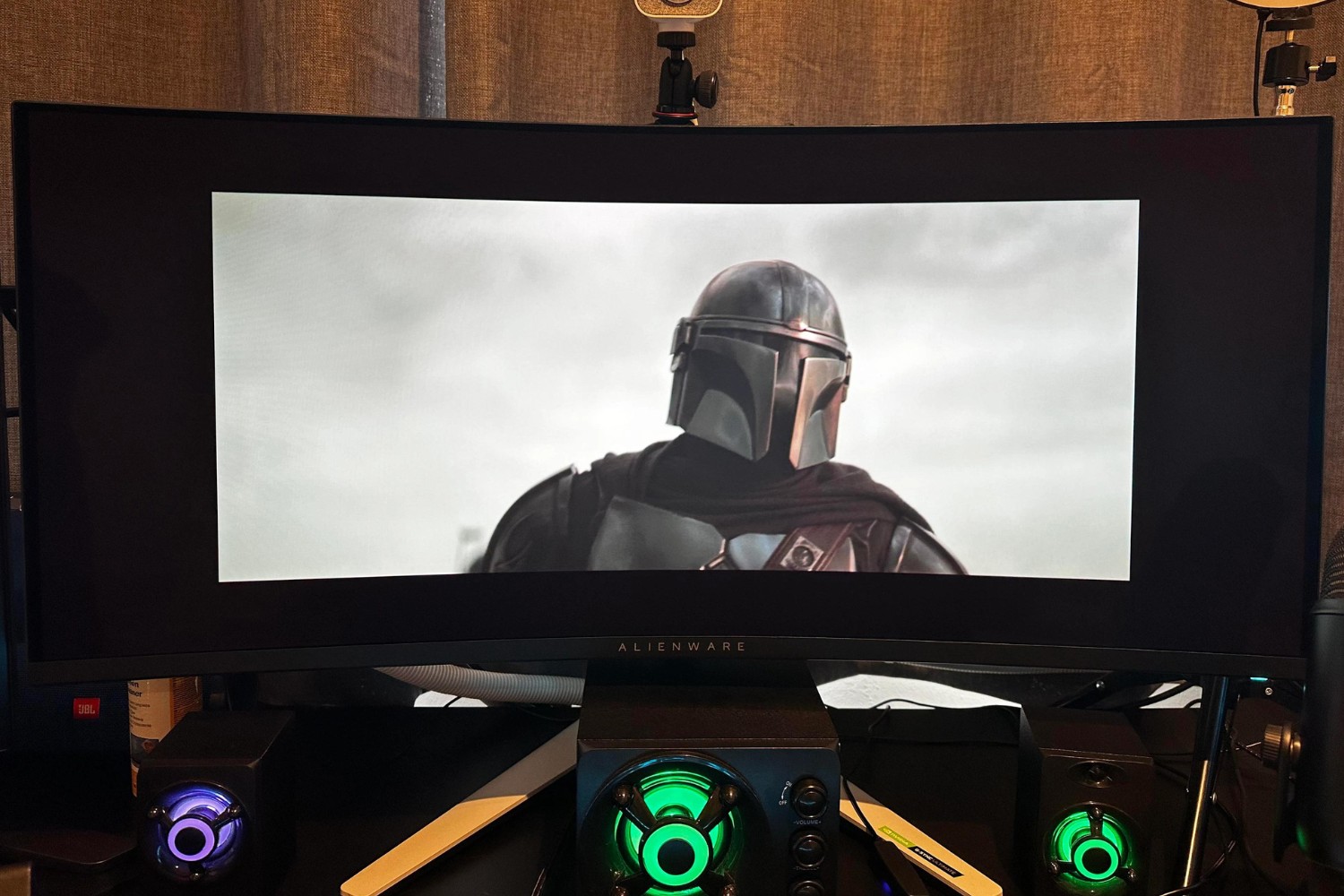
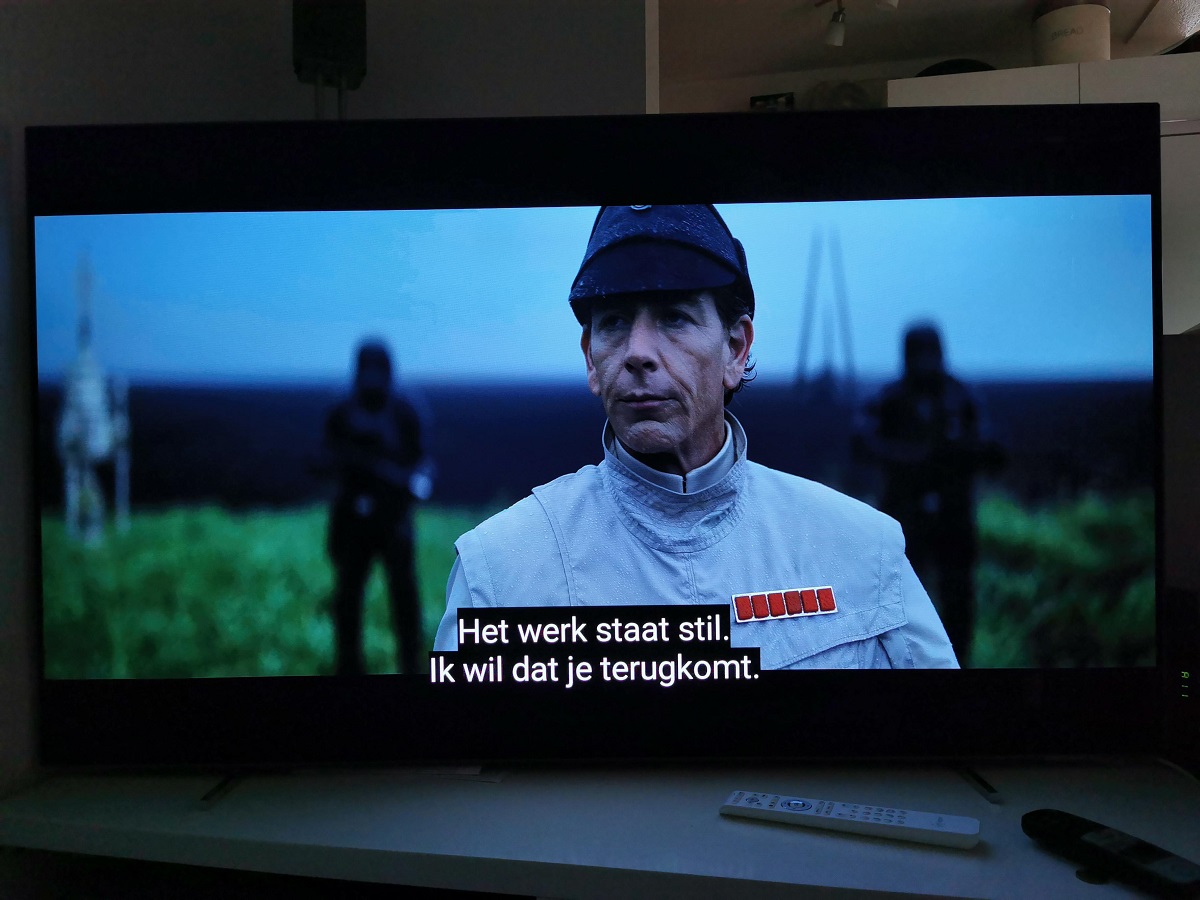
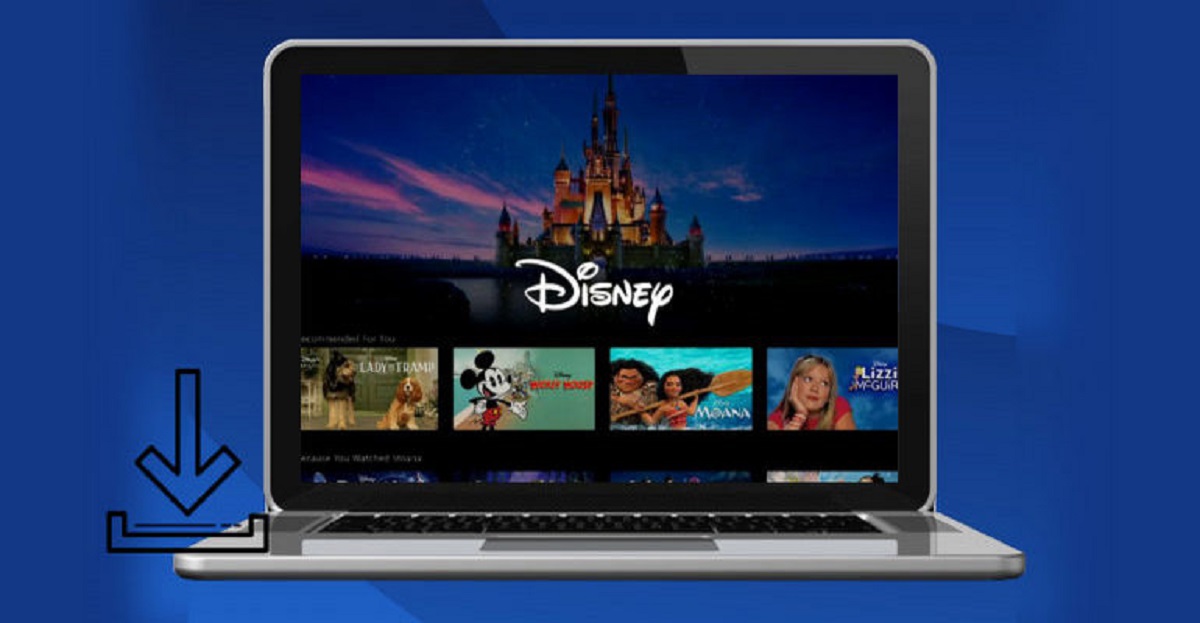
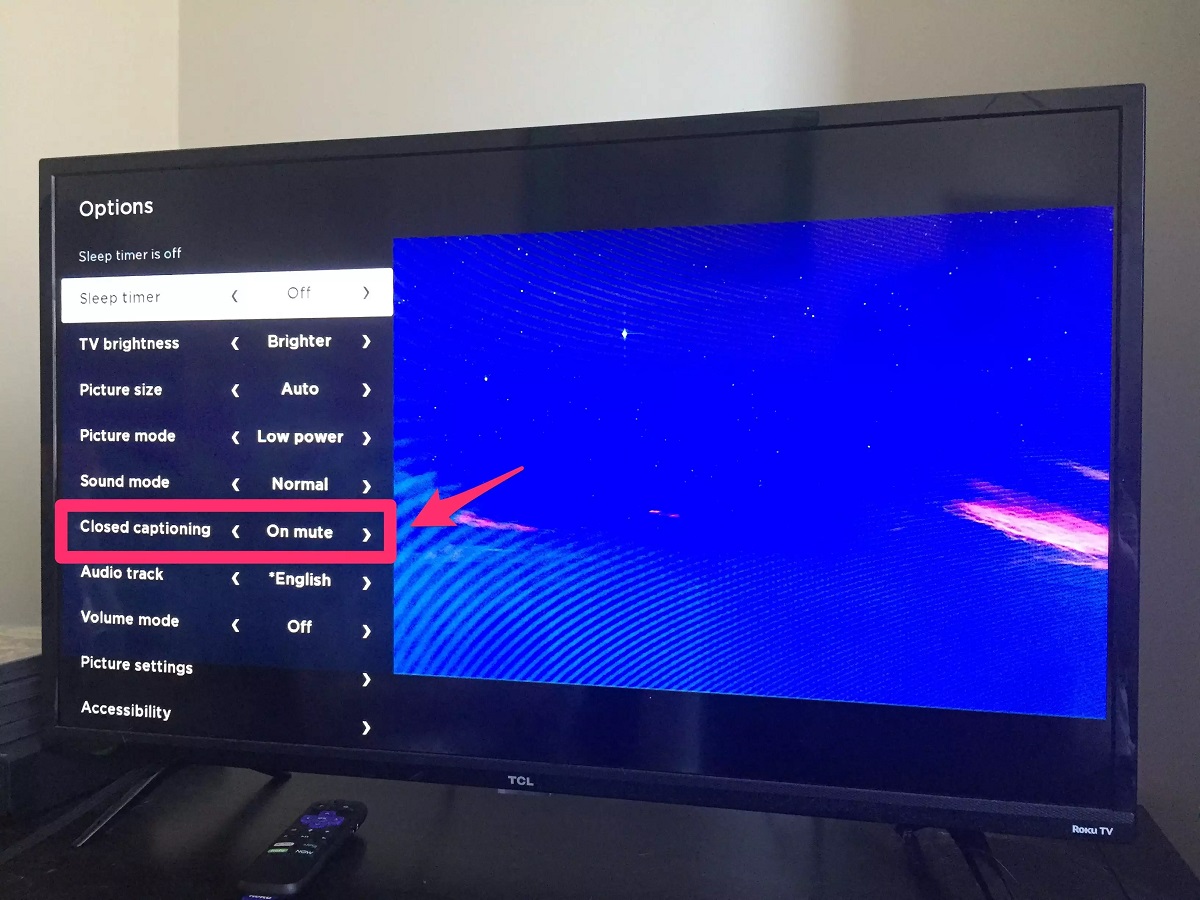
The articles fall into two broad themes. The first is practical account and playback management: you will find guides on turning subtitles on and off, changing the audio language, canceling a subscription, and downloading movies for offline viewing on a laptop. The second theme is troubleshooting and device-specific setup, including how to fix Error Code 83, how to share your screen on Discord, and how to force fullscreen playback on an ultrawide monitor. These pieces focus on using the service’s legitimate features and resolving common glitches, not on bypassing restrictions or accessing content through unauthorized means.
Beyond the how-to content, the tag also includes broader viewing guidance, such as a review of Disney Plus pricing and features, a comparison with Hulu and Netflix, and curated lists like the 37 Christmas movies to watch during the holidays. There is also a guide on watching Disney animated movies in the correct chronological order. For readers deciding what to stream next, the tag offers practical help with choosing films and understanding what is newly available, all while staying firmly within the bounds of legal, supported usage.