This tag collects articles about running and managing a Discord server, aimed at server owners, moderators, and everyday users who want to get more out of the platform. Whether you are setting up a community from scratch or troubleshooting an existing server, the guides here focus on practical, everyday tasks, not advanced coding or hidden tricks.
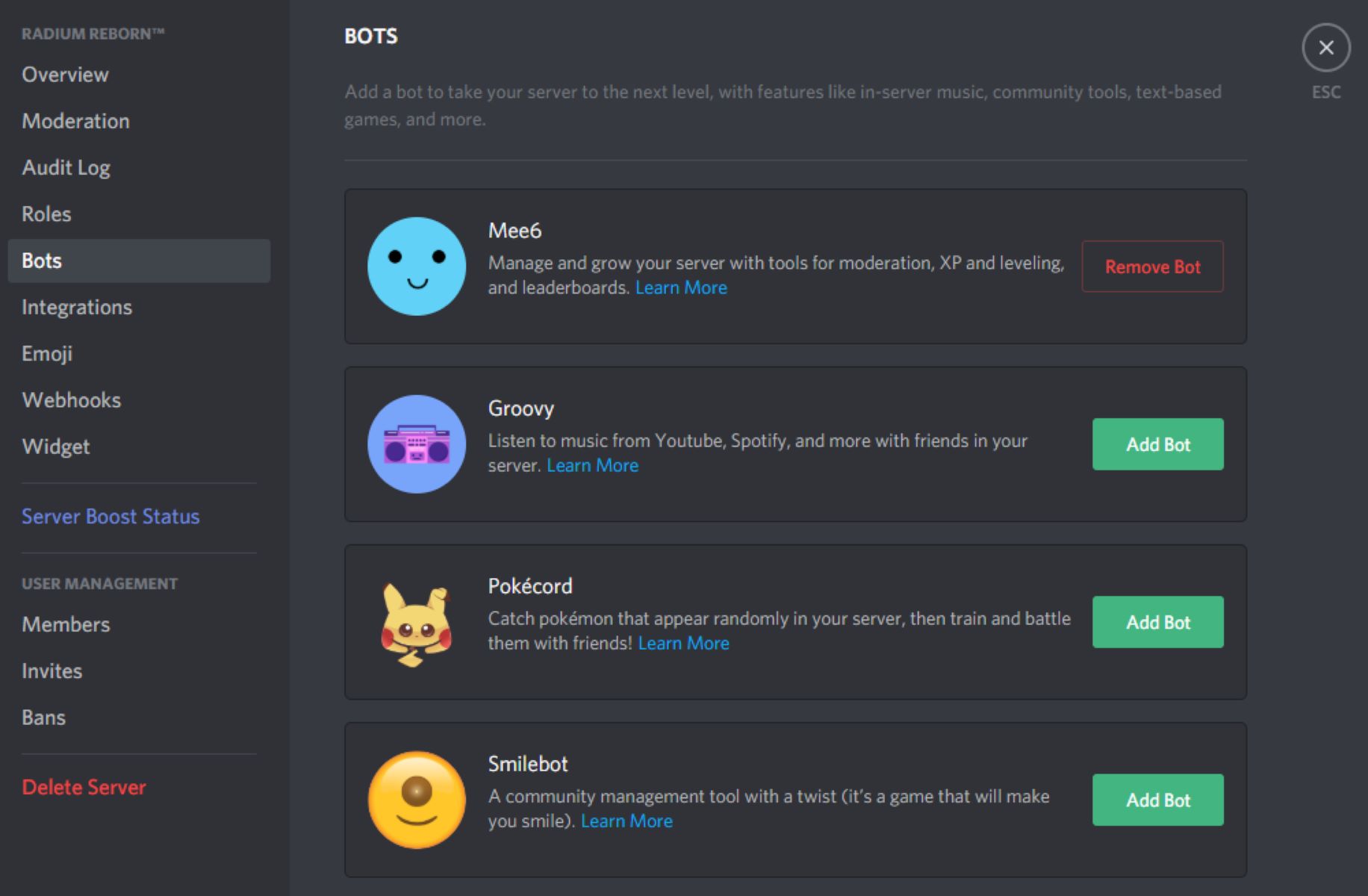
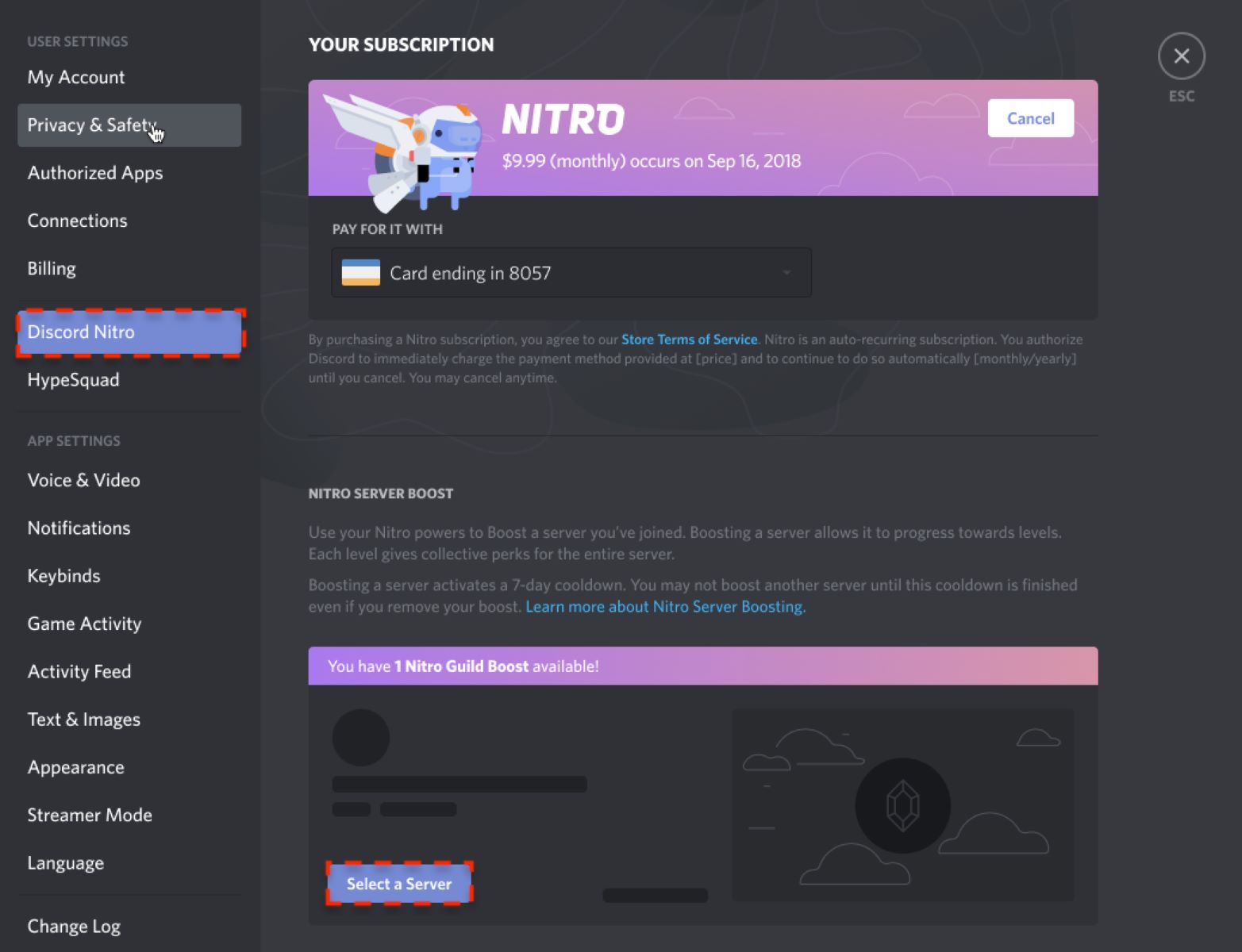
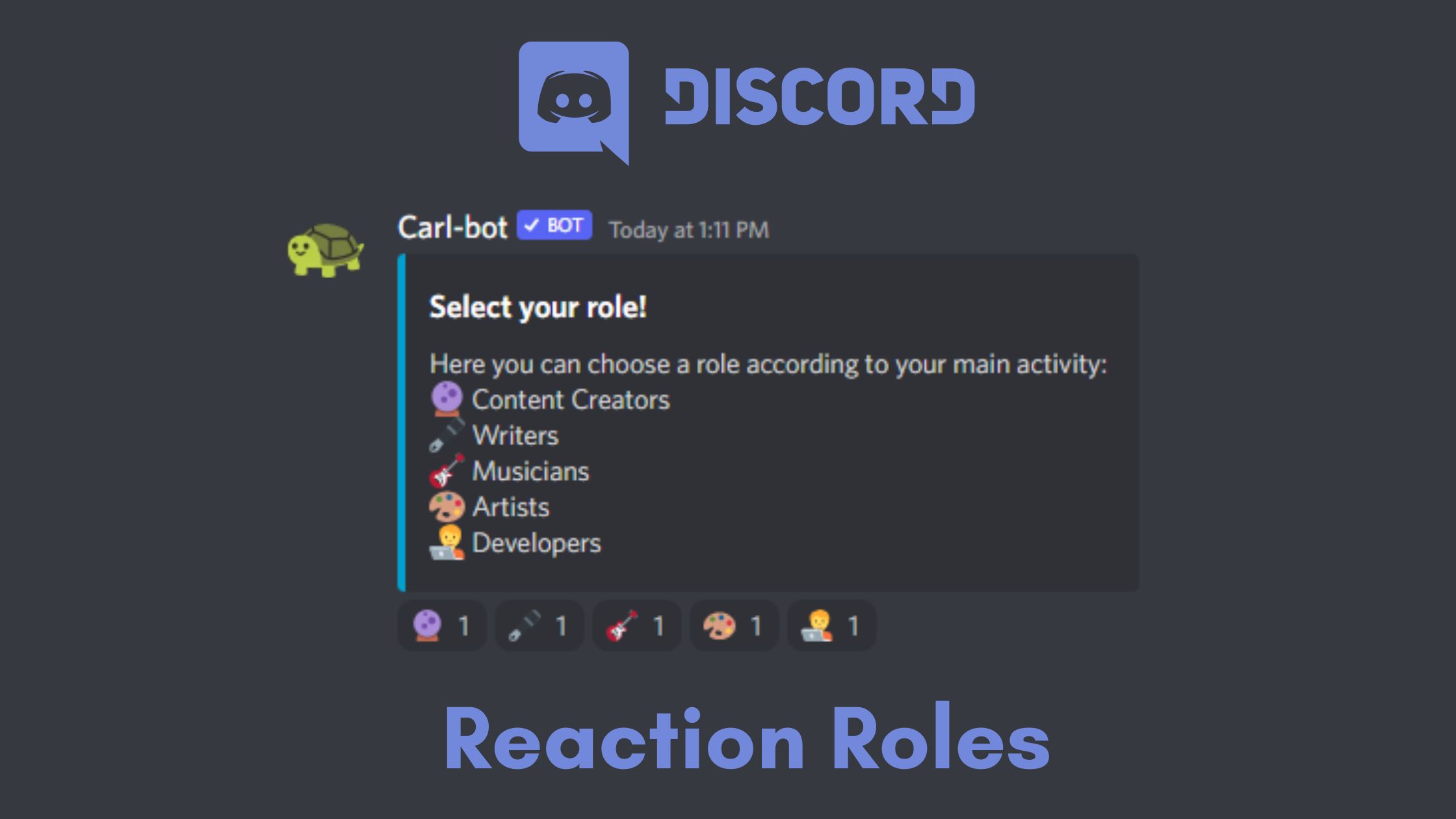
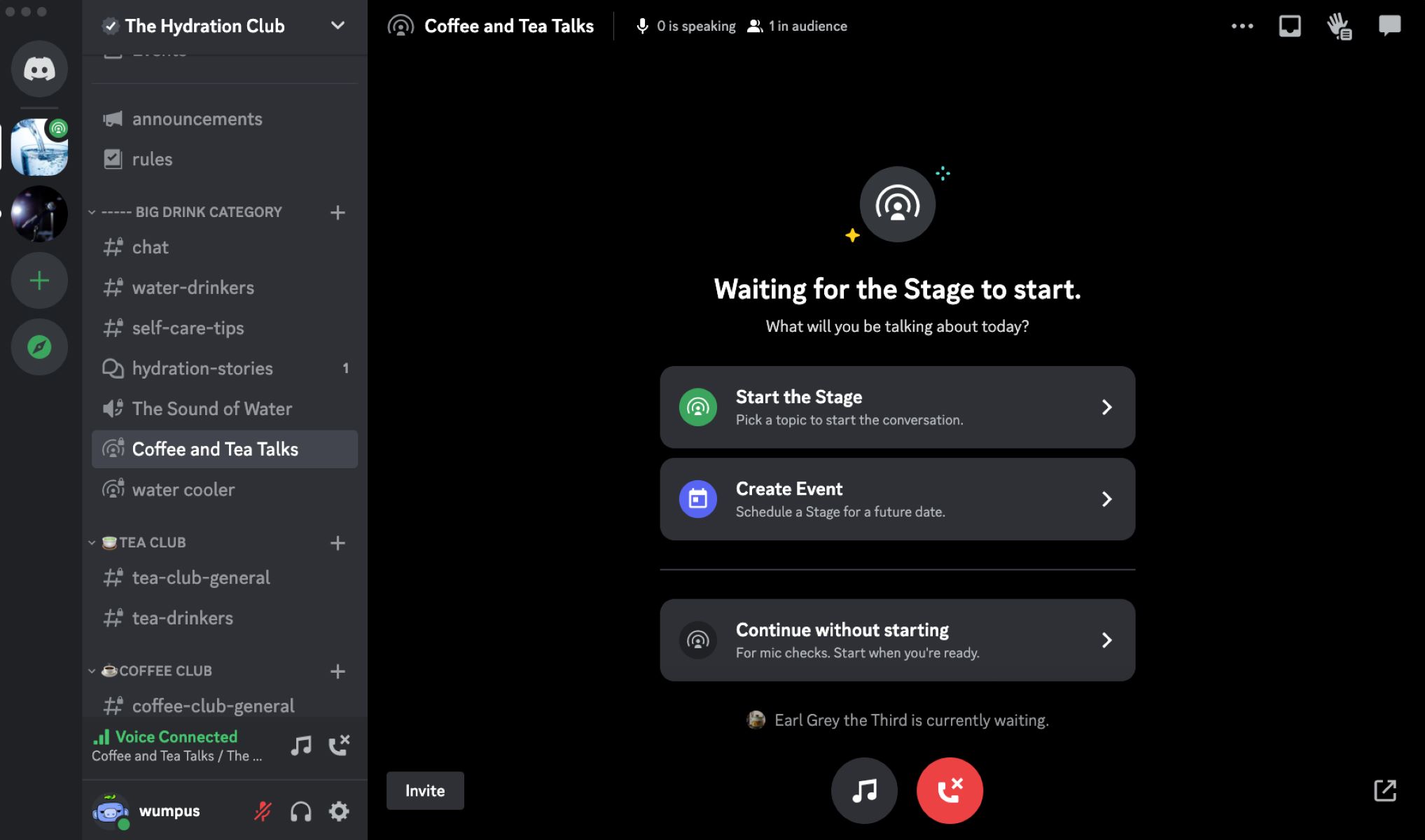
The articles fall into two clear themes. First, there are setup and customization guides: you can learn how to make reaction roles for self-assigned permissions, how to create a stage for live audio events, and how to boost a server to unlock extra features like higher upload limits and better audio quality. Second, there are maintenance and troubleshooting pieces, these help you fix issues that come up in daily use, such as when the stage feature is not showing up for you or for your members. One article also covers how to remove a bot from your server, which is a safety and housekeeping task: it helps you revoke access from an unwanted or malfunctioning bot, protecting your server’s channels and member data rather than bypassing any controls.
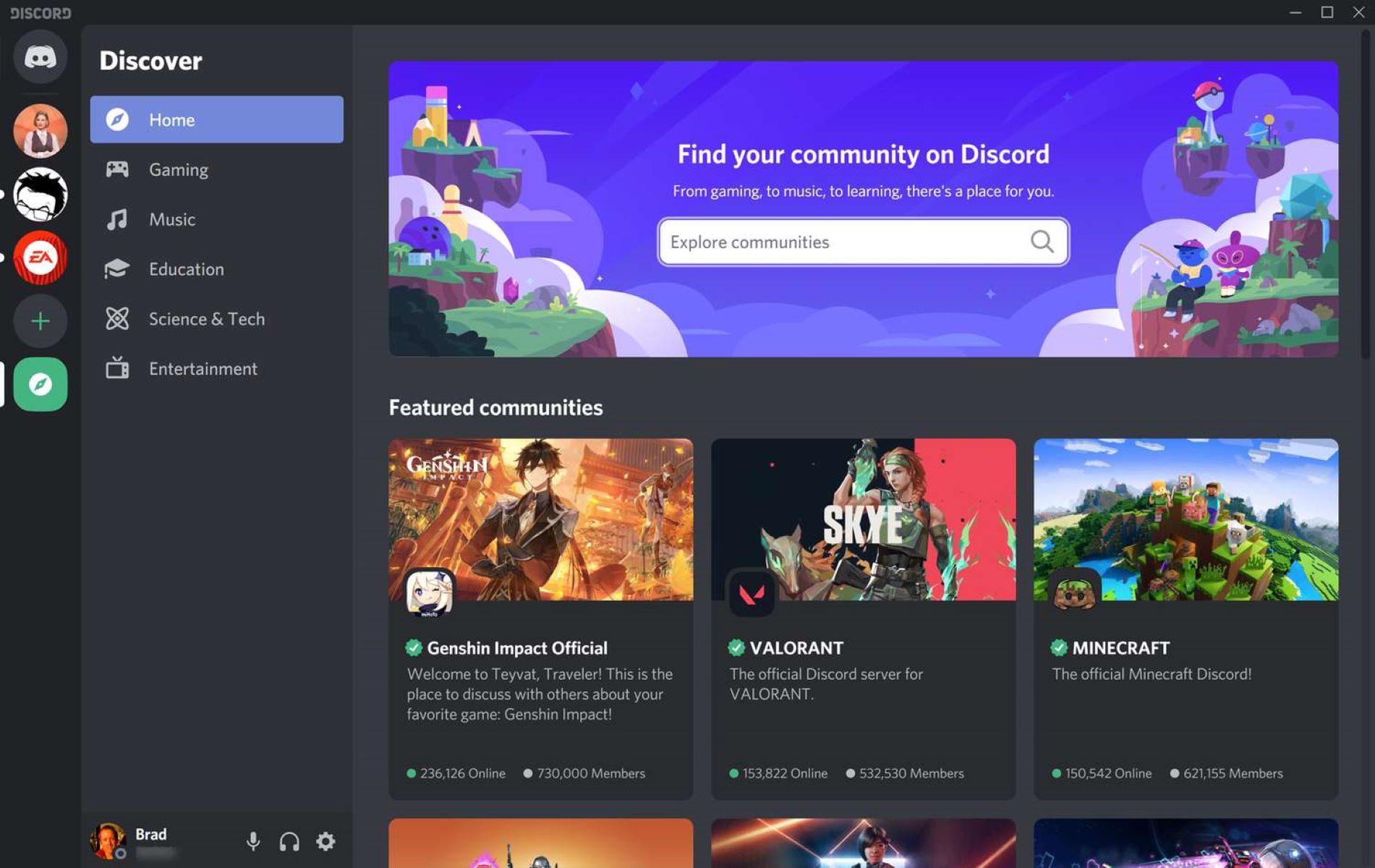
Additionally, a few articles address discovery and navigation: searching for Discord servers helps you find communities to join, while the stage-fix guide also touches on why a feature might be hidden due to permissions or app updates. None of these pieces encourage risky behavior, they are straightforward, safe instructions for common server administration tasks.