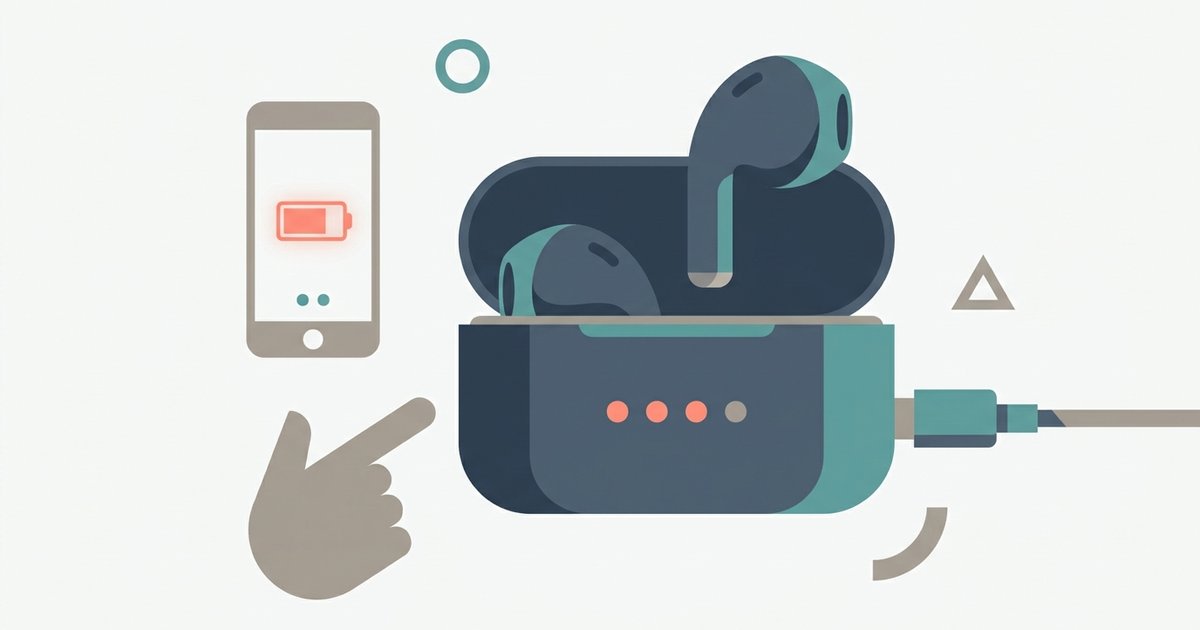
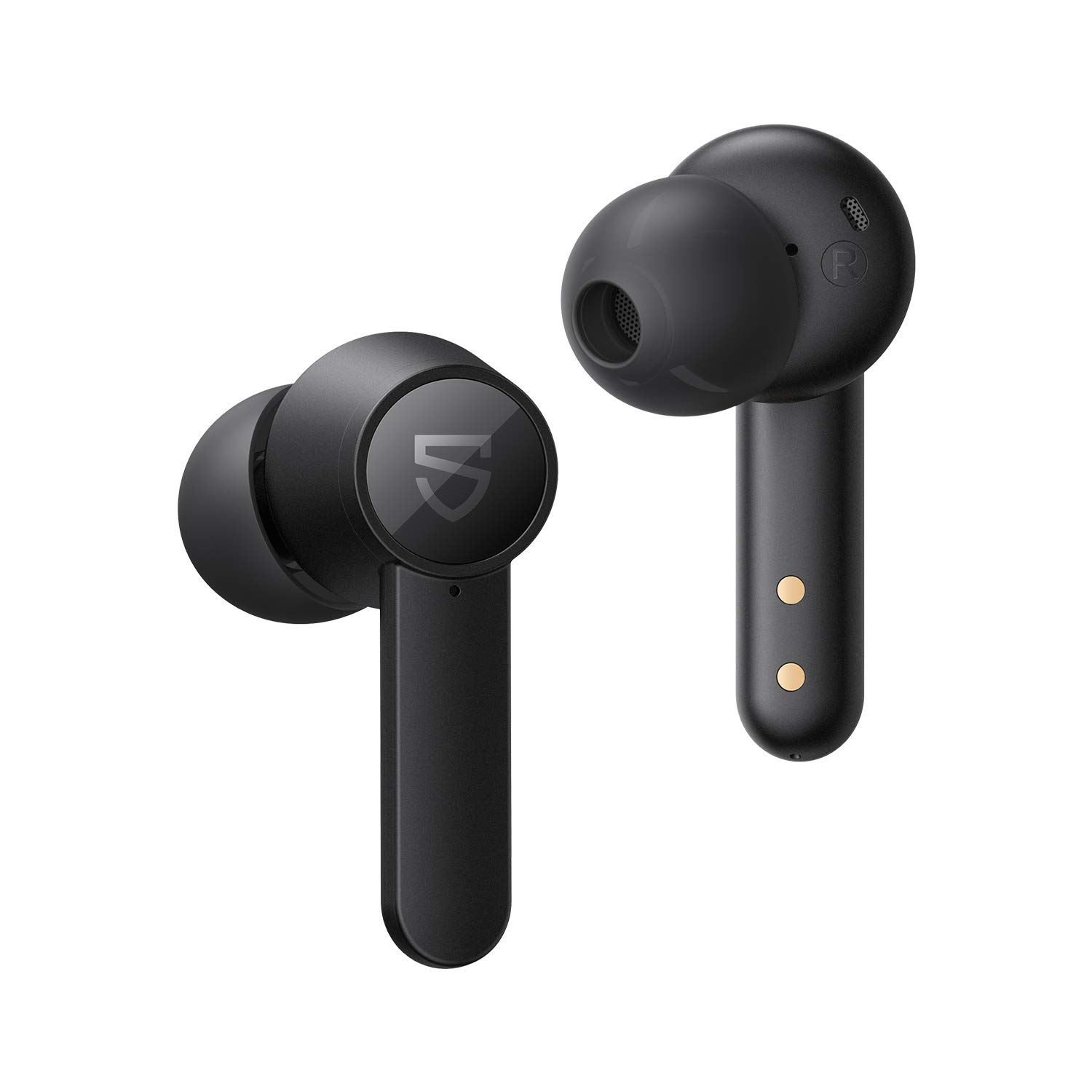
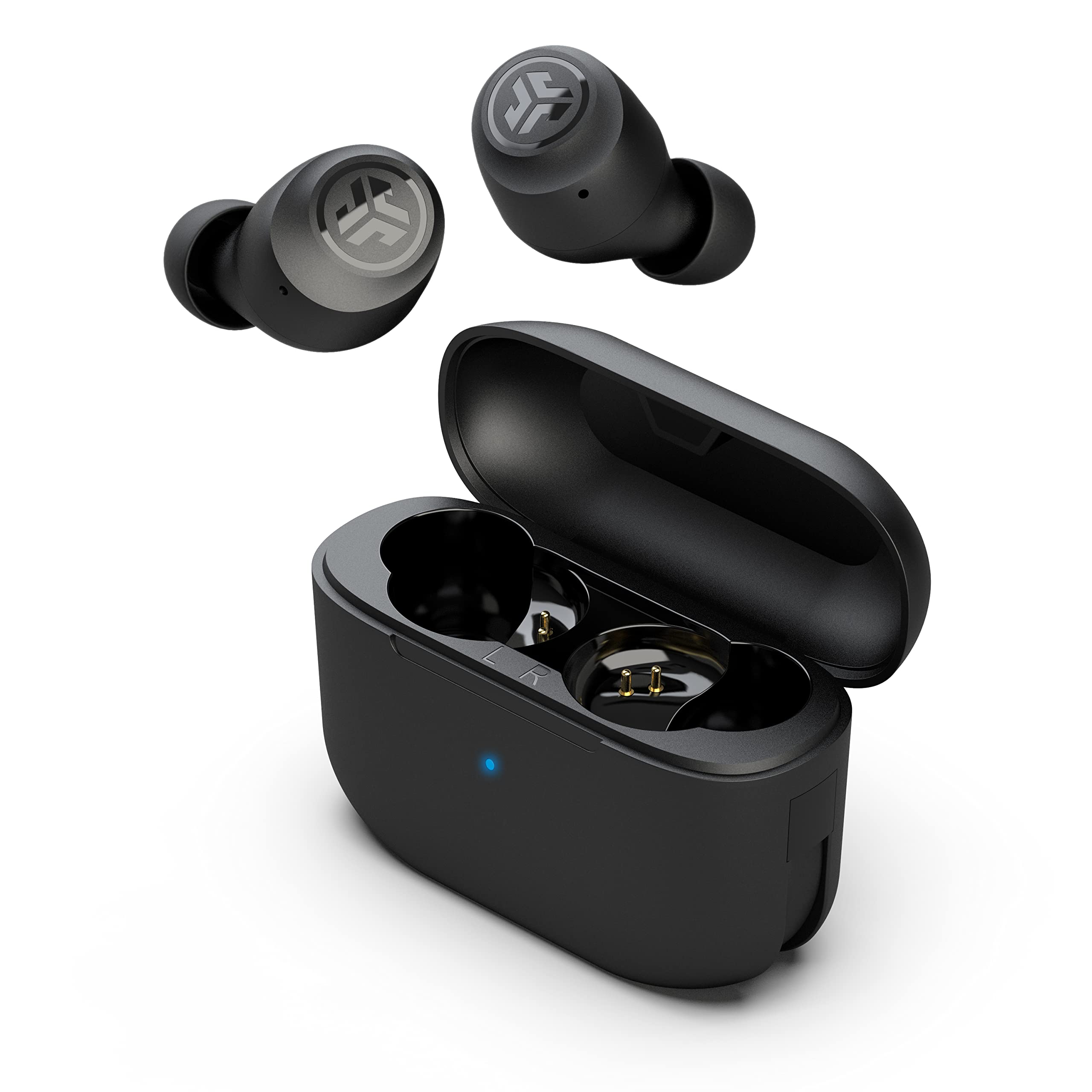
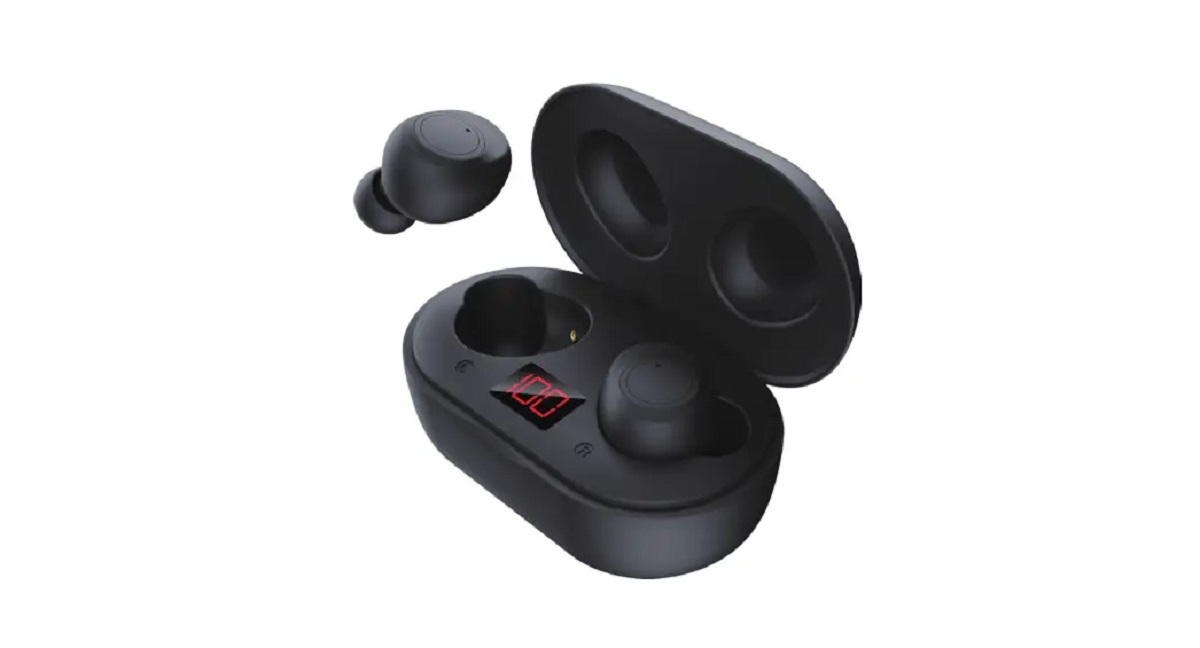
This tag collects articles about the charging cases that come with wireless earbuds, smart glasses, and similar portable audio gear. It is for anyone who owns a pair of true-wireless earbuds or a wearable device that relies on a pocket-sized battery case, and who needs practical guidance on pairing, power management, or everyday maintenance. The focus is on solving common, real-world frustrations rather than advanced troubleshooting.
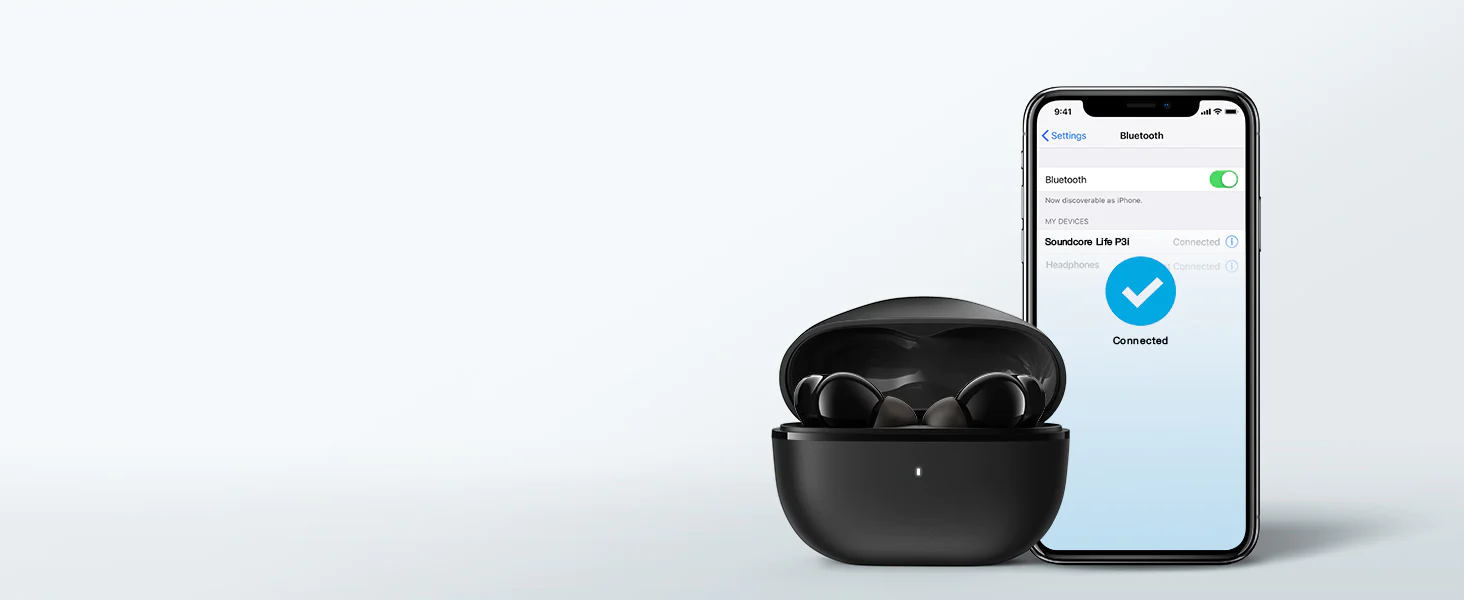
Several articles help you get a new device working with your phone from scratch. For example, the guides on hooking up wireless earbuds, pairing SoundPEATS, Bytech, and Soundcore models, and connecting Biconic earbuds all walk you through the initial Bluetooth setup, including what to do when the case’s lid or button needs to be used to enter pairing mode. A second theme is controlling the case and its battery. The article on turning off JLab wireless earbuds explains how to use the case to power down the buds when you are not using them, which is useful for saving charge. The piece on checking battery level on JBL earbuds shows you how to read the case’s LED indicators or a companion app to know when it is time to recharge.
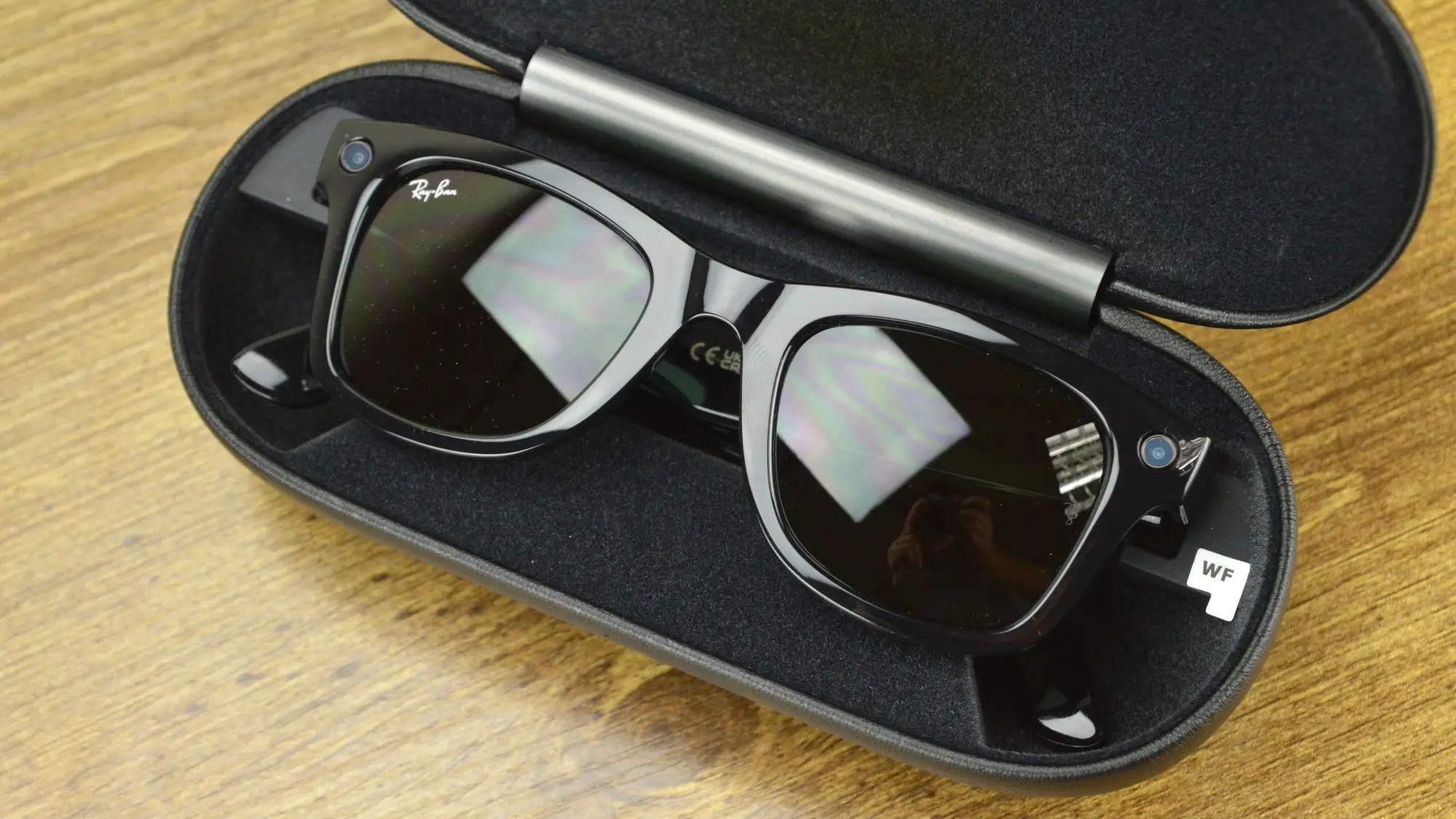
A third theme covers charging the case itself, but from a safety and proper-use angle. The guide on charging Ray Ban smart glasses, for instance, focuses on using the correct cable and avoiding heat damage, rather than any risky modification. Across all these articles, the goal is to help you get the most out of your charging case, whether that means successfully pairing a new set of buds, managing their power, or charging the case safely and correctly.