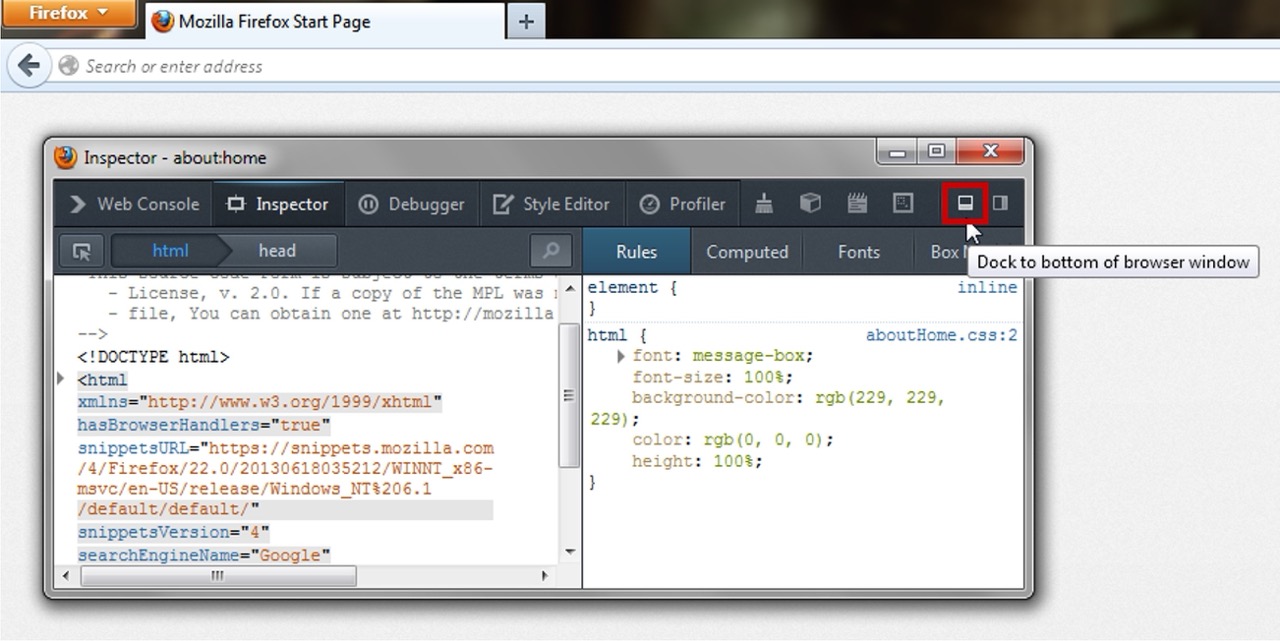
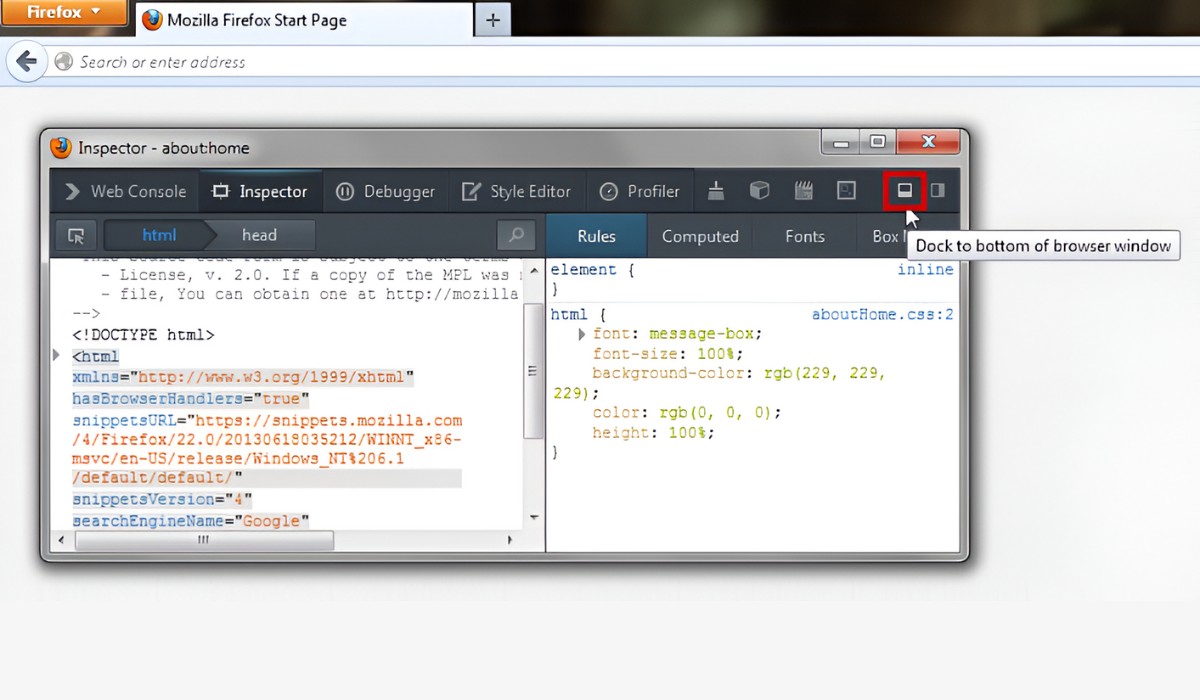
The three quickest ways to open dev tools in Firefox are right-clicking and selecting "Inspect," using a keyboard shortcut, or navigating through the Firefox menu. These methods give you instant...
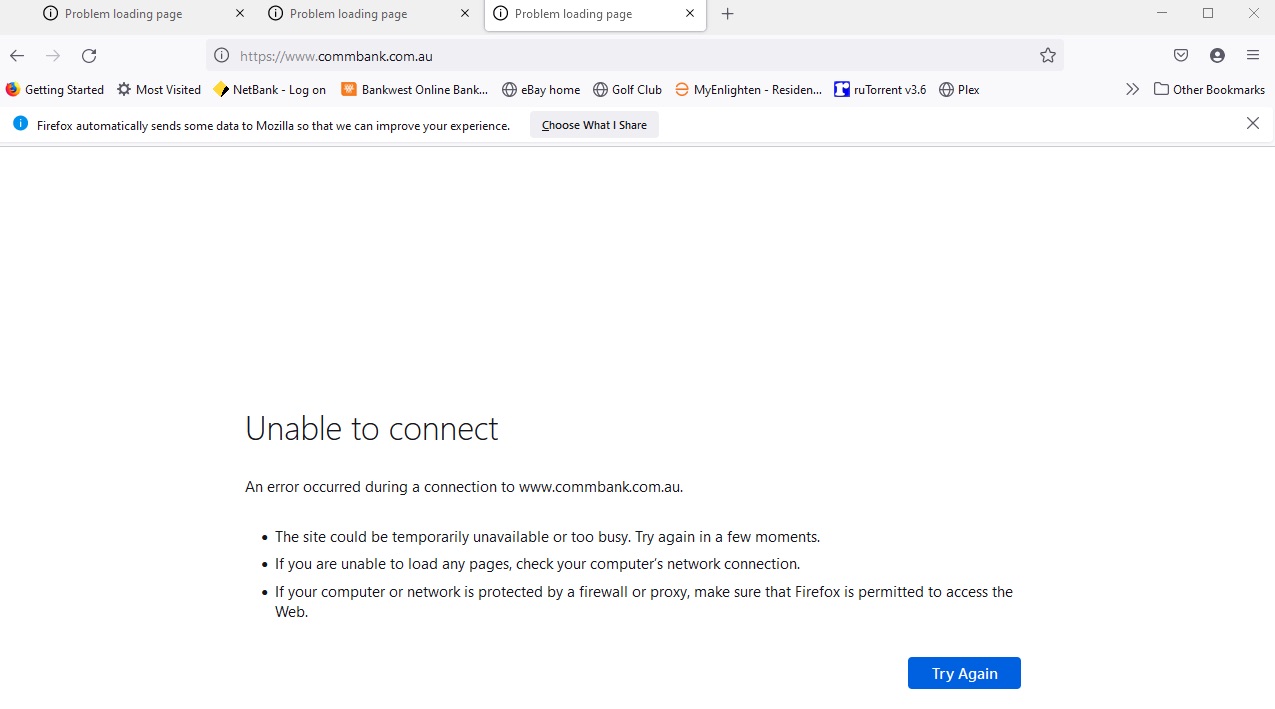
If Firefox is the only browser that won't load websites while Chrome or Edge work fine, the problem is almost certainly isolated to Firefox itself, not your internet connection. This...
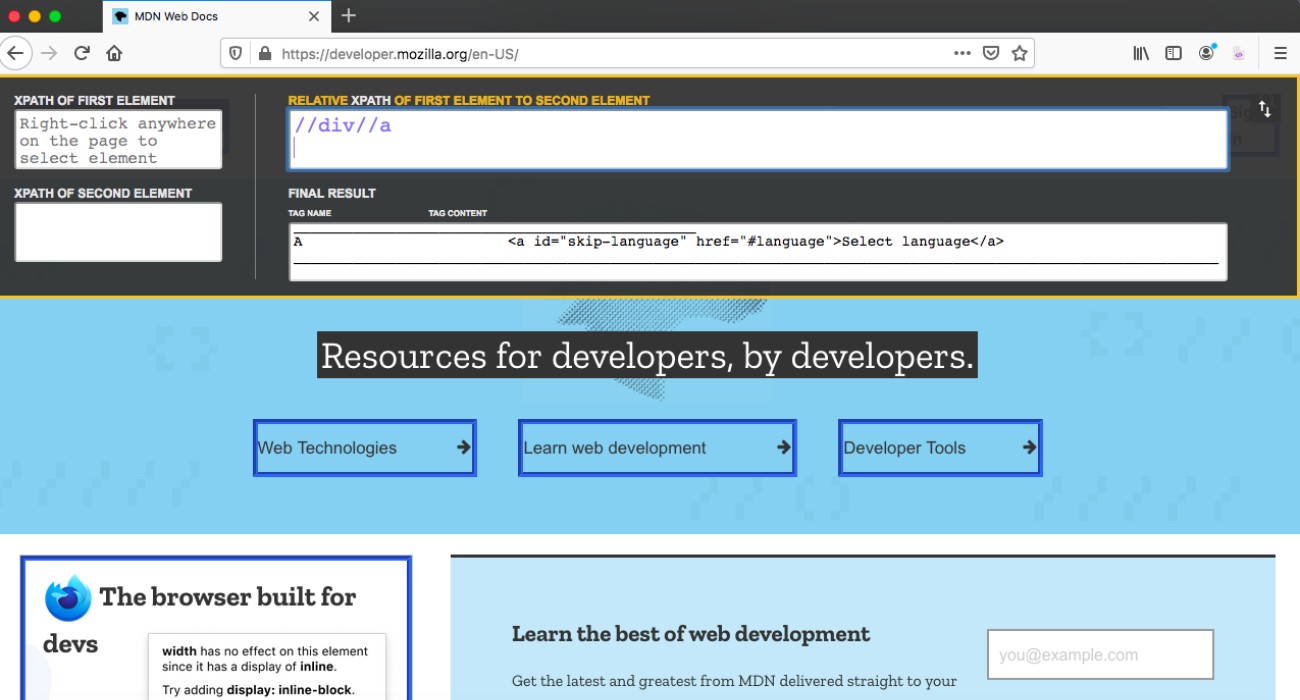
To find an XPath for any element in Firefox, right-click the element on the page and choose "Inspect Element" to open the Developer Tools. Then, right-click the highlighted HTML code...
Firefox can feel slow and bloated because of a few specific, fixable causes, not because the browser itself is broken. If you're wondering why is Firefox so slow, the usual...
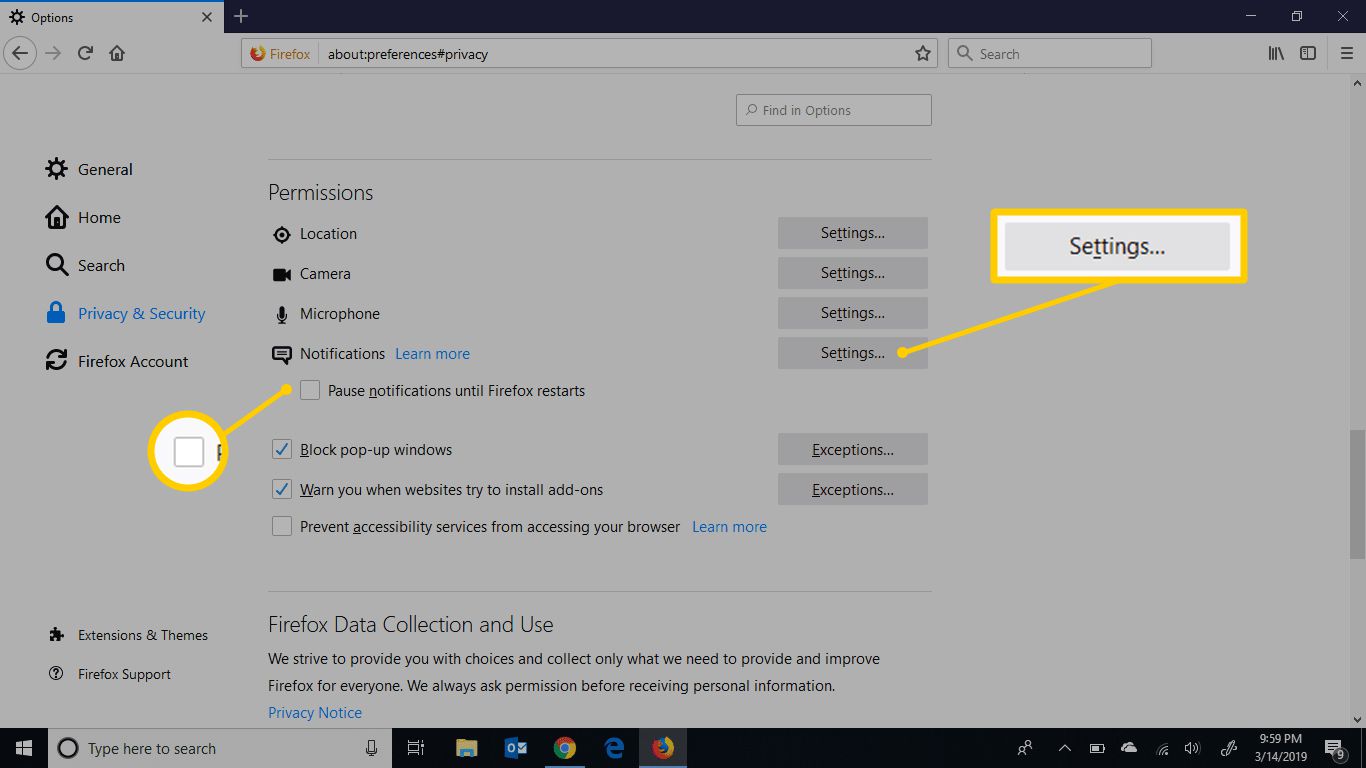
To turn off Firefox update notifications, open Firefox’s Settings, go to the General panel, and under “Firefox Updates,” select “Check for updates but let you choose to install them.” This...
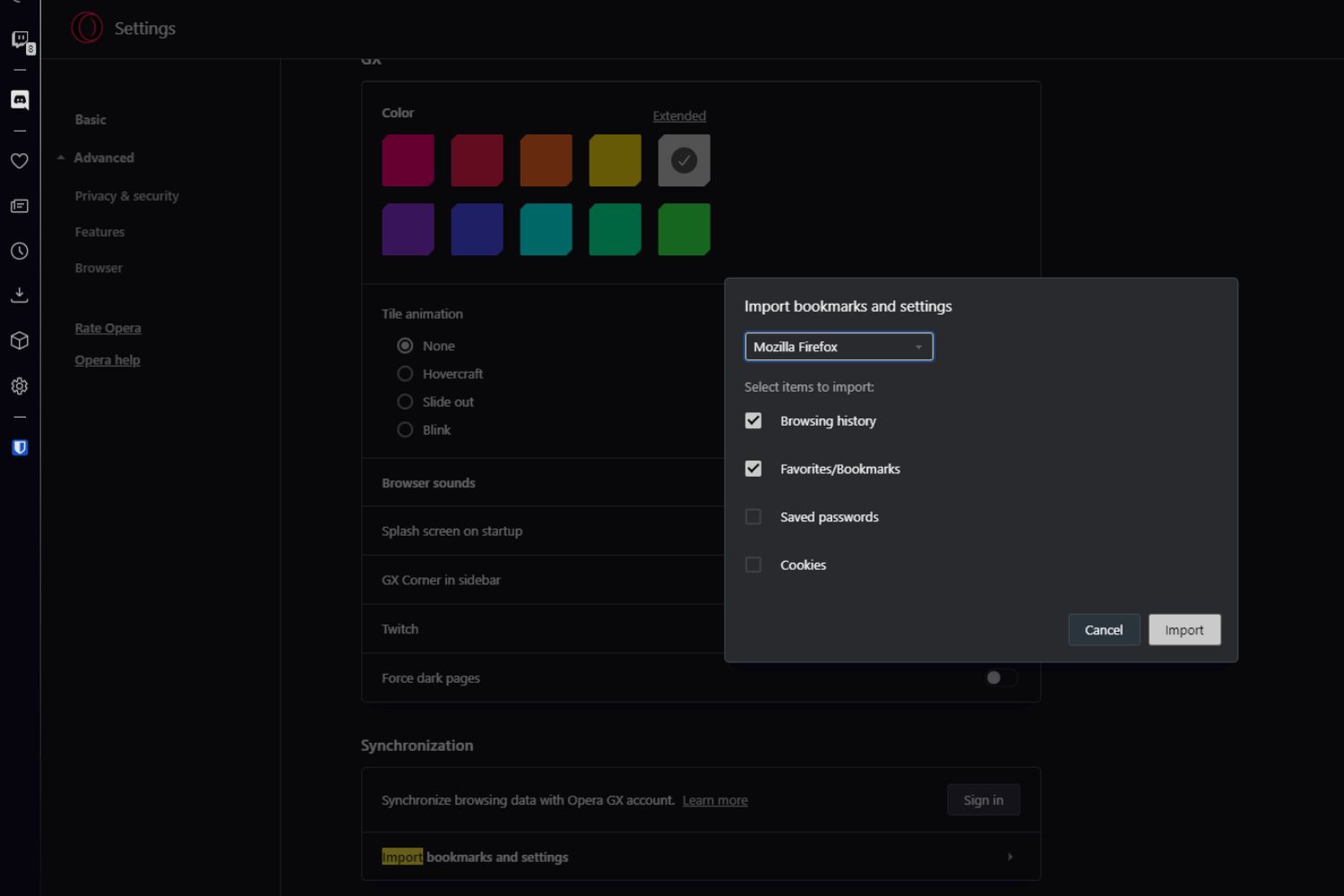
To import Opera GX to Firefox, you need to transfer your bookmarks, passwords, history, and other personal data from Opera GX into Firefox, not install a theme or extension. Firefox...
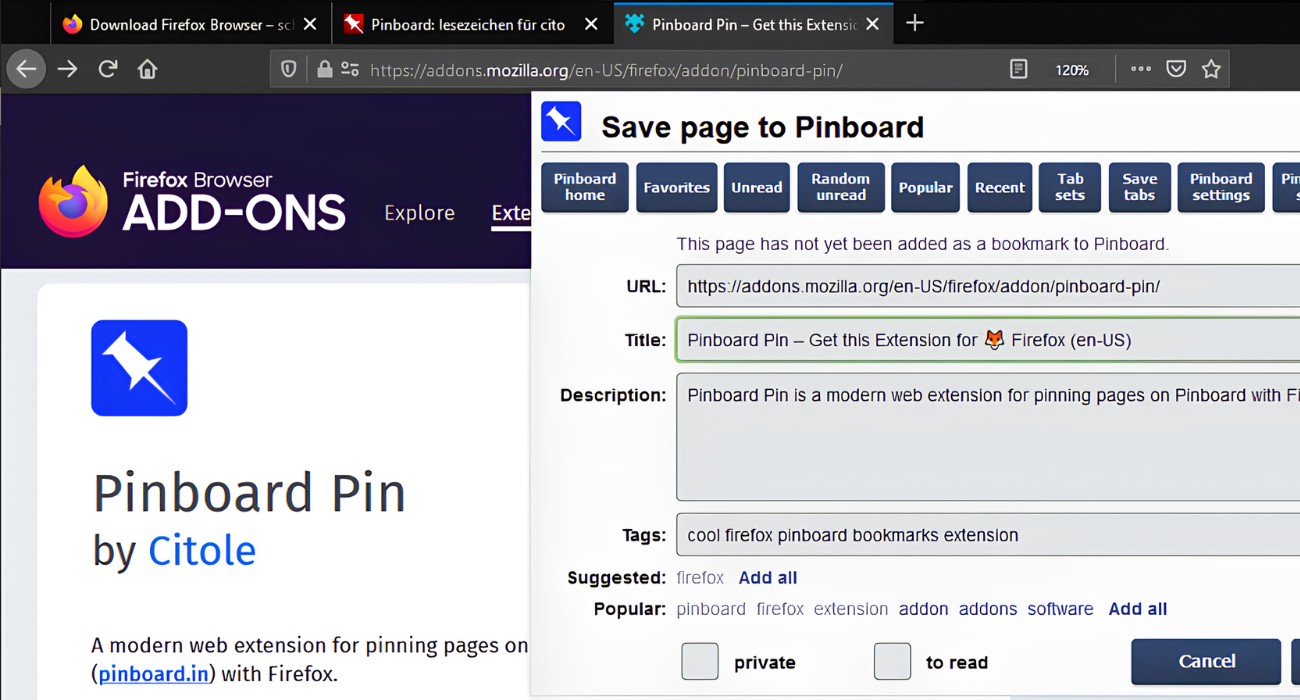
To pin a site on Firefox, right-click the tab and select "Pin Tab" from the context menu. This instantly shrinks the tab to a compact icon, keeping your most important...
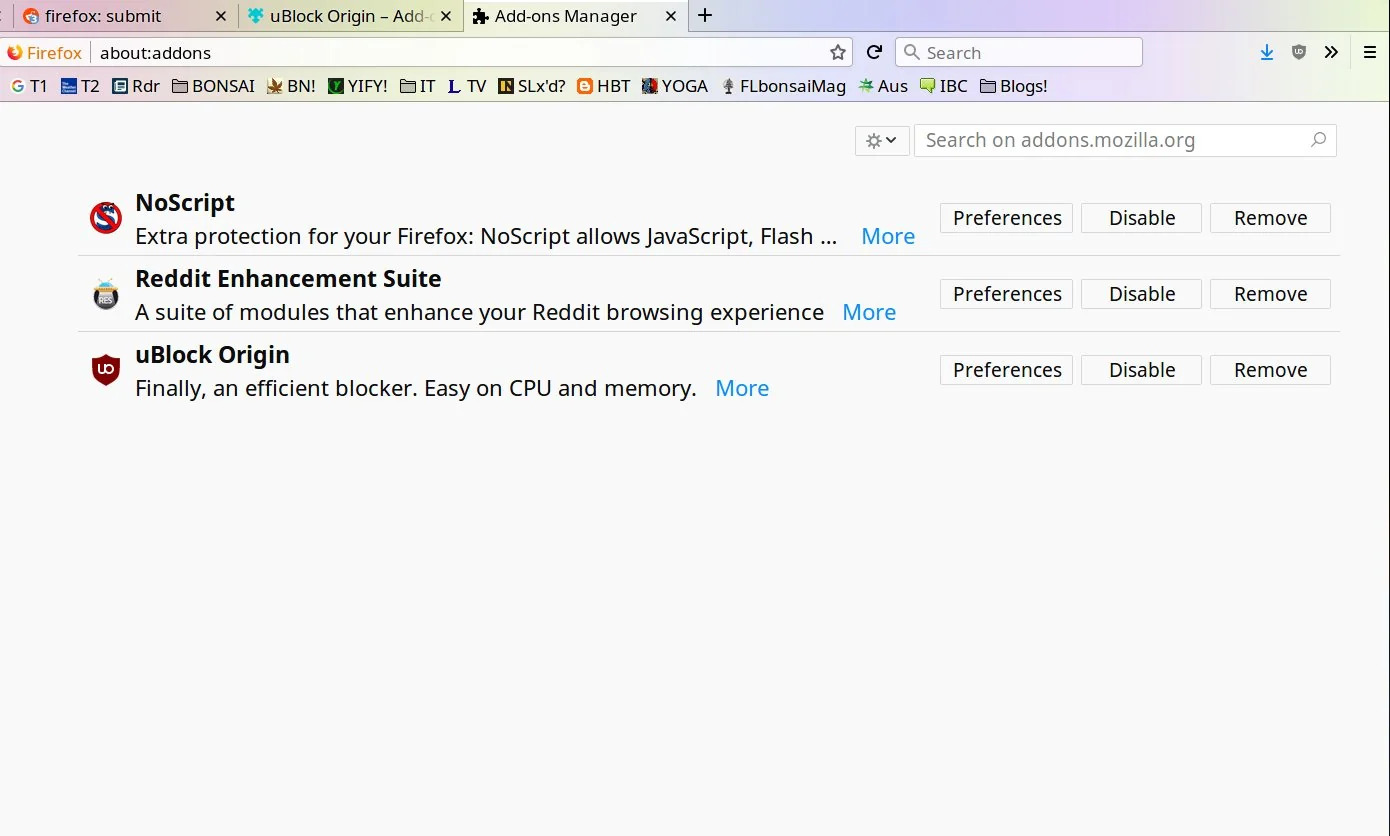
To remove NoScript from Firefox, open the browser, click the menu button (three horizontal lines) in the top-right corner, and select “Add-ons and themes” to open the Add-ons Manager. From...
If you need to contact Mozilla Firefox support, the first thing to know is that there is no phone number or direct email for general user inquiries. Instead, the official...
To stop Firefox autoplay videos completely, open Settings, go to Privacy & Security, and set the Autoplay default to “Block Audio and Video.” That single change prevents all media, including...
To open console in Firefox, press Ctrl+Shift+K on Windows/Linux or Cmd+Opt+K on macOS. This instantly opens the Web Console for the current page, giving you direct access to errors, logs,...
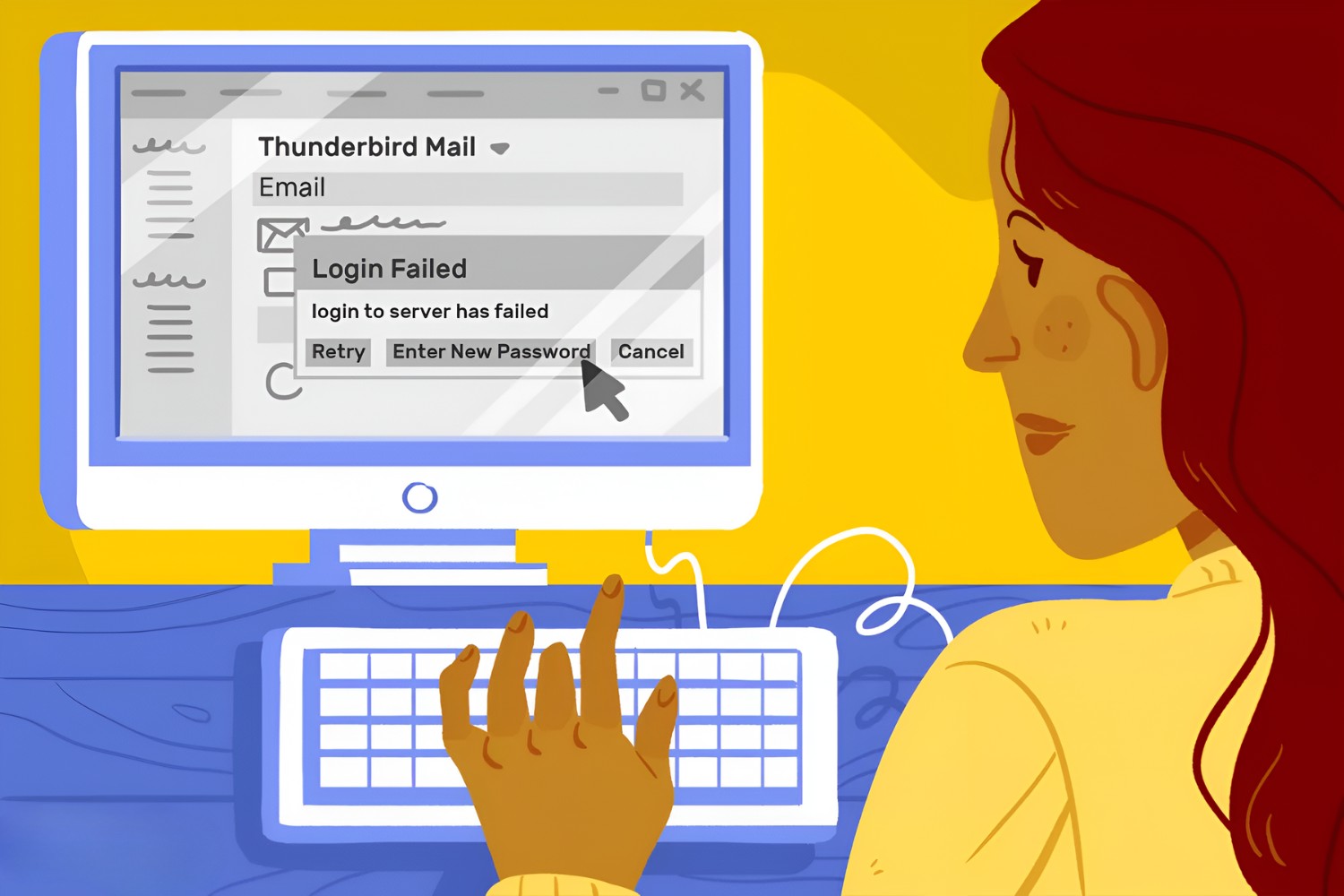
To change email password in Thunderbird, you must first update it with your email provider, then make sure the saved password in Thunderbird matches. This guide shows you the two...
This website uses cookies so that we can provide you with the best user experience possible. Cookie information is stored in your browser and performs functions such as recognising you when you return to our website and helping our team to understand which sections of the website you find most interesting and useful.
Strictly Necessary Cookies
Strictly Necessary Cookie should be enabled at all times so that we can save your preferences for cookie settings.
If you disable this cookie, we will not be able to save your preferences. This means that every time you visit this website you will need to enable or disable cookies again.