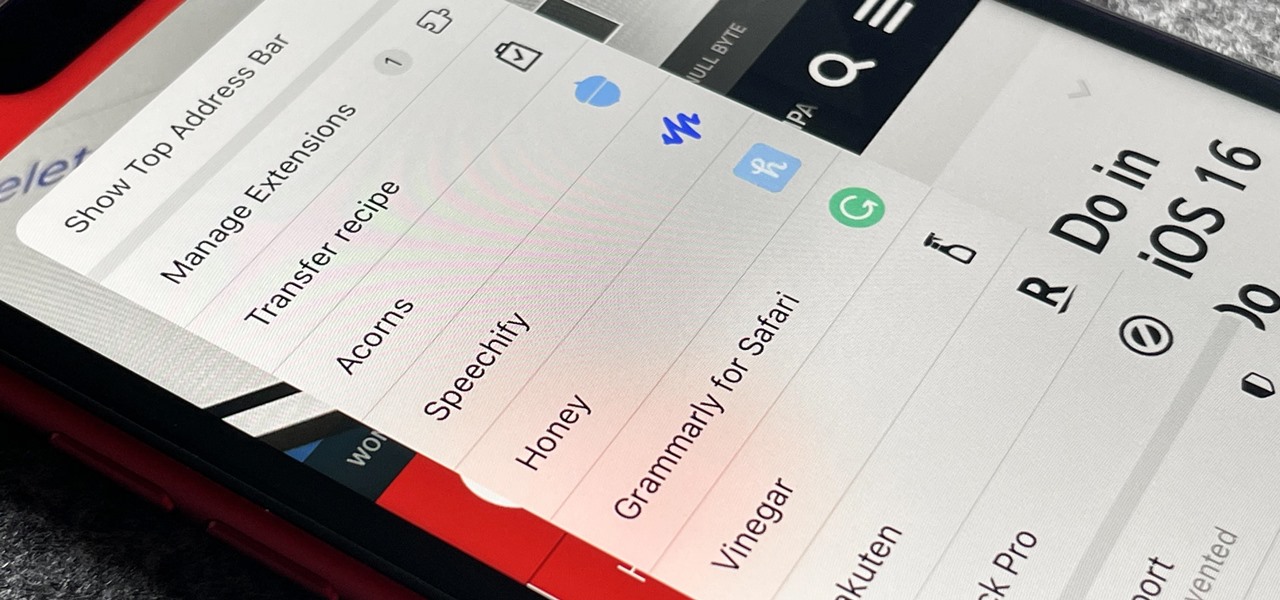
What you need to add Rakuten to Safari on iPhone To add Rakuten to Safari on iPhone, you need to install the latest version of the Rakuten app from the...
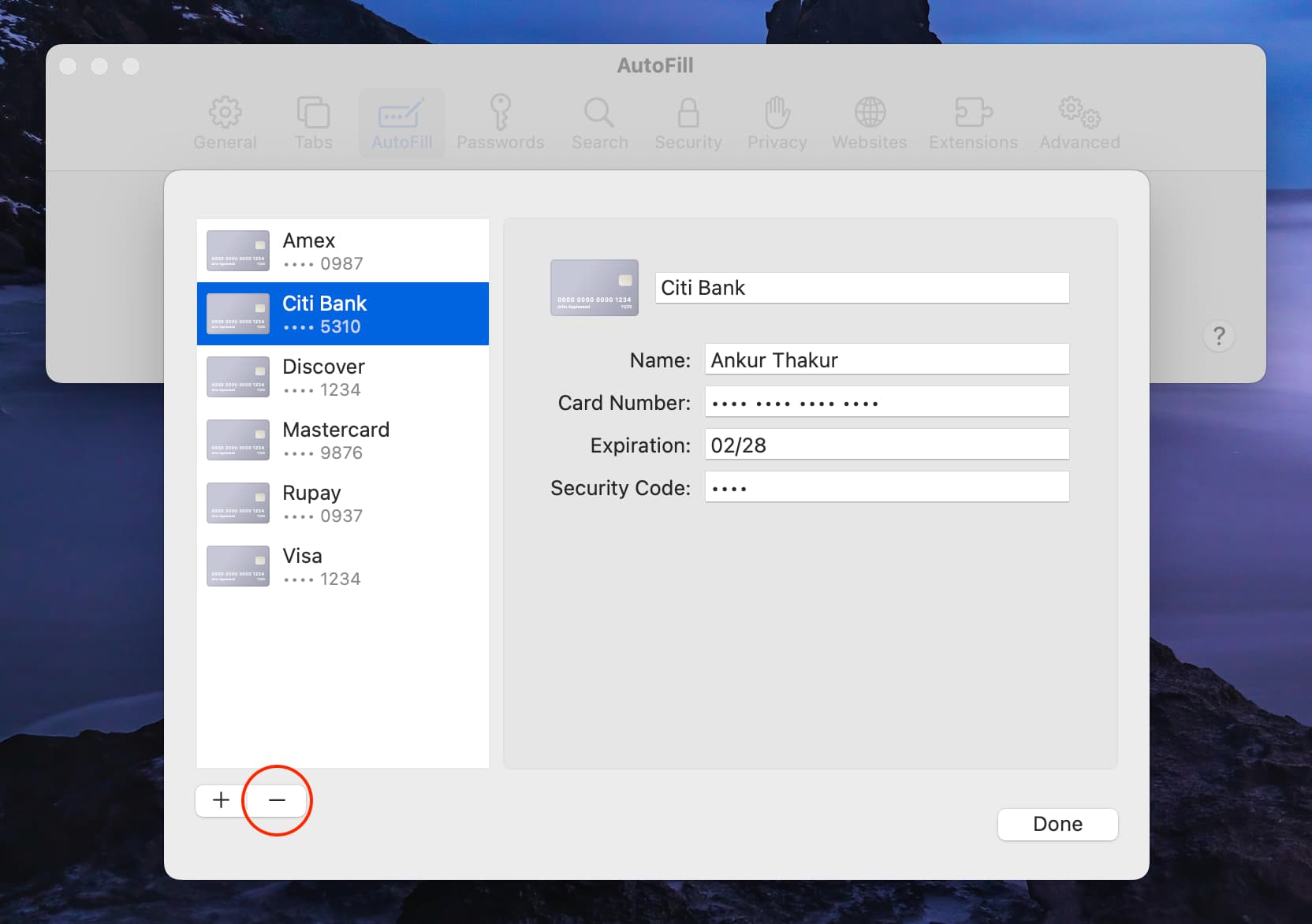
To remove cards from Safari, you need to edit the saved credit card information in Safari's AutoFill settings, not the Reading List. On a Mac, iPhone, or iPad, the process...
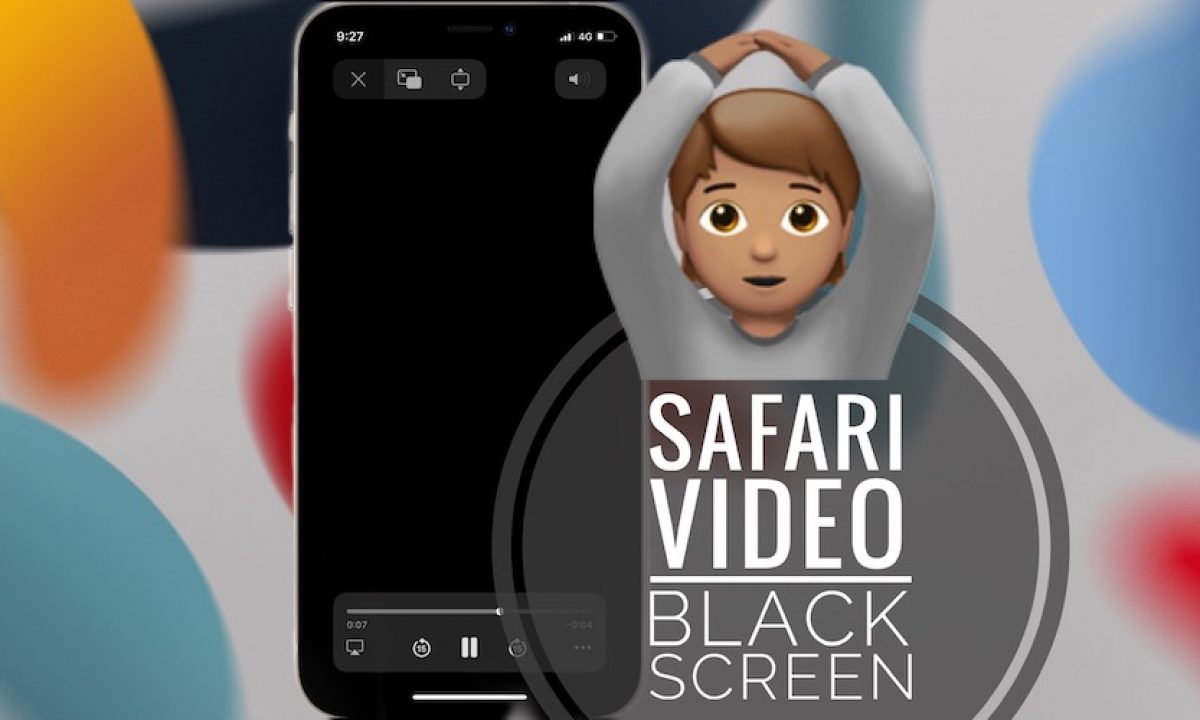
Why your Safari goes black: the real reasons Safari goes black when its WebKit rendering engine malfunctions or becomes overutilized, causing the screen to turn completely blank instead of displaying...
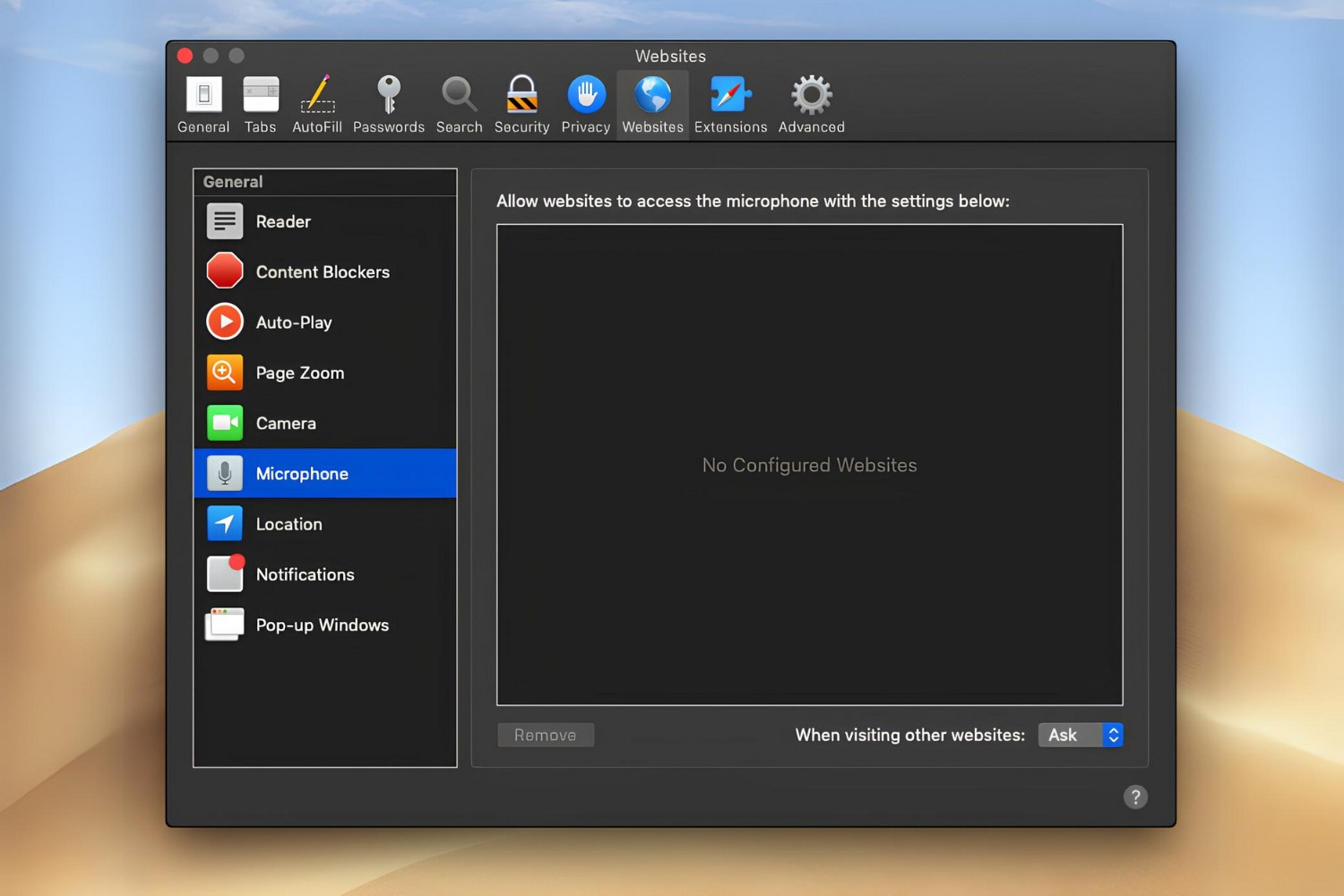
To allow Safari to access your microphone, open Safari and go to the Websites tab in its settings, then select Microphone and choose Allow for the sites you trust. This...
To change Safari to white mode, you need to change your device's system-wide appearance setting to "Light", Safari doesn't have its own independent light or dark toggle, so it follows...
To change default email in Safari, you need to adjust a macOS system-wide setting rather than a browser preference. Safari doesn't have its own email configuration; it always opens whatever...
To allow mic on Safari, you need to grant microphone permission to a website in Safari on your Mac, iPhone, or iPad by adjusting both system-level and per-website settings. The...
To import passwords from Safari to Chrome, you’ll export your saved logins from Safari as a CSV file and then import that file into Chrome. This two-step process moves all...
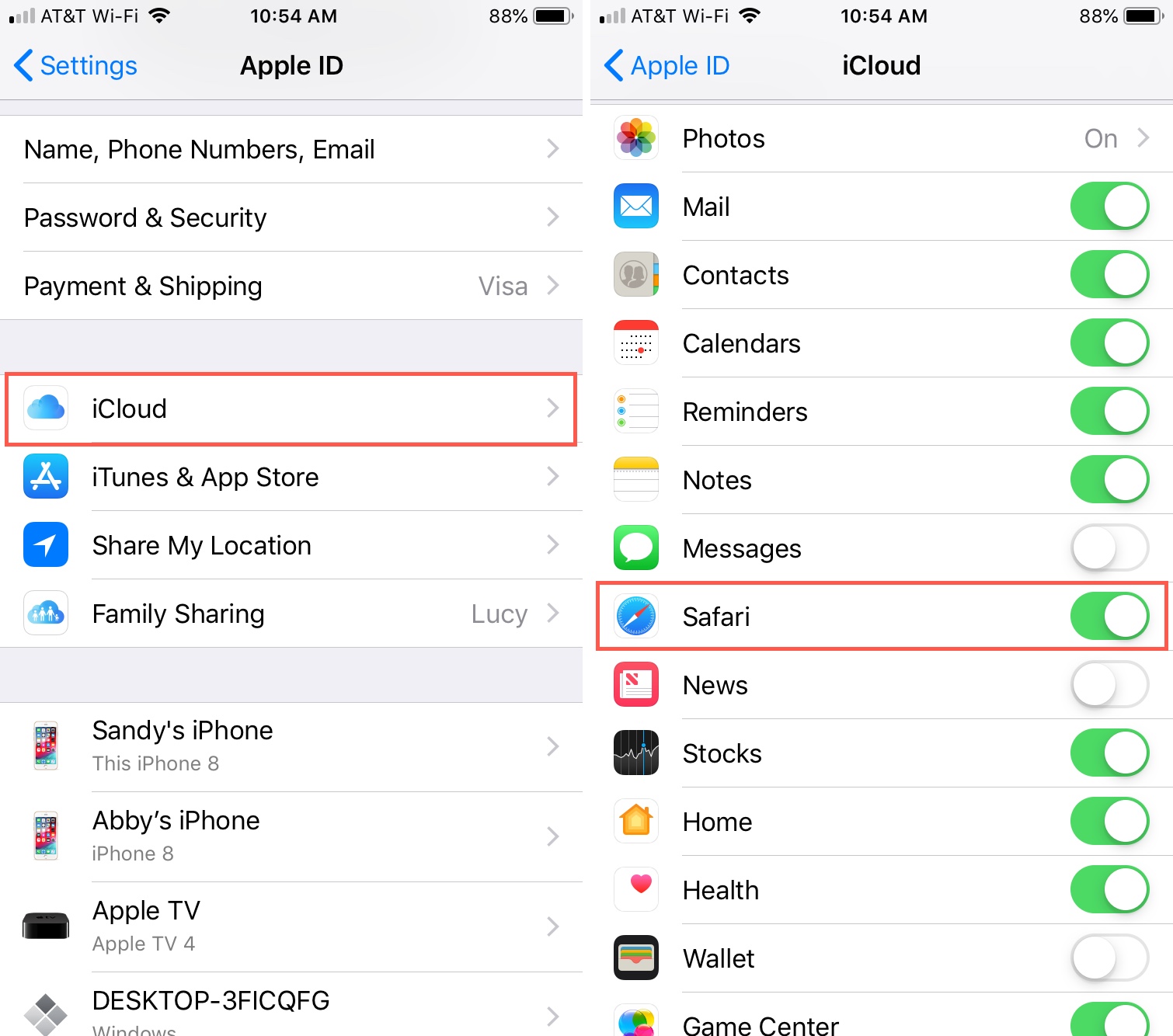
To sync Safari bookmarks between devices, turn on iCloud Safari sync on each iPhone, iPad, and Mac using the same Apple ID. Once enabled, bookmarks update automatically across all your...
To turn off Safari dark mode on your iPhone, iPad, or Mac, you need to change the system-wide appearance setting, since Safari follows it automatically. On iOS, go to Settings...
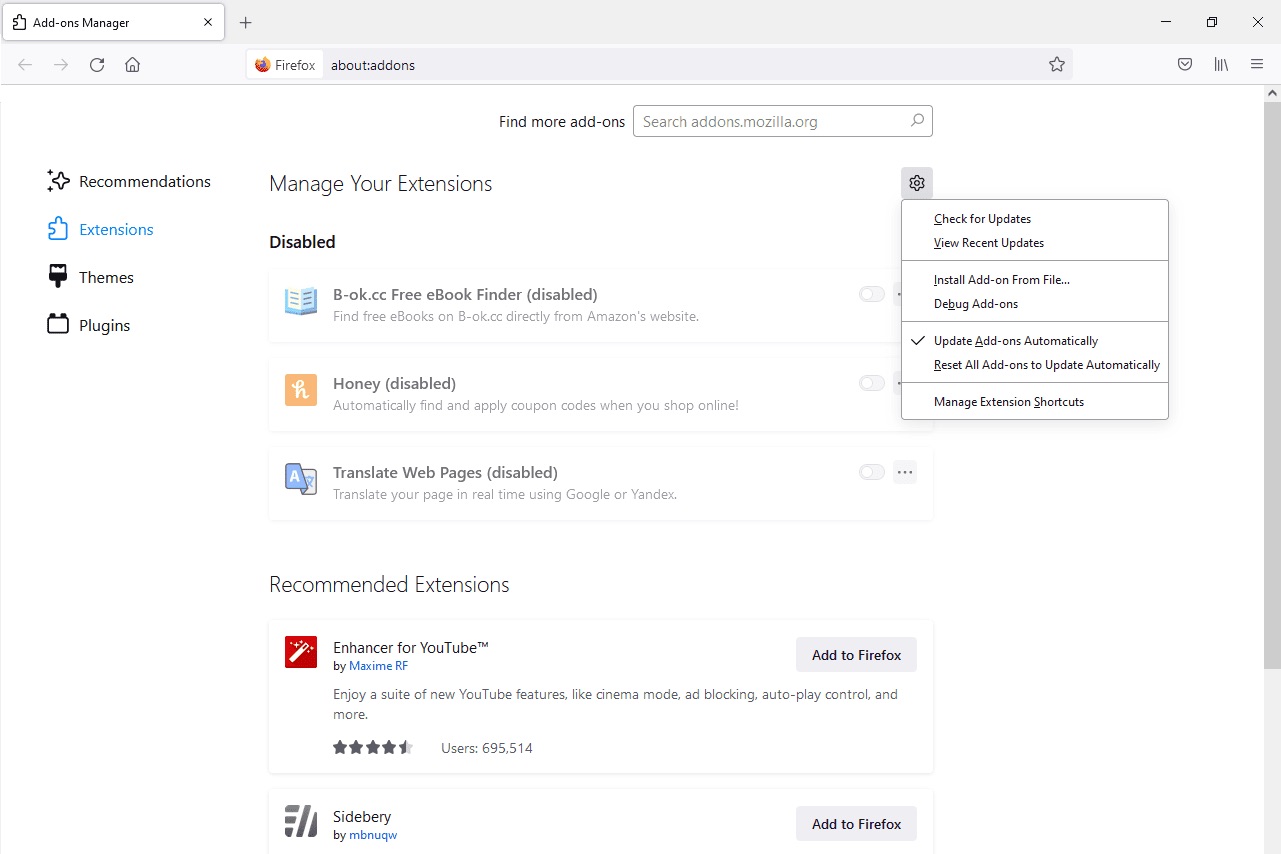
To install an XPI file in Firefox, simply open the browser and drag the downloaded .xpi file directly into any open Firefox window. This is the quickest method, and the...
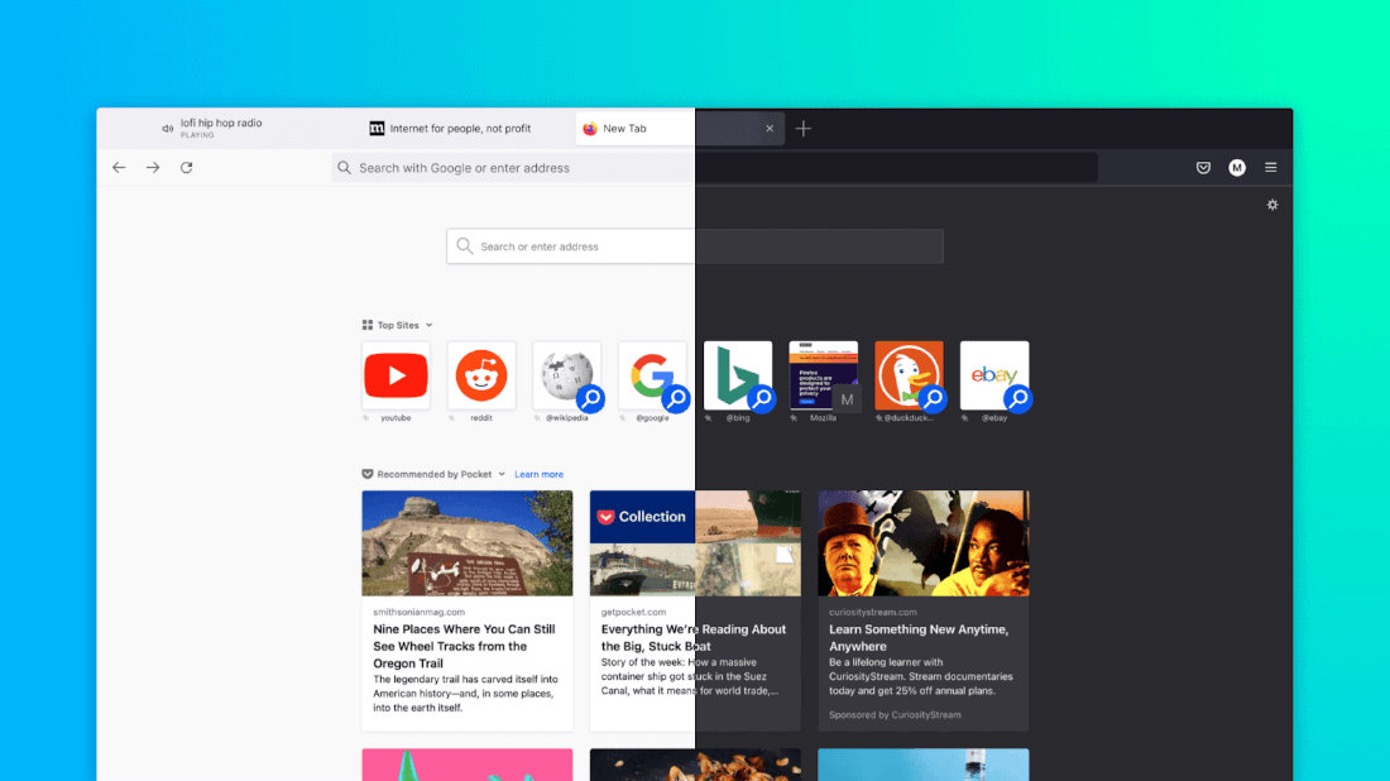
How To Make New Firefox Look Like Old To make new Firefox look like old, you need to reverse the Proton redesign introduced in Firefox 89 by enabling compact density...
This website uses cookies so that we can provide you with the best user experience possible. Cookie information is stored in your browser and performs functions such as recognising you when you return to our website and helping our team to understand which sections of the website you find most interesting and useful.
Strictly Necessary Cookies
Strictly Necessary Cookie should be enabled at all times so that we can save your preferences for cookie settings.
If you disable this cookie, we will not be able to save your preferences. This means that every time you visit this website you will need to enable or disable cookies again.