Can you make a Chrome extension in Python? Yes, you can make a chrome extension in Python, but not in the way you might think: Chrome cannot execute Python directly,...
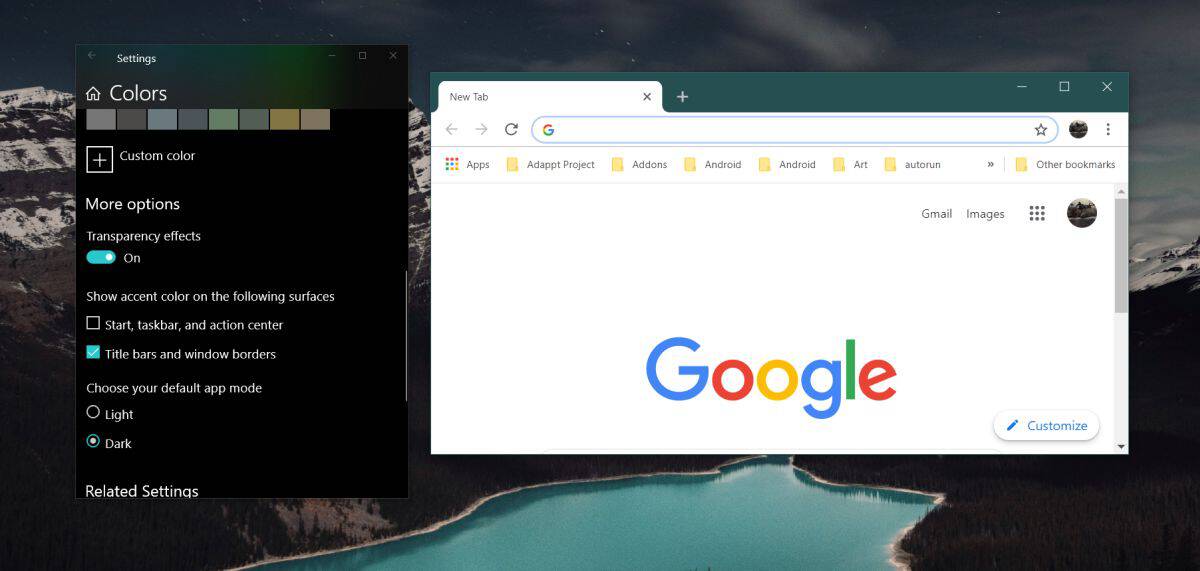
To change from dark mode to light mode on Google Chrome, the fastest method on desktop is to use the built-in Customize Chrome button on a new tab page. This...
How To Rotate Screen In Chrome To rotate screen in Chrome, you need to know which type of rotation you actually want, because the browser itself has no built-in button...
You cannot directly merge Google Chrome profiles, but you can consolidate them using a sync-based workaround. If you’re looking to merge Google chrome profiles because you have separate work and...
To take Chrome off your device, you'll either uninstall it completely on a computer or disable it on a mobile device where it's baked in. On Windows, Mac, and Linux,...
When Google Chrome freezes or shows "Not Responding" the moment you hit Ctrl+P, the culprit is almost always one of four things: corrupted cache data, a buggy extension, hardware acceleration,...
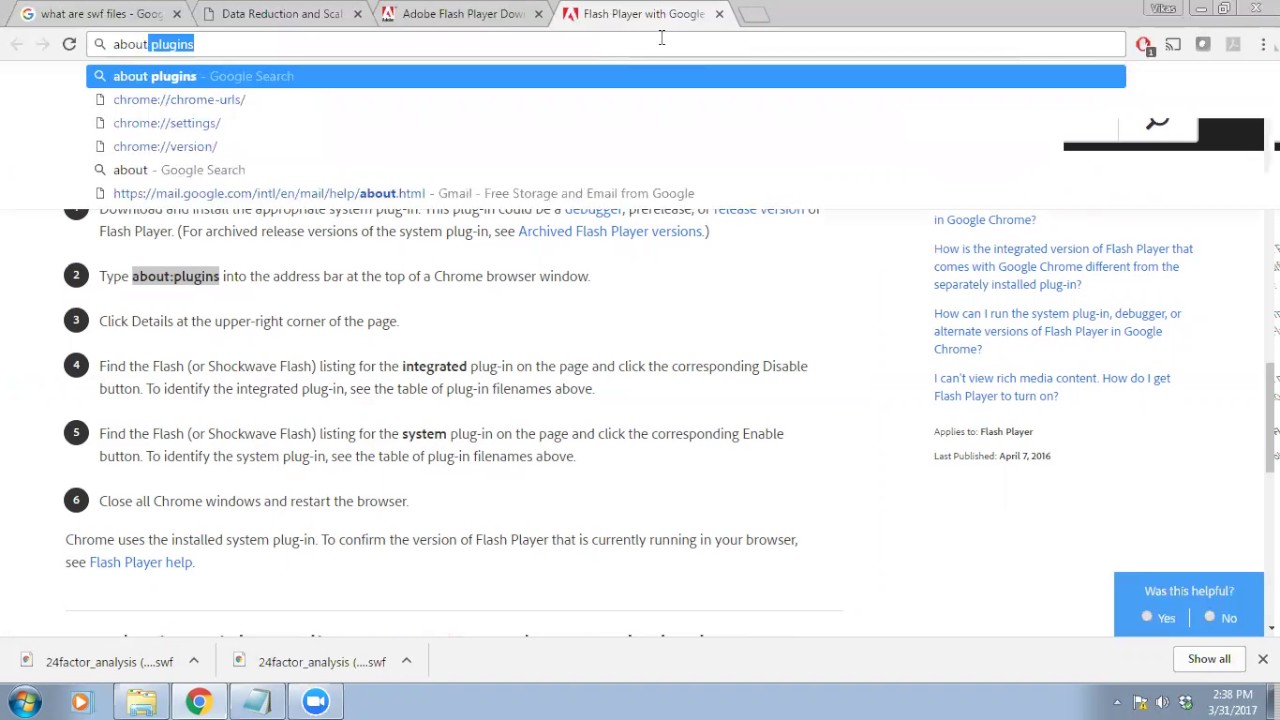
To play .swf files on Chrome in 2024, you need to install a Flash emulator extension like Ruffle, because the browser no longer supports Adobe Flash Player natively. The quickest...
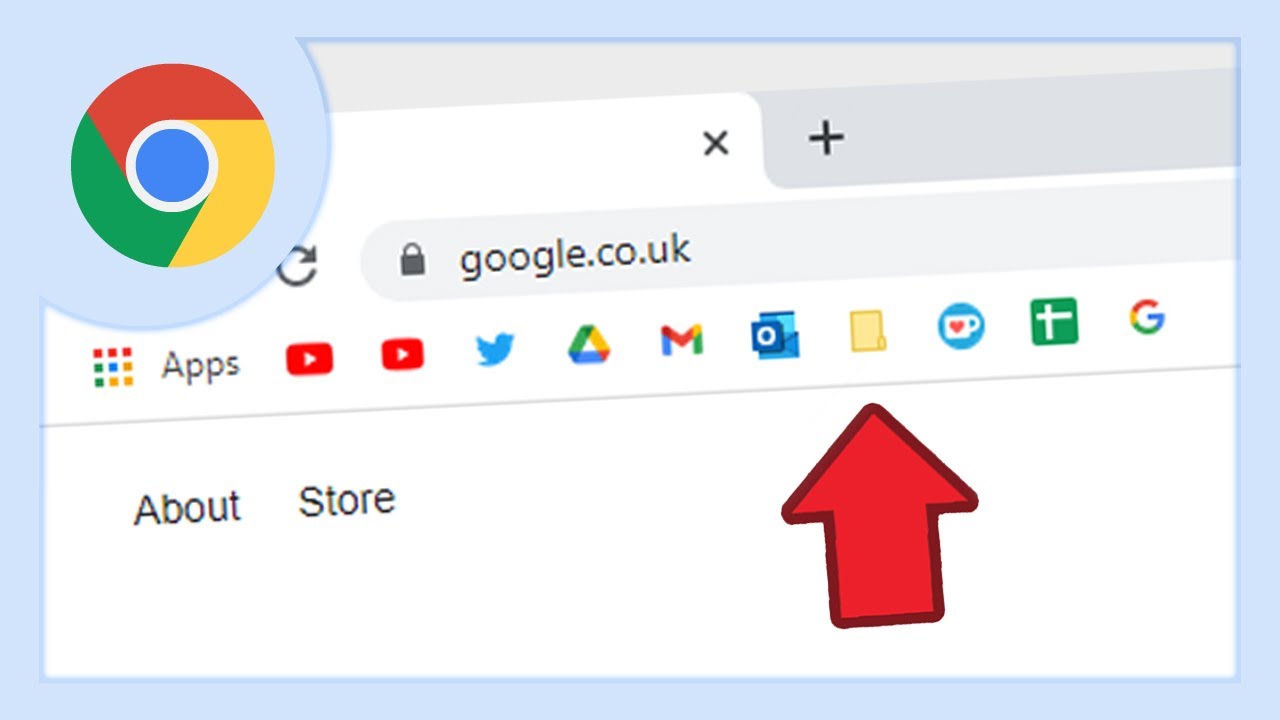
If your Chrome bookmarks disappeared, the fastest fix is usually to press **Ctrl+Shift+B** (Windows/Linux) or **Cmd+Shift+B** (Mac) to unhide the bookmarks bar, or check that you're signed into the correct...
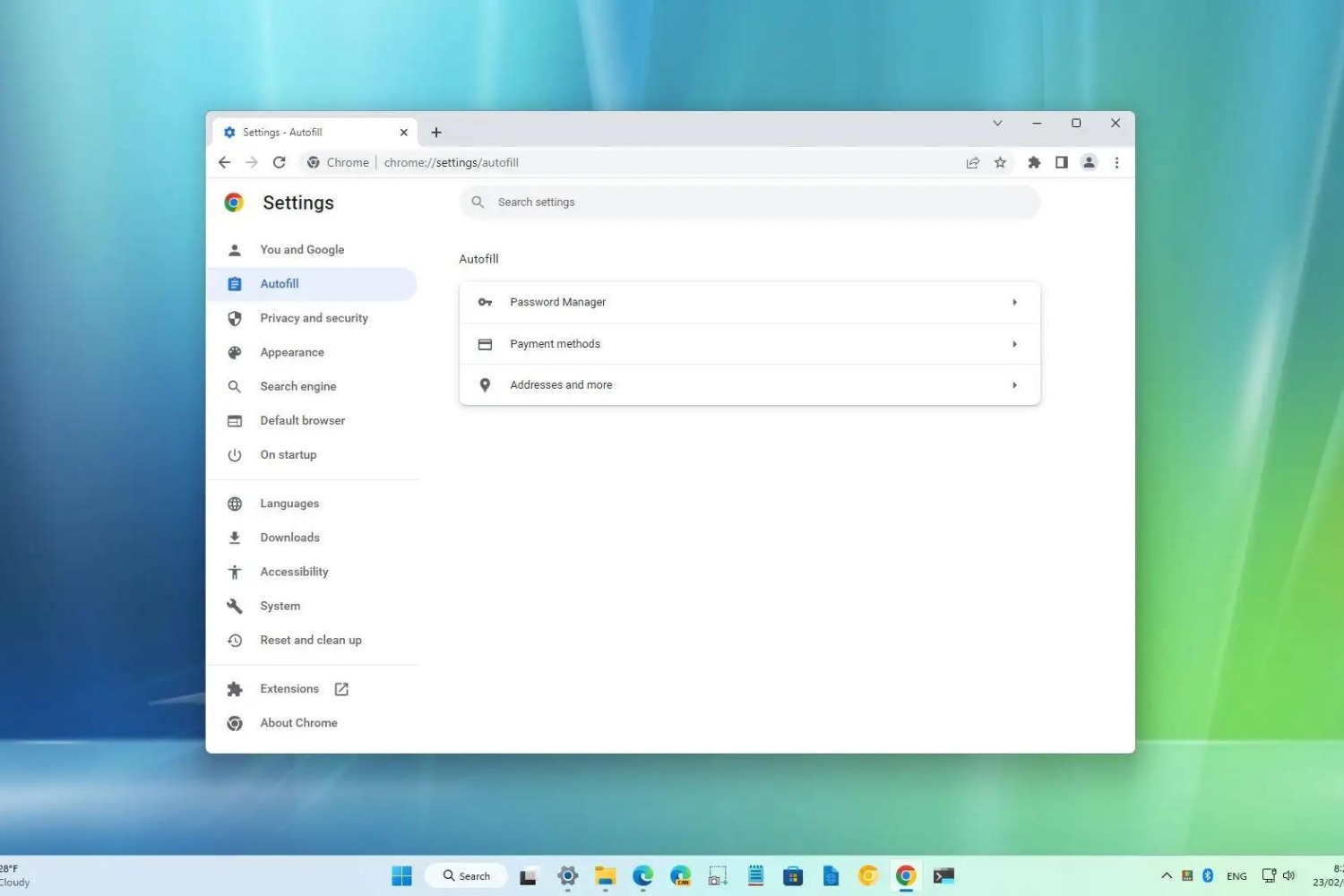
To change email address in Chrome Autofill, you need to know that Chrome stores emails in two separate places: saved contact entries under "Addresses and more" and individual suggestions that...
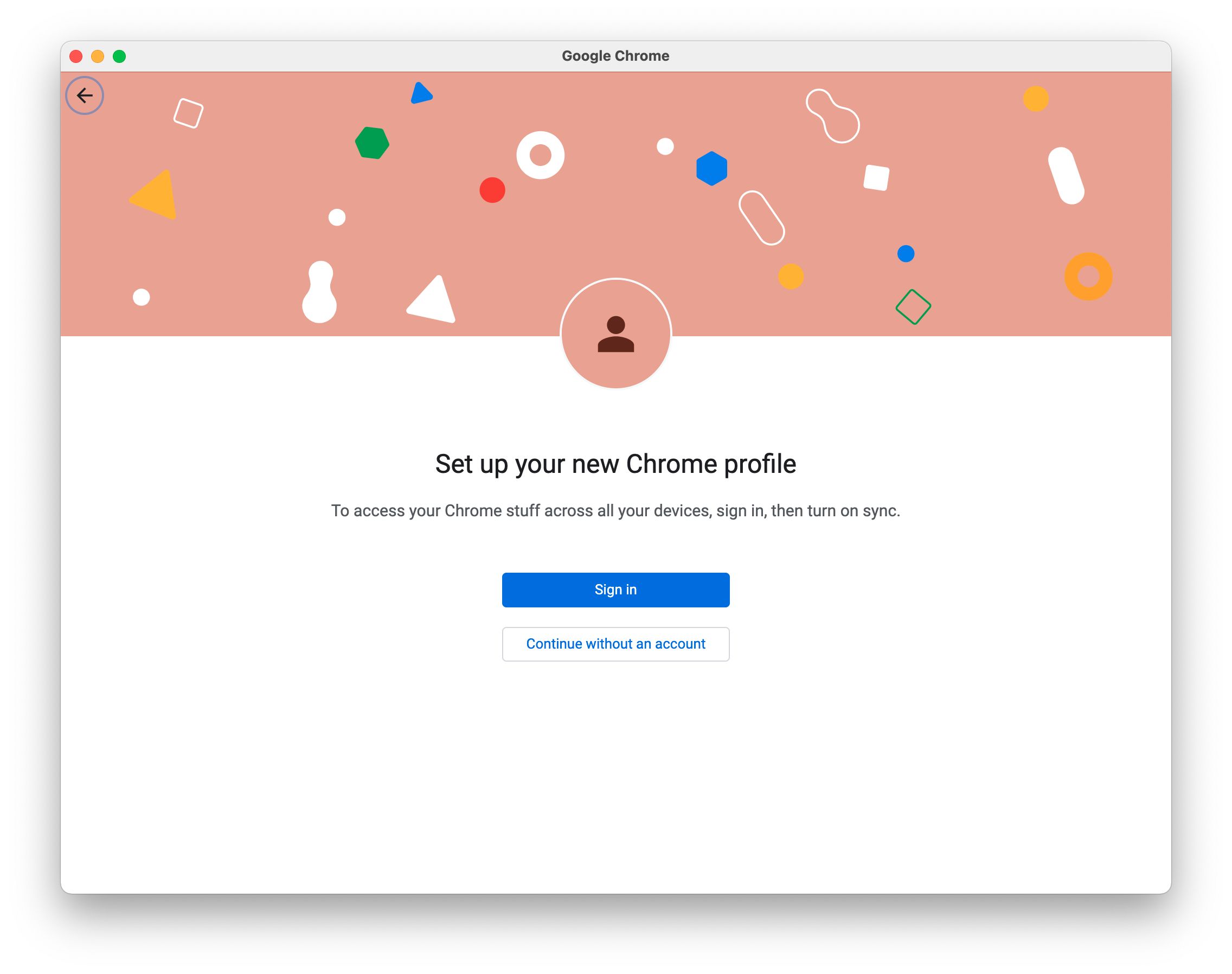
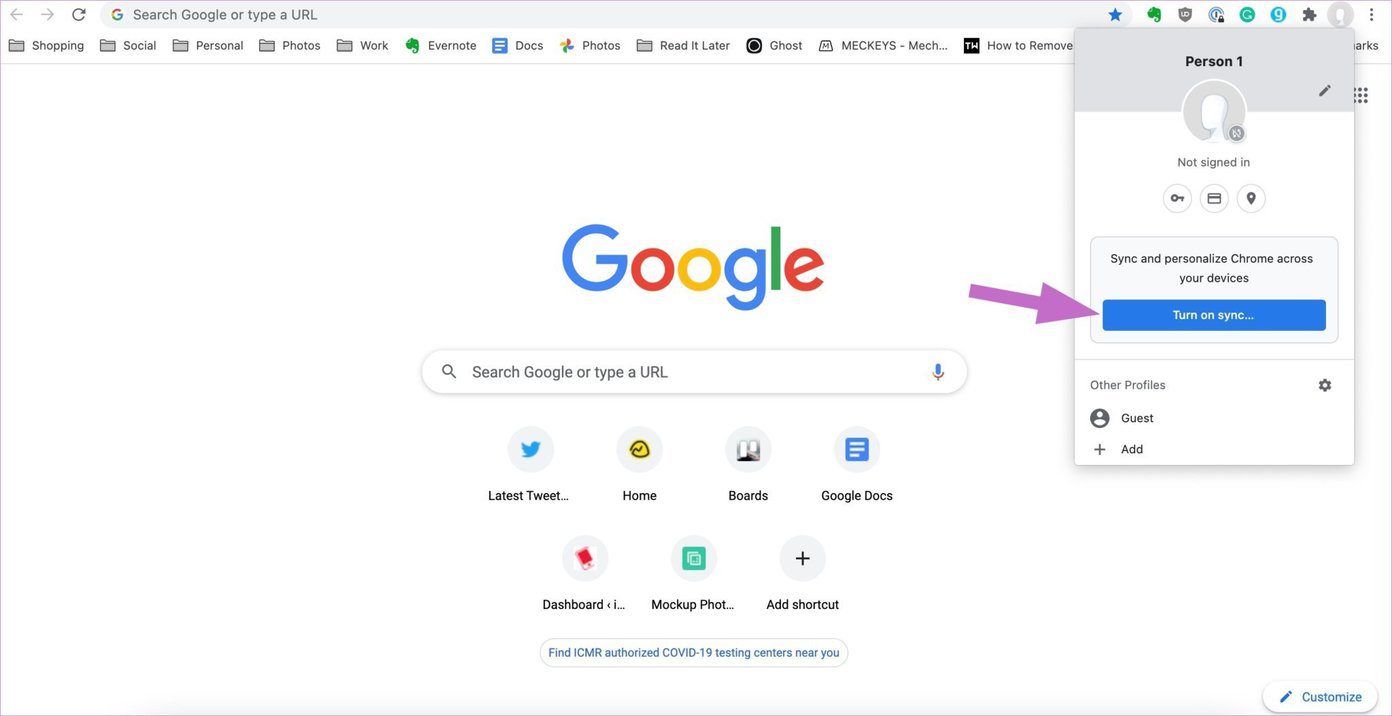
When you see “Google account paused chrome” at the top of your browser, it does not mean your entire Google Account is suspended, it means Chrome sync is paused. The...
To check page loading time in Chrome, open DevTools and use one of three built-in tools: the Performance tab for a full load profile, the Network tab for per-resource timing,...
This website uses cookies so that we can provide you with the best user experience possible. Cookie information is stored in your browser and performs functions such as recognising you when you return to our website and helping our team to understand which sections of the website you find most interesting and useful.
Strictly Necessary Cookies
Strictly Necessary Cookie should be enabled at all times so that we can save your preferences for cookie settings.
If you disable this cookie, we will not be able to save your preferences. This means that every time you visit this website you will need to enable or disable cookies again.