Articles that deal with the hardware behind your screen, whether that screen is a laptop, a desktop monitor, a smart TV, or a keyboard. This tag is for anyone who has ever stared at a dark display and wondered whether the problem is a dead LED strip, a faulty power board, or a simple settings misstep. The content here is practical and troubleshooting-oriented, aimed at home users who want to understand their devices better before calling a repair shop or buying a replacement.
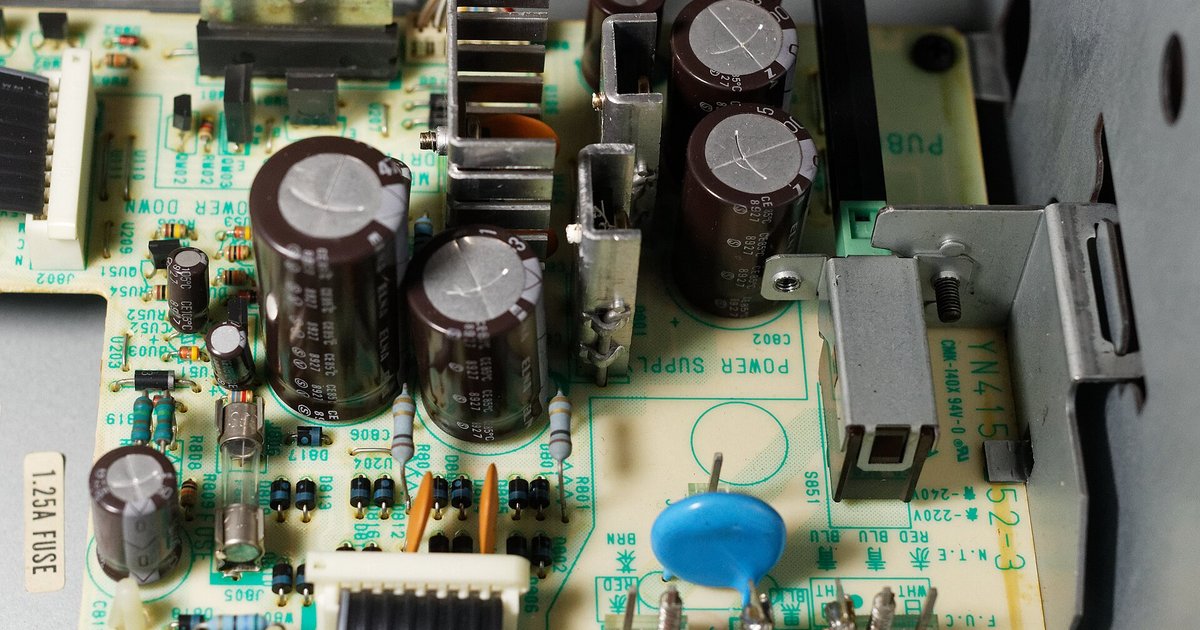
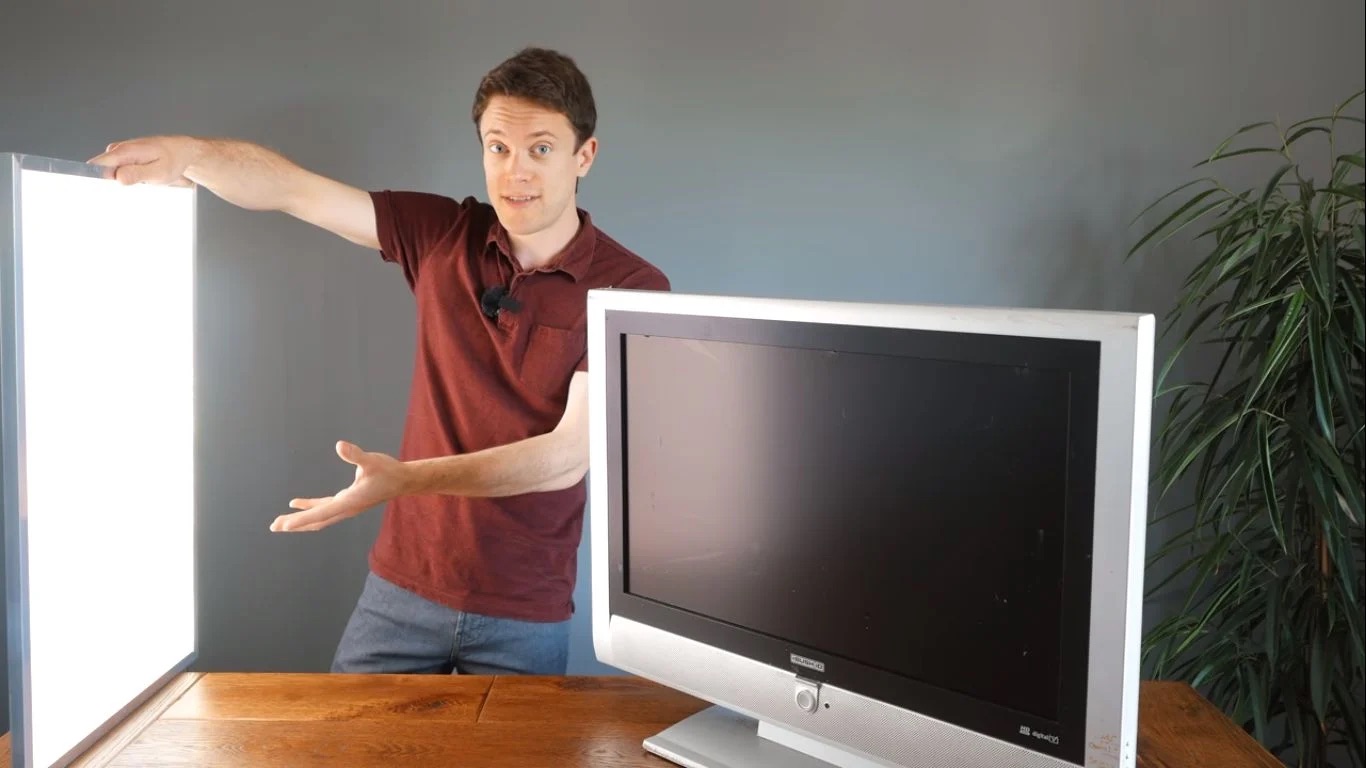
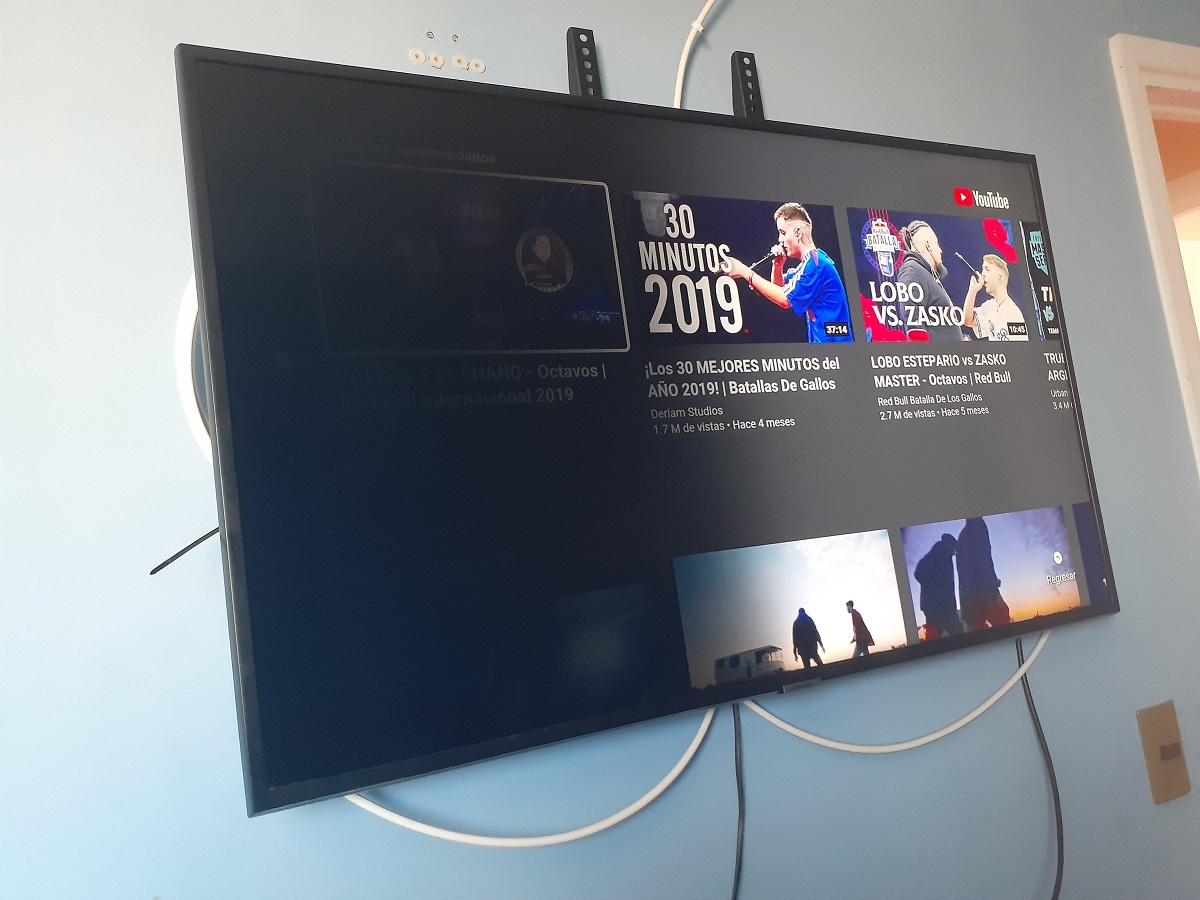
The articles fall into two clear themes. The first is diagnosis and repair: you’ll find pieces that help you figure out whether your Samsung TV’s backlight or its power supply has failed, and what to do when a smart TV powers on but the screen stays black. These guides walk you through testing and replacement steps, but they also cover when it’s smarter to call a professional, especially when dealing with high-voltage components. The second theme is adjustment and customization. For example, one article explains how to turn on the lights on your keyboard, while another shows how to change the color on a SteelSeries Apex 100 gaming keyboard. These are not about hacking or bypassing anything; they’re about using built-in controls and legitimate settings to get the look or brightness you want.
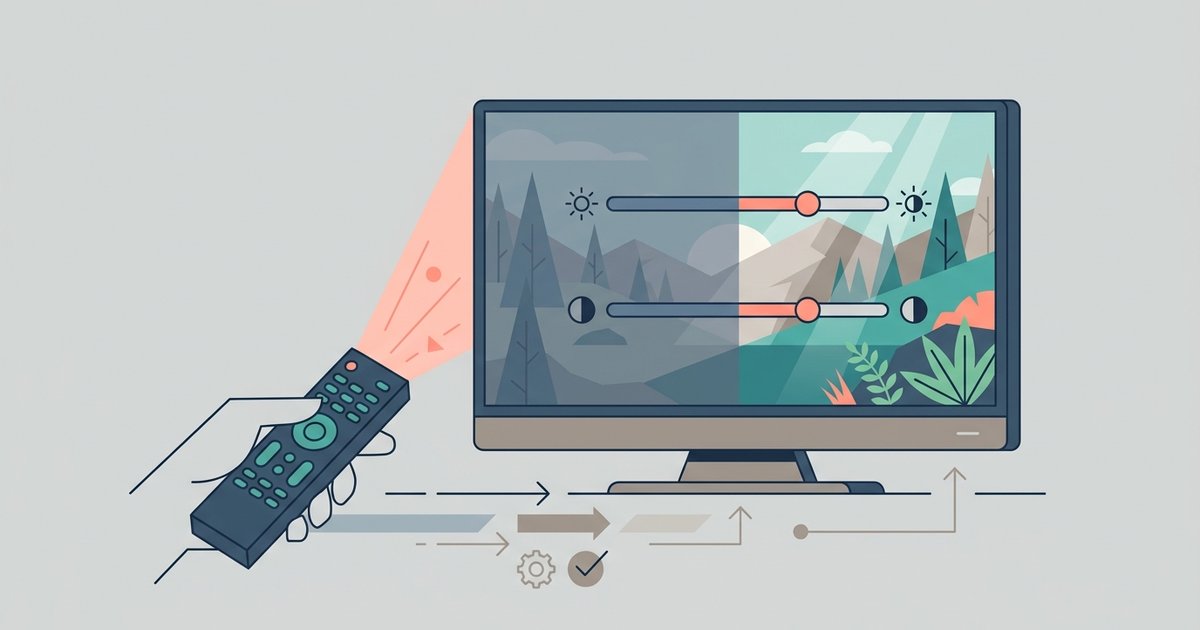
Finally, a couple of pieces branch into setup and calibration. You’ll see a guide on how to adjust smart TV picture settings, helping you tweak brightness, contrast, and backlight levels for better viewing without touching the internals. And for the more ambitious, there’s an article on how to build an LED TV, which is more of a component-level project than a quick fix. Across all these, the focus is on safe, legal, and practical steps: knowing what to press, what to test, and when to unplug and ask for help.