This tag collects Robots.net’s coverage of Apple hardware, software, and services, written for everyday users who want to get more done with their devices, whether that means fixing a frustrating setting, preparing an old Mac for resale, or simply understanding what a new chip or iPhone model actually offers. The articles are practical and decision-oriented, aimed at people who own Apple products or are thinking about buying one, and who prefer clear guidance over marketing jargon.
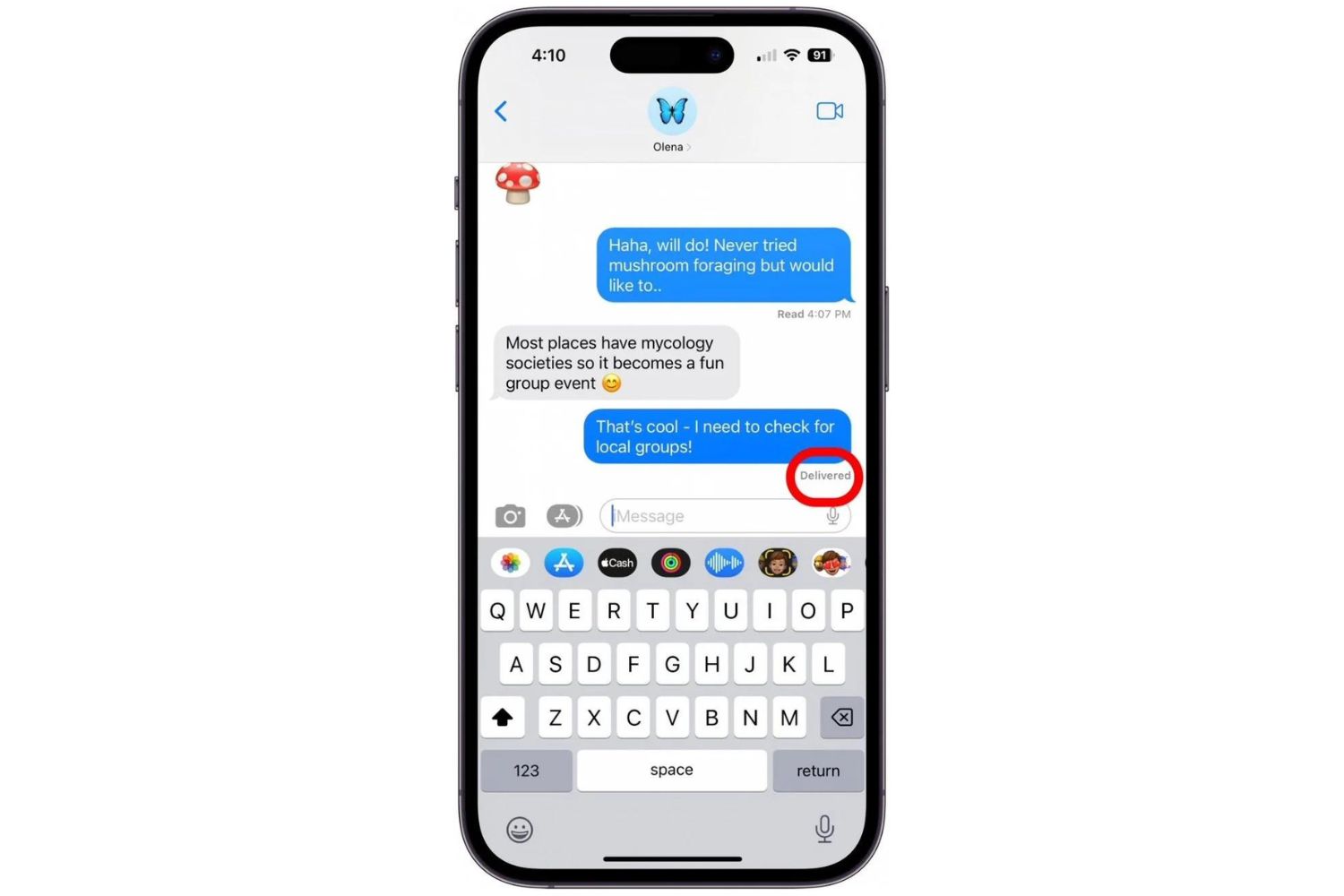
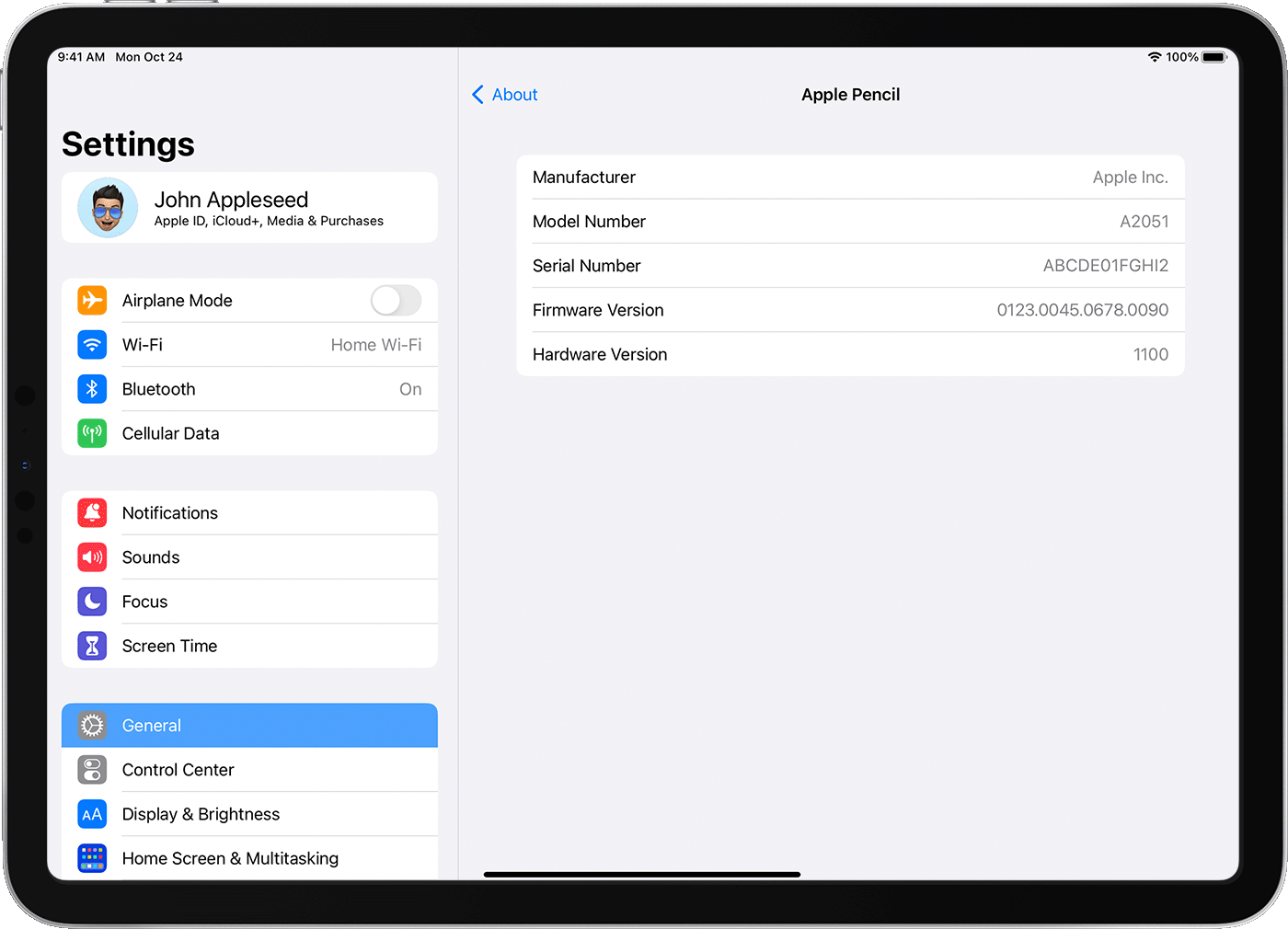
The pieces here fall into two broad themes. The first is device and account management: you’ll find step-by-step guides for freeing up storage on a Mac, wiping a MacBook before handing it off, downloading photos from iCloud, deleting messages on an Apple Watch, adding someone to iMessage, and stopping AirPods from auto-connecting to other phones. The second theme is feature exploration and comparison, how to use Apple Maps, Apple Pay, or Apple TV’s app store, plus explainers on the M1 chip versus Intel, the Apple Pencil variants, and what to expect from upcoming iPhone and Apple Watch events. A few articles also touch on safety and legal alternatives, such as explaining how to download music from YouTube into iTunes in a way that respects copyright, or covering Apple’s interest in cryptocurrency wallets and its move away from leather for environmental reasons.
Specific topics named in the list include the MacBook Pro review, the iPhone 14 and iPhone 15 event previews, the Apple Watch Series 9, the Logitech Combo Touch keyboard, and even a Minecraft guide for growing apples in-game. Across all of them, the goal is to help the reader act, configure, clean up, compare, or decide, without getting lost in technical weeds.