This tag collects our coverage of app updates and the compatibility issues that can arise around them, written for anyone who manages software on their own or their family’s devices. The articles are practical, aimed at everyday users who are not necessarily tech-savvy, and who just want their apps to work correctly on the screens they already own.
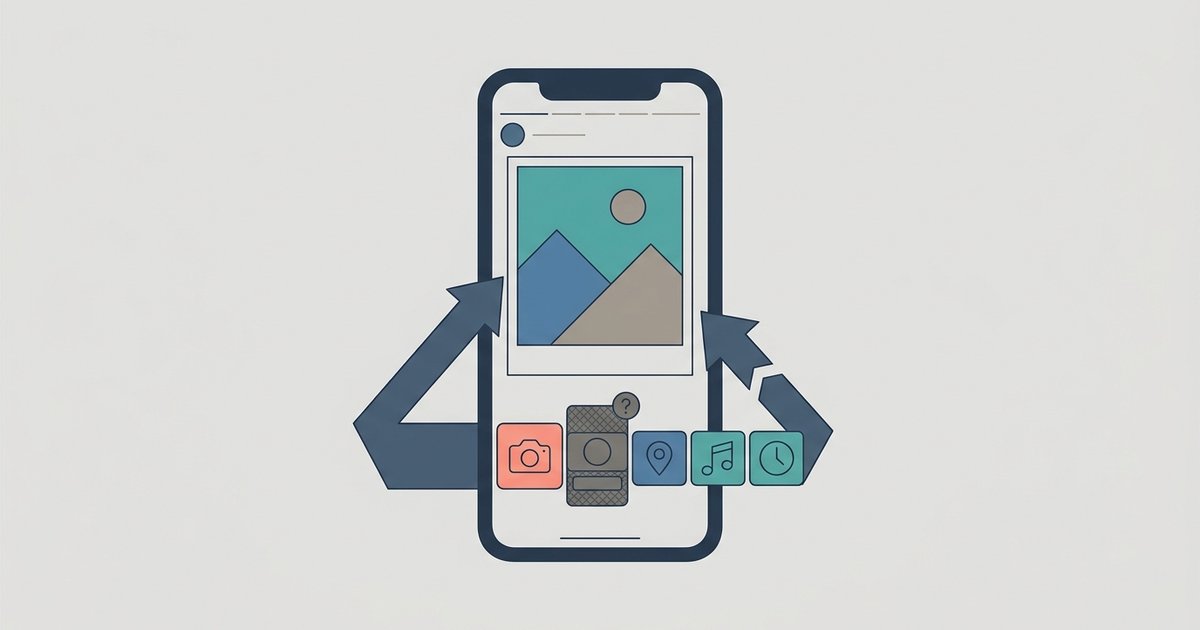
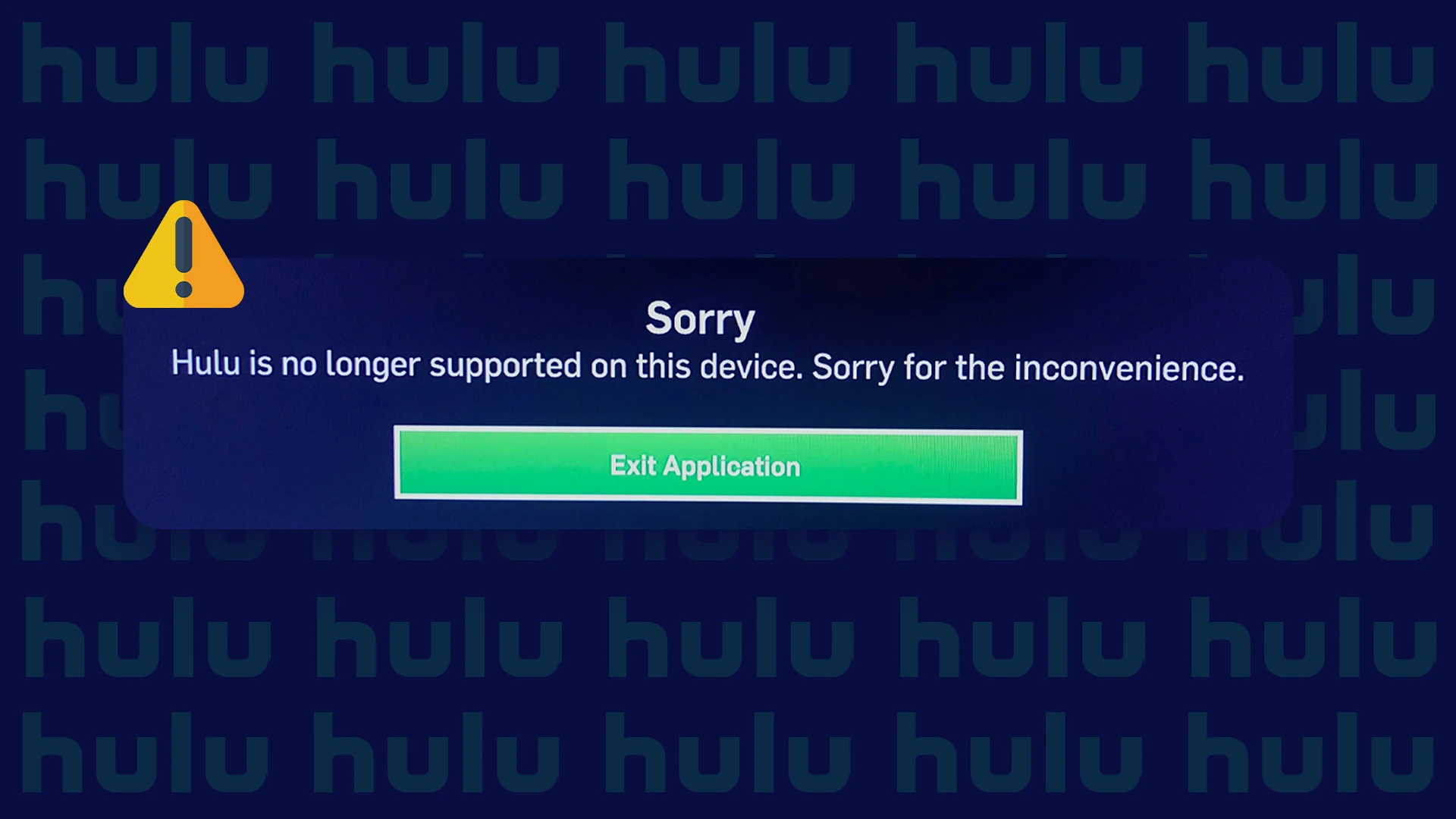
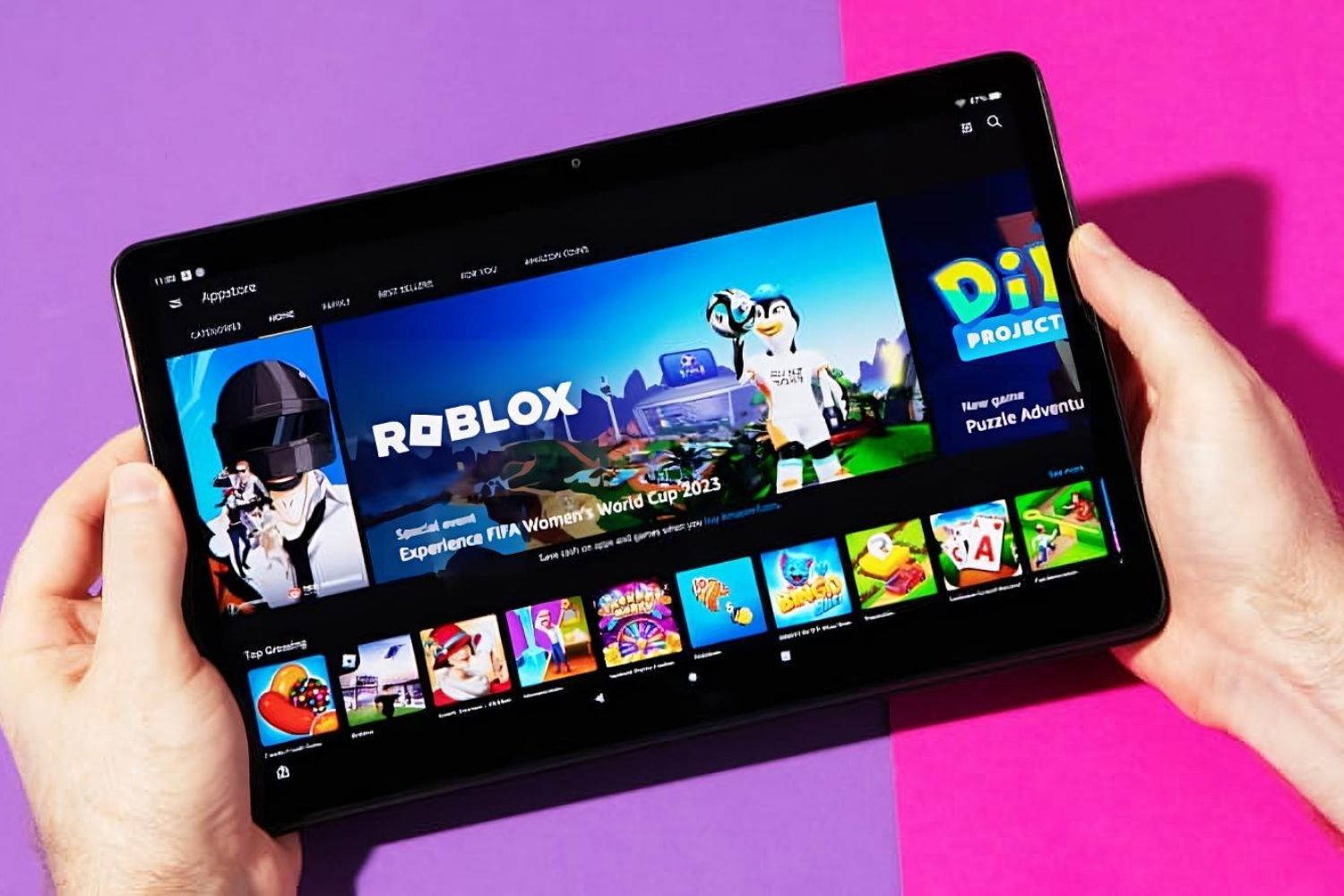
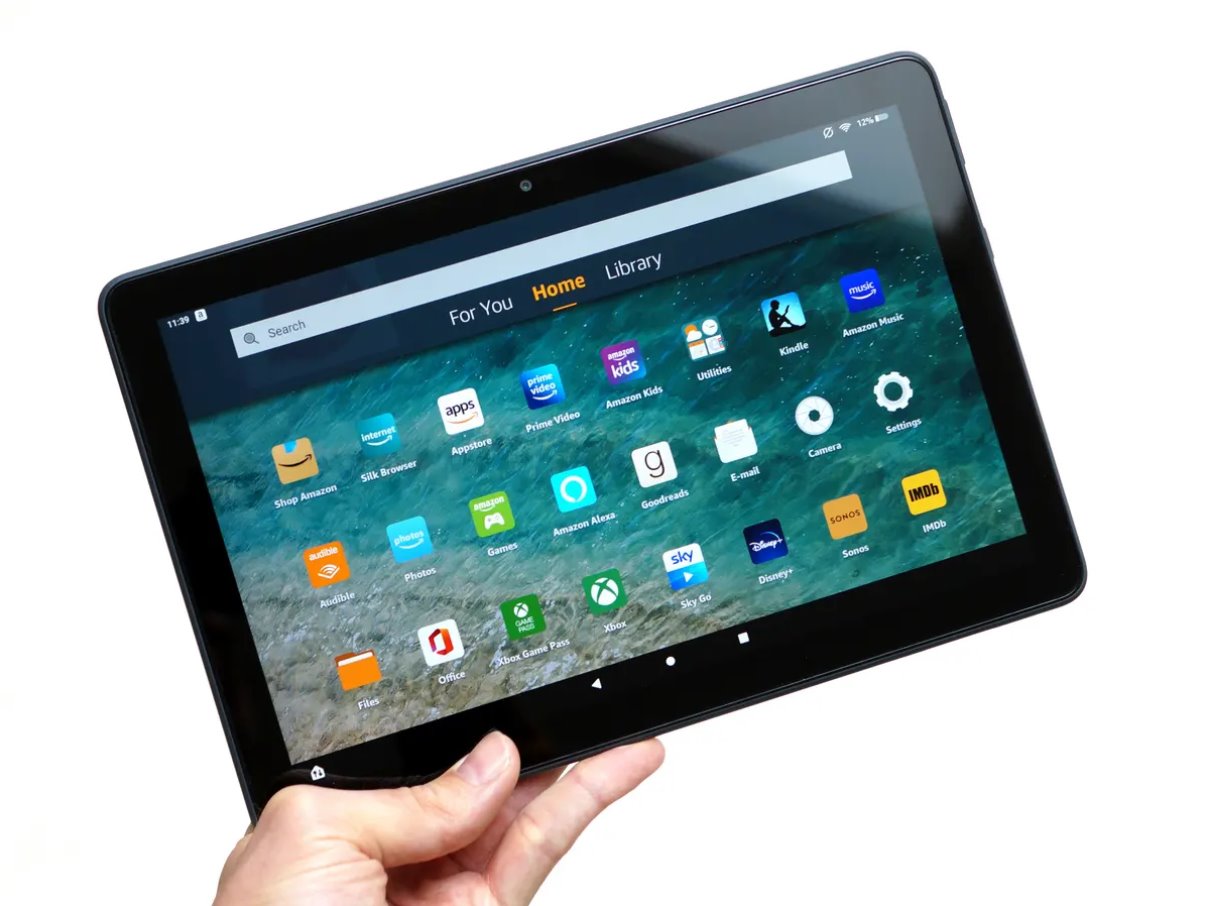
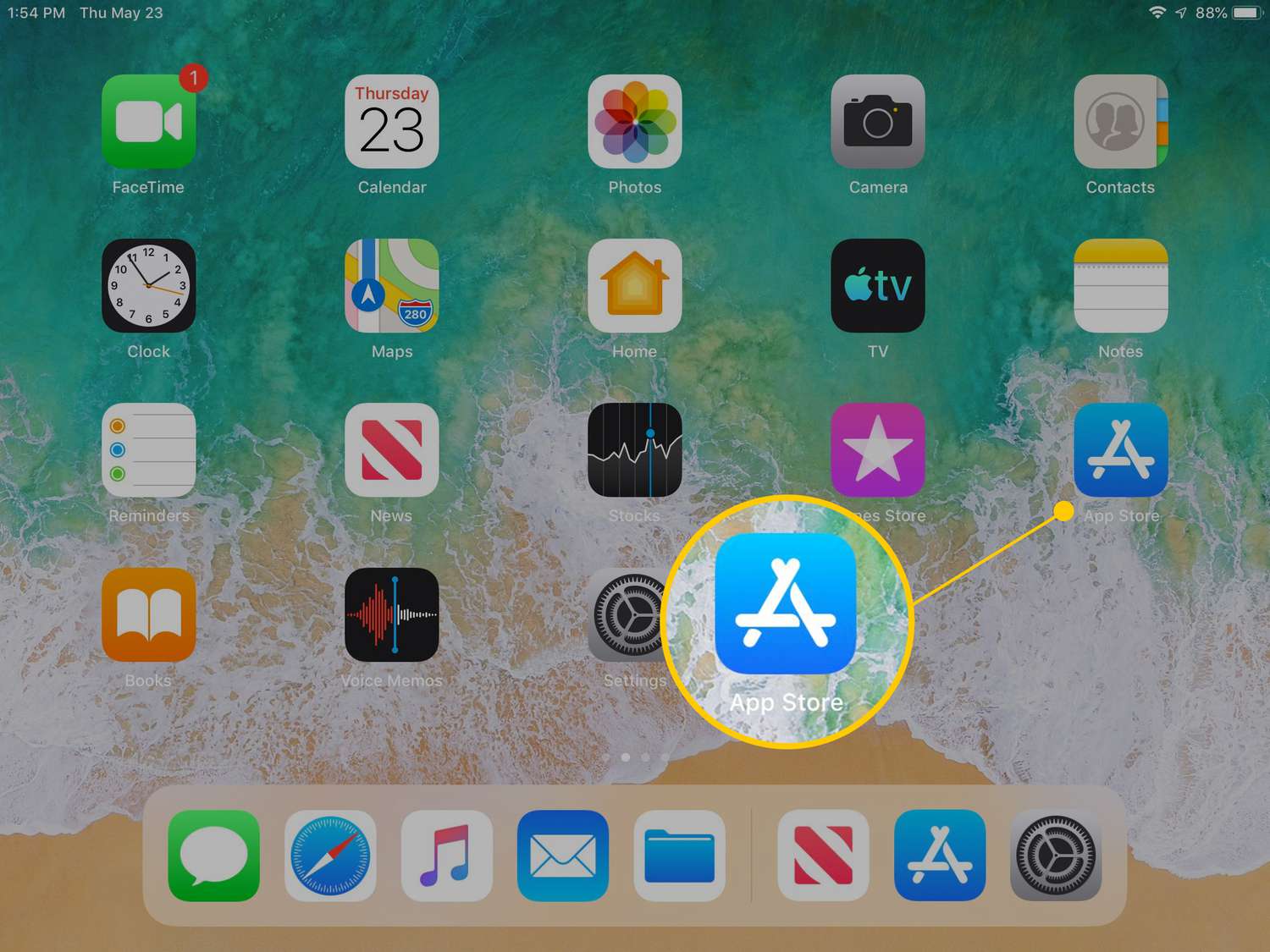
The pieces here fall into two main themes. The first is straightforward how-to guidance for updating or restoring apps on specific hardware, such as an Amazon Fire Tablet or an LG Smart TV. For example, you will find step-by-step instructions for updating Hulu on a smart TV, upgrading Roblox on a Fire tablet, or managing app versions on an iPad. The second theme addresses error messages and interface problems that can leave you stuck, like when a smart TV says Hulu is no longer supported, or when an Instagram poll sticker appears greyed out even after you have added a photo. These articles help you diagnose why a feature is missing or disabled and what your options are for getting back to normal.
Beyond the simple “press update” guides, several articles take a safety- and legality-conscious approach. For instance, rather than showing you how to pirate an older app version, the guide to downloading older versions on an iPad explains the legitimate routes Apple provides, such as using your purchase history or family sharing. Similarly, the article about Hulu no longer being supported on a smart TV focuses on understanding the difference between a device that is too old for the service and your alternatives, like using a streaming stick, rather than attempting an unsupported workaround. These pieces help you make informed, secure choices without resorting to risky or unauthorized methods.