This tag collects articles about getting more out of Android TV, Google TV, and other smart TV platforms, written for everyday viewers who want to manage their own devices without technical training. Whether you own a Sony, TCL, Hisense, Philips, or Sharp television, or you use a Chromecast or Firestick, these guides focus on practical tasks you can do safely and legally. The content is aimed at people who want to install or remove apps, adjust display settings, or connect other devices, not at users looking for risky workarounds.

The articles solve two main kinds of problems. First, they help you customize your home screen and app list: you can learn how to delete preloaded apps on a Hisense TV, remove YouTube from a TCL TV, clear cache on a Sony Bravia, or turn off safe mode on a Philips TV. Second, they cover connecting and streaming: you’ll find help with screen mirroring on a TCL, wirelessly connecting a laptop to a Sharp TV, and installing common streaming apps like Kodi, BeeTV, or Moviebox. Several pieces also address specific viewing questions, such as how to watch Fox News, Bravo, or MLB TV on your smart TV, and one explains the real difference between a Smart TV and a Google TV.

Some articles take a careful, security-minded approach. For example, instead of telling you how to bypass restrictions, the guides on “jailbreaking” a Chromecast or smart TV explain what that term actually means, why you should avoid unofficial modifications, and how to enable legitimate sideloading or developer options if you choose to. Similarly, the piece on downloading the Google Play Store on a Samsung TV focuses on official methods and safe alternatives. Throughout, the goal is to help you use your TV’s features fully, without voiding warranties, risking malware, or breaking your device’s terms of service.
How To Make Sony Bravia Smart TV

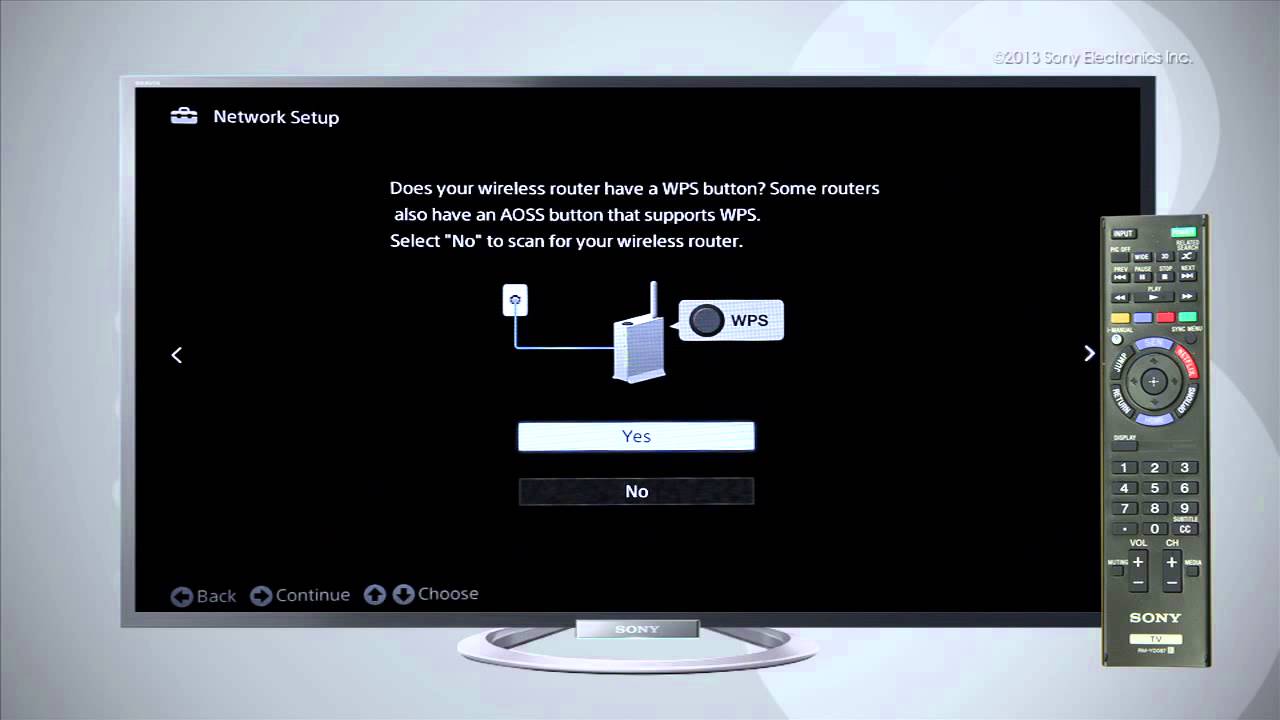
How to connect your Sony Bravia to Wi-Fi To connect your Sony Bravia to Wi-Fi, you need to access the TV's network settings and select your wireless network. The exact...

How To Jailbreak A Smart TV

To sideload apps on a smart TV means installing third-party applications that aren't available in the official app store, using the TV's built-in Developer Mode. This is what most people...

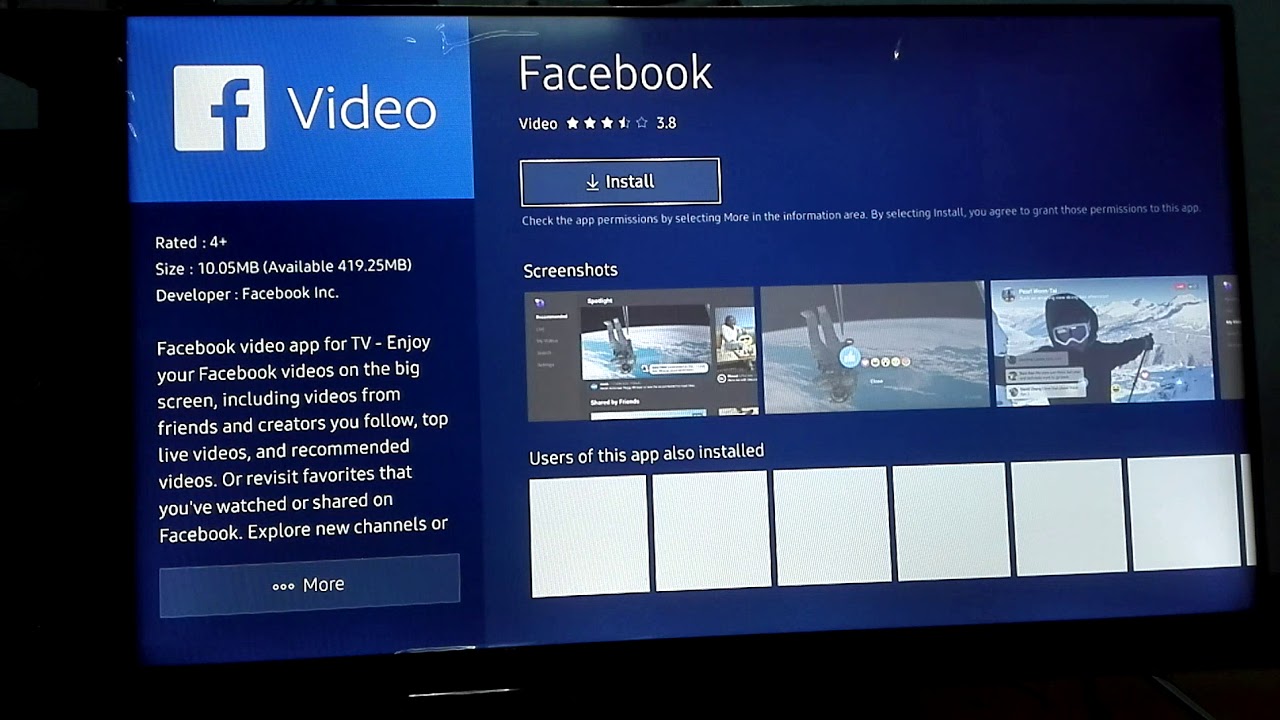
How To Install Facebook On Smart TV

If you want to watch Facebook videos on your television, you can no longer install a dedicated Facebook app on most smart TVs, so the best way to cast Facebook...

How To Download Live Net TV On Firestick

To download Live Net TV on Firestick, you need to enable apps from unknown sources and then use the Downloader app to sideload the APK. This process unlocks a vast...

How To Download Xfinity App On Sony Smart TV

You cannot directly download the Xfinity Stream app on a Sony Smart TV, as the app is not available for the platform. However, you can still watch your cable subscription...

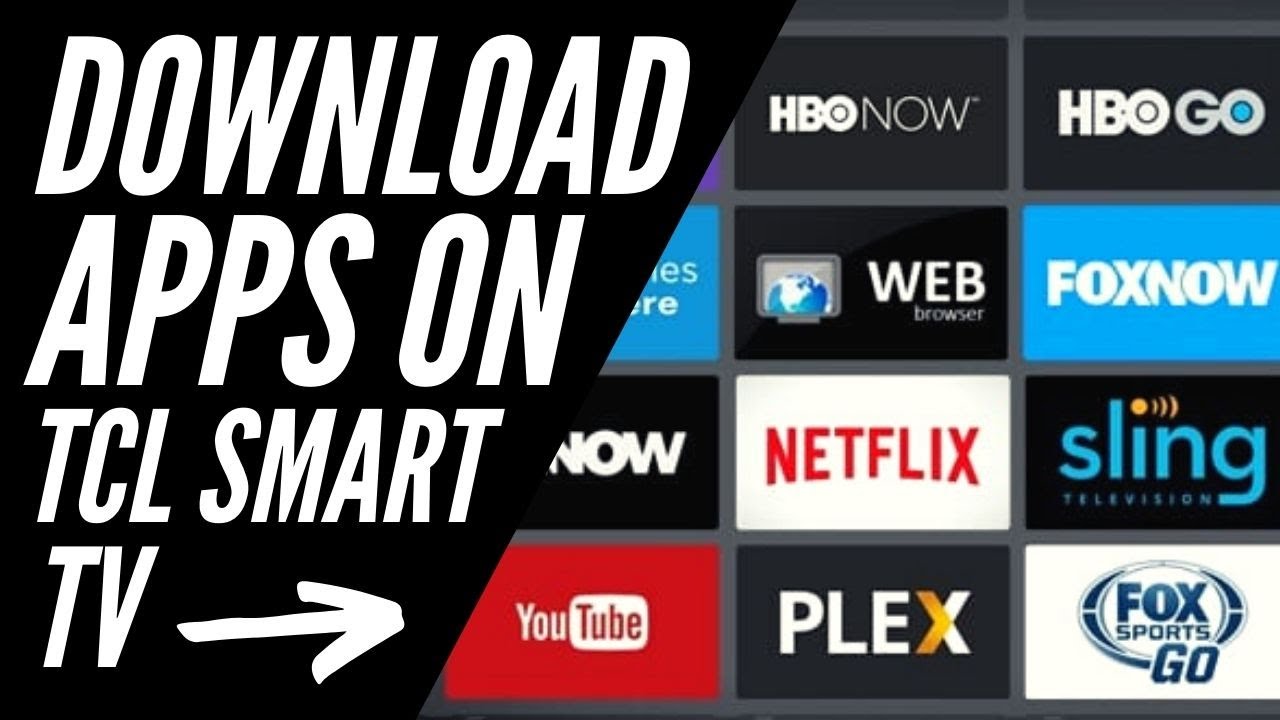
How To Download App On TCL TV

To download an app on a TCL TV, you must first know which operating system your TV uses, because the process differs completely between Roku, Android/Google TV, and Fire TV...

How To Download Apollo TV On Smart TV

To install Apollo TV on a smart TV, you need a compatible device and an active subscription paid for with Bitcoin. This guide covers the only native method for Android...

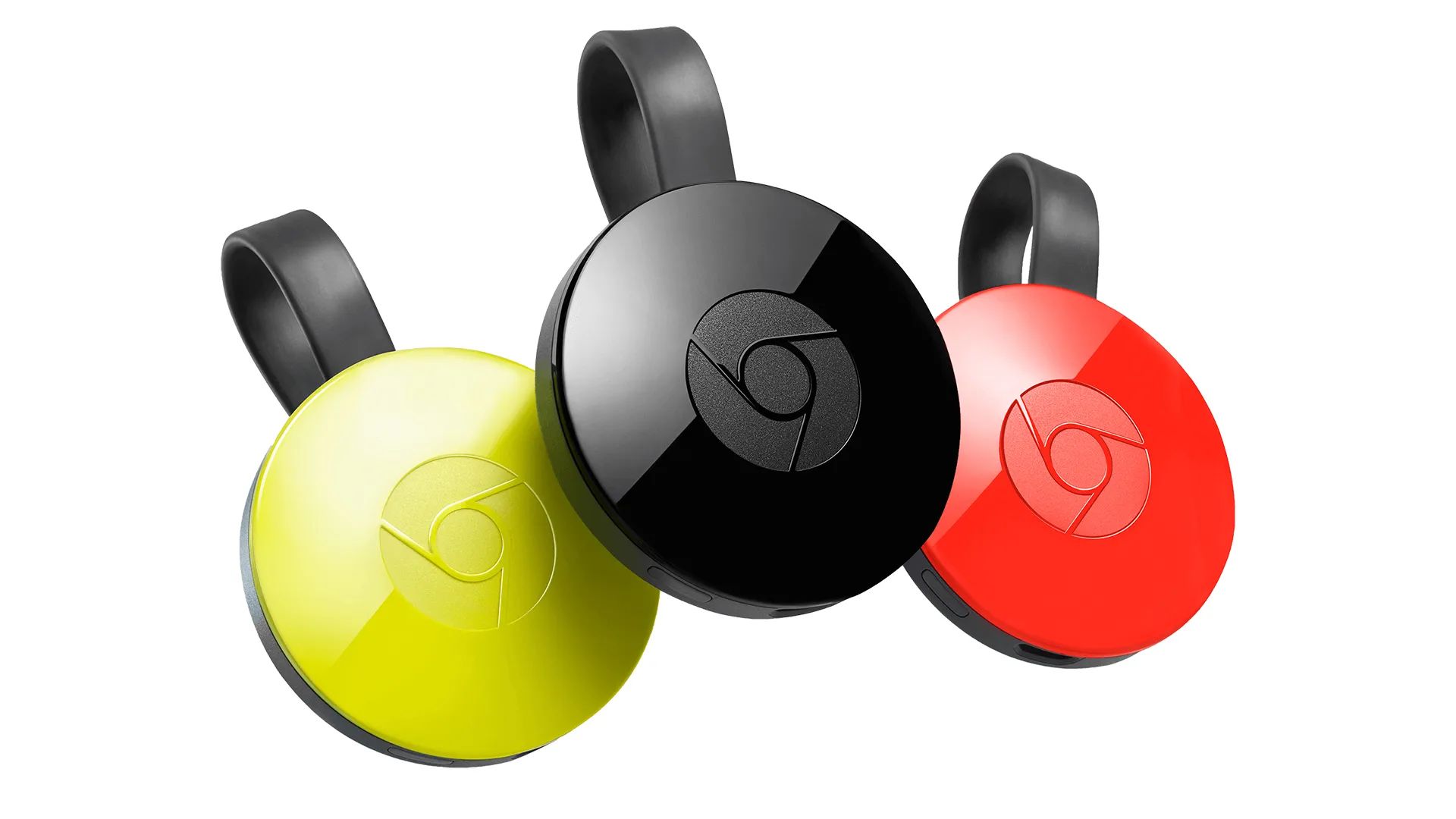
How To Jailbreak A Google Chromecast

How to sideload apps on a Chromecast with Google TV: An introduction To sideload apps on a Chromecast with Google TV, you don't need to perform a traditional jailbreak or...

How To Watch Bravo

The cheapest and easiest way to watch Bravo without a cable subscription is through a live TV streaming service. All of the major streaming platforms, Sling TV, YouTube TV, Hulu...

How To Watch Fox News

To watch Fox News live, you need either a TV provider login to authenticate on supported apps and websites, or a new FOX One direct-to-consumer subscription. This guide covers every...