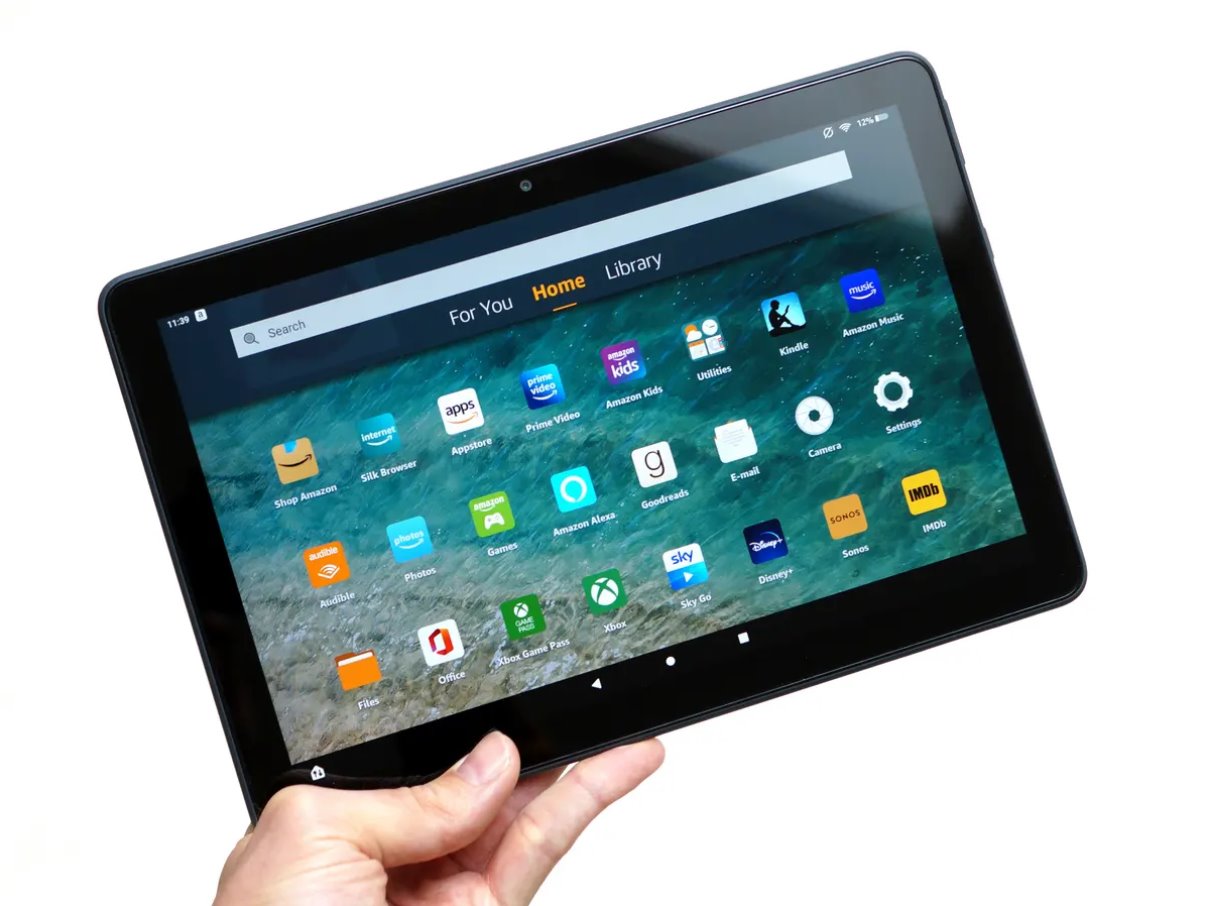
Getting apps and games onto Amazon devices, specifically Fire tablets and, in one case, Windows 11. This page is for anyone who owns a Fire tablet, manages one for a child, or wants to run Android apps on a PC. The guides focus on practical, everyday tasks like downloading, updating, and troubleshooting apps, so you can keep your device running smoothly without hunting through scattered support pages.
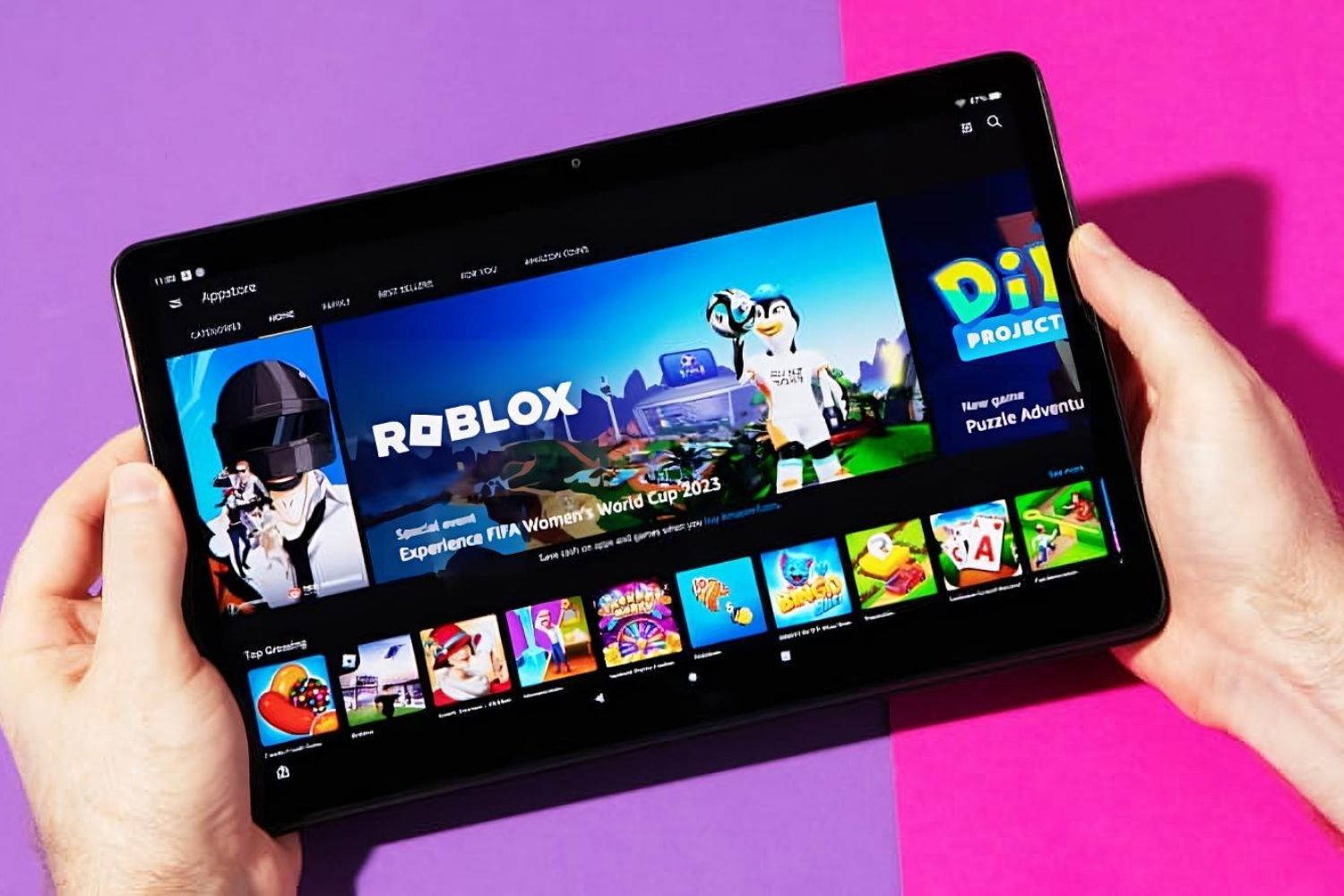
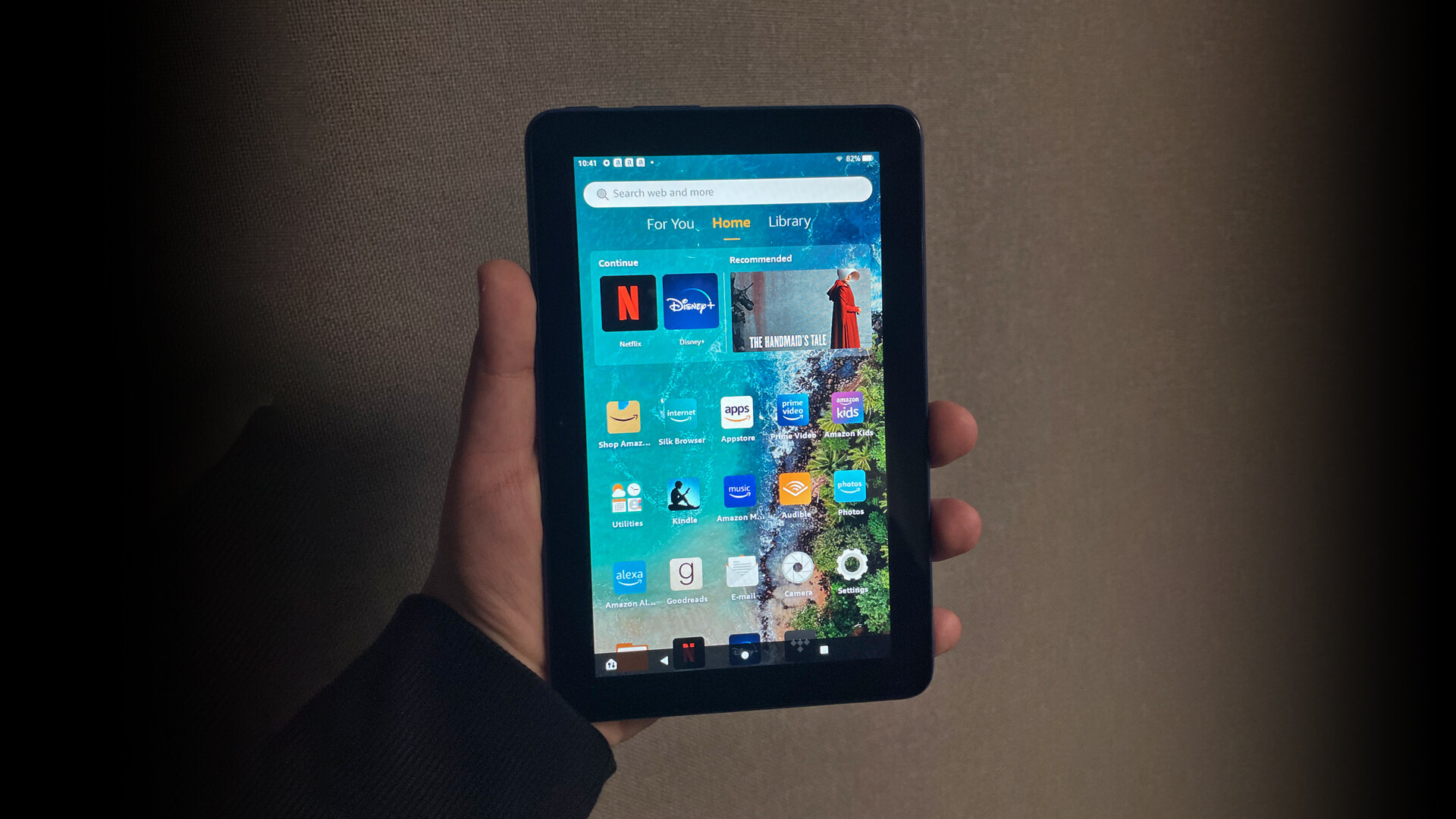
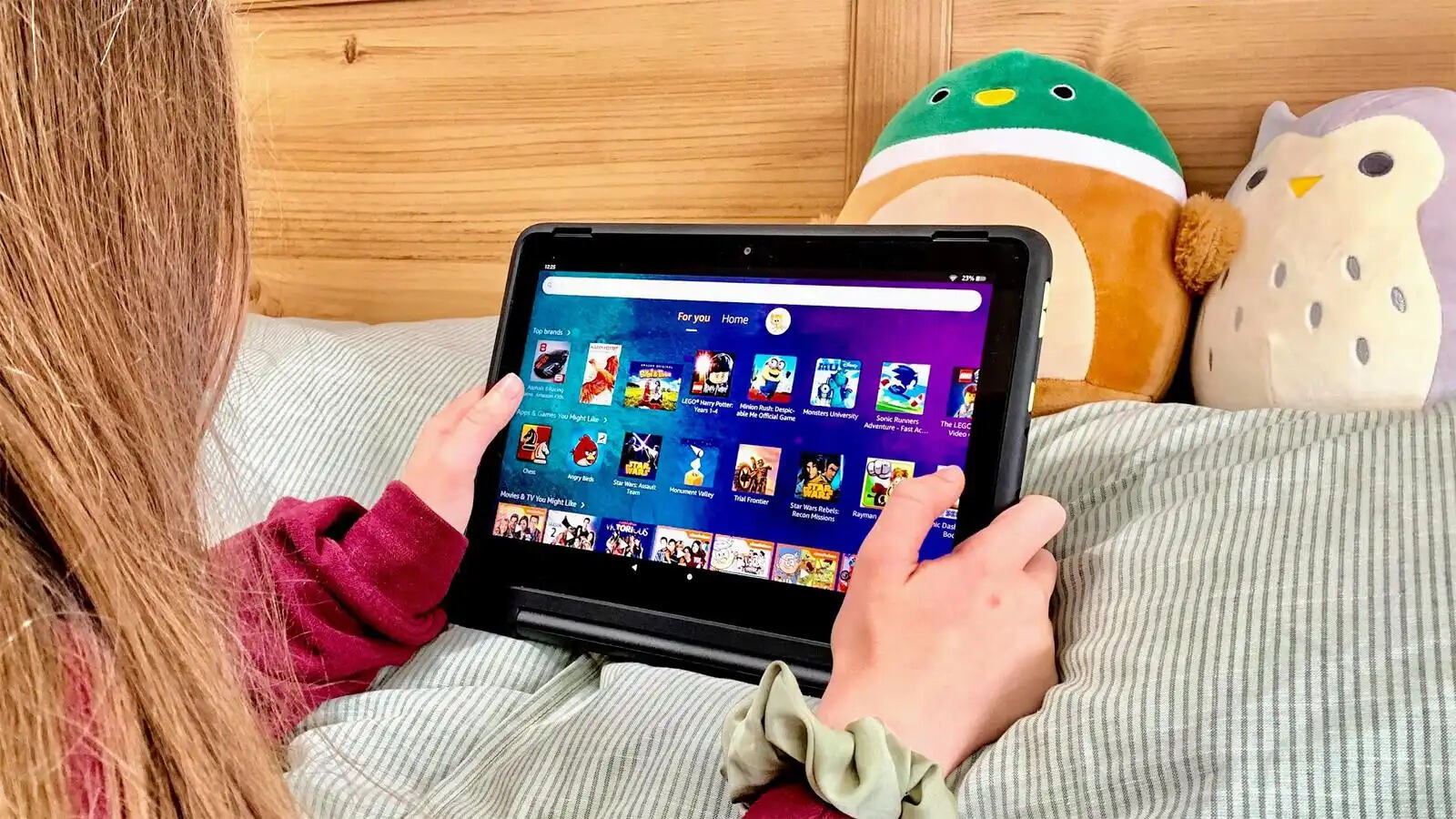
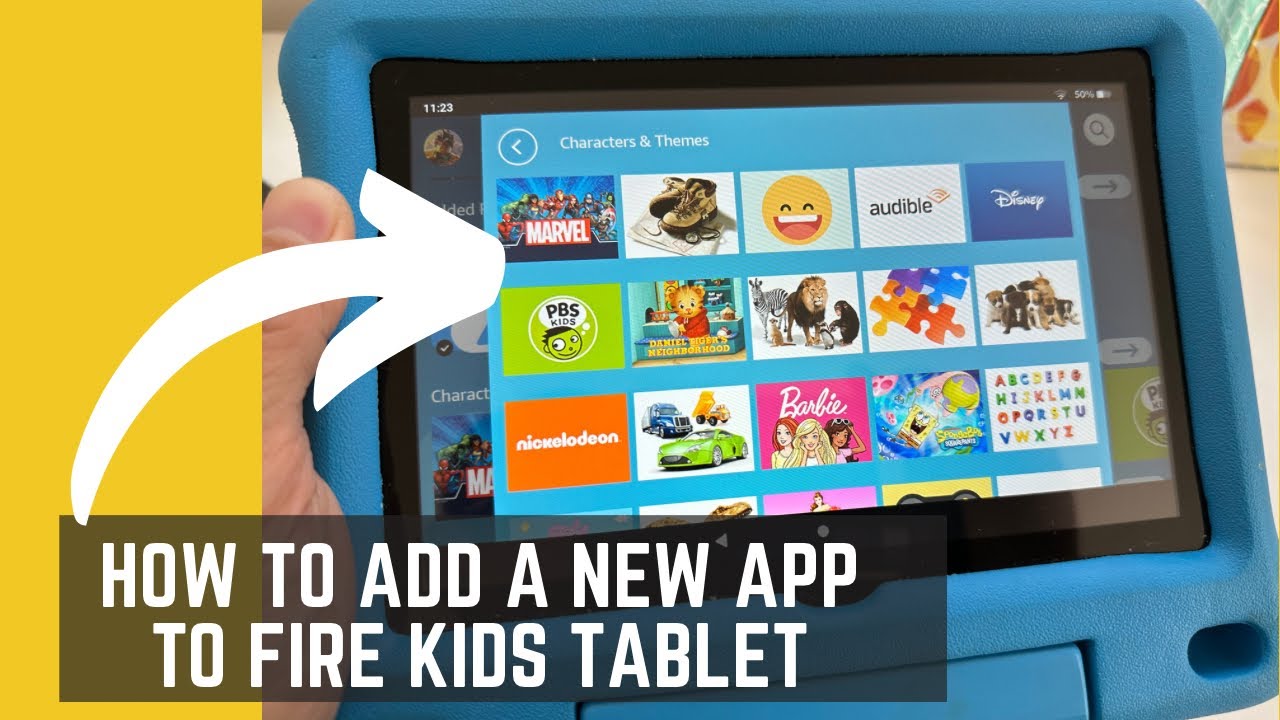
Two clear themes run through these articles. The first is installation and maintenance: you’ll find help with downloading games on a standard Fire tablet, updating apps on the same device, and adding services like Netflix. The second theme is device management for families and specific use cases. Several articles address kid-focused Fire tablets, covering how to download apps on a children’s profile, how to upgrade Roblox on a Fire tablet, and how to update Roblox on an Amazon Kid tablet. These are written from a safety and parental-control perspective, helping you manage what your child can access and keep their apps current within Amazon’s approved ecosystem, not as workarounds for restrictions.
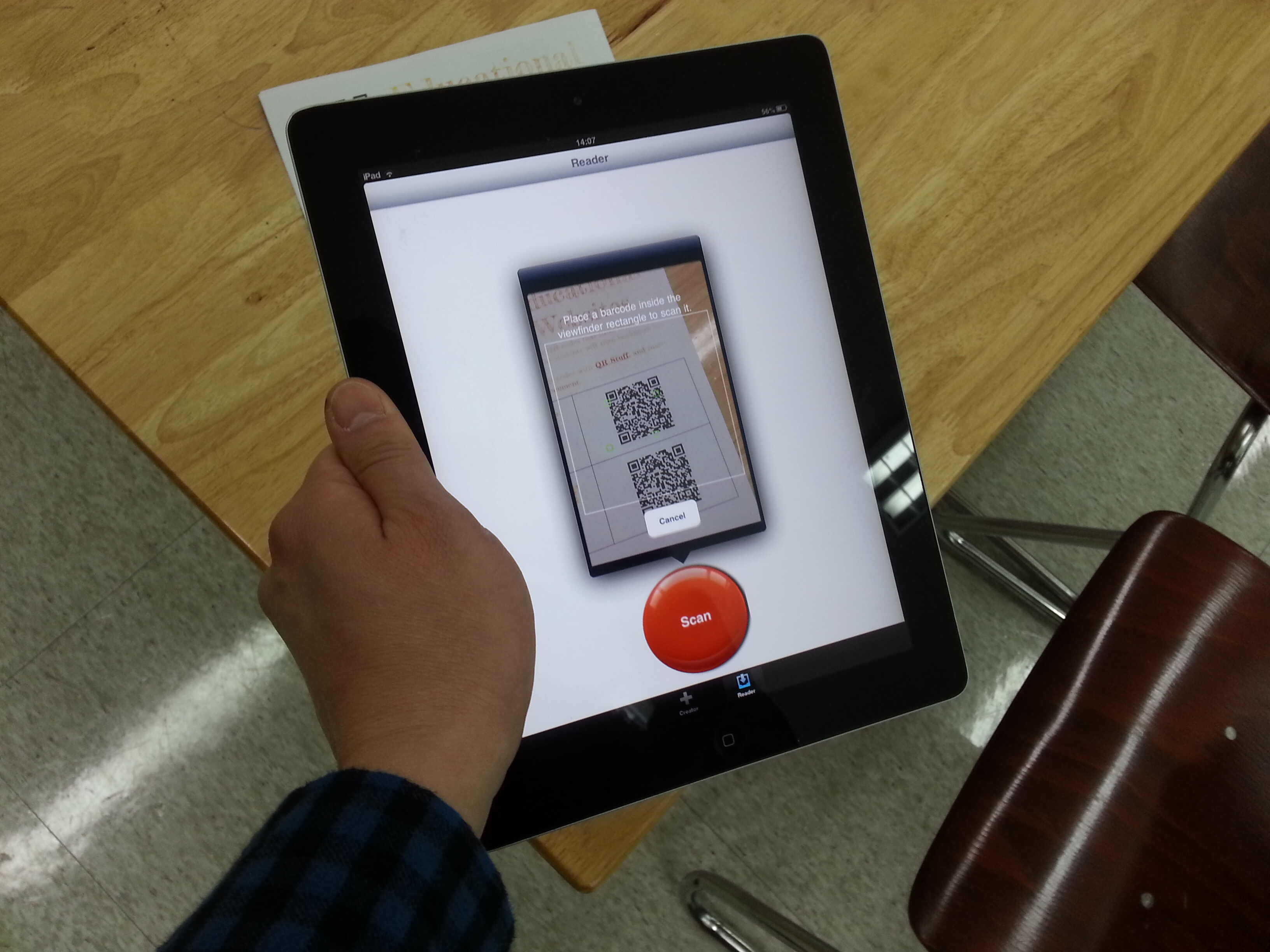
Other articles tackle common annoyances and compatibility questions. For example, you can learn how to scan a QR code on a Fire tablet, fix a task switcher that isn’t showing recent apps, and understand what to expect when running Android apps on Windows 11. Each piece is straightforward, step-by-step guidance aimed at getting a specific job done, whether that’s adding an app, updating one, or solving a display glitch, so you can move on with your day.