This tag collects articles about YouTube Premium, aimed at subscribers who want to get more out of their paid account or who are troubleshooting common issues with it. The content is written for everyday users, people managing their family plan, trying to watch videos offline, or wondering why they still see ads despite paying. If you use YouTube Premium on a phone, PC, or tablet, these guides address the practical questions that come up during normal use.
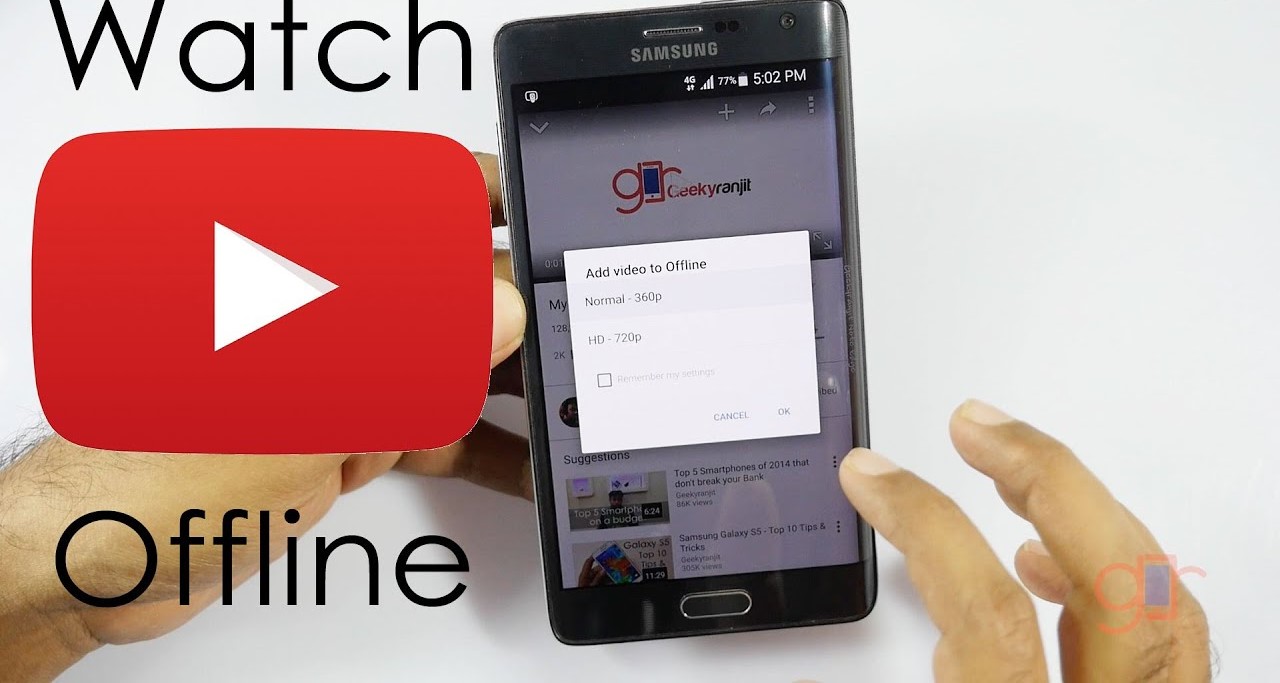
The articles fall into two main themes. The first is account and billing management: you’ll find help on changing your payment method, adding a new member to your plan, and understanding how many accounts can share one subscription. The second theme is offline viewing and downloading. Several pieces explain how to save videos for later on a PC or mobile device, how to download movies for offline watching, and how to grab YouTube Reels. A few also tackle specific annoyances, like why ads sometimes appear even with Premium, or how to stop playback from pausing when your phone locks.
Beyond the basics, some articles take a safer, more legitimate angle. Instead of showing risky workarounds, they cover how to download videos in 1080p using official methods, how to save blocked videos through legal alternatives, and how to use online tools without installing software. The focus is always on doing things within YouTube’s rules, helping you watch what you want, when you want, without breaking terms of service or compromising your device’s security.
![Top 4 Ways to Download YouTube Videos [For PC/Mac/Android/iOS]](https://robots.net/wp-content/uploads/2023/12/How-to-download-YouTube-videos.png)