Articles that help everyday users understand, control, and troubleshoot how they access the internet across different devices and situations. It is written for people who use a browser daily but do not necessarily work in tech, shoppers, travelers, parents, or anyone who has ever wondered why a “private” window behaves the way it does, or how to get online from a TV or tablet without a computer. The common thread is practical, real-world use: making the browser work for you, not against you.
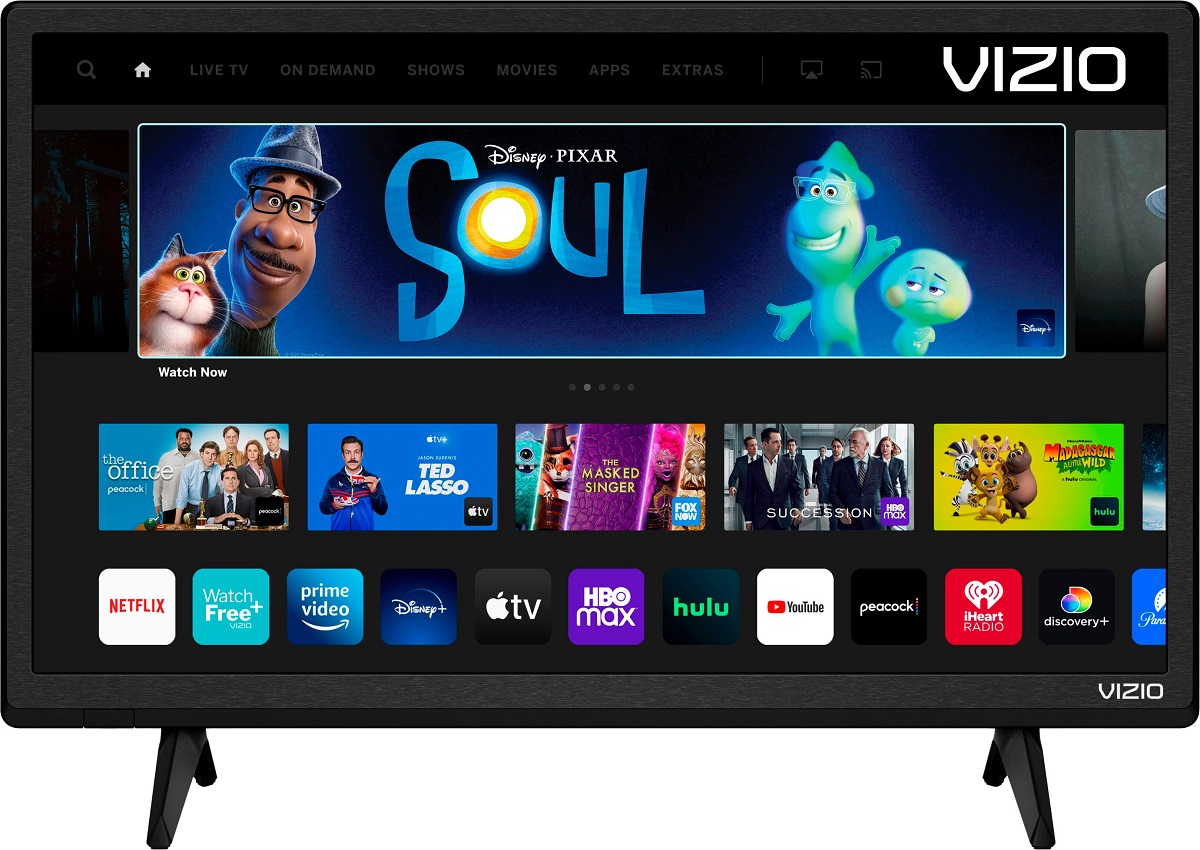
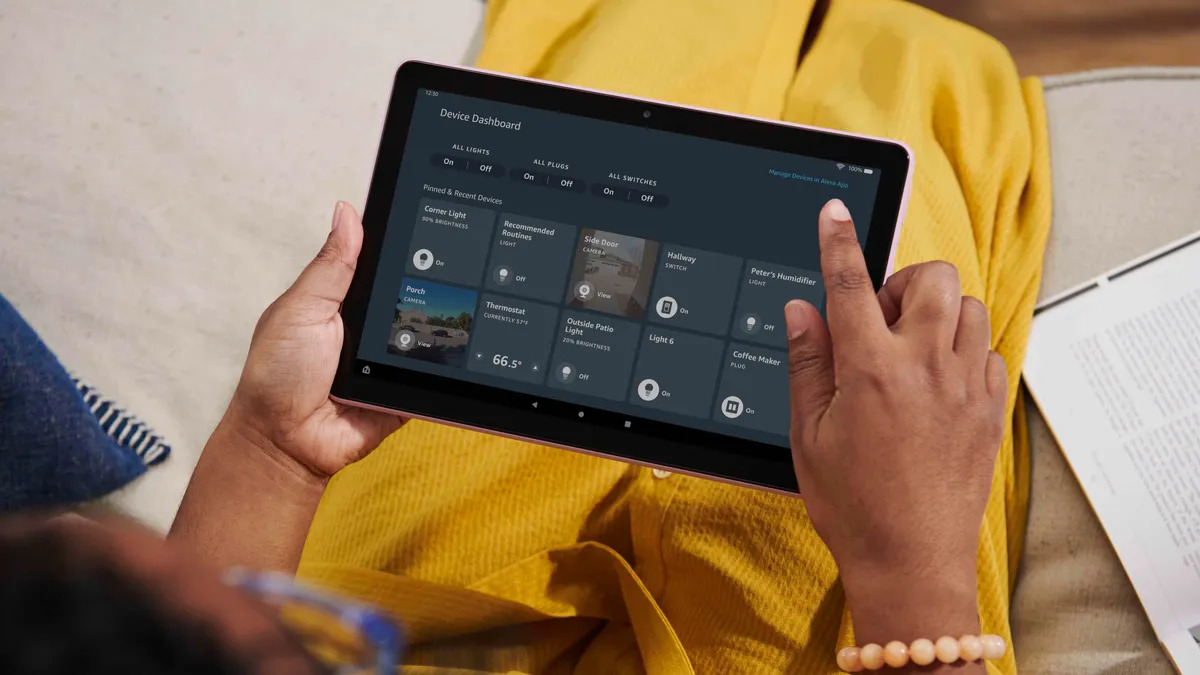
The articles here solve two main kinds of problems. The first is understanding what a browser actually is and how its features work under the hood. For example, “What Is A Web Browser” lays the foundation, while “The Truth About Incognito Mode That You Don’t Know” clarifies the real limits of private browsing, useful for anyone concerned about tracking or shared devices. The second theme is getting online from non-traditional hardware. “How To Browse Internet On Amazon Fire Tablet,” “How To Access Internet Explorer On Vizio Smart TV,” and “How Do I Browse Internet On Vizio Smart TV” walk you through setup and navigation on devices that are not a standard PC or phone. A third theme is everyday browser management: “How To Check Browser History On Android” helps you review or clear your trail, and “How To Book Flights In Incognito Mode” explains a legitimate, common practice for price comparison without implying any trickery.
Rather than teaching risky workarounds, these pieces focus on safe, supported methods, using built-in settings, official apps, or standard browser features. The final article, “Improving the Web: Building a Smarter, Safer, and Faster Internet,” rounds out the tag by looking at the bigger picture of browser performance and security. In short, this tag helps you browse more confidently, fix device-specific access problems, and understand the tools you already have.