This tag collects our guides to getting more out of the streaming apps built into your smart TV, whether you own an LG, Samsung, or another major brand. It is written for everyday viewers who want to watch specific channels or libraries without juggling extra HDMI cables, game consoles, or casting devices. The articles here focus on practical, supported methods, activating services you already pay for, using official app stores, and entering legitimate credentials.
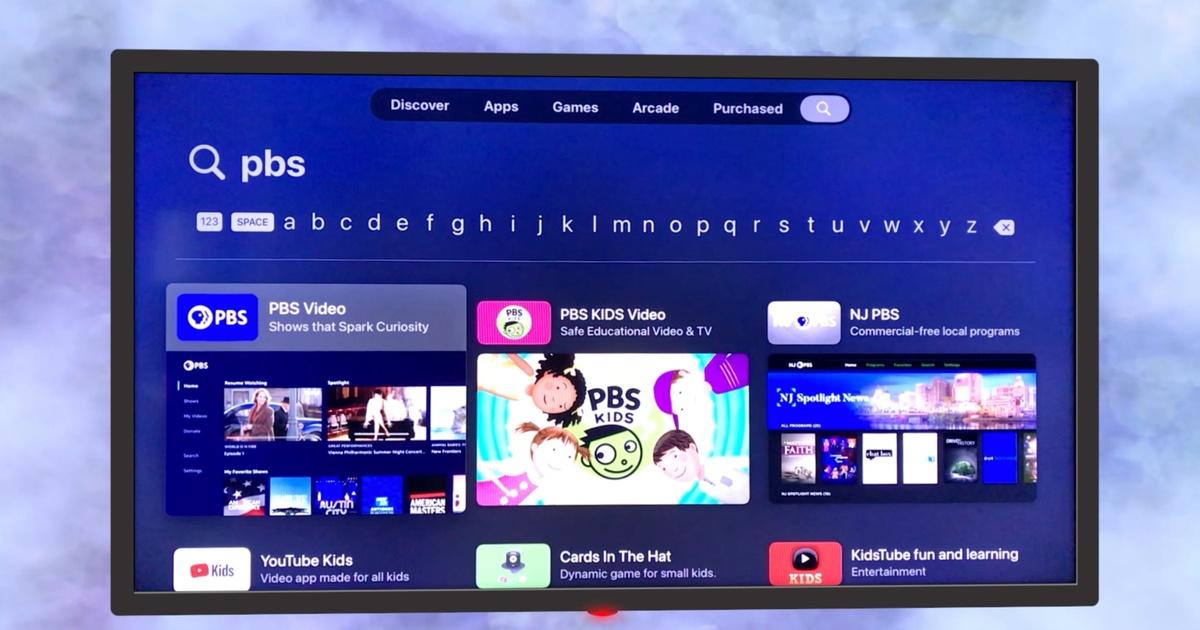
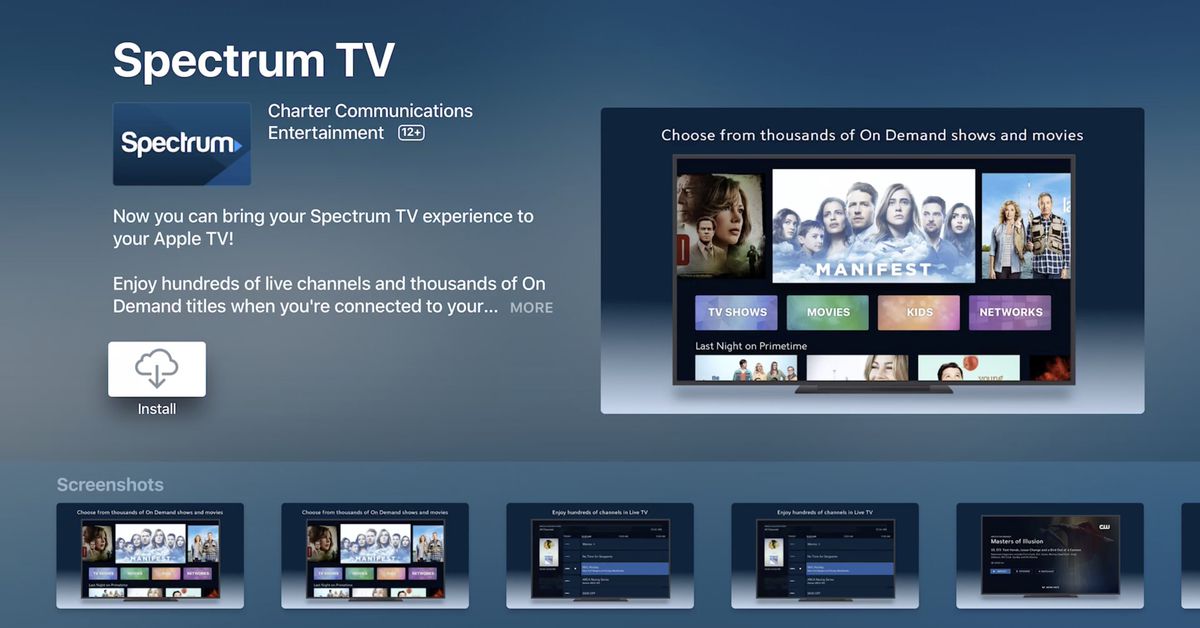
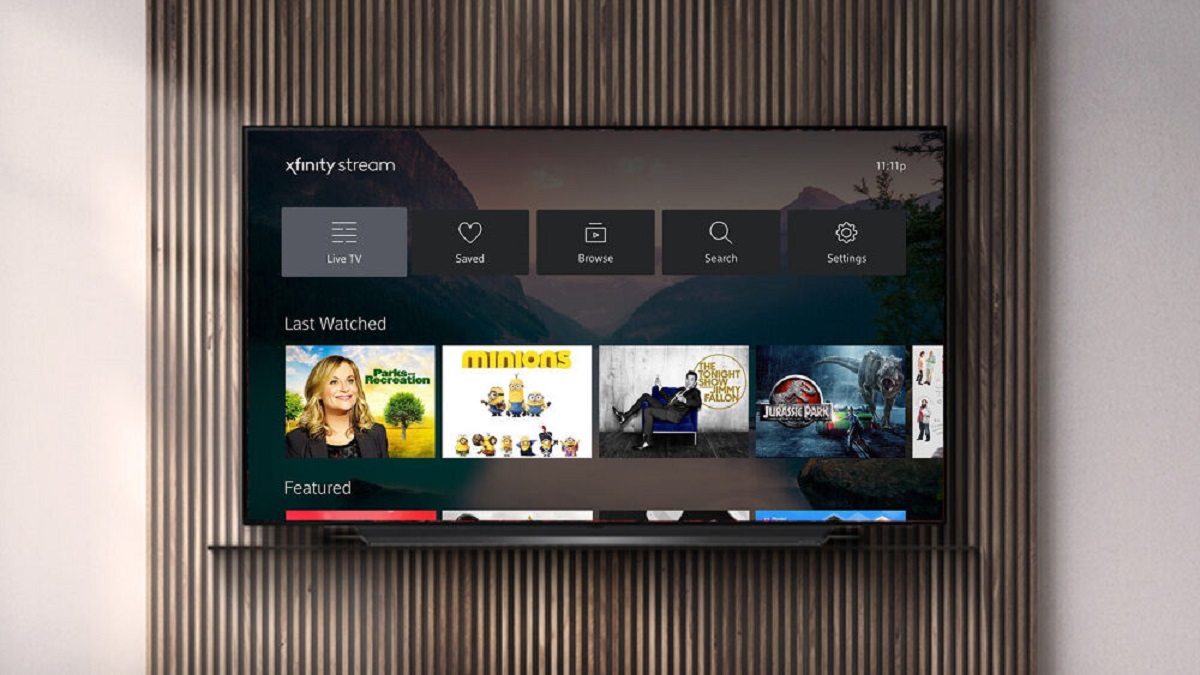
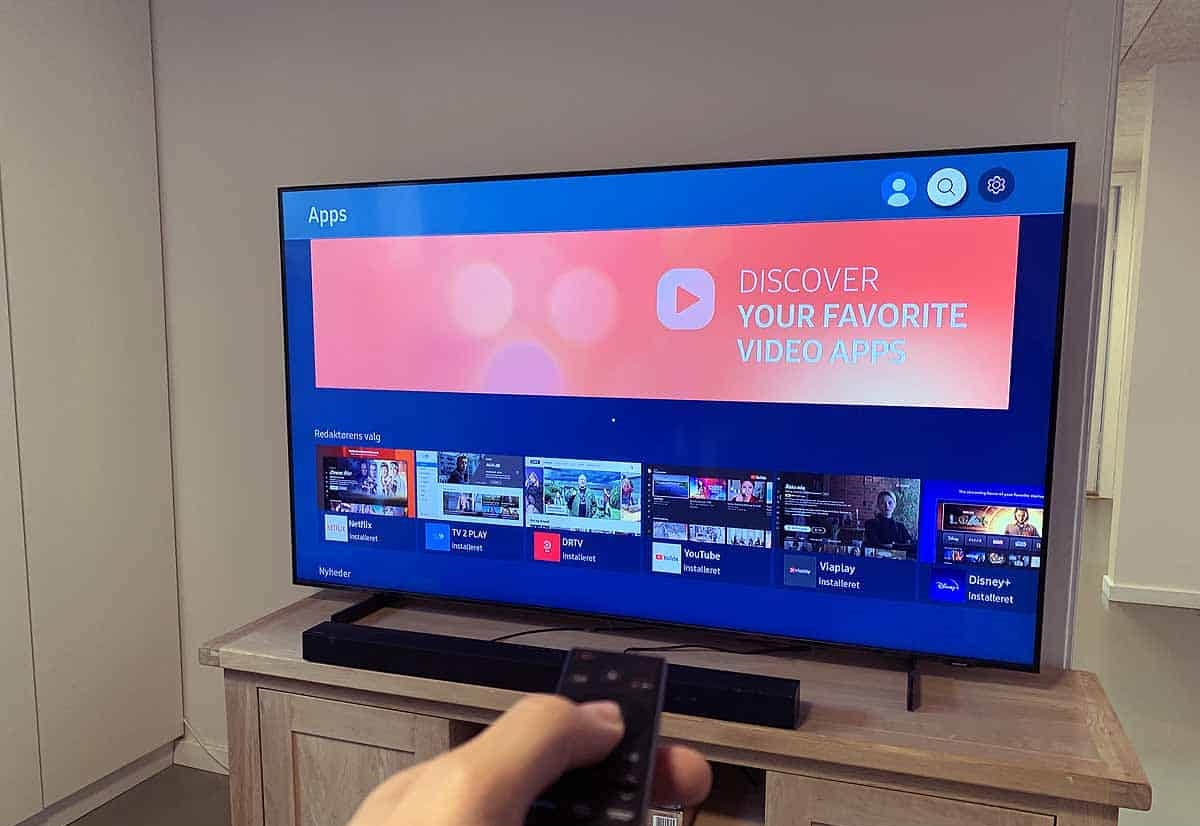
Several pieces help you solve the puzzle of accessing a channel you already subscribe to but cannot find on your TV’s home screen. For example, you can learn how to stream Xfinity on an LG Smart TV or watch Spectrum on a Samsung Smart TV by downloading the official apps and signing in with your provider account. Others tackle free, ad-supported options, such as how to watch Fox on Samsung Smart TV or get The CW on Samsung Smart TV, which typically involve locating the correct app and confirming your local station. A few guides also walk you through adding a specific service you might have overlooked, like PBS Passport on LG or Peacock TV on LG, making sure you use the right login flow and app version.
Finally, one article addresses a common workaround in a safe, legal way: using Netflix secret codes on a smart TV. That guide does not encourage bypassing any restrictions, it simply shows you how to use the hidden category shortcuts that Netflix itself supports in its search and browse functions, so you can find niche genres more easily. Across the tag, the goal is always to help you watch what you want through official, secure, and stable routes.