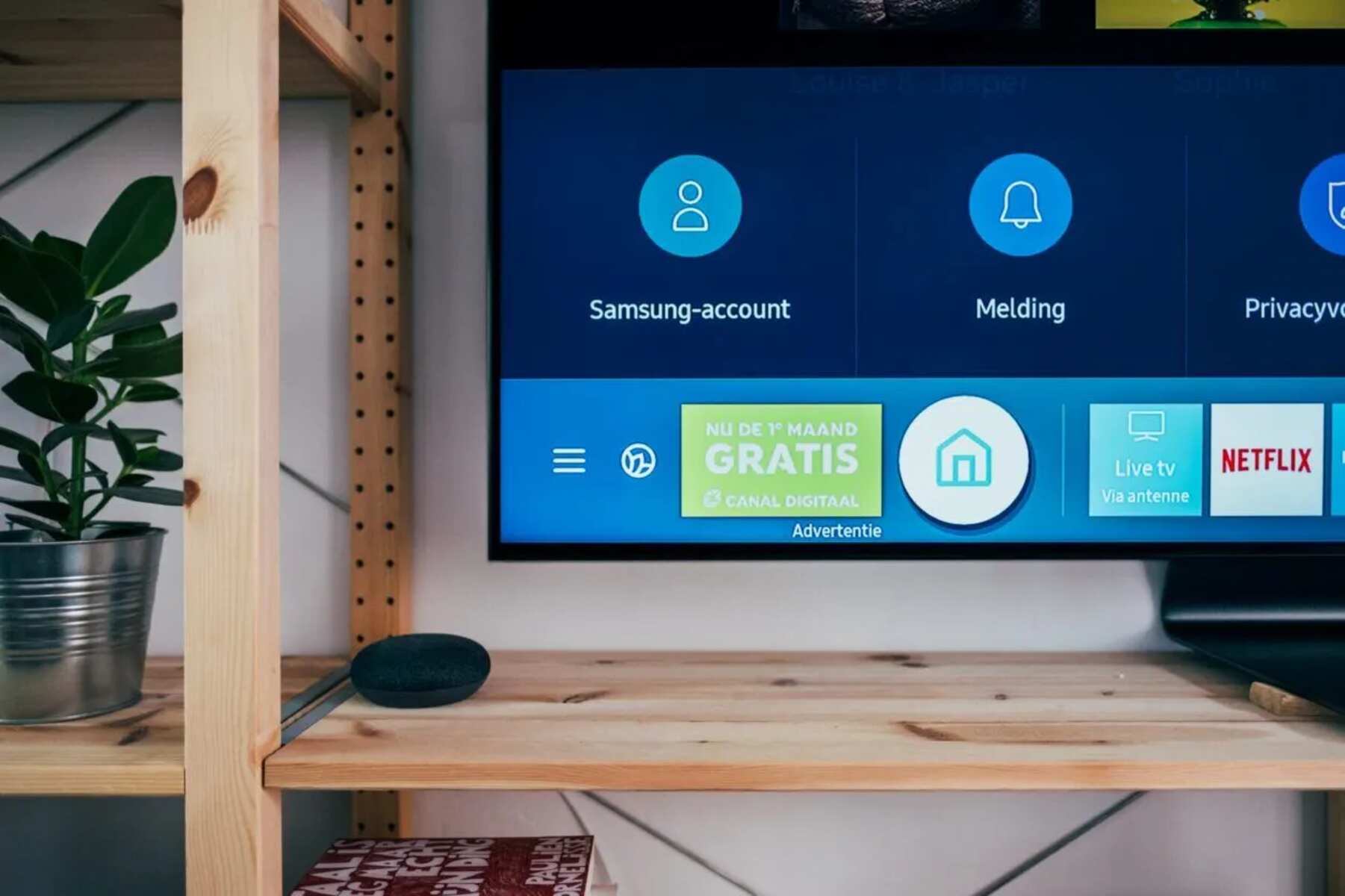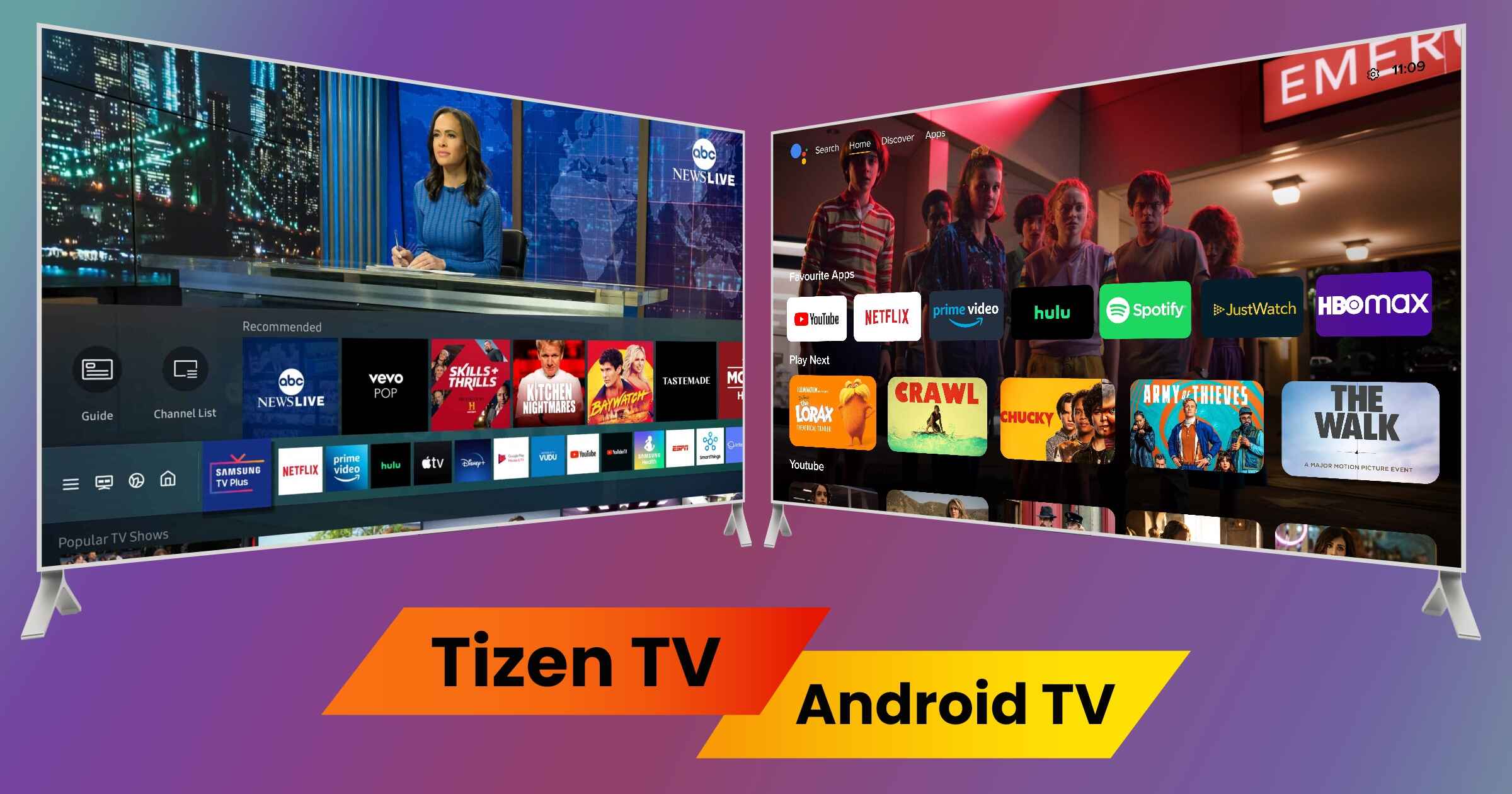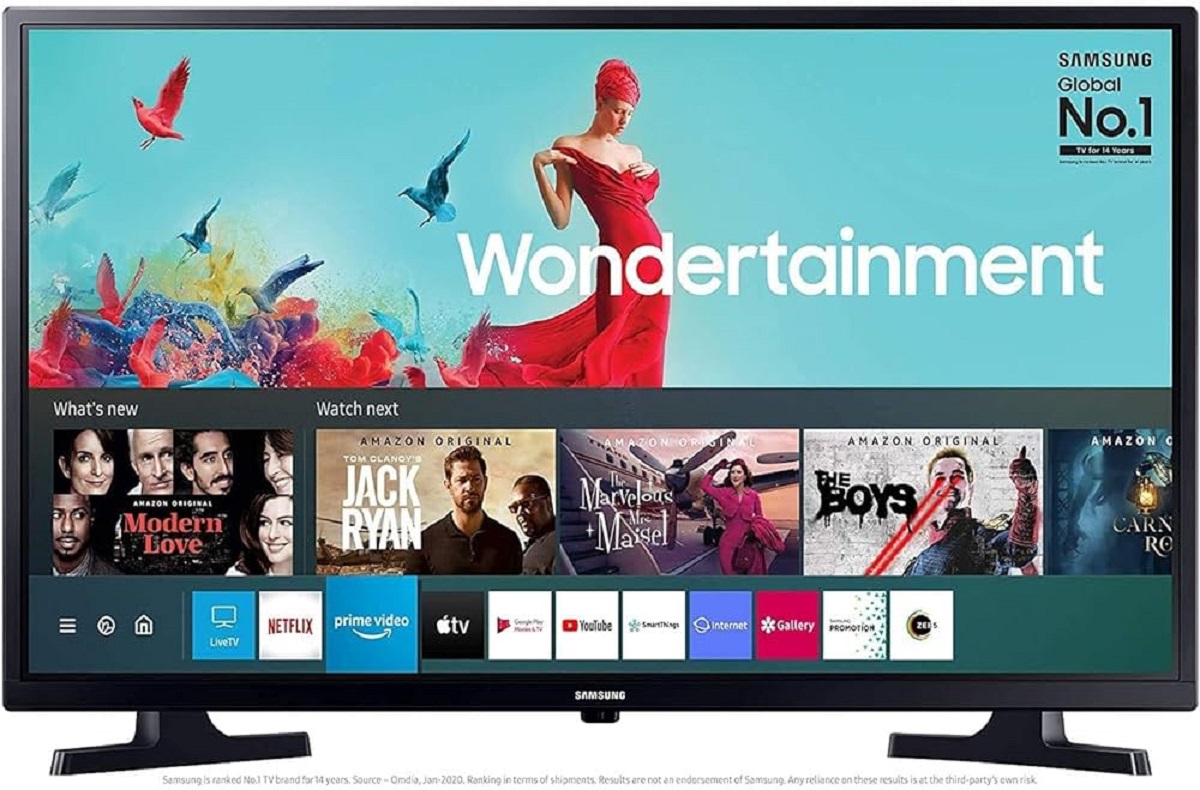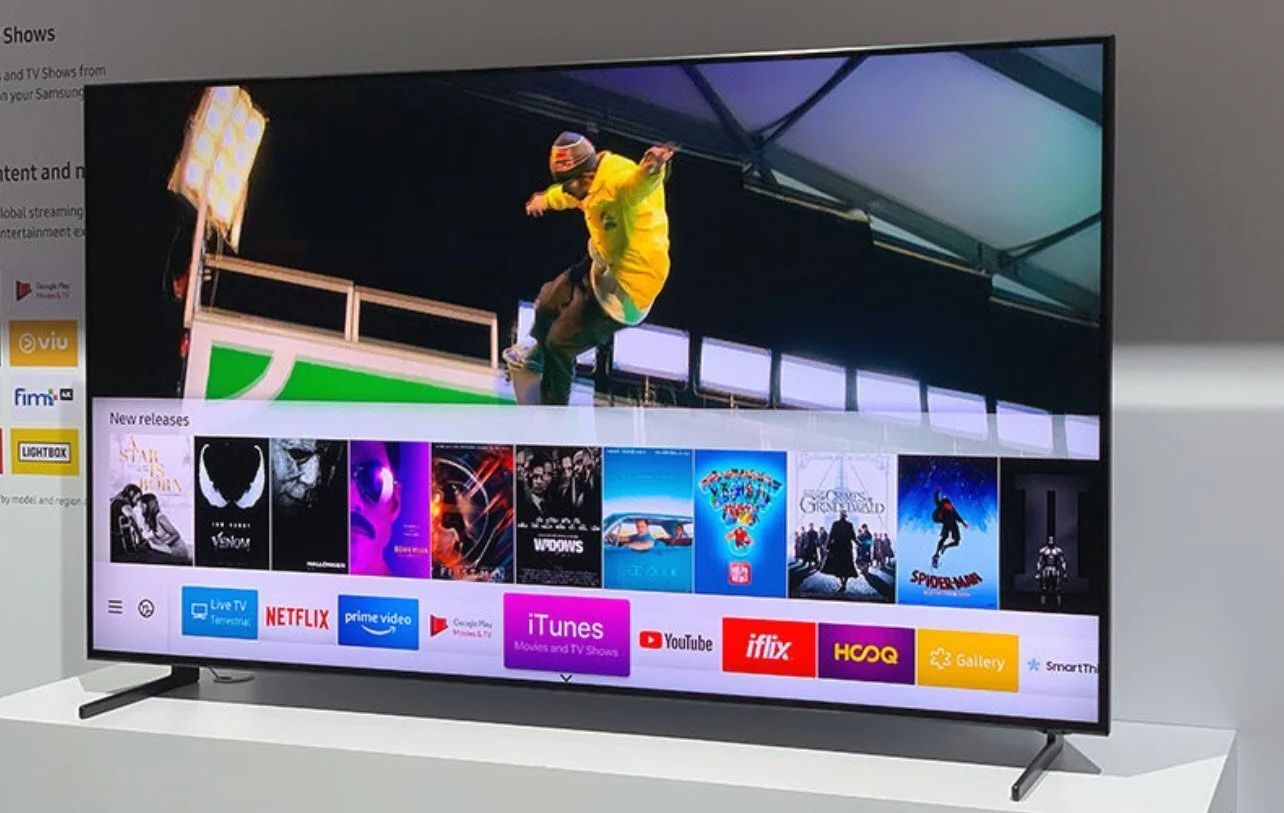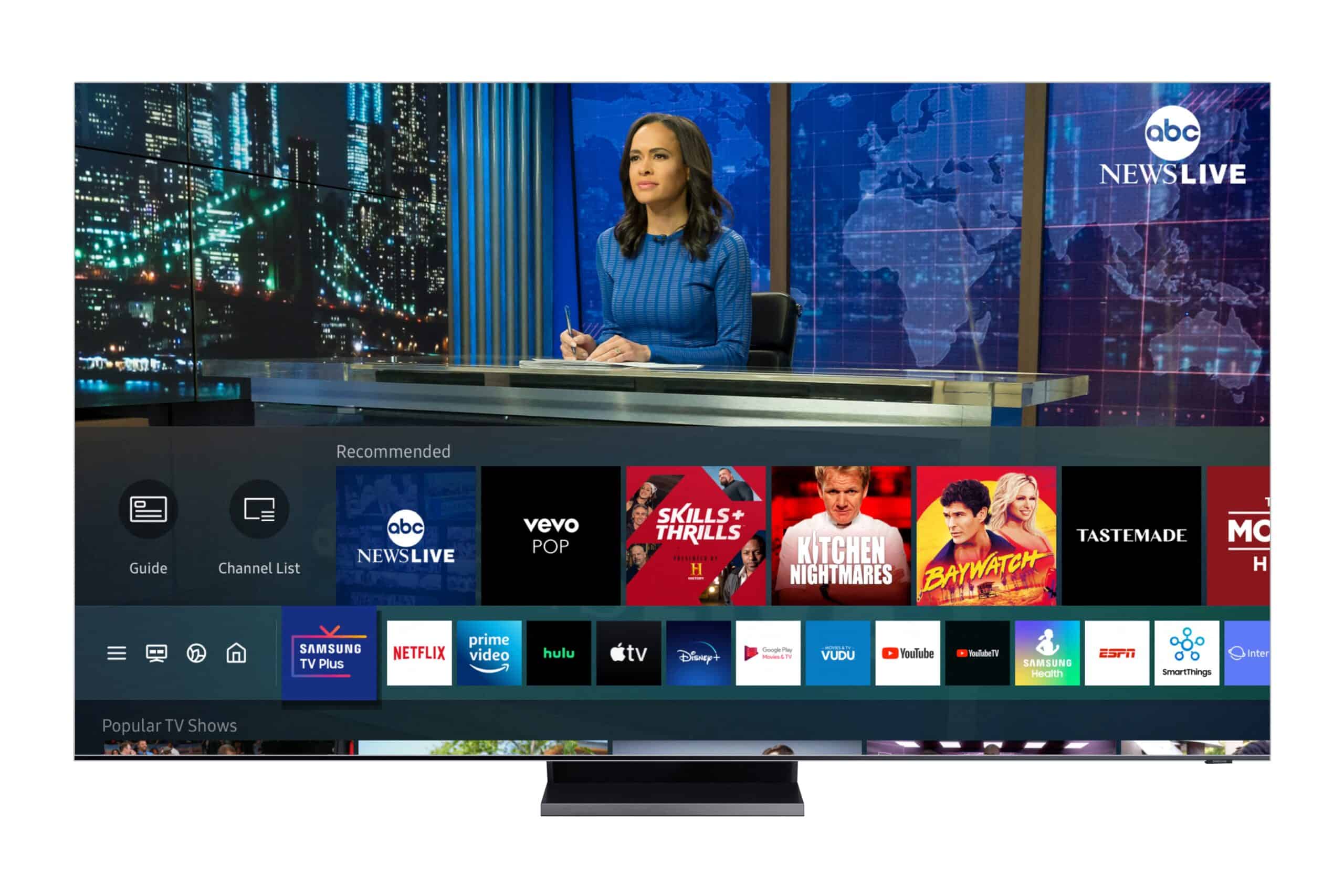
This tag collects articles about Tizen, the operating system that powers many Samsung smart TVs. It is written for owners of these televisions who want to get more out of their device, whether that means installing new streaming services, troubleshooting a frustrating error, or simply understanding how their TV works. The content is practical and aimed at everyday users, not developers or tech enthusiasts.
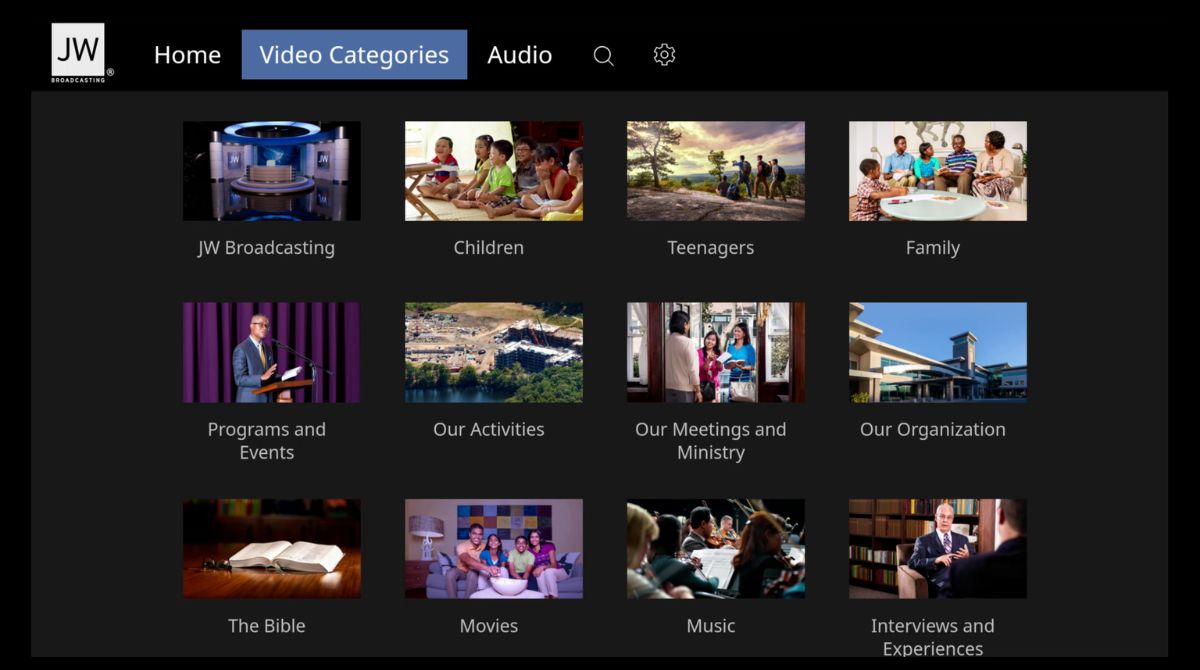
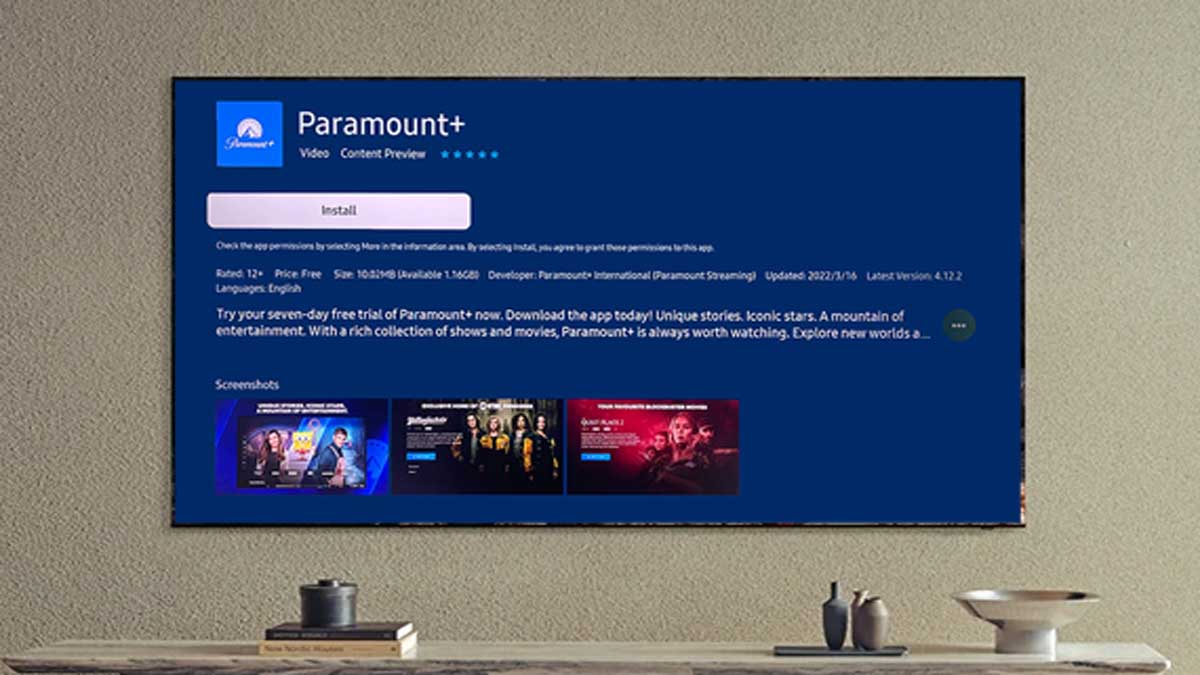
The articles primarily solve two kinds of problems. The first is getting specific apps onto the TV. Several pieces walk you through adding popular streaming services like Paramount Plus, YouTube TV, and the Fios app, while others cover less common ones like the JW.Org app or Apollo TV. A second theme is understanding and fixing the TV itself. You will find explanations of what Tizen is, how it differs from other smart TV platforms, and guides for everyday tasks like using the virtual keyboard or connecting an antenna to a QLED model. There is also help for when things go wrong, such as a dedicated piece on why a Tizen app might crash or stop working.
Beyond straightforward installation, some articles address legitimate access concerns. For example, the guide to getting the JW.Org app helps you install a free, official app, and the piece on Apollo TV is presented as a way to use a media player, not as a means to bypass copyright. The article on adding an antenna is about receiving free over-the-air broadcast television, which is a legal and common alternative to cable. The tag does not cover hacking, sideloading unsupported software, or any method to circumvent content protection.