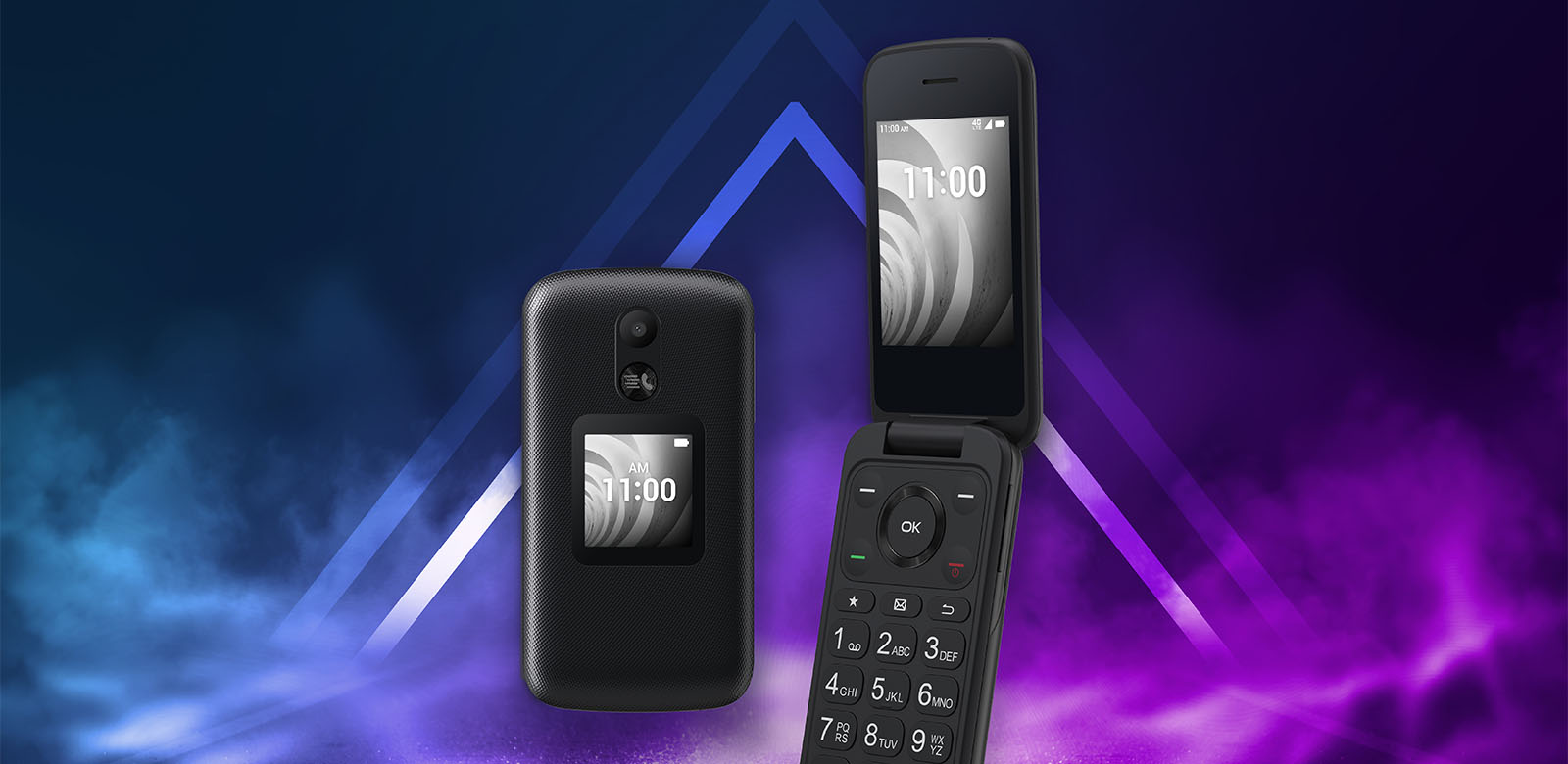
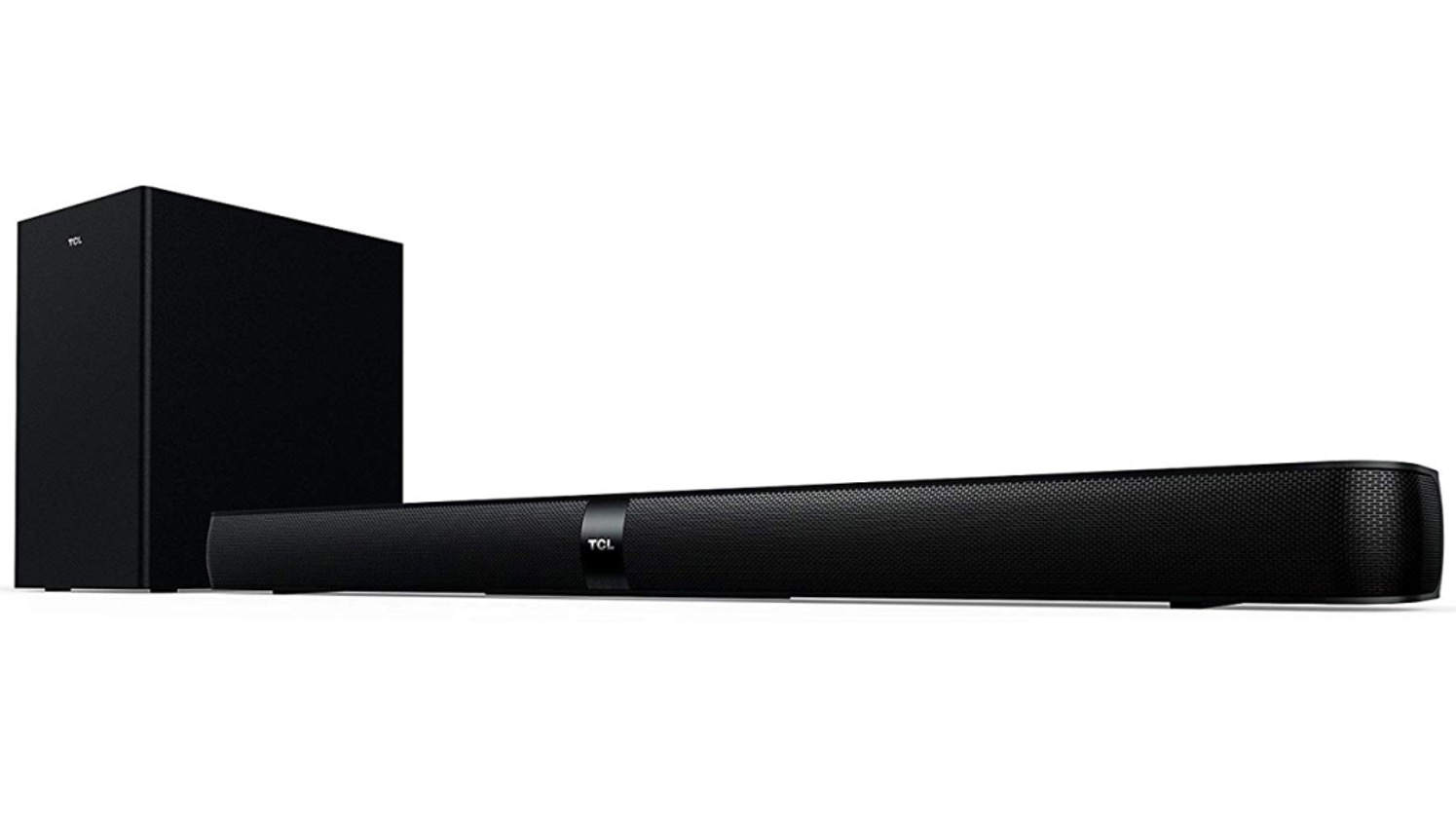
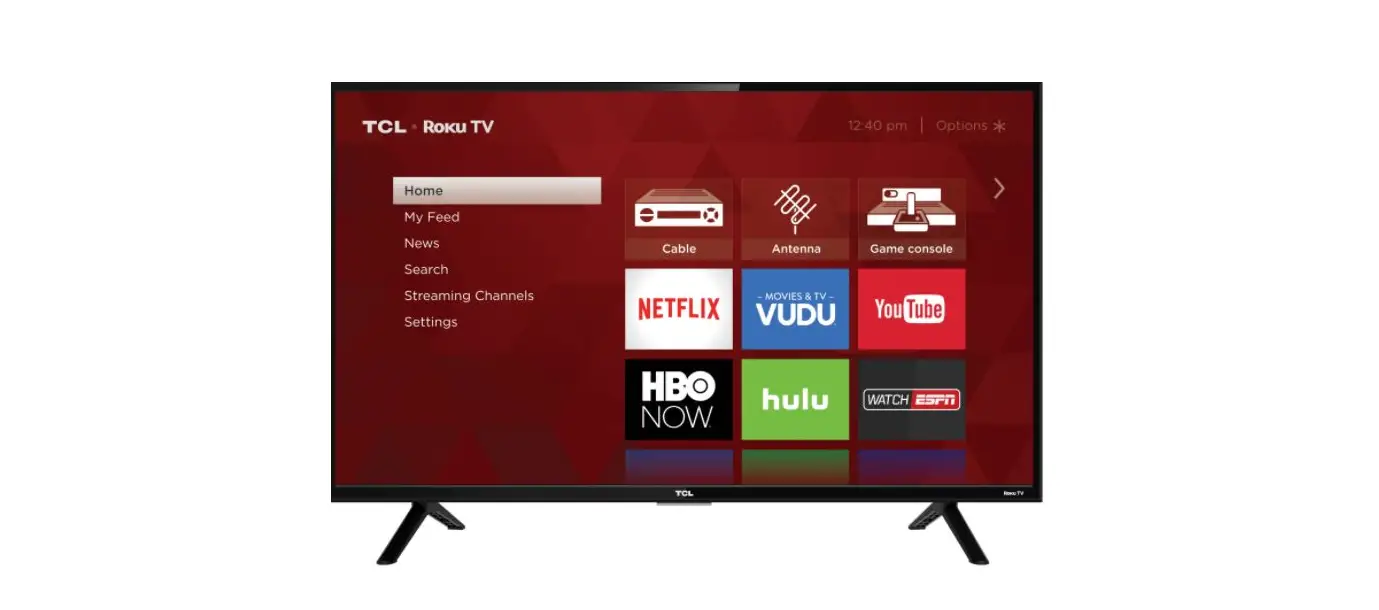
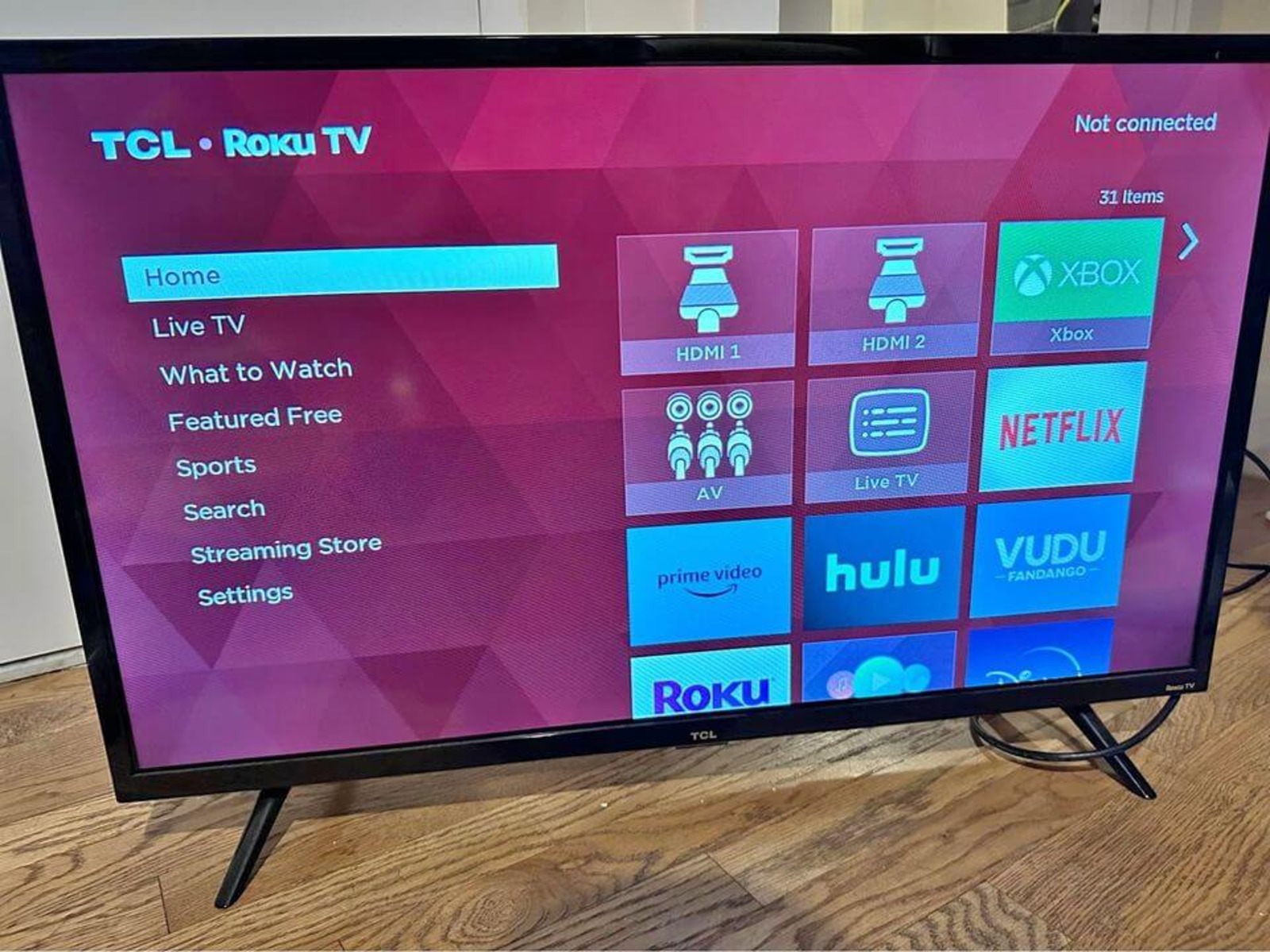
This tag pulls together all of the practical, everyday help on Robots.net that mentions TCL hardware, whether you own a TCL television, a soundbar, or even a TCL flip phone. It is written for the average owner who wants to get their device working without calling tech support or digging through a manual. The articles here are short, task-oriented guides that assume no prior knowledge, so they are just as useful to a first-time smart TV buyer as to someone who has had the same TCL for years and finally wants to change a setting.
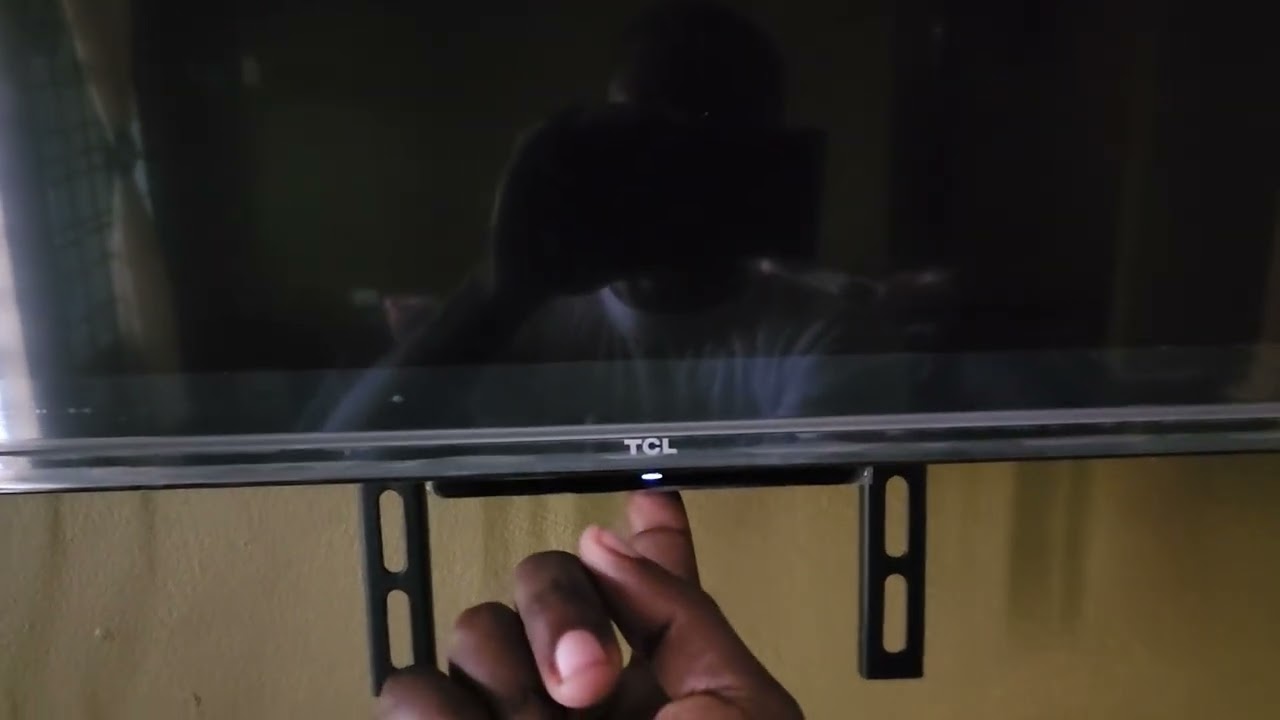
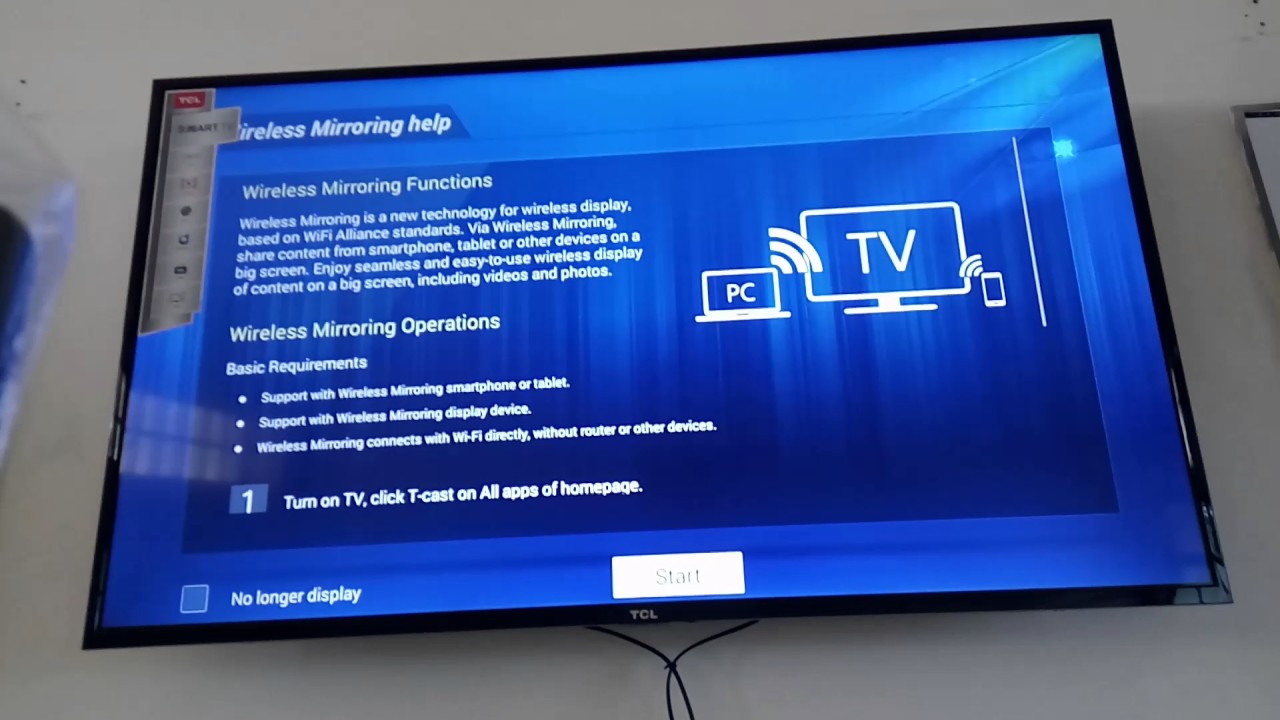
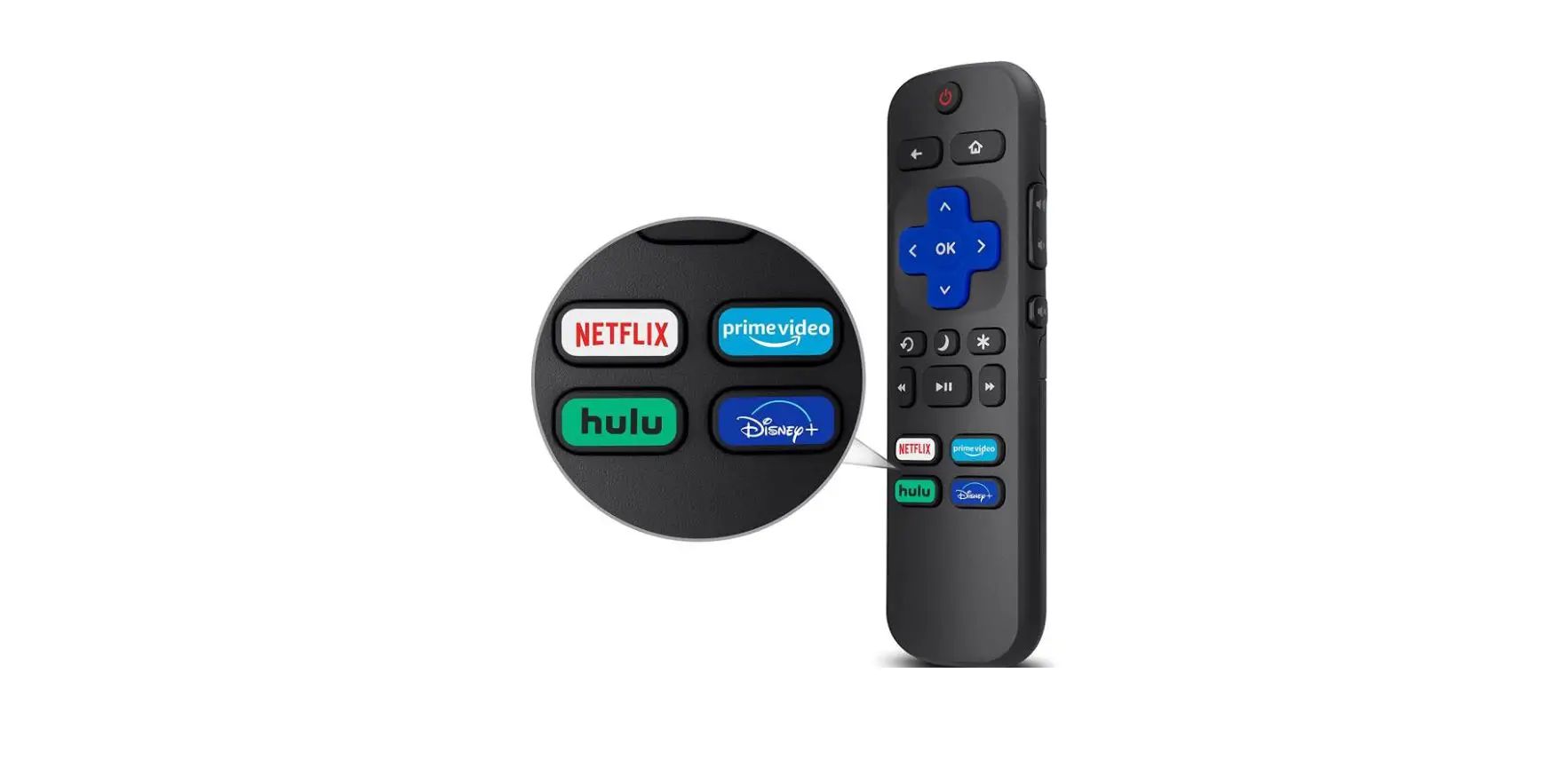
The problems these articles solve fall into two clear groups. The first is connection and control: you will find step-by-step instructions for switching the HDMI input on a TCL Roku TV, pairing the remote, and screen mirroring from a phone or laptop to the big screen. The second group is audio and sound setup, which includes pairing a TCL soundbar to its subwoofer and, for the flip-phone models, enabling speaker mode for hands-free calls. A few of the entries also touch on the practical side of ownership, such as where the physical buttons are located on a TCL smart TV when the remote is missing, or how to turn on subtitles for accessibility.
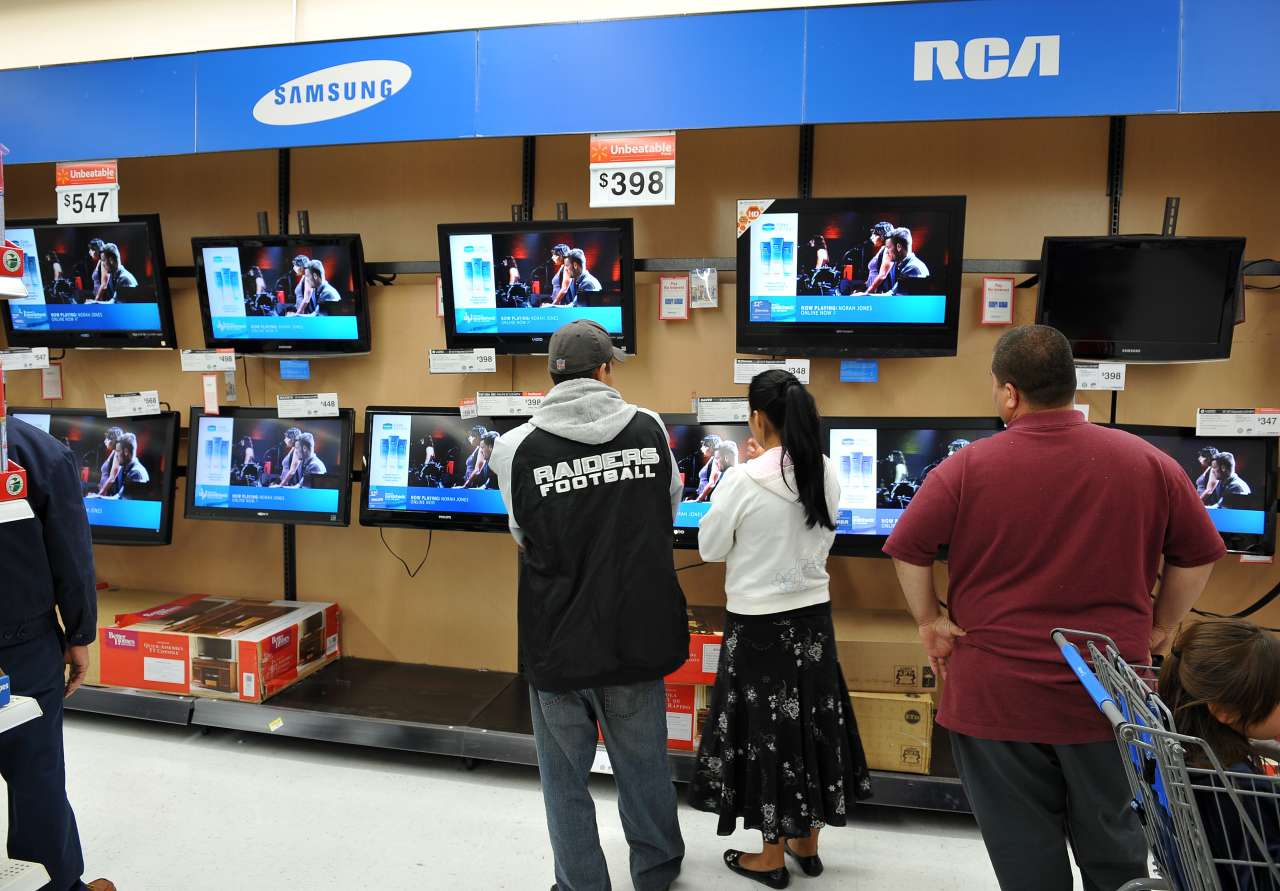
One thing to note: not every article is a how-to. For instance, the piece on Walmart pricing is a buyer’s guide that helps you understand what you might pay for a smart TV, and the remote-pairing guide includes tips that keep you from buying an expensive replacement or relying on unofficial workarounds. The flip-phone speaker guide is written as a legitimate accessibility feature, not as a way to bypass anything. In all cases, the goal is to help you use your TCL device safely, legally, and with less frustration.