This tag collects our step-by-step guides to getting more out of the streaming music services you already use, whether that’s Amazon Music or Spotify. It’s written for everyday listeners who want to manage their apps with confidence, no deep technical background required. The articles here focus on practical, everyday tasks that make your listening experience smoother, safer, and more tailored to how you actually live.
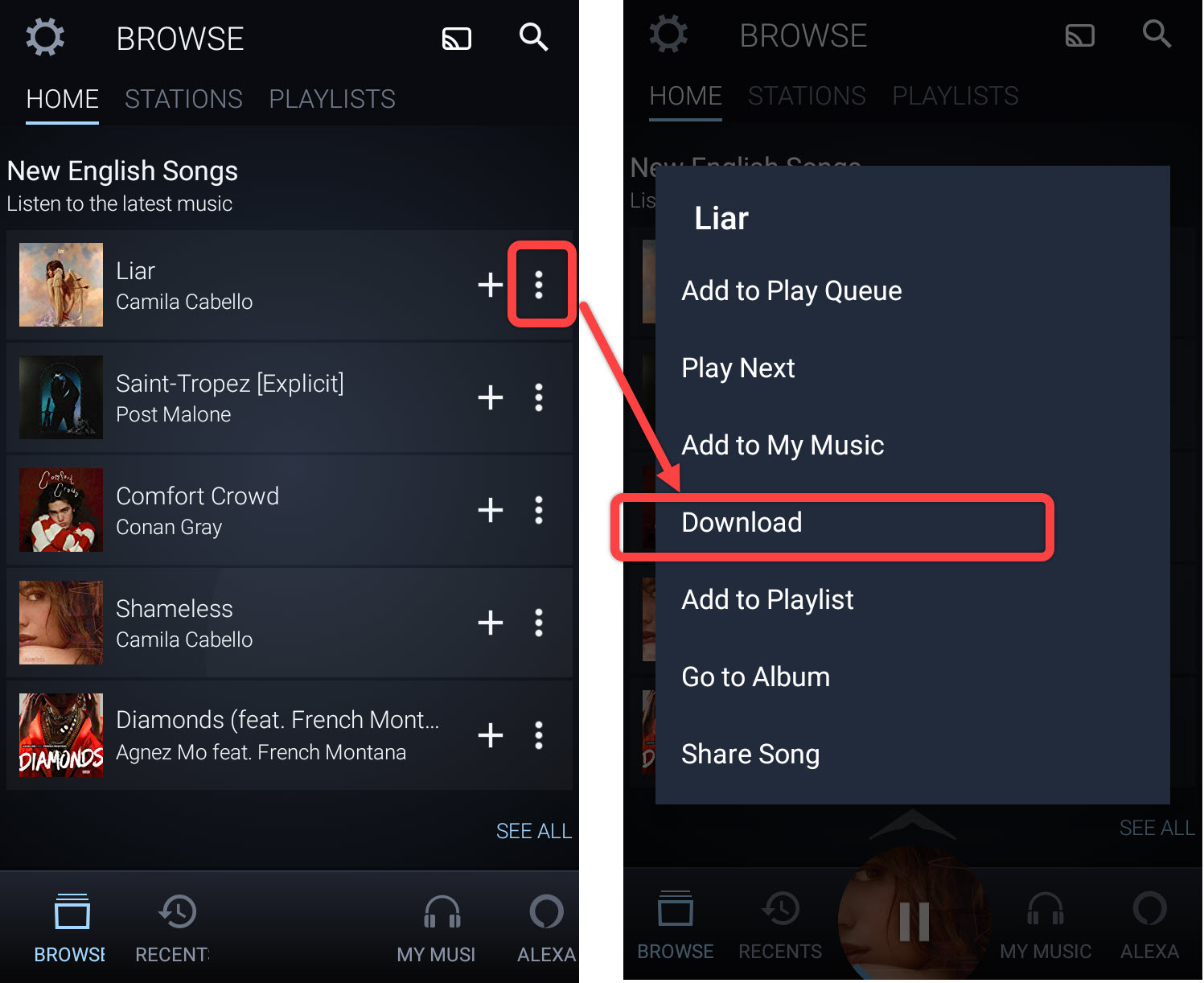
Several of the articles tackle the theme of access and control, helping you take charge of your own account and library. For example, you’ll find clear instructions on how to delete downloaded songs on Amazon Music to free up phone storage, and how to use Spotify offline so your music keeps playing on a commute or flight without draining your data. These pieces are about making the service work for you, not the other way around.
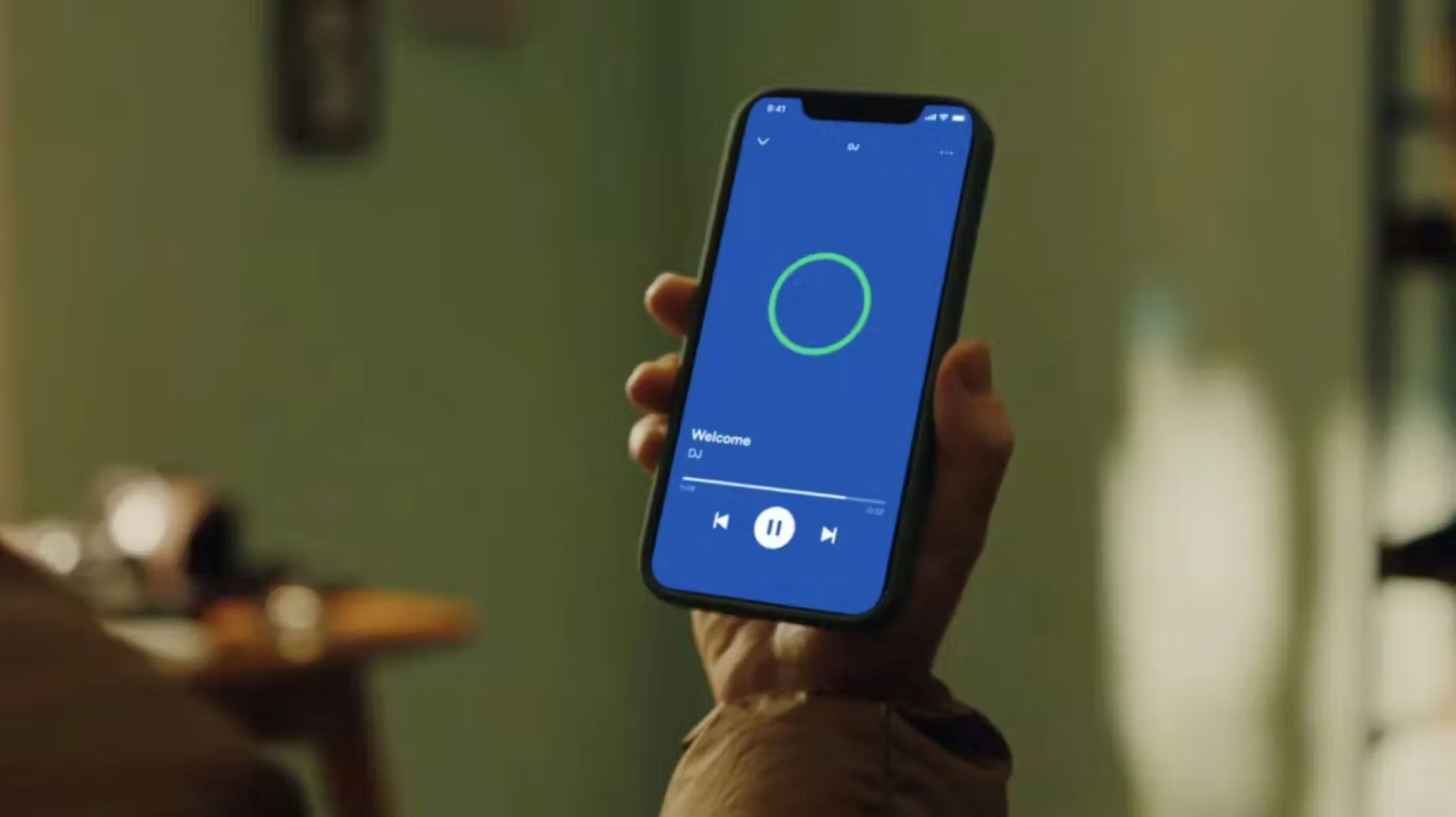
A second theme is privacy and account security. Rather than showing you anything risky, the guide on how to check your Spotify password is written as a legitimate way to verify your credentials for account recovery or security hygiene. Similarly, the article on how to contact Spotify walks you through official support channels, helpful if you’ve been locked out or need billing help. Finally, a third theme is customizing your listening experience, seen in how to use DJ on Spotify (to curate a smart mix) and how to turn off video on Spotify (to save data and avoid distractions). These are all safe, supported features, no workarounds, just straightforward how-tos.