This tag collects guides for running classic video games on modern hardware through emulators, aimed at hobbyists who want to revisit older titles legally and safely. The articles are written for everyday users, whether you are setting up a Steam Deck, a desktop PC, or a dedicated handheld, and focus on practical setup steps rather than gray-area shortcuts. The common thread is helping you play games you already own, or that are freely available, without resorting to risky downloads or questionable sources.
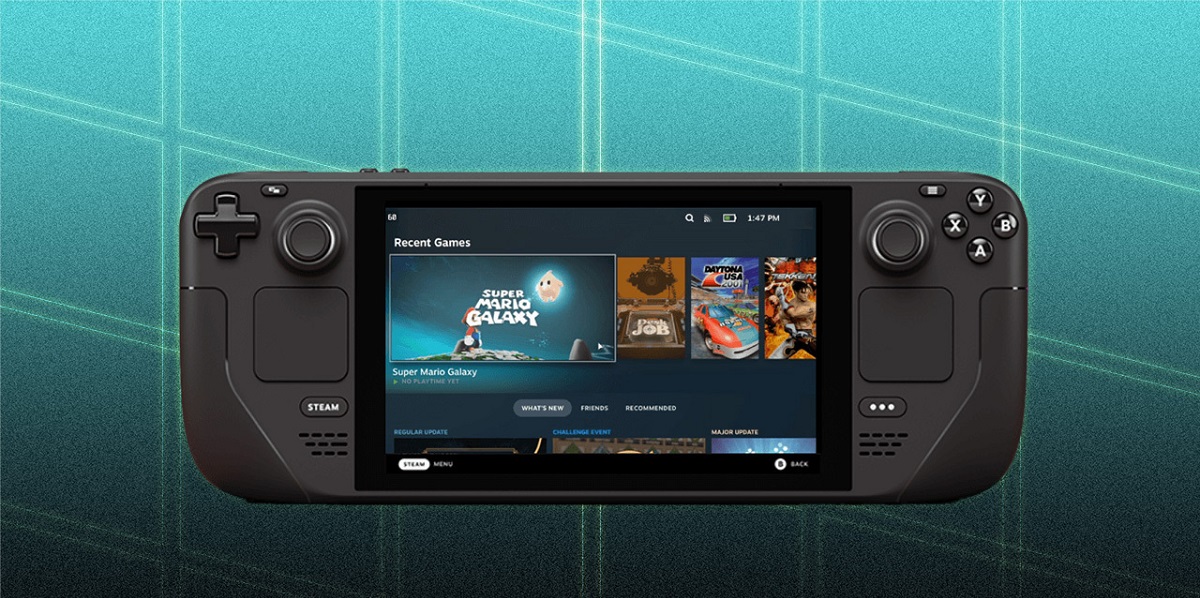
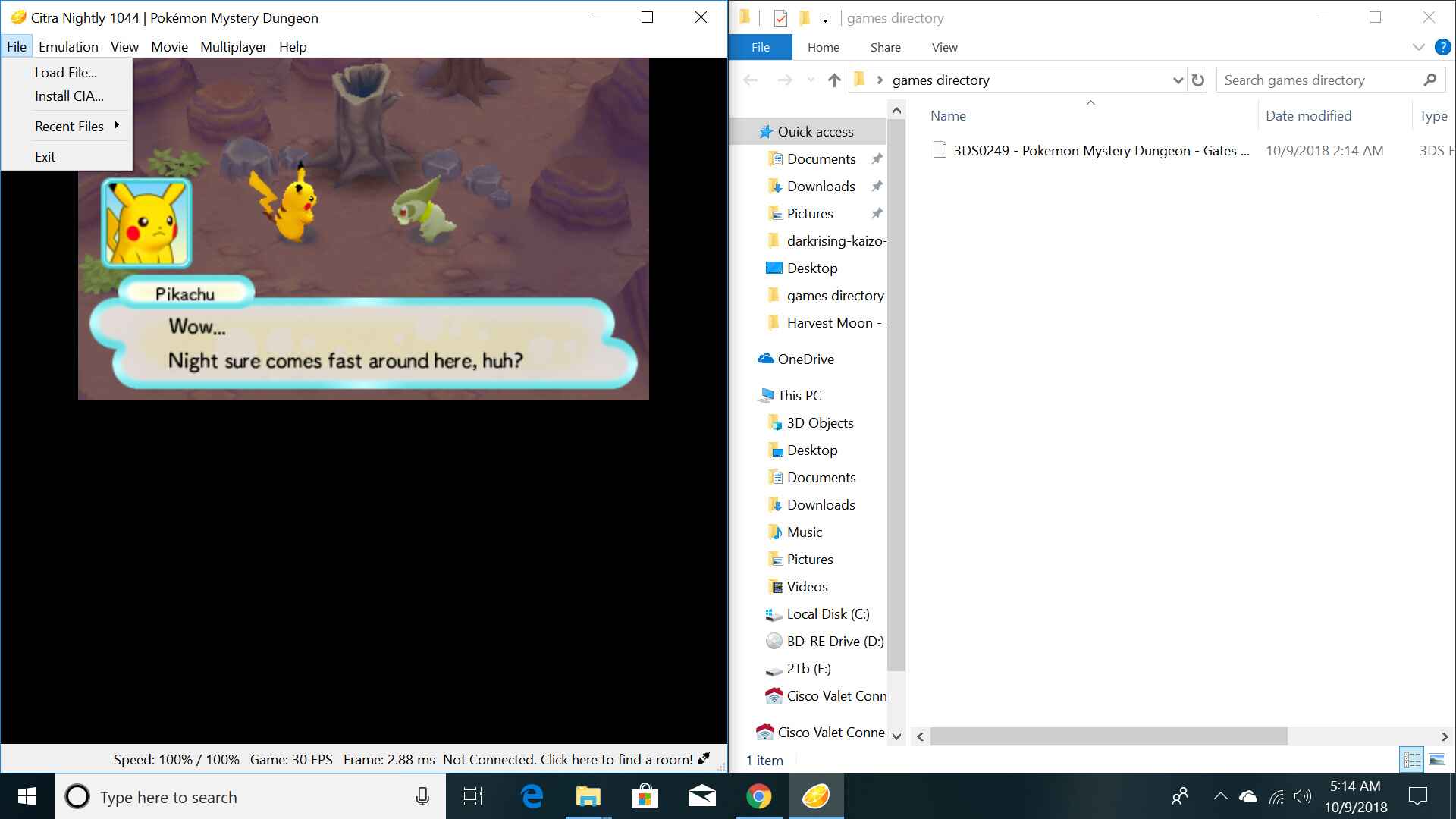
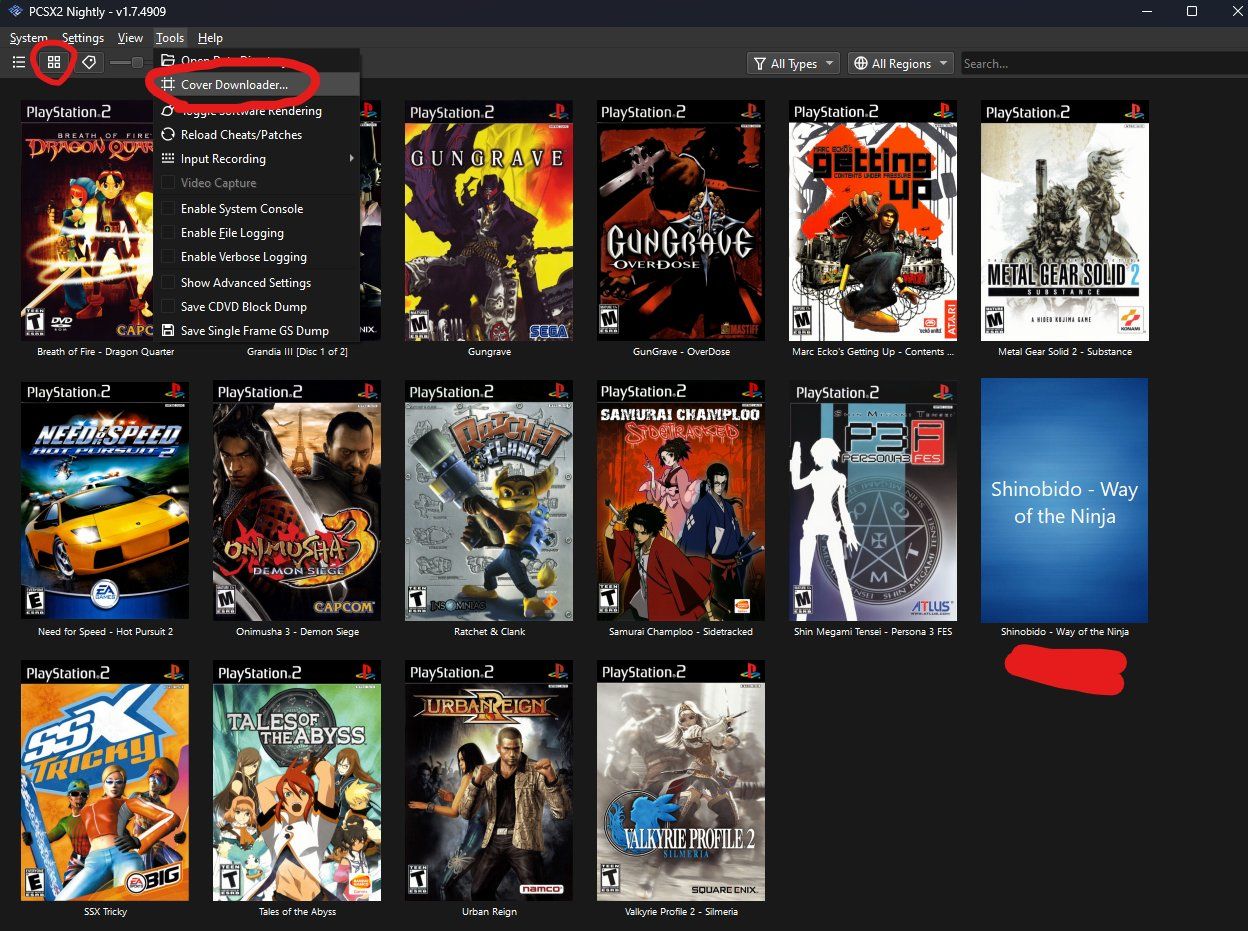
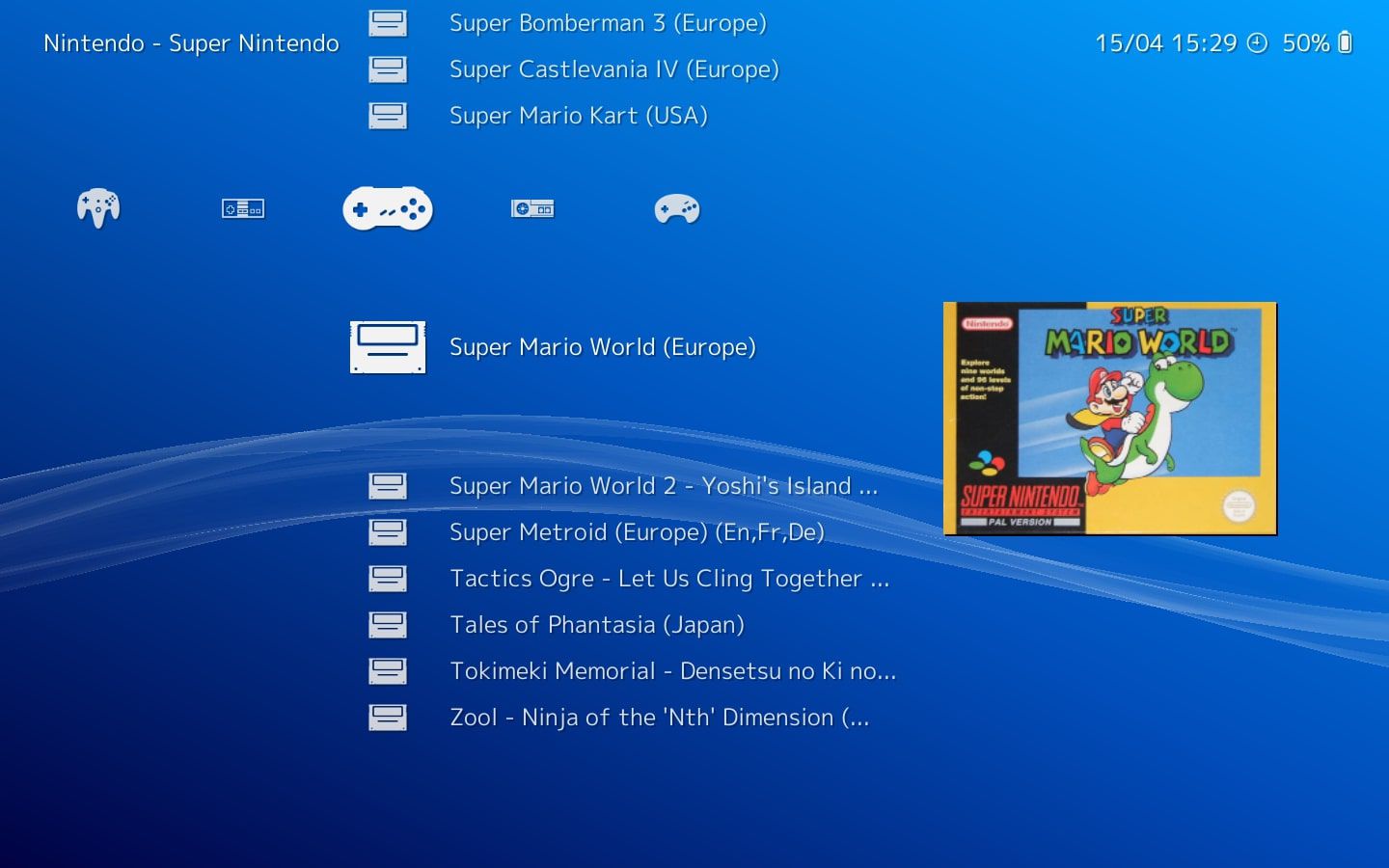
Several articles address the challenge of sourcing game files the right way. For example, the guides on Retroarch and Citra cover how to download games from legitimate channels, while the PCSX2 and Dolphin pieces explain how to create and manage legal backups of your own PS2 and Wii discs. Another theme is platform-specific configuration: the Steam Deck article walks through legal retro gaming on that device, and the Yuzu guide focuses on Switch emulation setup, including where to find compatible titles within legal boundaries. A third theme is clarifying what counts as a legal option, as seen in the Xenia article on legal game backups and the Citra legal game options piece, these help you understand licensing and fair-use limits so you can enjoy emulation without legal headaches.
Across these articles, the emphasis is on doing things correctly: ripping your own discs, using public-domain or homebrew titles, and avoiding pirated ROMs. They help you get your emulator running, find legitimate game files, and configure settings for smooth performance, all while keeping your hobby above board.