This tag collects our practical guides to restarting and resetting a range of consumer devices, from fitness trackers to smartphones. It is written for everyday users who are facing a device that is frozen, unresponsive, stuck on an error screen, or simply needs a fresh start. Whether you are dealing with a worn-out battery or a software glitch, these articles focus on clear, step-by-step solutions you can try at home without special tools.
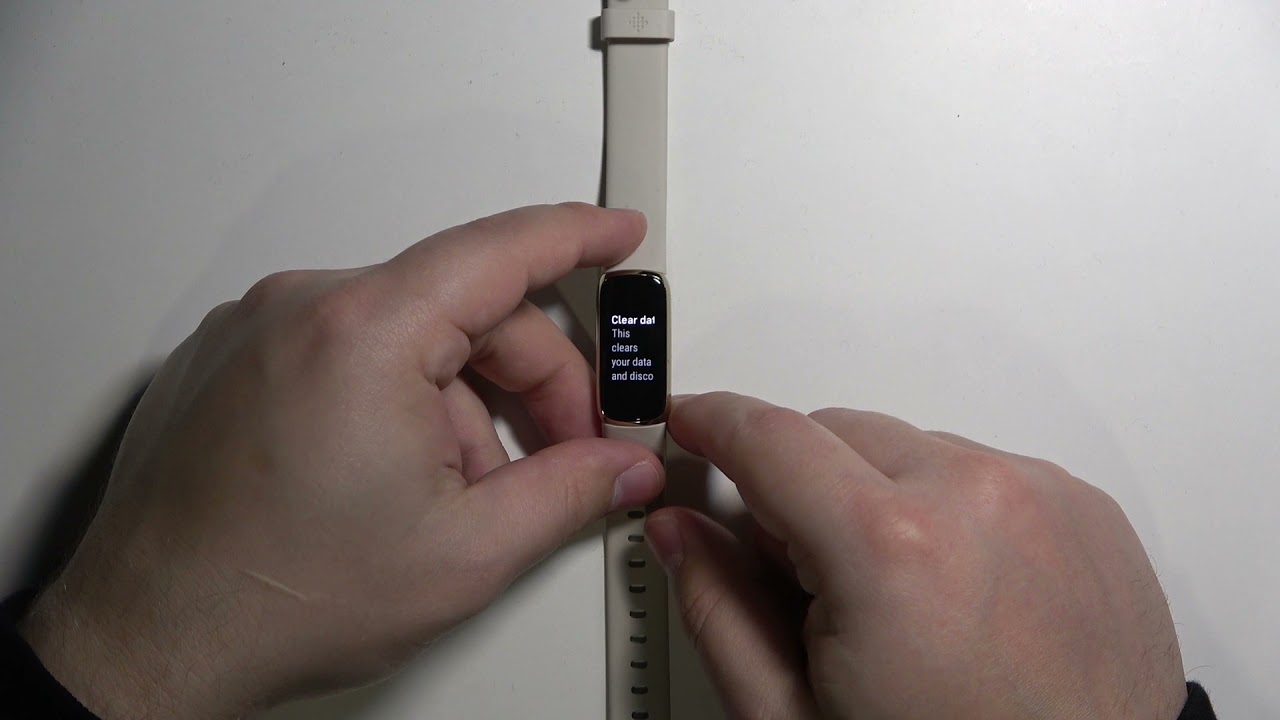
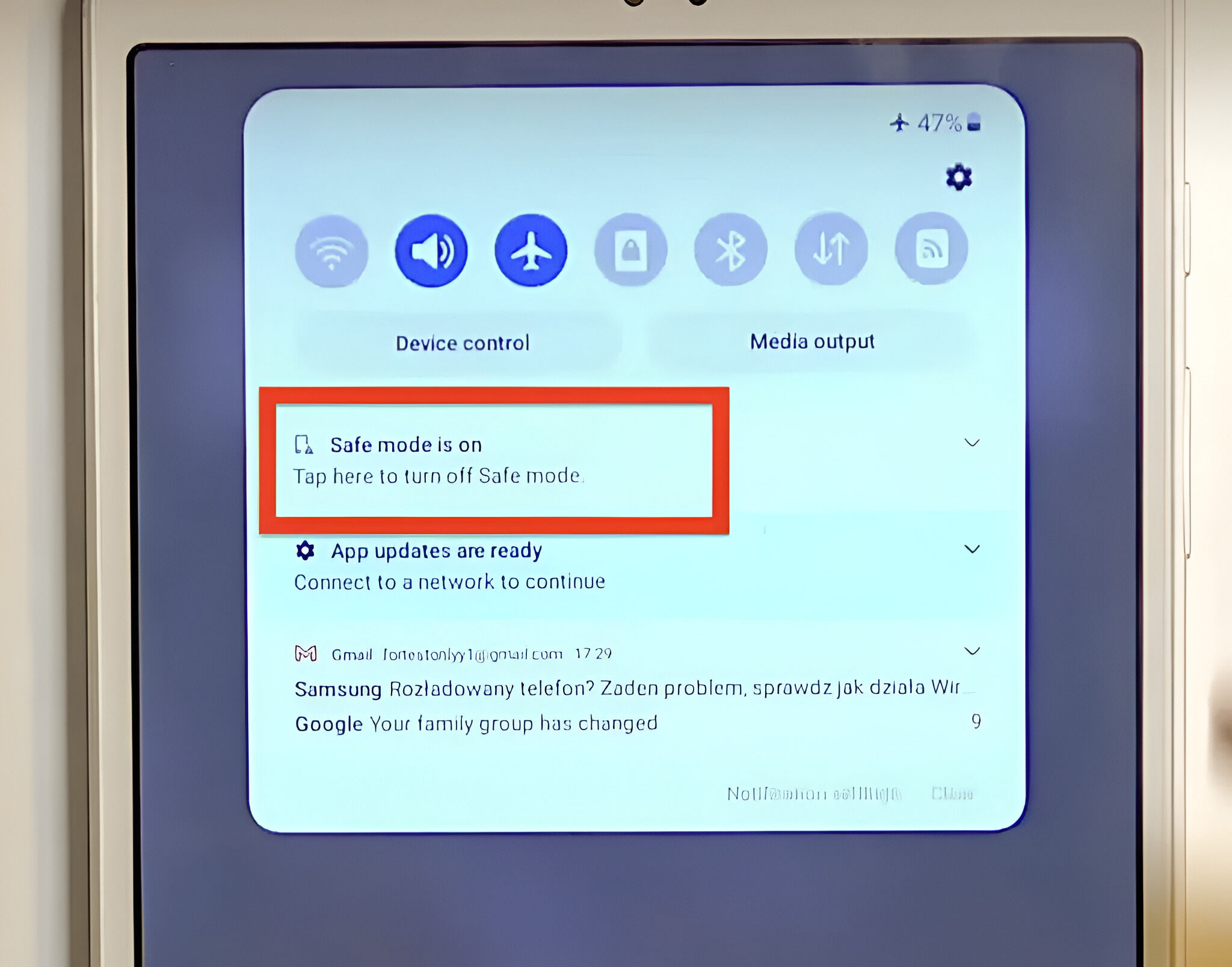
The articles fall into two main themes. The first is reviving a device that has stopped responding normally, for example, getting a Fitbit Versa 2 to power back on, or taking a tablet out of Safe Mode when it is stuck on that boot screen. The second theme covers alternative restart methods when the usual power button is broken, missing, or uncooperative. You will see specific walkthroughs for restarting a Realme or Redmi phone without using the power button, as well as a full guide to resetting a Fitbit Luxe. Instead of risky workarounds, these pieces explain the safe, supported procedures for clearing a temporary glitch or performing a factory reset when needed.
For those concerned about the security or policy side of these actions, the troubleshooting guide for smartwatch malfunctions also frames its advice around legitimate, user-authorized fixes, never bypassing locks or circumventing protections. The goal is simply to help you get your own device working again, safely and within the manufacturer’s intended use.