This tag collects articles about the everyday “power cycle” that consumer electronics often need, not just the literal unplug-and-plug routine, but the broader family of resets, cache clears, and connectivity refreshes that keep devices behaving. It’s written for anyone who owns a smart TV, a robot vacuum, or a game console and has hit a frustrating glitch that a simple reboot or setting tweak can usually solve. If you’re comfortable pressing a few buttons and navigating a settings menu, these guides are for you.
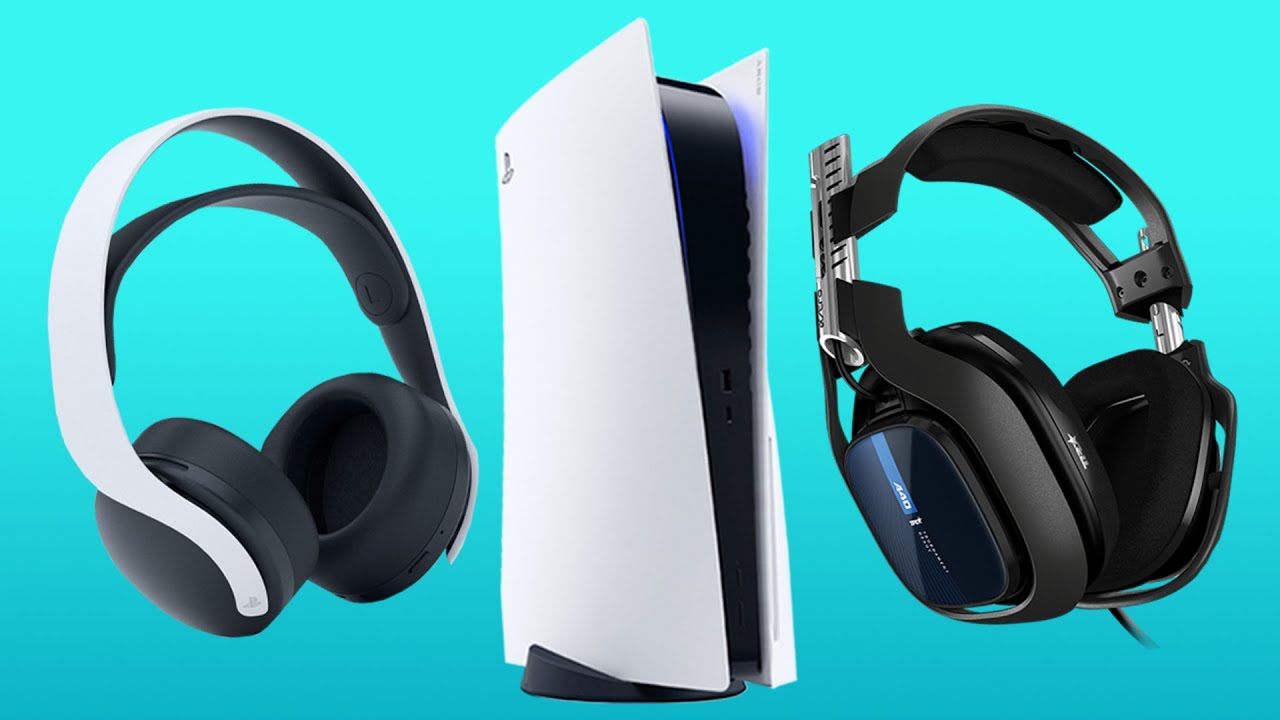
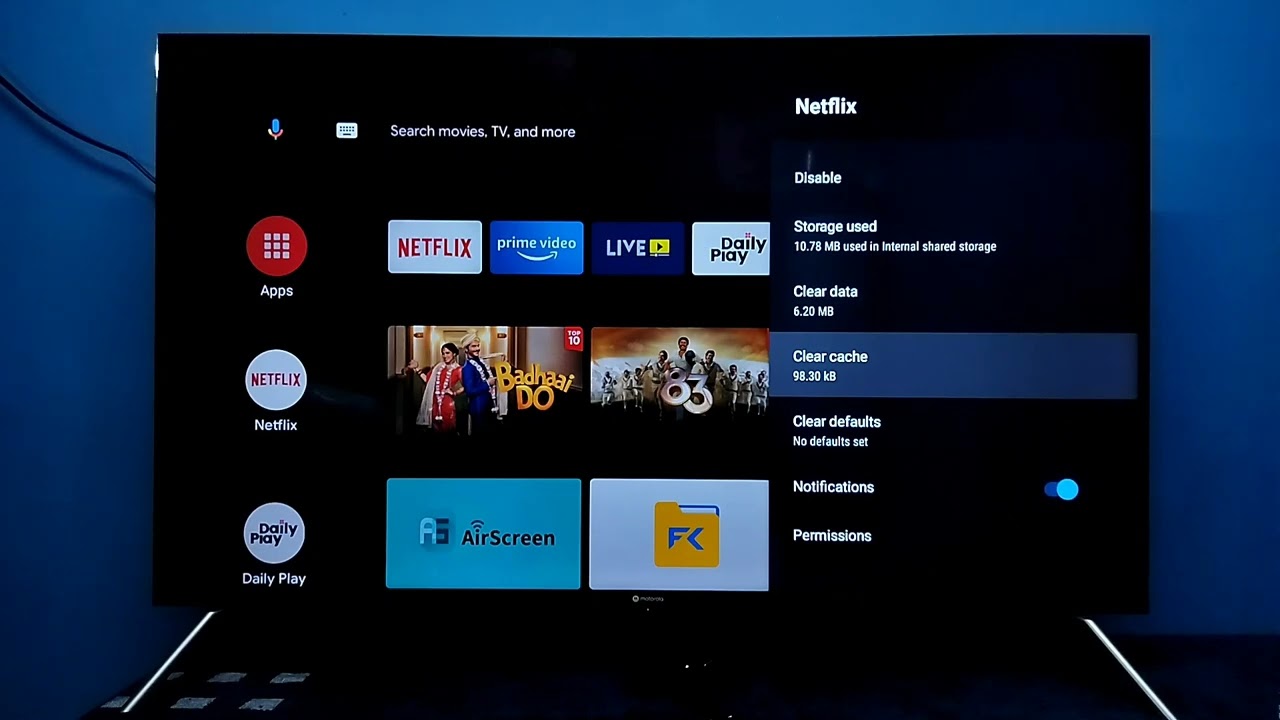
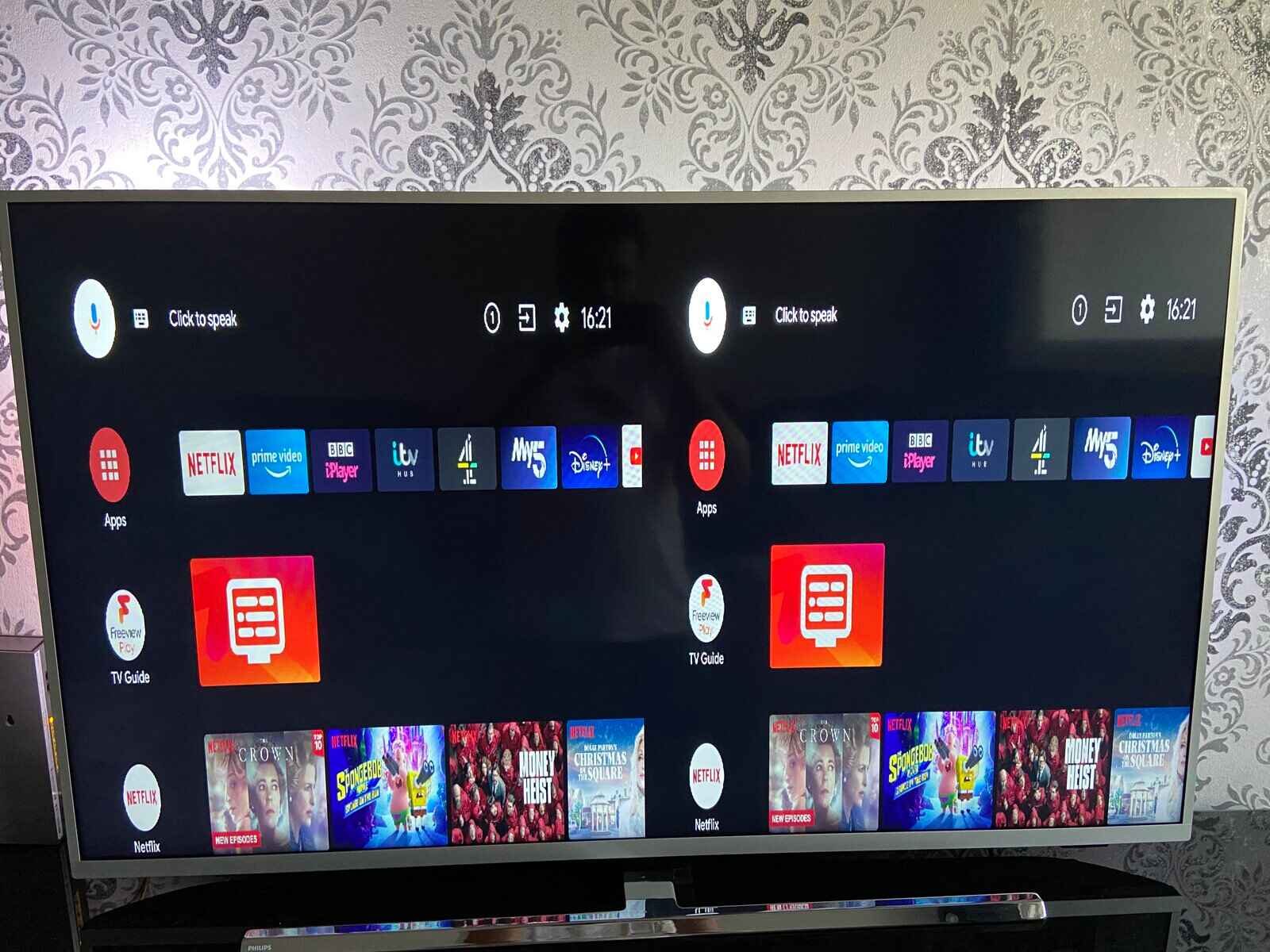
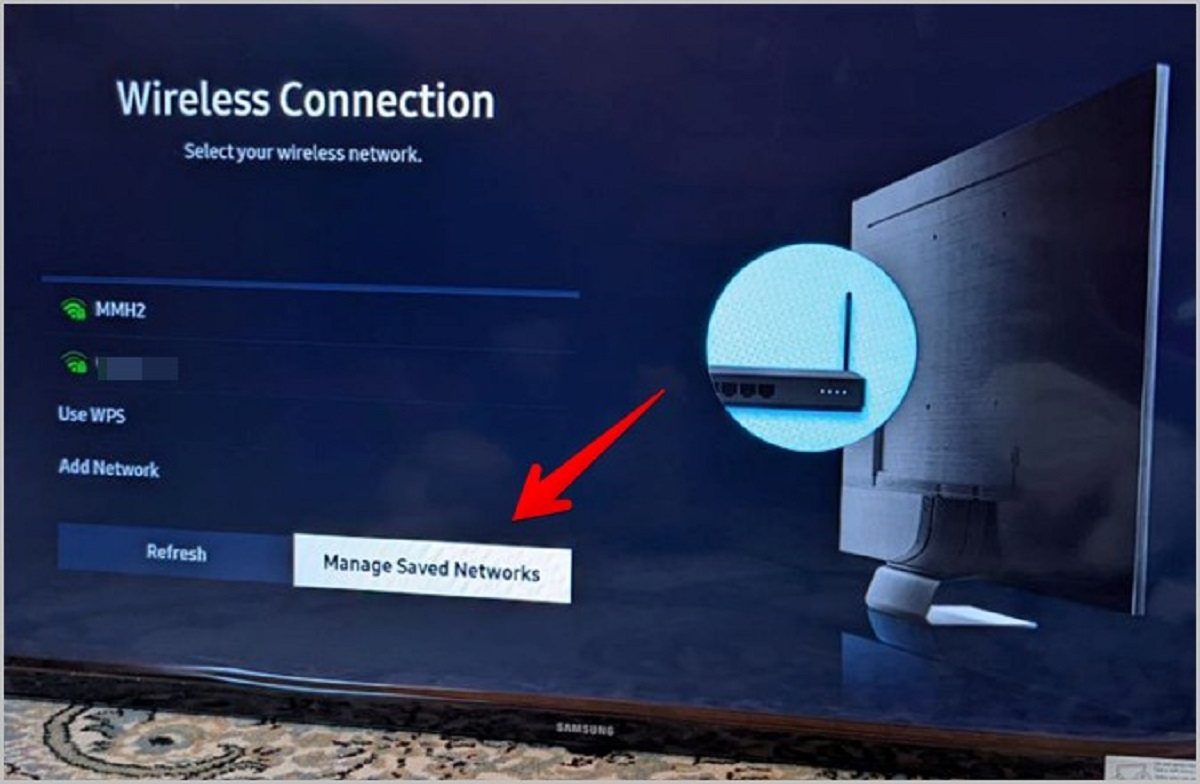
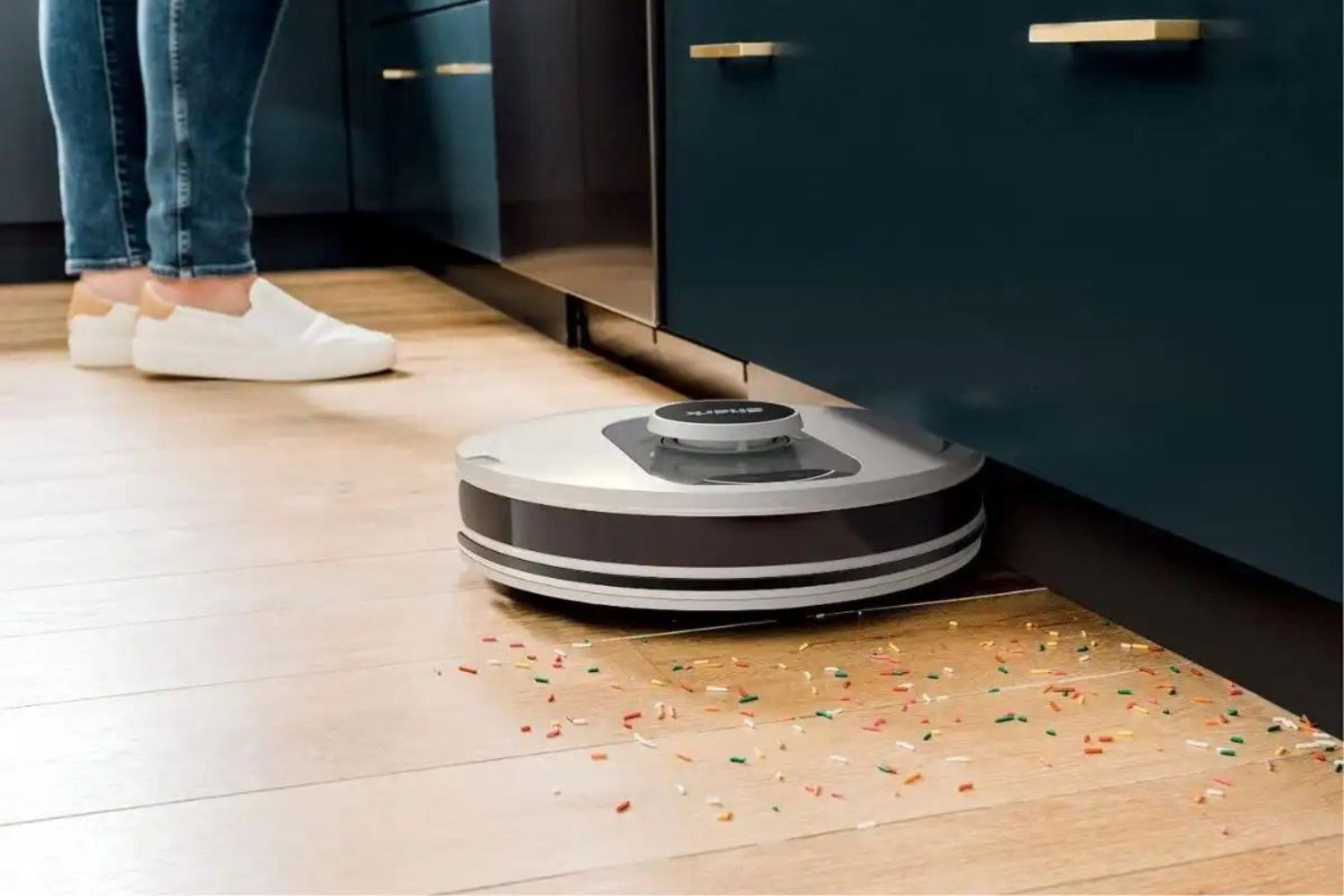
The articles group into two practical themes. One is restoring network and streaming performance: you’ll see how to get a stubborn TV back on Wi-Fi, clear the cache on an LG Smart TV to stop buffering or app crashes, and free up storage space on a Vizio SmartCast TV so it doesn’t lag. The other theme is fixing audio and device behavior, resolving PS5 audio that cuts out, resetting a Philips Smart TV to factory defaults when menus freeze, and troubleshooting a Shark robot vacuum that’s stopped docking or cleaning properly. Each piece walks you through safe, step-by-step actions you can do yourself.
Rather than teaching risky workarounds, these articles focus on legitimate maintenance and recovery. They help you perform a proper power cycle, locate the correct reset option, or clear temporary data, all within the manufacturer’s intended settings. The goal is to get your device back to normal operation without voiding warranties or resorting to unofficial tricks. If a problem needs a repair technician or a firmware update from the maker, the guides say so plainly.