This tag collects our guides to the picture settings found on modern smart TVs, written for anyone who has ever squinted at a screen that looks slightly off. Whether you are setting up a new television or troubleshooting an old one, these articles focus on the controls you use every day, brightness, color, aspect ratio, and screen size, and explain them in plain, practical language.
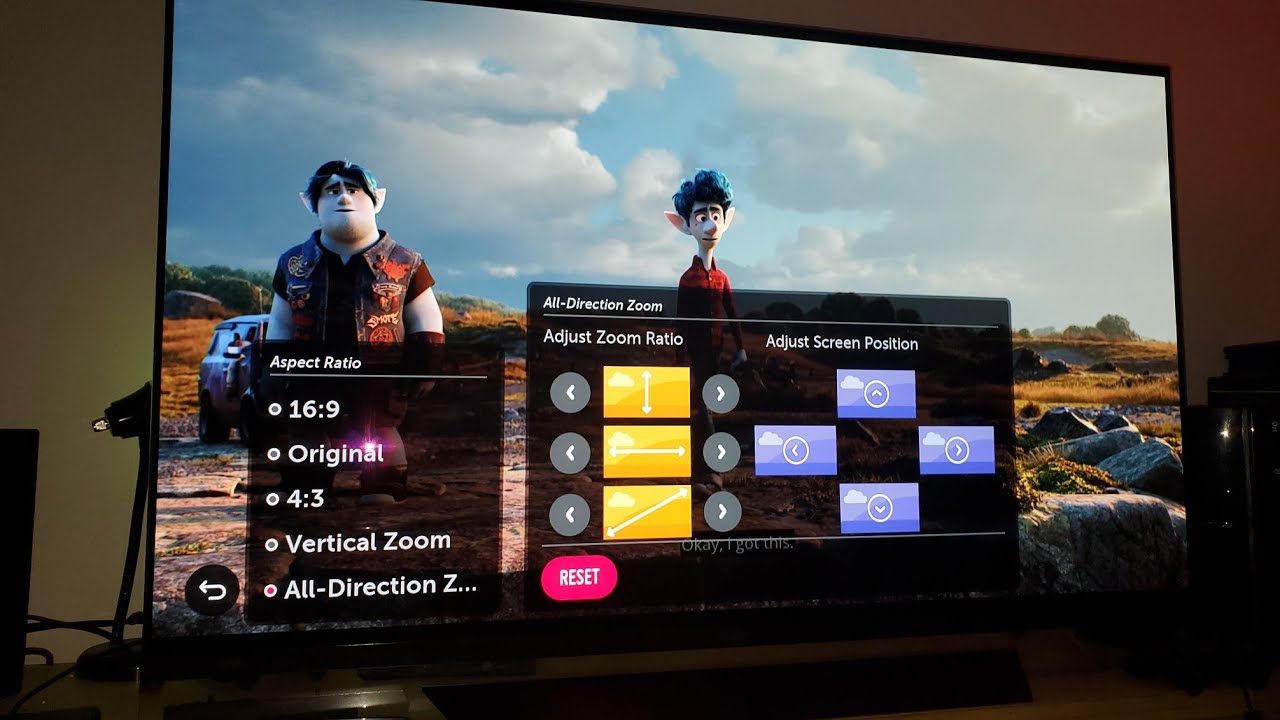
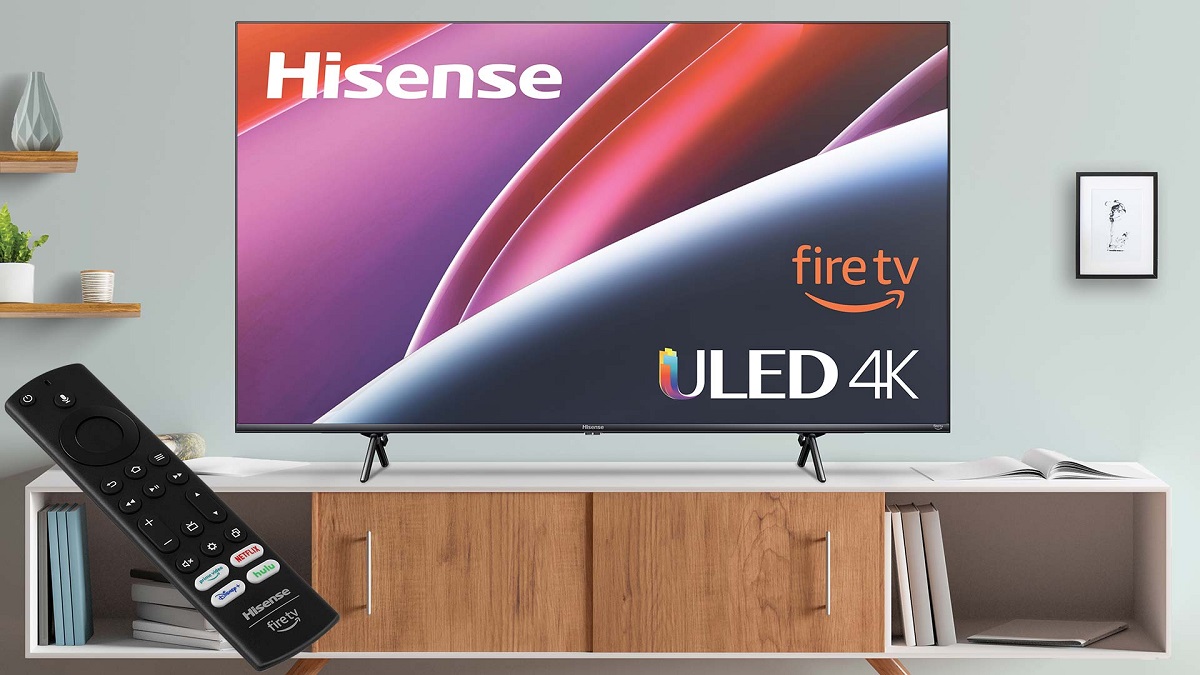
The problems covered here fall into two broad themes. The first is fixing a picture that is visually wrong, such as a screen that is too dark to watch comfortably or colors that look washed out or oversaturated. The second is getting the image to fill the screen correctly, which includes topics like adjusting the picture size on Vizio and Hisense models, changing the aspect ratio on an LG OLED, and even making Netflix display in full screen on a smart TV. These are all straightforward adjustments that help you get the most out of the content you are legally streaming or watching.
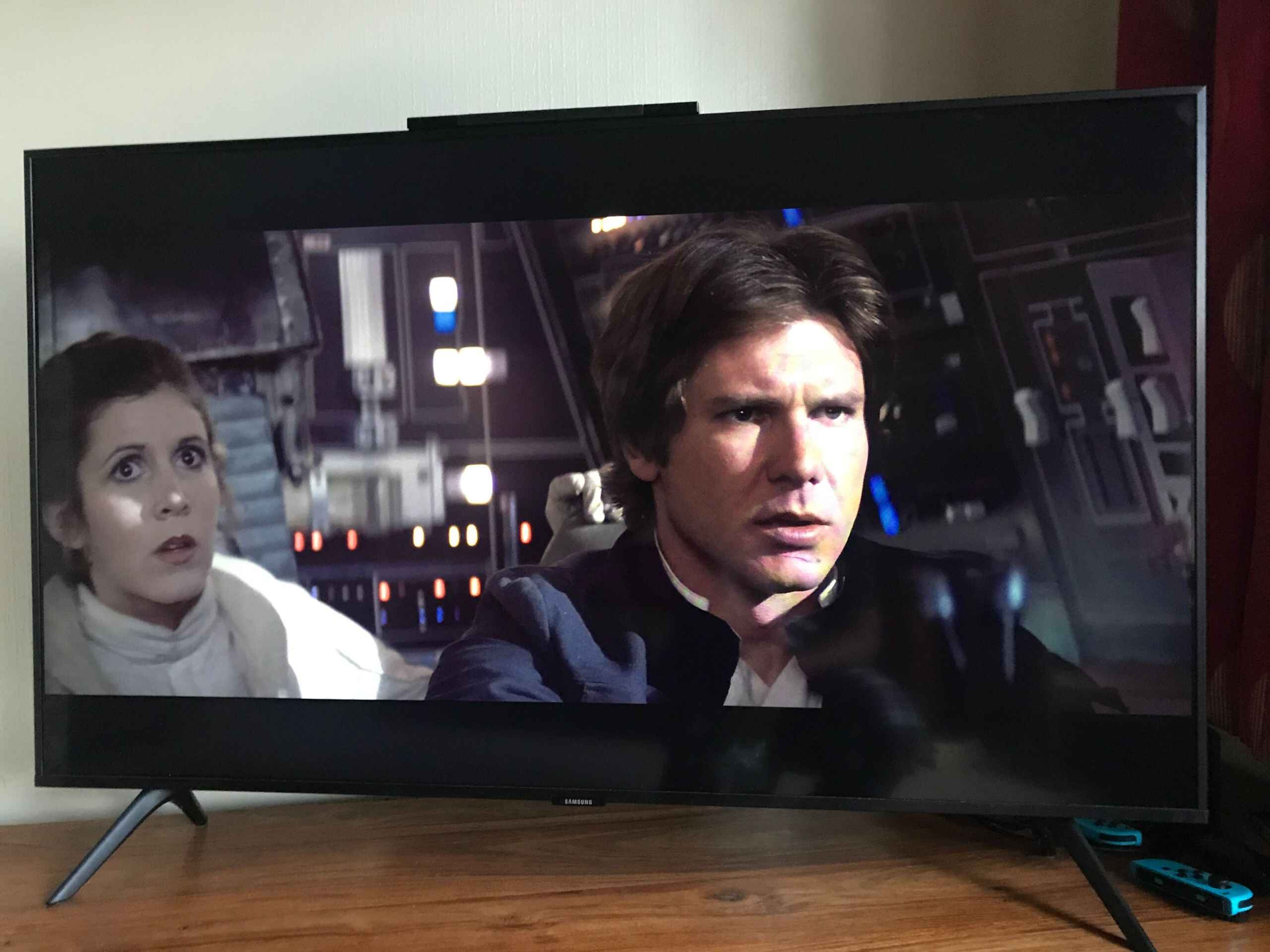
Several articles also address the “why” behind a setting, not just the “how.” For example, the guide to a dark Samsung TV walks through the likely causes, such as eco-sensor or ambient light detection, so you can fix the issue rather than just bumping the brightness. The collection is practical, focused on what you can change in your own menu, and never ventures into workarounds, hacks, or anything outside the normal, supported settings of your television.