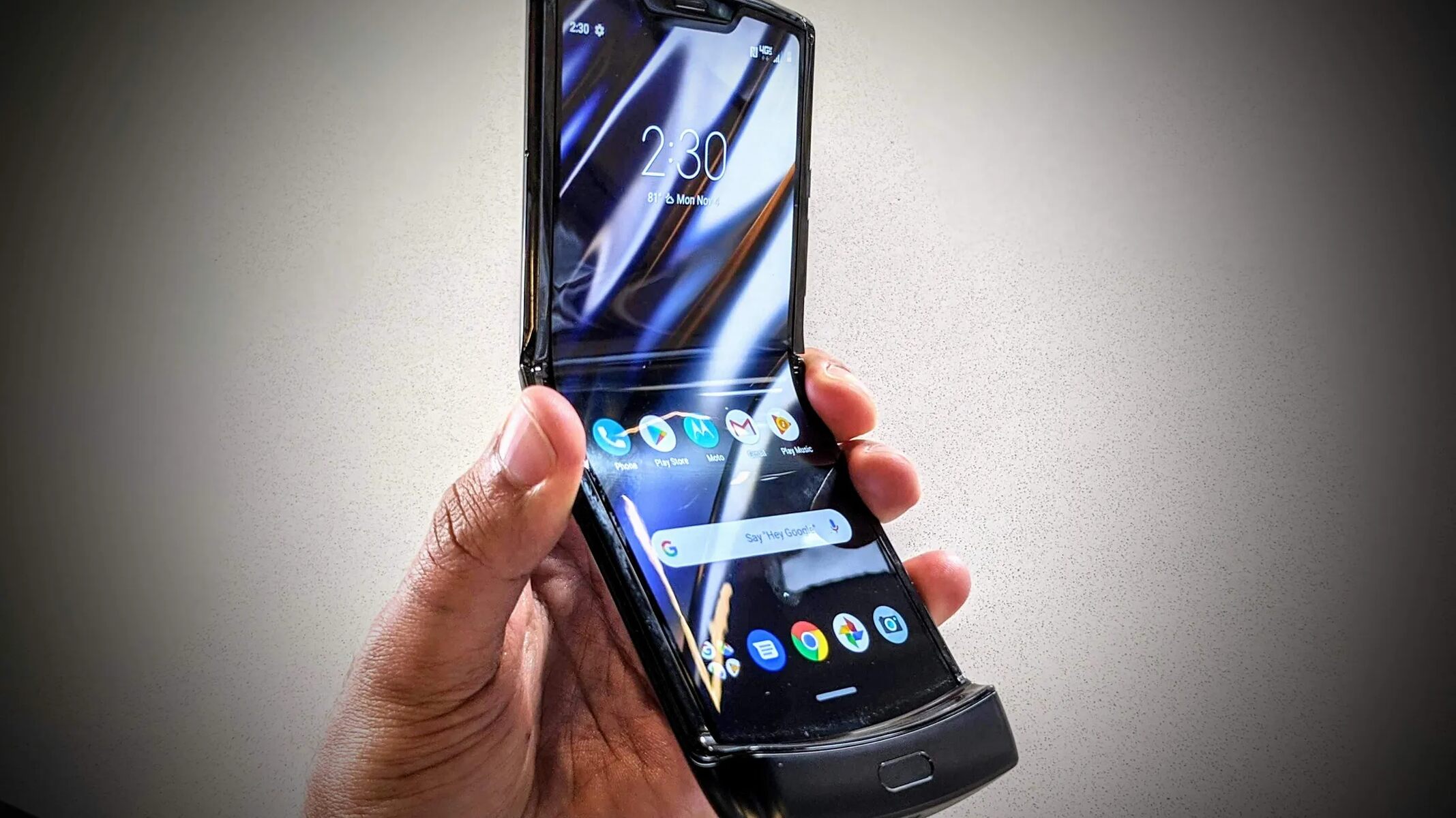
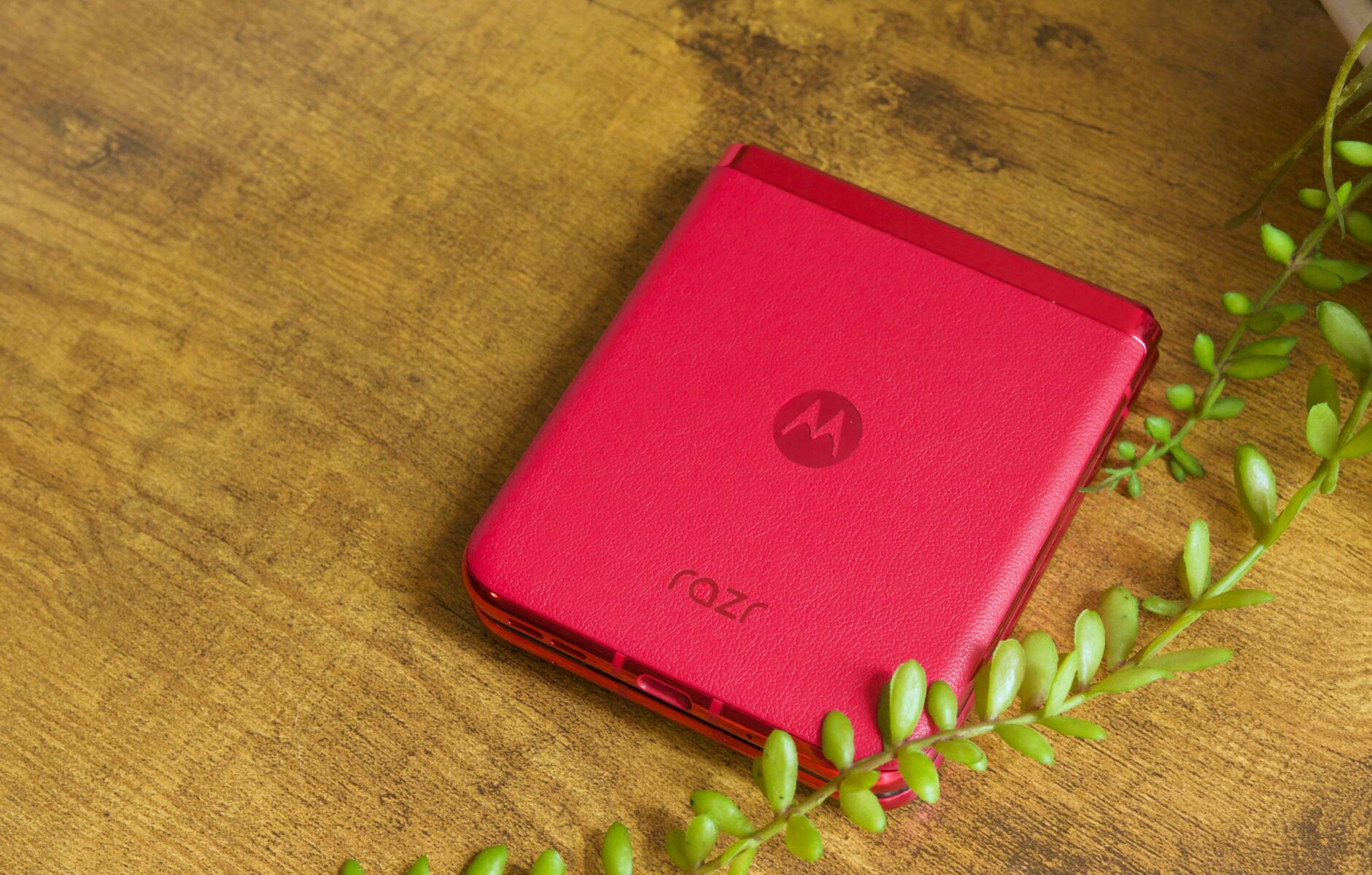
Resetting your Motorola Razr flip phone returns it to its original out-of-the-box condition, erasing all personal data, settings, and downloaded apps. This is the most effective fix for severe software...
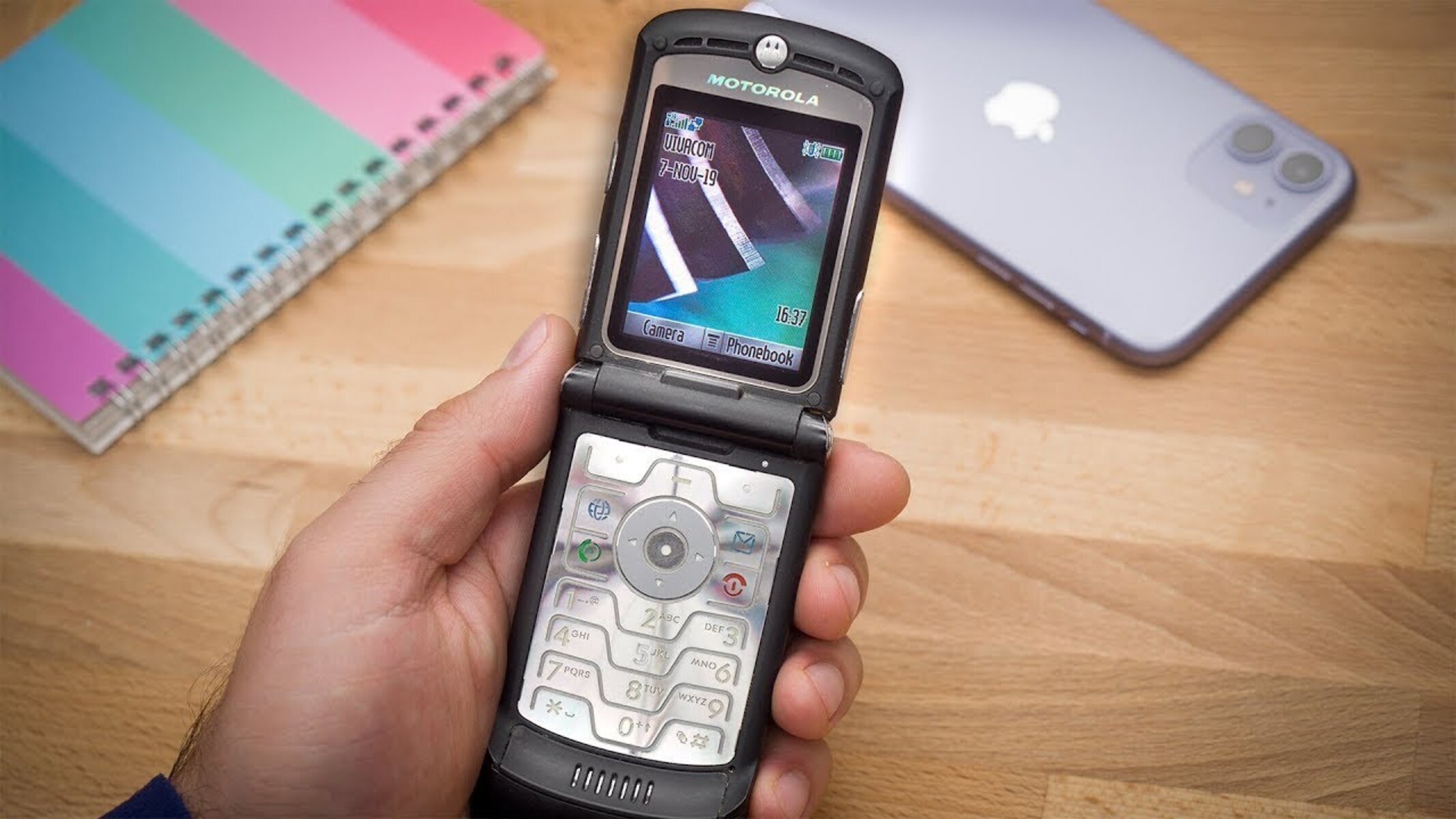
The subsidy password for a Motorola Razr V3 is a unique, IMEI-based network unlock code that removes the carrier lock from your phone. This code is essential because the Razr...
If your Motorola Razr won't turn on or charge, the first thing to do is plug it into the charger and wait at least 10 minutes before pressing the Power...
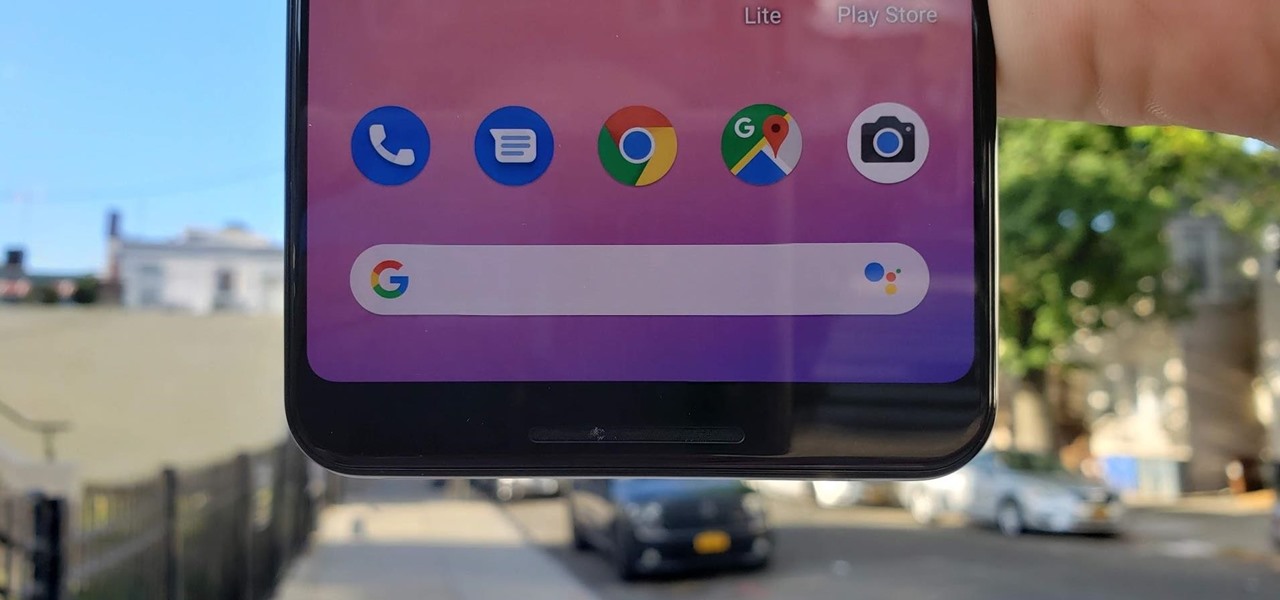
You can remove the Google search bar on a Pixel 6, but the method depends entirely on your Android version: if you're running Android 17 QPR1 or later, you can...
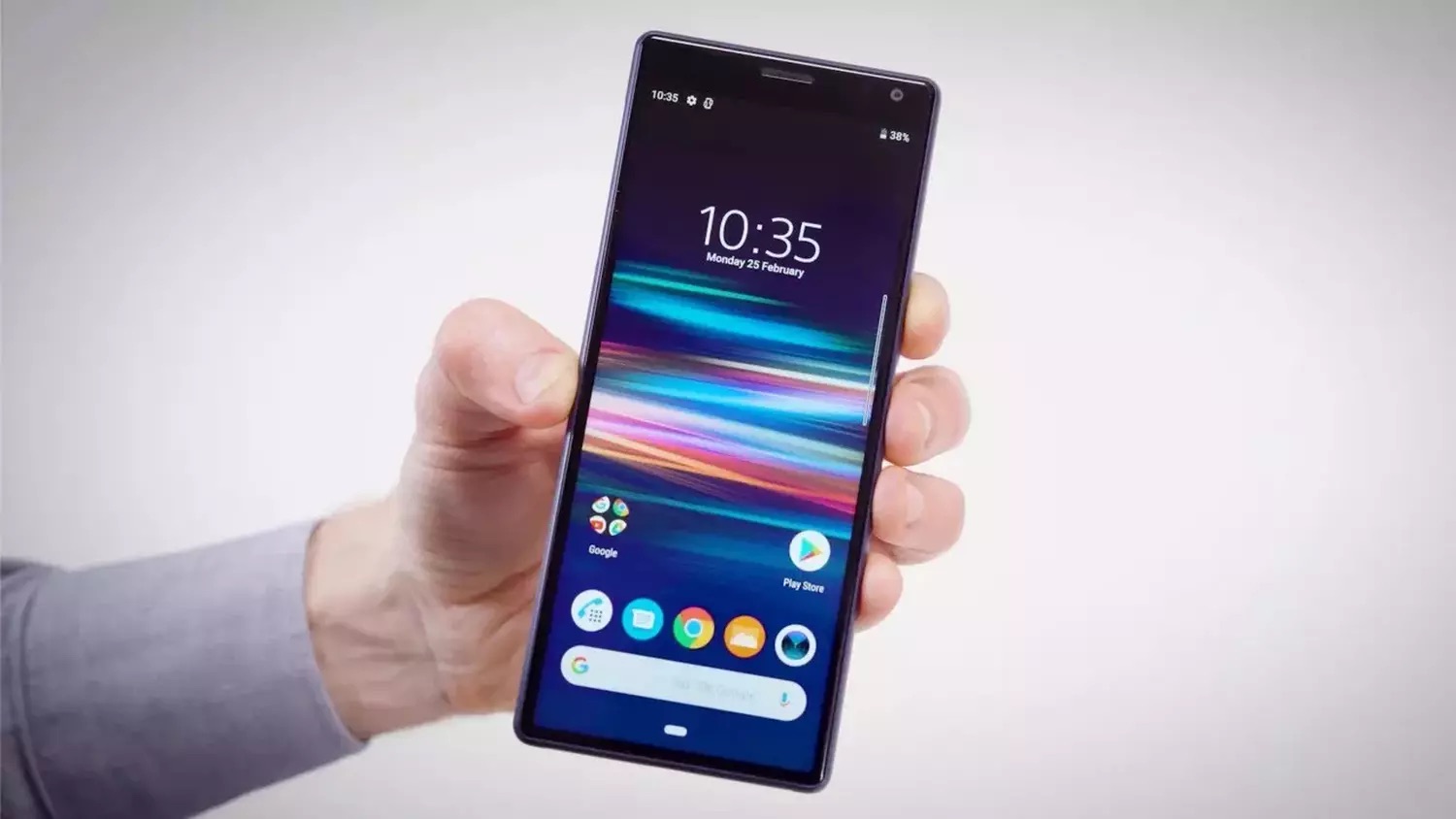
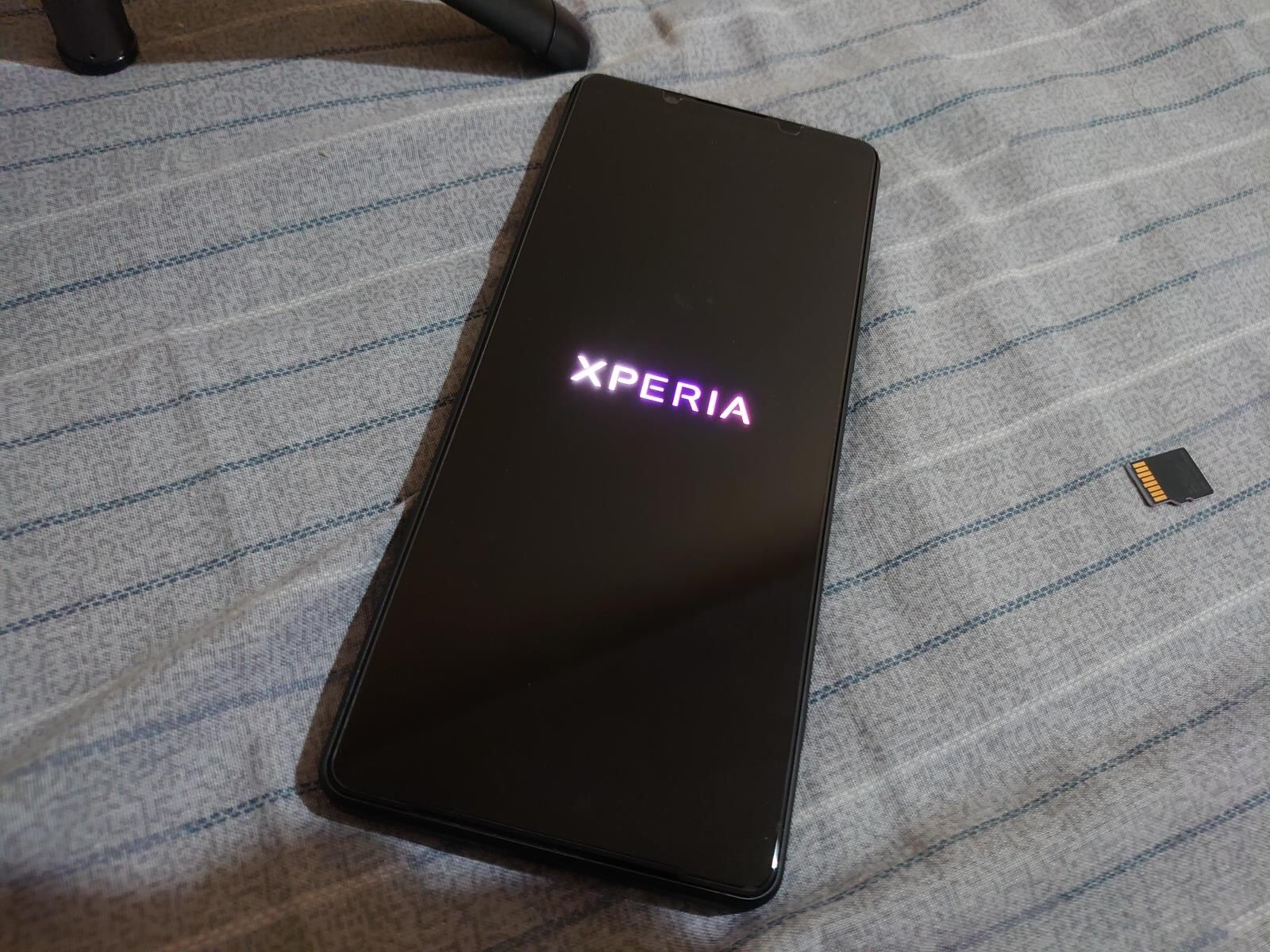
A hard reset on a Sony Xperia phone, officially called a factory data reset, permanently erases all personal data, settings, and downloaded apps from the device's internal storage, restoring it...
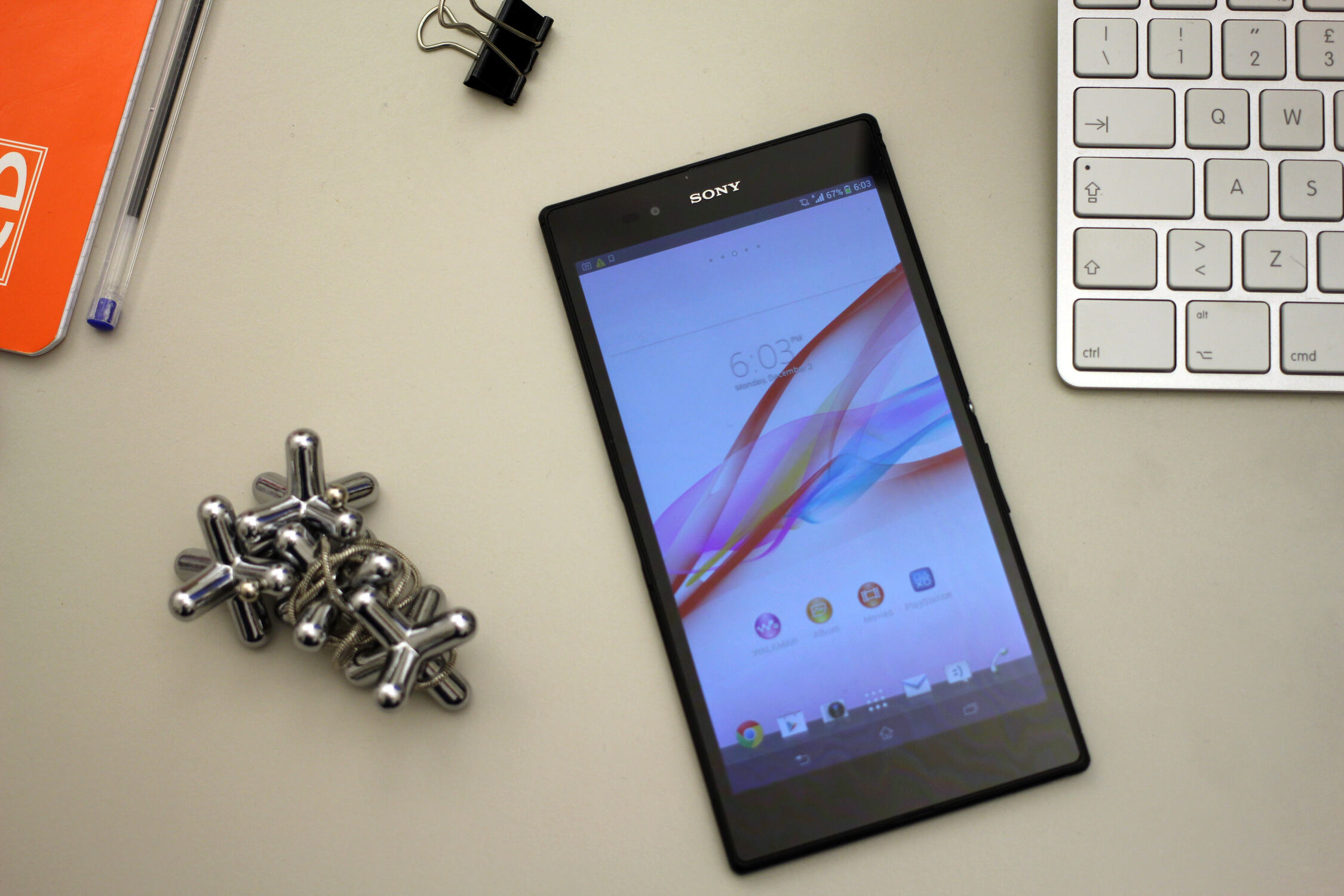
To start identifying genuine Sony Xperia Z Ultra devices, pick up the phone and weigh it, a real unit comes in at exactly 212 grams, and any noticeable deviation suggests...
If your Sony Xperia is frozen, unresponsive, or stuck on a black screen, the fastest way to fix it is a Sony xperia recovery mode reboot using the physical buttons....
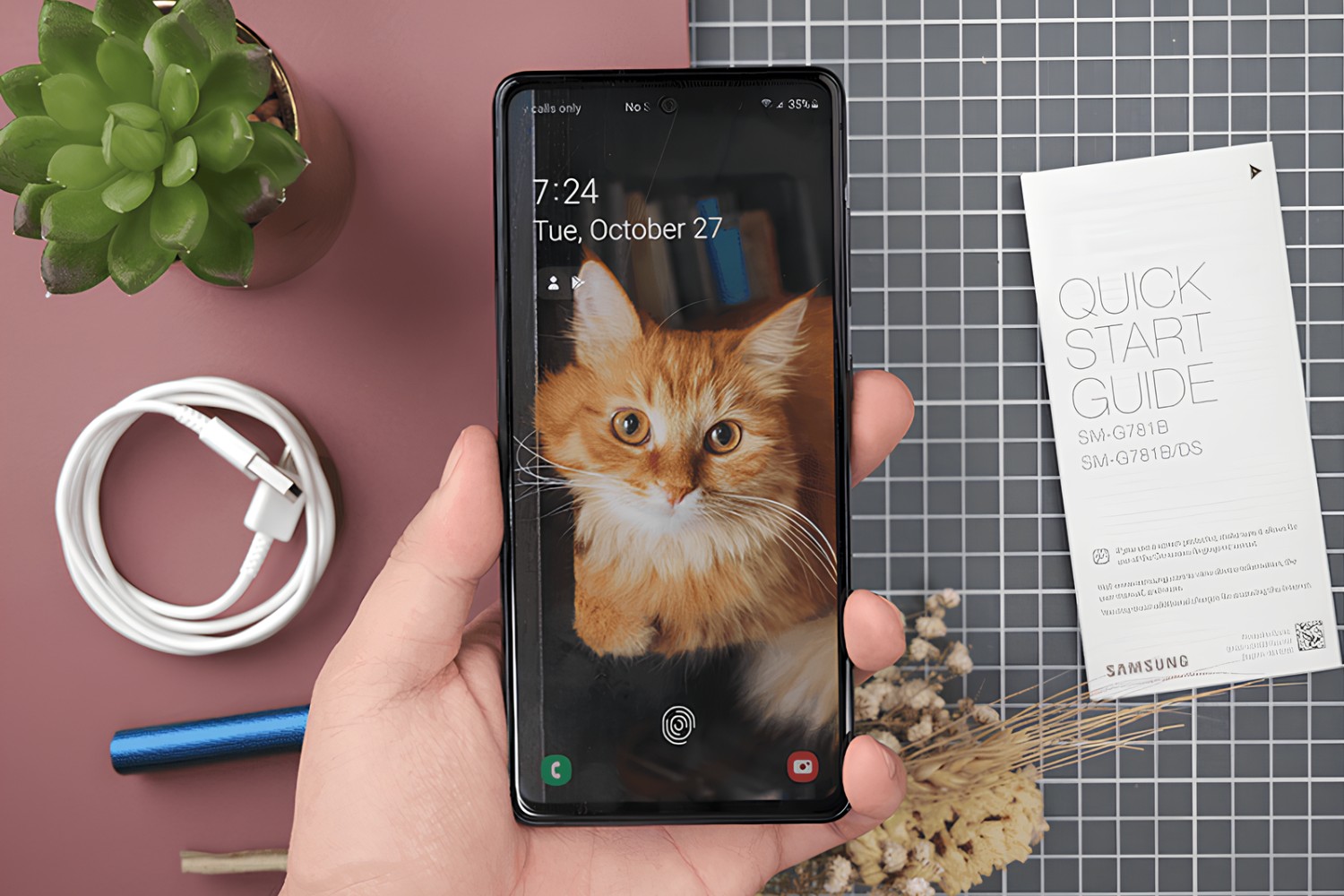
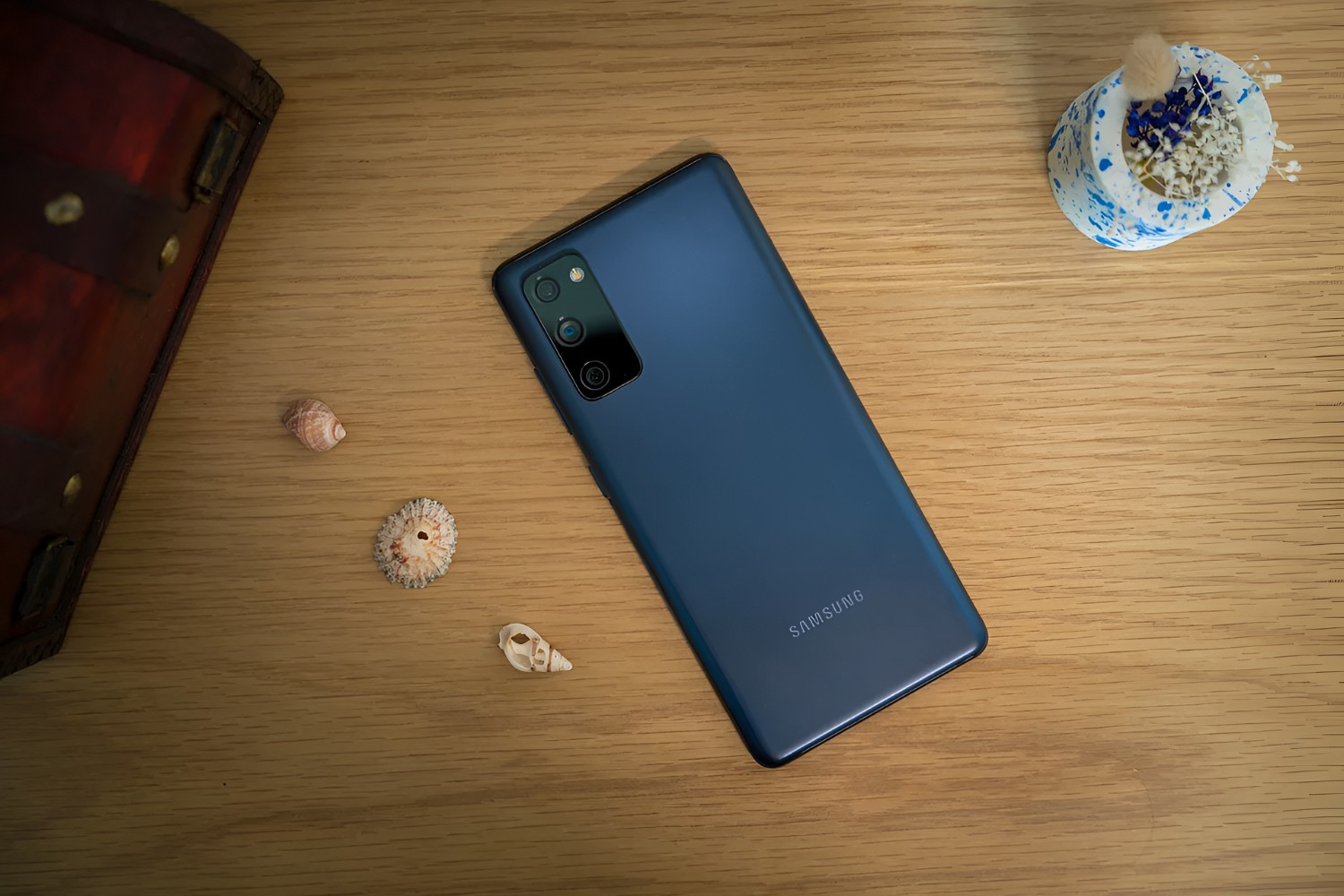
To set up Wi-Fi calling on Samsung S20 FE, open your phone’s Settings, tap Connections, and select Wi-Fi Calling to toggle it on. This routes calls over your Wi‑Fi network,...
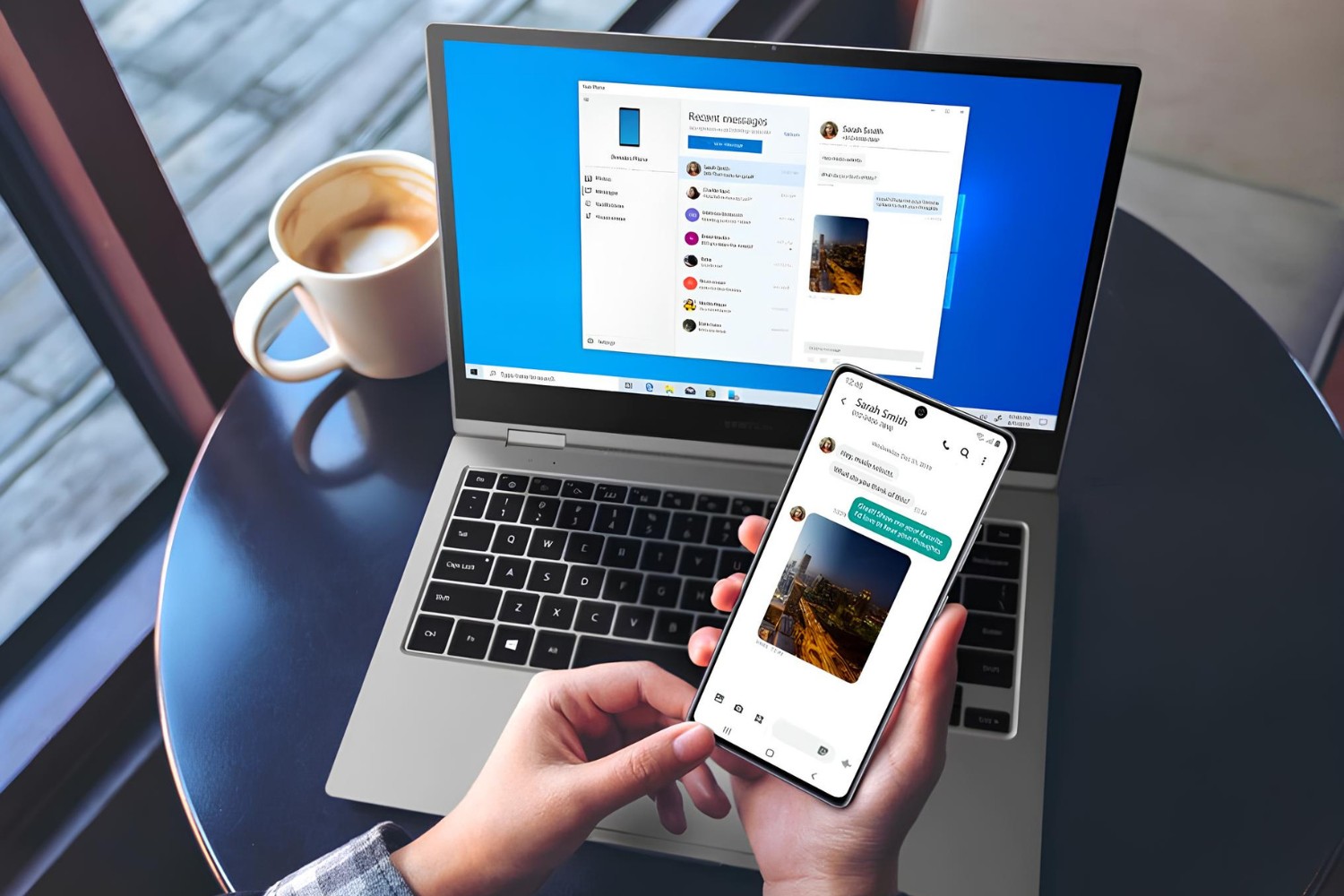
Enabling USB transfer on Samsung S20 FE starts by connecting the phone to your computer with a USB cable, then unlocking the screen and swiping down the notification panel. Tap...
You can check RAM on Samsung S20 FE by opening Settings, tapping Battery and device care, and selecting Memory. The S20 FE comes with either 6GB or 8GB of RAM,...
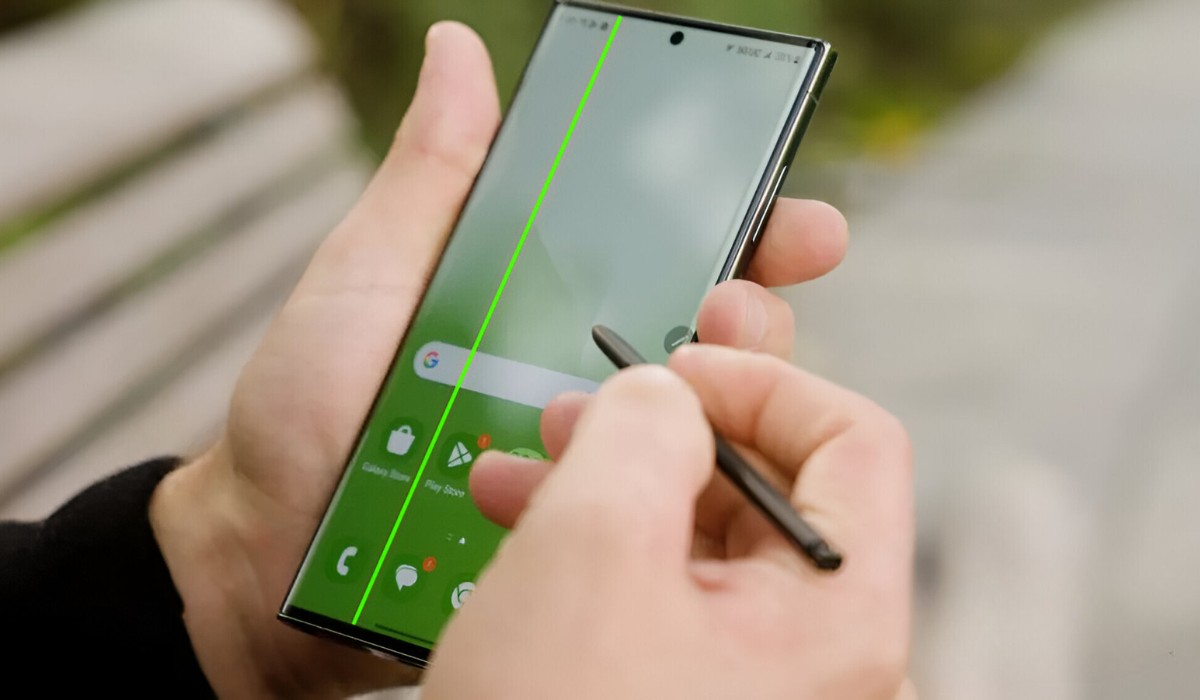
The Samsung s20 plus green line issue is a known hardware fault, typically originating from a defective OLED panel or a loose display connector, and it often appears suddenly after...
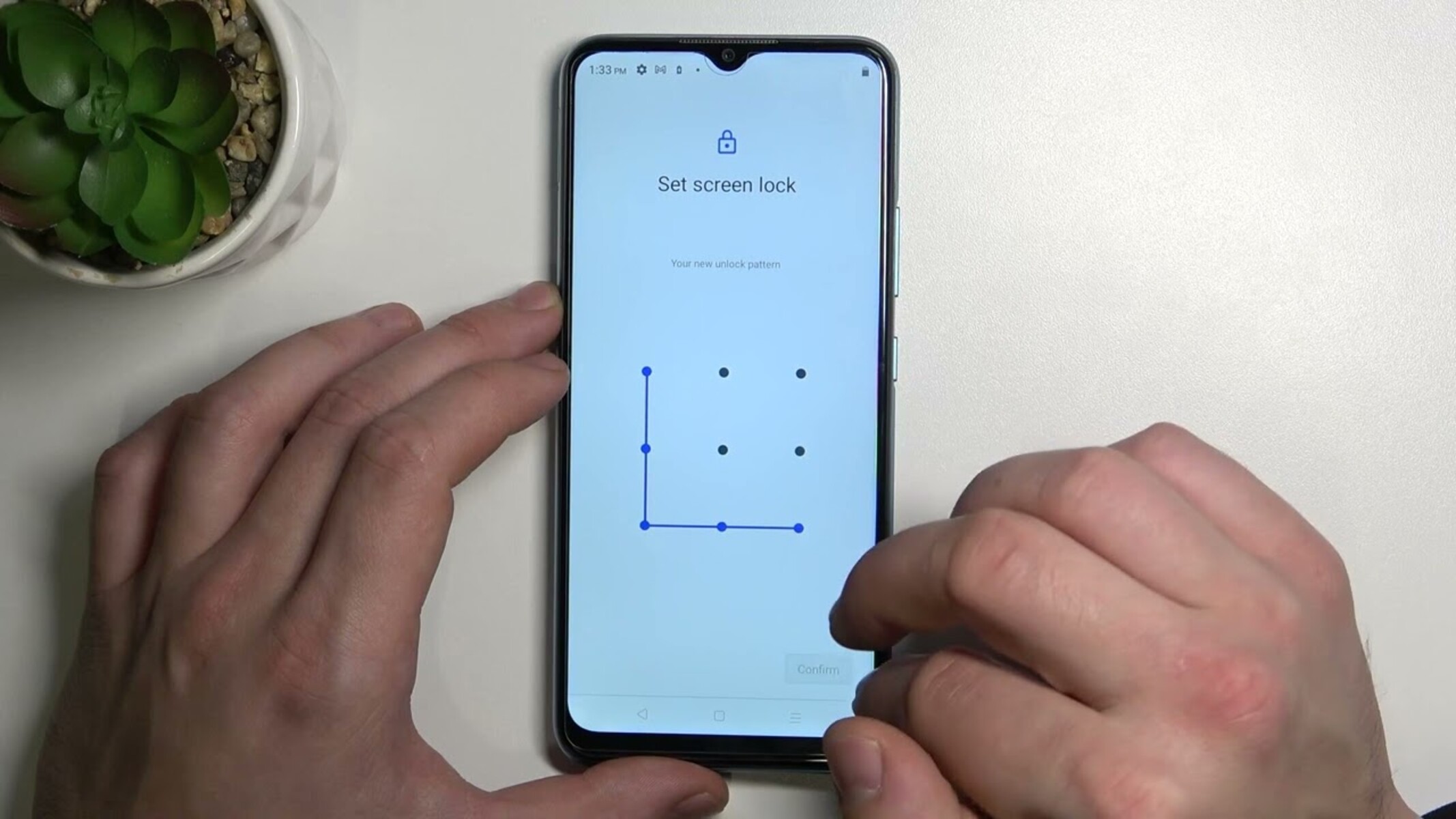
If your Realme phone is locked out by a forgotten pattern, the only reliable way to unlock Realme pattern lock on Android 10 and newer is a factory reset, which...
This website uses cookies so that we can provide you with the best user experience possible. Cookie information is stored in your browser and performs functions such as recognising you when you return to our website and helping our team to understand which sections of the website you find most interesting and useful.
Strictly Necessary Cookies
Strictly Necessary Cookie should be enabled at all times so that we can save your preferences for cookie settings.
If you disable this cookie, we will not be able to save your preferences. This means that every time you visit this website you will need to enable or disable cookies again.