Practical, step-by-step guides for people who are locked out of their own devices or who simply want to change how their device greets them each morning. It is written for everyday consumers, parents managing a family tablet, Android users who forgot a PIN, or anyone who finds the default lock screen cluttered with ads. The articles focus on regaining access to your own property and making the lock screen work for you, not on circumventing security in any improper way.
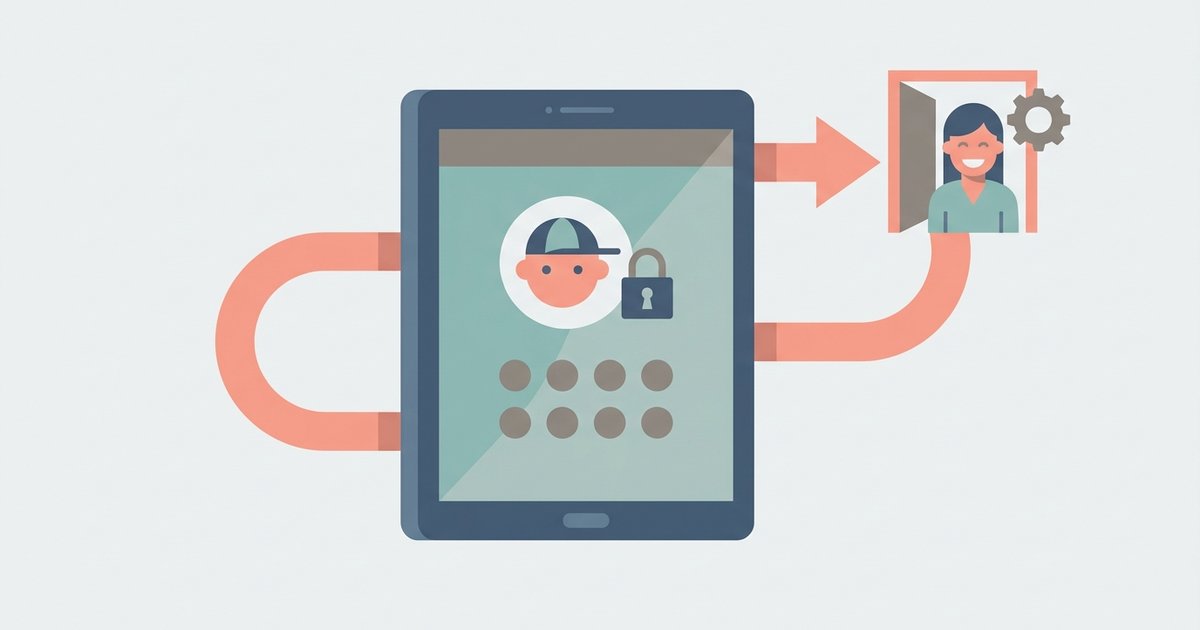
Several articles address the common problem of forgotten credentials. For example, “How To Find Pin Number On Android Phone” and “Forgot Redmi Password? Here's How To Unlock” walk through legitimate recovery methods, while “How To Unlock Celero 5G Phone Without Password” and “How Do I Unlock My Amazon Tablet?” cover similar situations for specific brands. Another clear theme is parental controls and kid-friendly modes: “How To Get Amazon Fire Tablet Out Of Kid Mode” and “How To Bypass Family Safety PIN To Exit Kid Mode Without A Factory Reset” explain how to exit these modes safely, with the latter framed strictly as a way for parents to regain control of their own device, not as a workaround for children.
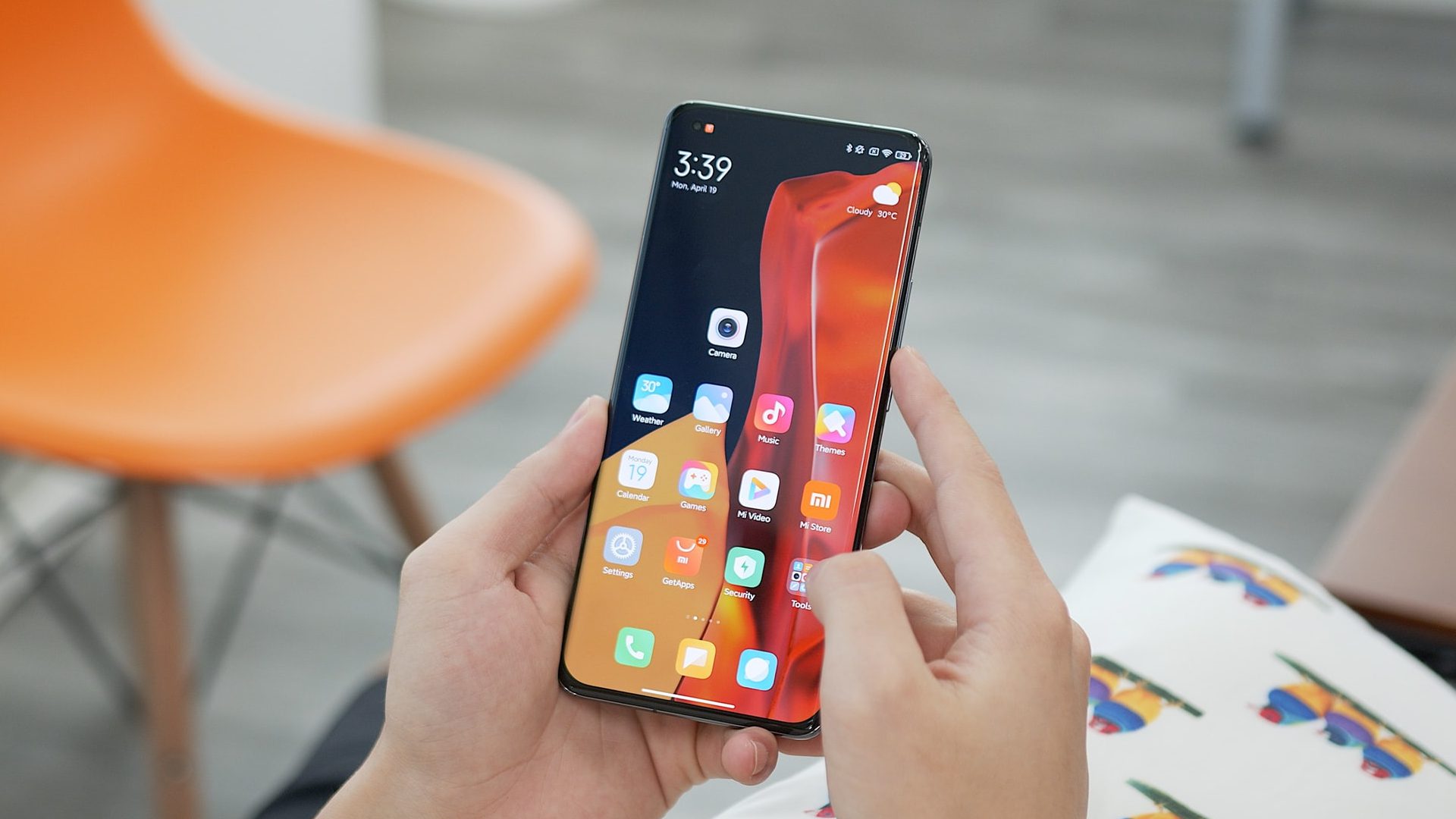
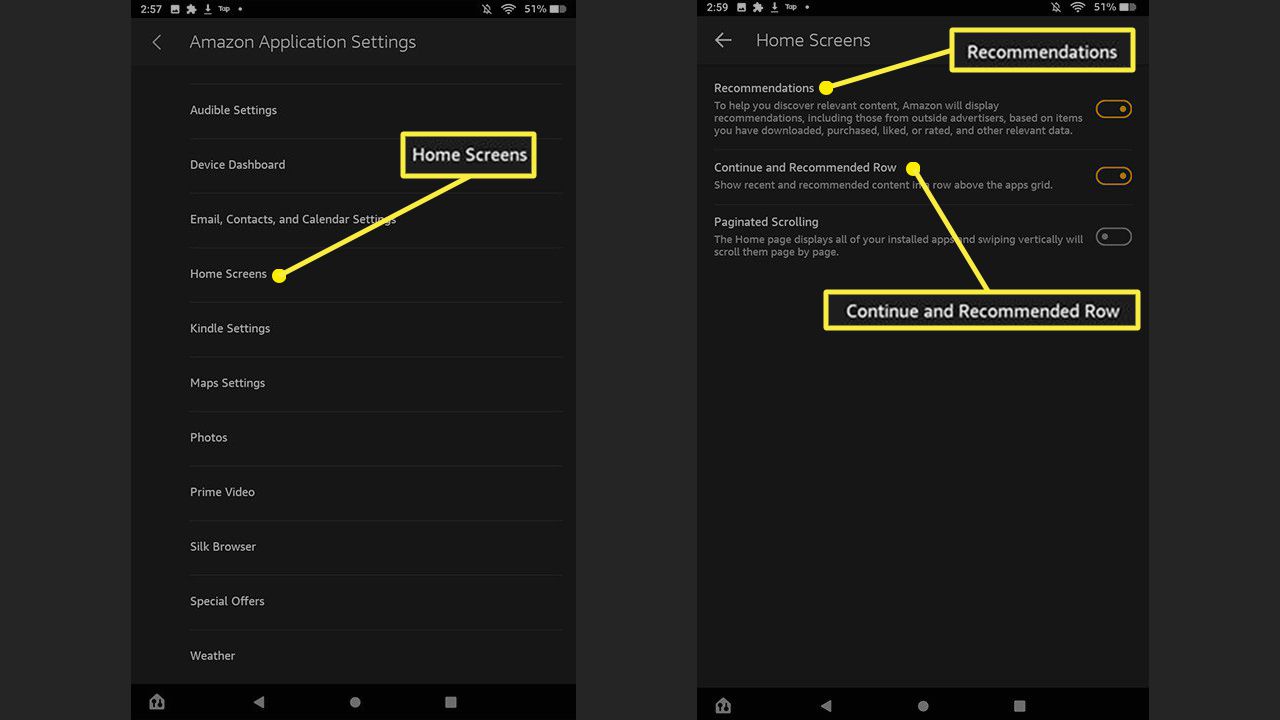
A third theme is customization and decluttering. Titles like “How To Change Lock Screen On Fire Tablet,” “Personalizing Your Xiaomi Lock Screen,” and “How to Customise a Fire Tablet Screen” show readers how to make their lock screen reflect their style. Meanwhile, “How To Get Rid Of Ads On Fire Tablet,” “How To Stop Ads On Amazon Fire Tablet,” and “How To Disable Ads On Fire Tablet” address the annoyance of promotional content, helping users clean up their display without resorting to any shady tricks. Together, these articles give readers clear, safe paths to unlock, personalize, and tidy their devices.