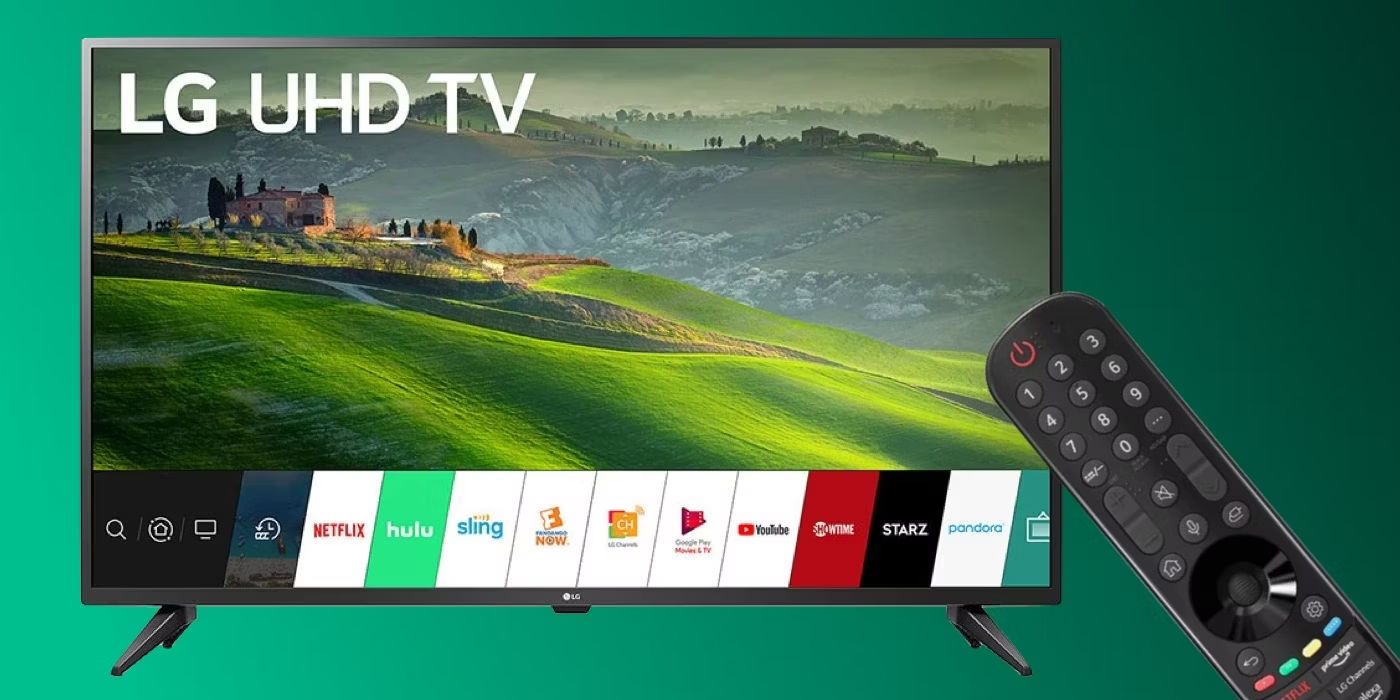
This tag collects 46 practical, step-by-step guides for anyone who owns an LG Smart TV and wants to get more out of it without wading through confusing menus or hunting for hidden settings. The articles are written for everyday viewers, not just tech enthusiasts, and assume you have a working TV and a remote, but not a degree in software. Whether you’re setting up a new TV or troubleshooting an old one, these guides focus on clear actions you can take yourself.
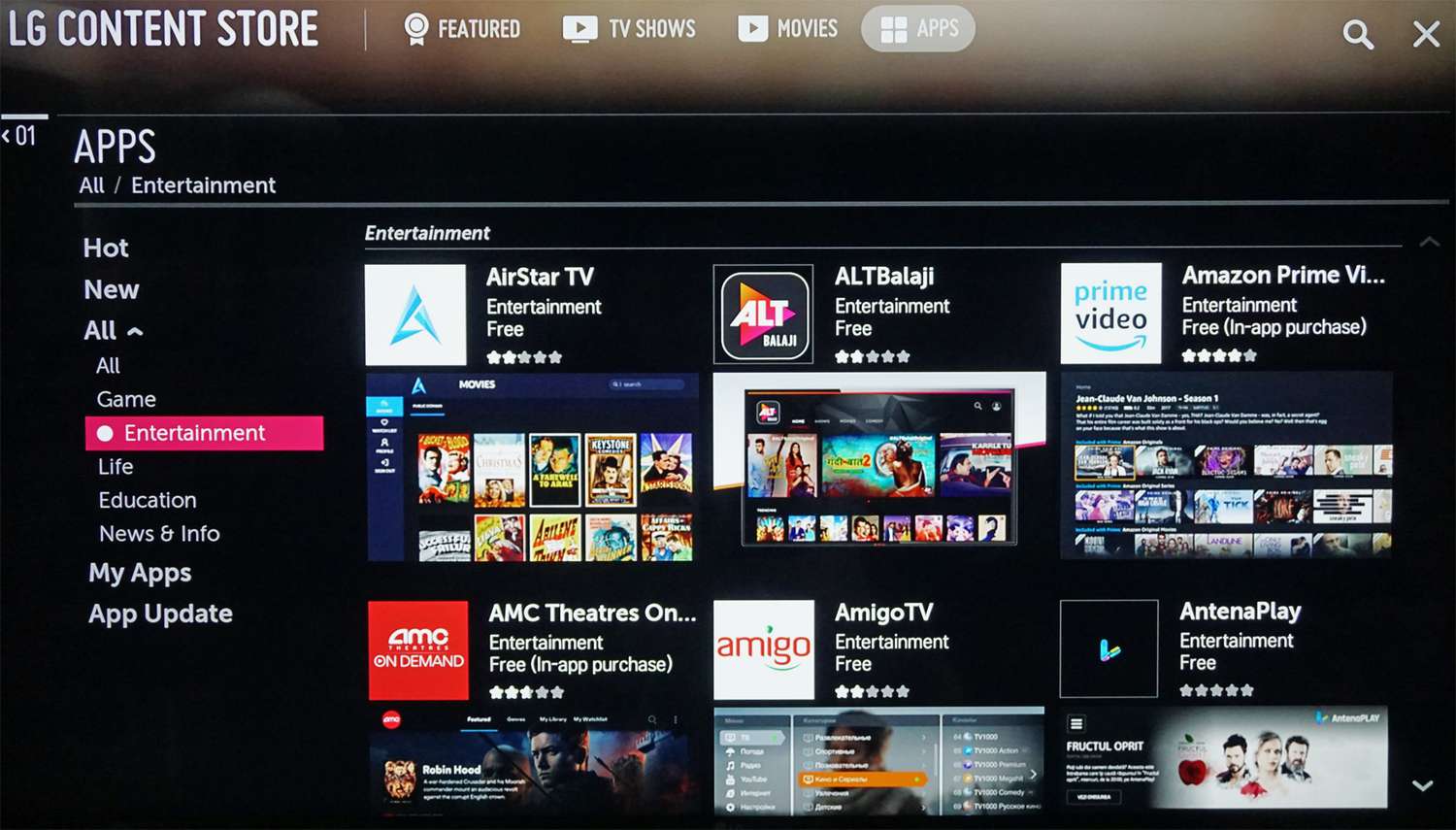
Most of the articles fall into two broad themes. The first is getting content onto your screen: installing and updating streaming apps like Paramount Plus, Apple TV, Acorn TV, and Spectrum TV, as well as connecting external sources like a DVD player, cable box, or an antenna to watch local channels. The second theme is fixing common annoyances and display issues, why the screen looks blue or too dark, how to block YouTube ads, how to turn off the voice assistant, or how to get rid of an on-screen banner. A few pieces also cover security and privacy in a straightforward way, such as managing third-party app installation on webOS or using the TV without the Magic Remote, always framed as legitimate setup and maintenance, never as a workaround for paid content.
You’ll also find help for specific scenarios like viewing a Blink camera feed, uploading personal photos, or adding PBS Passport. If you’ve ever wondered how to hook up an antenna or why your TV won’t show a certain app, these articles walk you through the steps, safely and legally, so you can watch what you want and fix what’s broken.