This tag collects practical guides for anyone who needs to get their keyboard backlight working the way they want, whether that means turning it on for the first time, changing its color, or troubleshooting a light that has stopped responding. The articles here are written for everyday laptop and desktop users, not just hardware enthusiasts, and they assume no prior technical knowledge. If you own a gaming laptop or a mechanical keyboard and you are tired of fumbling with function keys or software menus, this is the place to start.
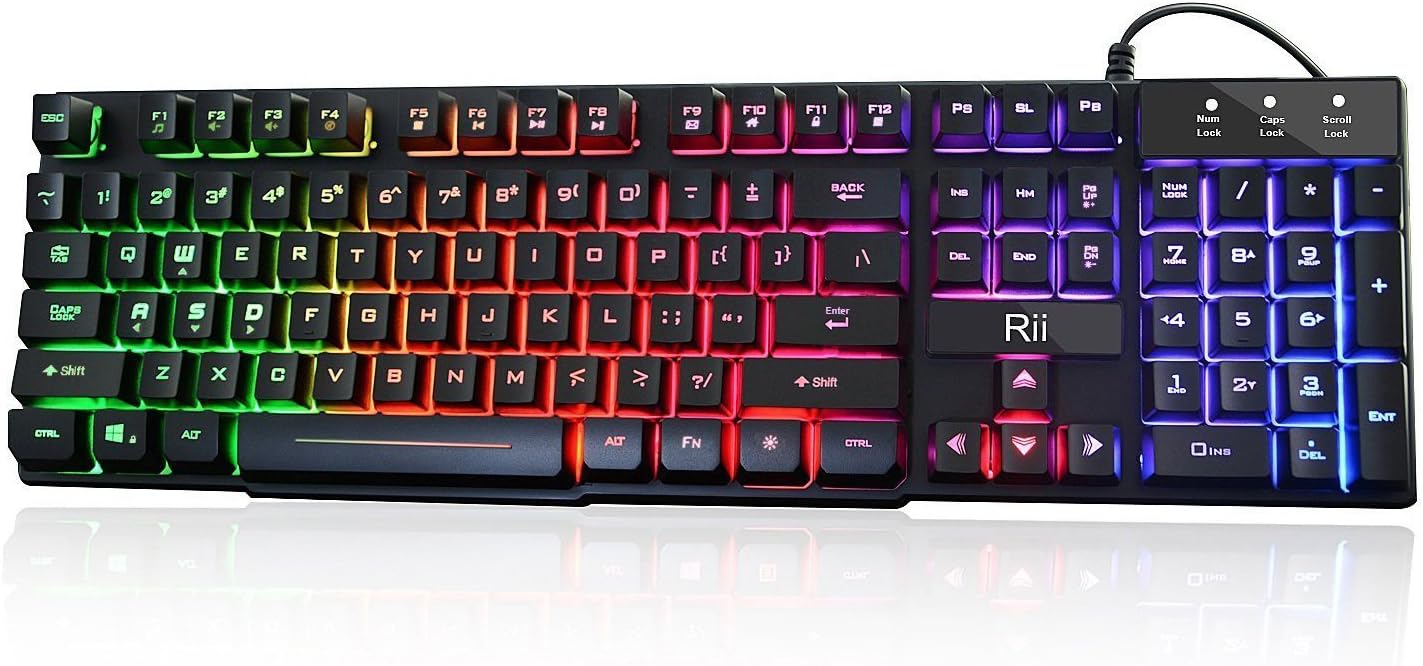
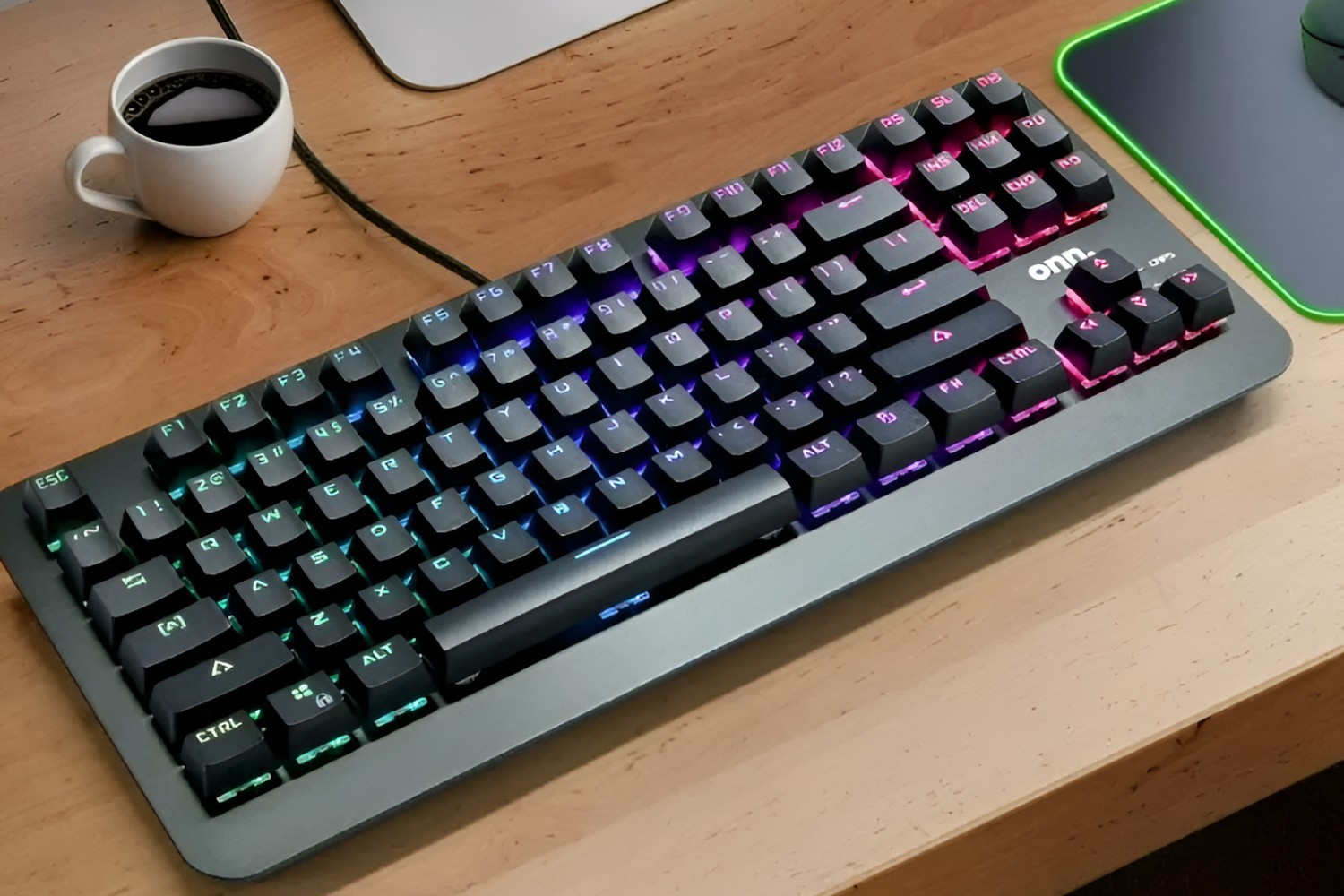
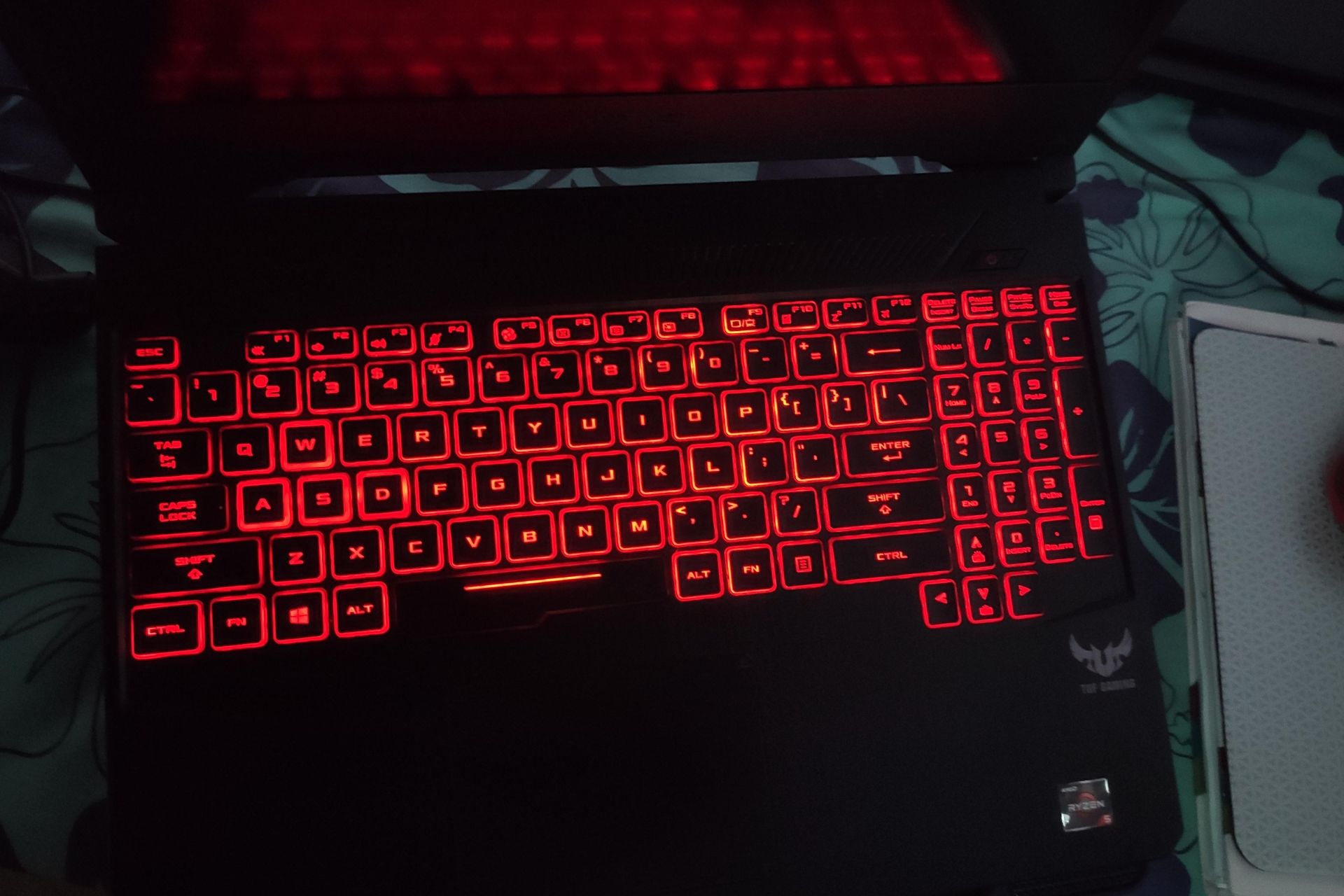
The guides fall into two clear themes. The first is activation and basic control: several articles walk you through the exact key combinations or software settings needed to switch the backlight on, such as on ASUS TUF and HP Omen gaming laptops. The second theme is customization and troubleshooting. For customization, you will find step-by-step instructions for changing colors on ONN, Rii, and Blue Finger mechanical keyboards, usually via dedicated function rows or companion apps. For troubleshooting, the AULA article helps you diagnose why the lights are not turning on at all, covering common causes like driver issues, power settings, or a stuck function lock.
Across these pieces, the focus is always on safe, supported methods. The articles show you how to use your device’s own controls and official software, never how to bypass, modify, or hack anything. Whether you are trying to light up your ASUS TUF for a late-night session, match your ONN keyboard to your setup, or figure out why your AULA is dark, these guides give you clear, legitimate steps to get the job done.