This tag collects Robots.net’s coverage of Hulu, the popular streaming service, and it is written for everyday viewers who use Hulu on smart TVs, phones, or through partner bundles. Whether you are comparing plans, troubleshooting a device error, or trying to link your account to a service you already pay for, these articles aim to clarify the practical side of using Hulu without jargon or guesswork.
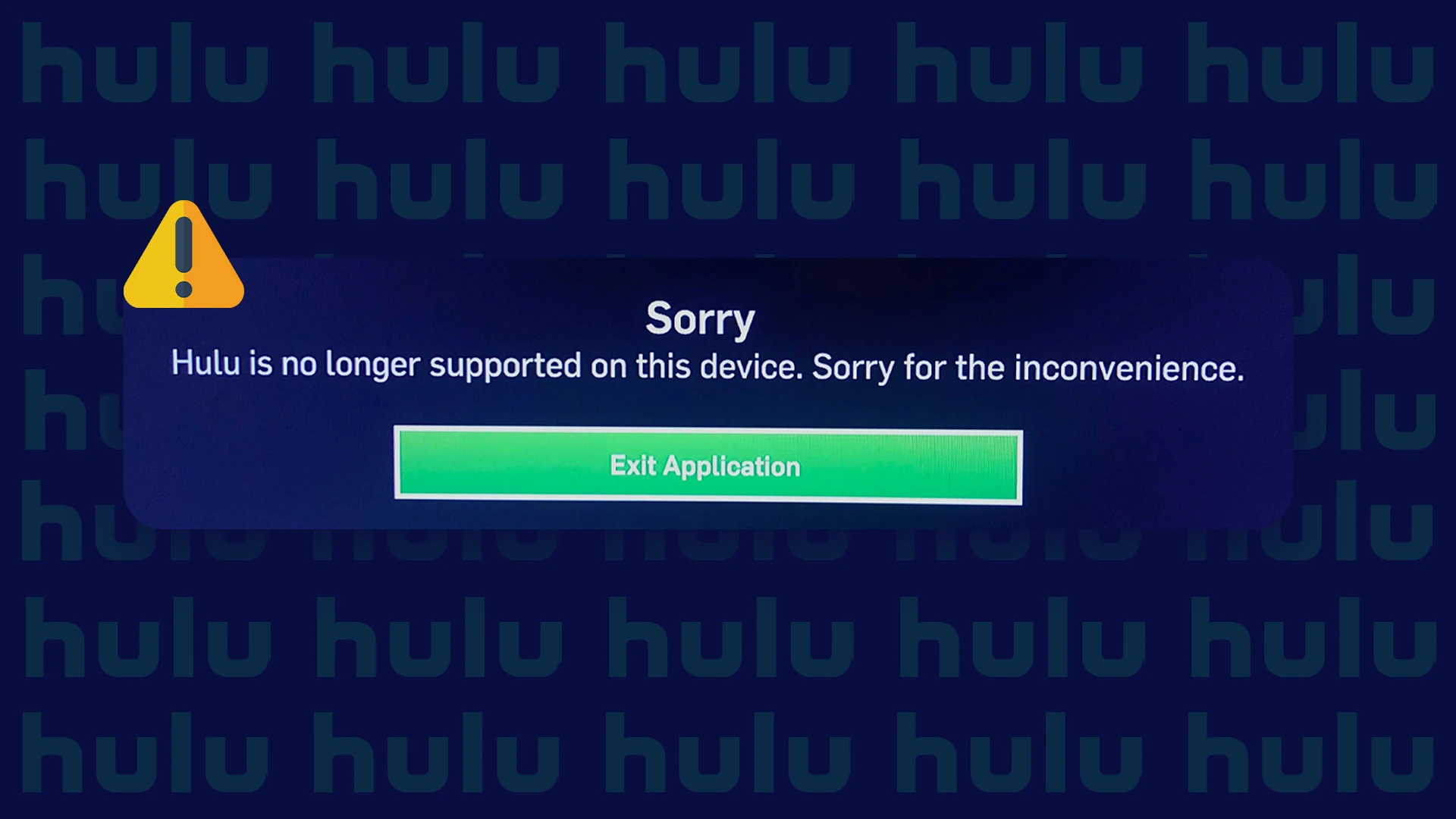
The articles fall into two broad themes. The first is decision-making and account management: reviews and comparisons (like “Hulu Review” and “Hulu vs Netflix vs Disney Plus”) help you weigh price and features, while guides on logging in with Spotify or getting Hulu through Amazon Prime explain how to connect existing subscriptions legally and safely. The second theme is device maintenance and troubleshooting. Here, you’ll find step-by-step help for signing out on a smart TV, updating the Hulu app, and understanding why a TV might say Hulu is no longer supported, issues that often stem from outdated software or hardware limits, not account problems.
Several pieces also address content access from a legitimate standpoint. For example, “How To Watch Attack On Titan” clarifies where that show is available within Hulu’s library, and “How To Get HBO Max On Hulu” explains the proper add-on channel option rather than any workaround. None of these articles tell you how to bypass paywalls or pirate content; instead, they focus on using official features, resolving error messages, and making informed choices about subscriptions. If you are stuck on a screen or unsure which plan fits, these guides give you clear, safe next steps.