This tag collects articles about using GPS technology across everyday devices, from dedicated car navigators and smartphone apps to drones and fitness wearables. It is written for people who own these gadgets and want to get more accurate, useful, or reliable location data out of them, whether that means updating map software, understanding a pace readout, or troubleshooting why a phone’s location features behave differently after a SIM card is removed.
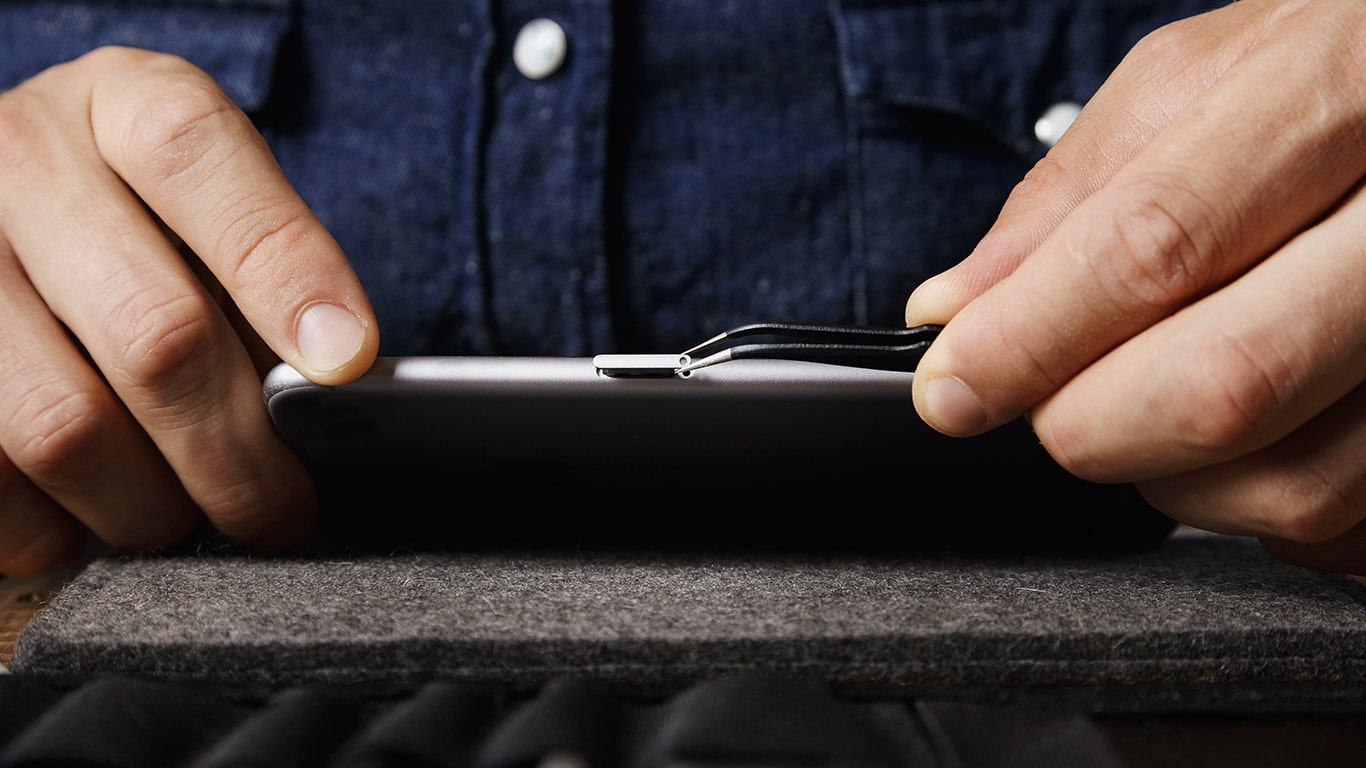
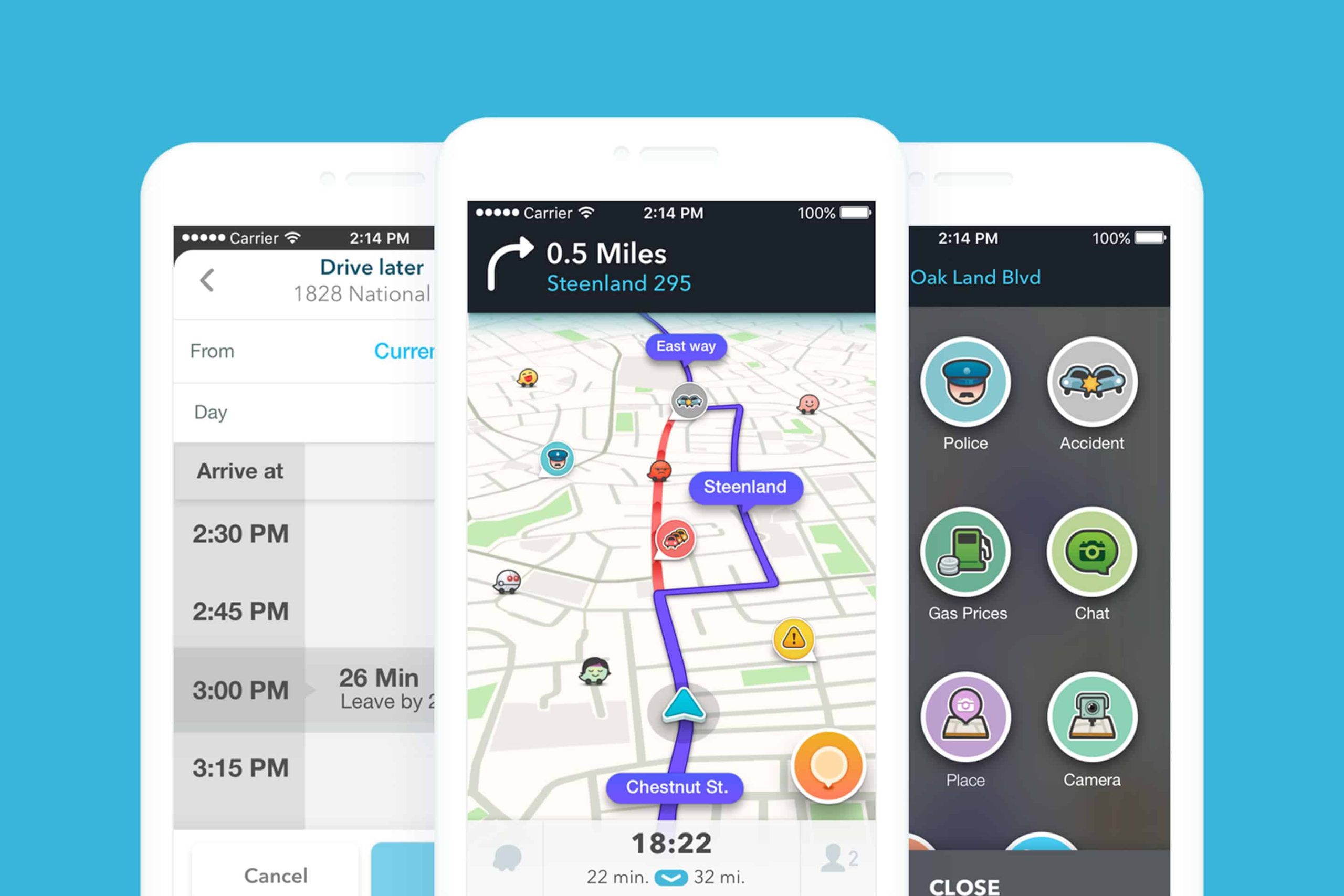
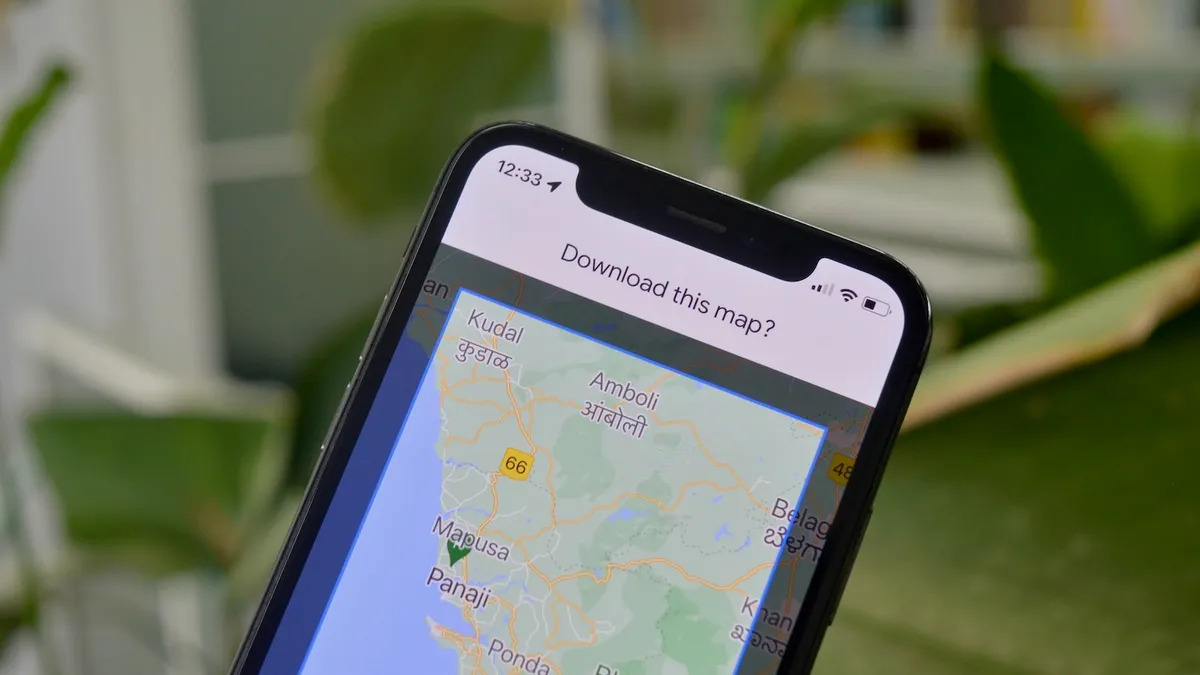
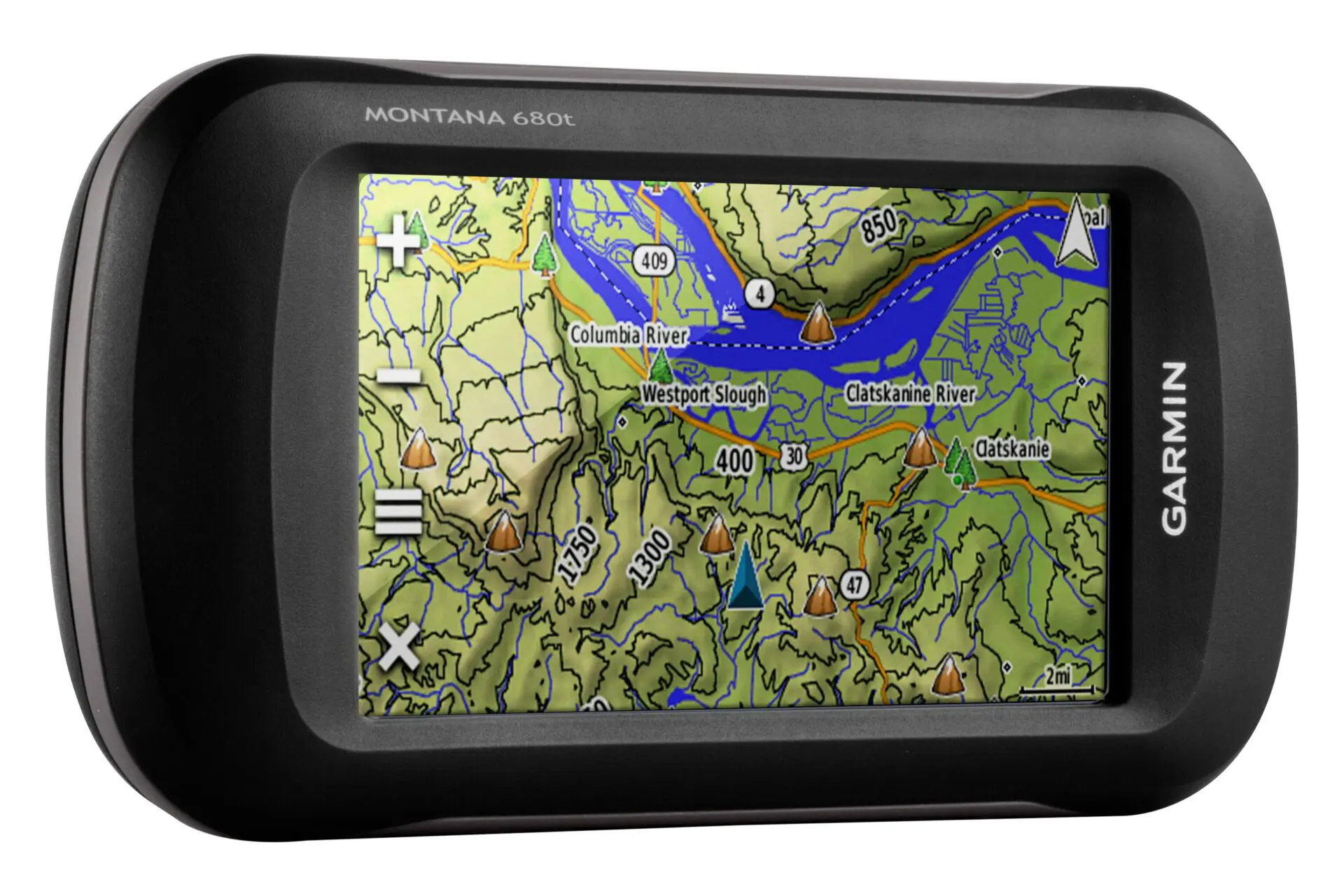
The articles fall into two broad themes. The first is map management: several guides walk you through refreshing or downloading maps on specific platforms, such as updating a Garmin Nuvi, pulling new regions into Waze, or saving a route in Google Maps. These are practical, step-by-step tasks for keeping your navigation current and avoiding stale directions. The second theme is understanding GPS in adjacent contexts, learning how to fly a DJI Mini 3 Pro with proper awareness of its positioning systems, interpreting pace metrics on a Fitbit so your workout data makes sense, and reviewing what happens to your phone’s location services and emergency features when you take out the SIM card. That last piece is framed as a safety and security overview, explaining the consequences and legal alternatives rather than encouraging any workaround.
Across these topics, the tag helps you do concrete things: keep your maps fresh, fly a drone with better spatial awareness, read your fitness stats correctly, and make an informed decision about SIM removal. It is practical guidance for everyday GPS use, not a shortcut or hack.