This tag collects practical, hands-on guides for getting the most out of a gaming mouse, written for everyday PC users who want to customize their hardware without digging through obscure manuals. Whether you just bought a new mouse or have been using one for years, these articles are for anyone who wants to adjust settings, remap buttons, or fix small annoyances on their own. The focus is on clear, step-by-step instructions for common peripherals from brands like Logitech, Redragon, Cyberpower, iBuyPower, Tecknet, and Zelotes.
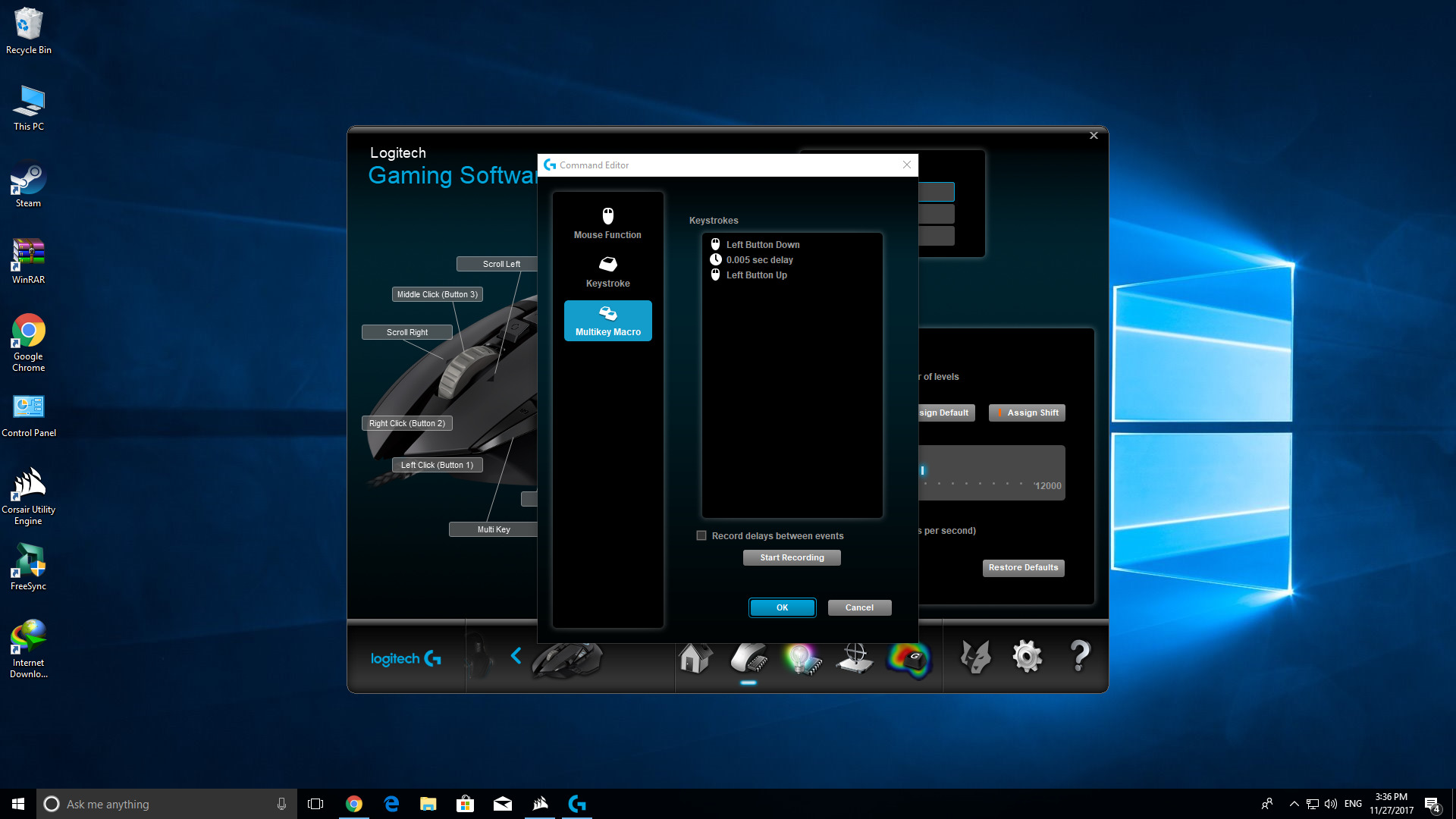
The articles fall into two main groups. The first group is about setup and customization: you’ll see how to change DPI settings on a Logitech G305, download the Redragon mouse software, or program buttons on a Tecknet gaming mouse. There are also guides on adjusting lighting colors for Cyberpower and other models, and configuring macros for rapid-fire actions or auto-clickers, always explained as legitimate productivity or accessibility shortcuts, not as ways to bypass game rules. The second group deals with troubleshooting and maintenance. For example, several articles explain why a Zelotes mouse’s buttons might reset after a restart, how to save profiles directly to onboard memory, and how to cleanly uninstall or remove Zelotes drivers and profiles to avoid conflicts. These pieces help you diagnose persistent issues and keep your mouse behaving predictably.
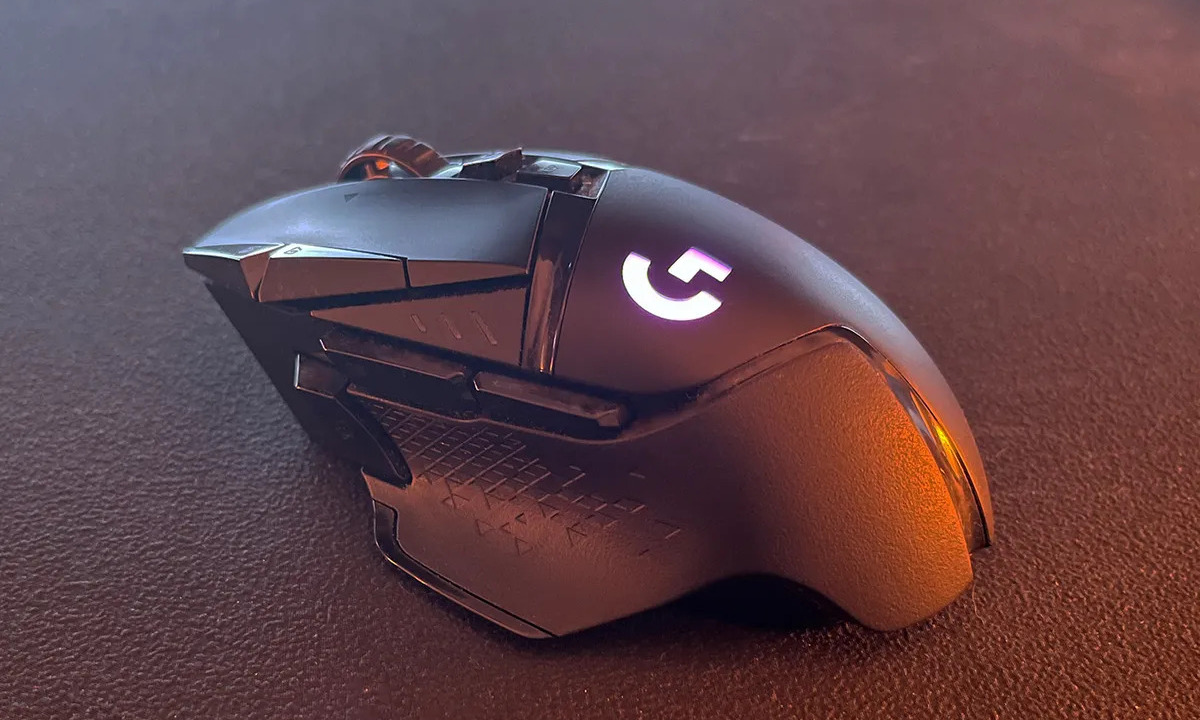
Across the board, the tag helps you take control of your hardware: setting up a Logitech G502 from scratch, enabling angle snapping, or fixing a mouse that forgets its settings. It’s practical, safety-conscious, and aimed at solving real problems you might run into on a daily basis.