Articles for people who want to run console games on their own hardware, typically a PC, laptop, or Steam Deck. It is written for hobbyists who already own the games and want to explore legal, practical ways to play them on modern machines. The focus is on setup, configuration, and troubleshooting, not on circumventing protections or obtaining software you do not own.
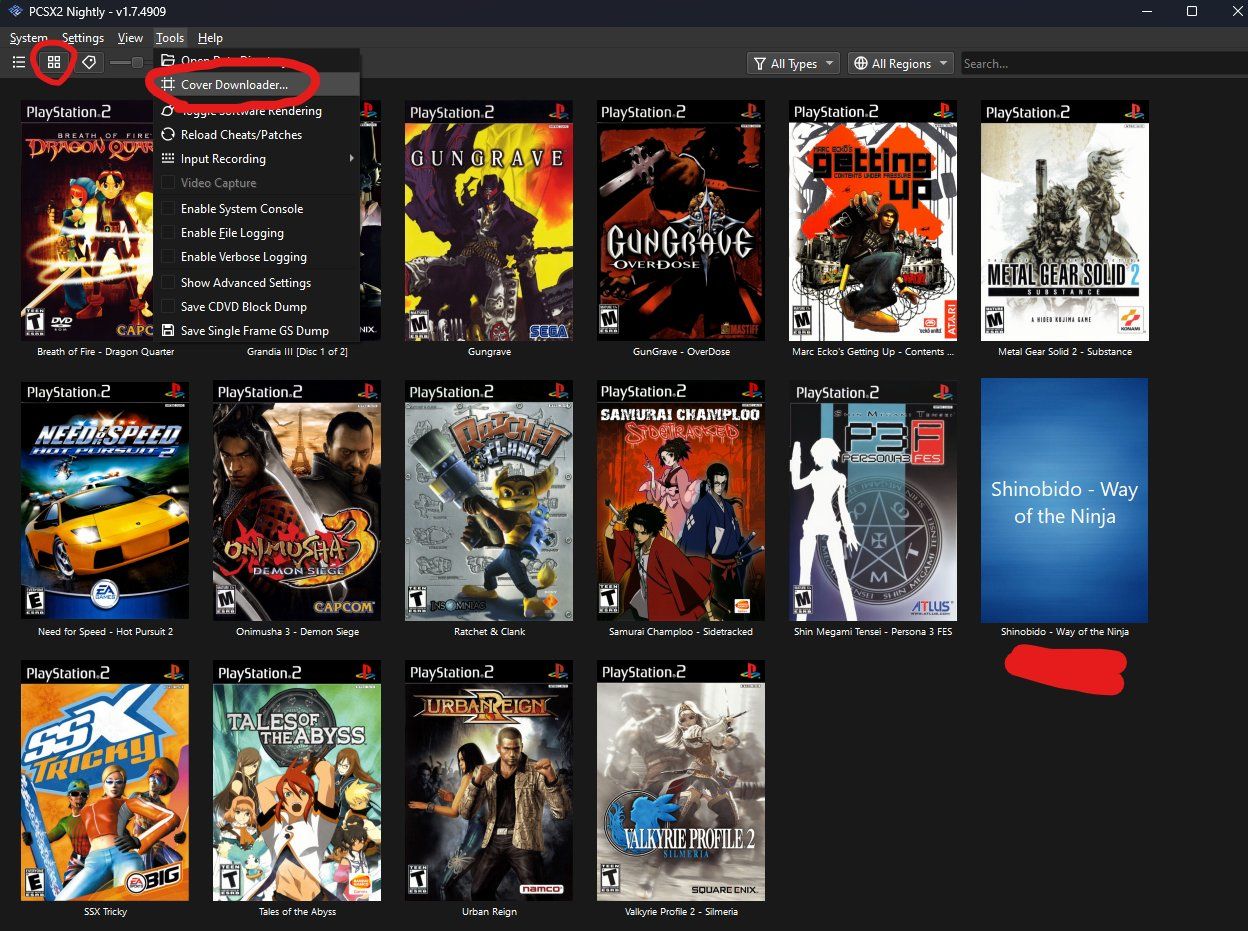
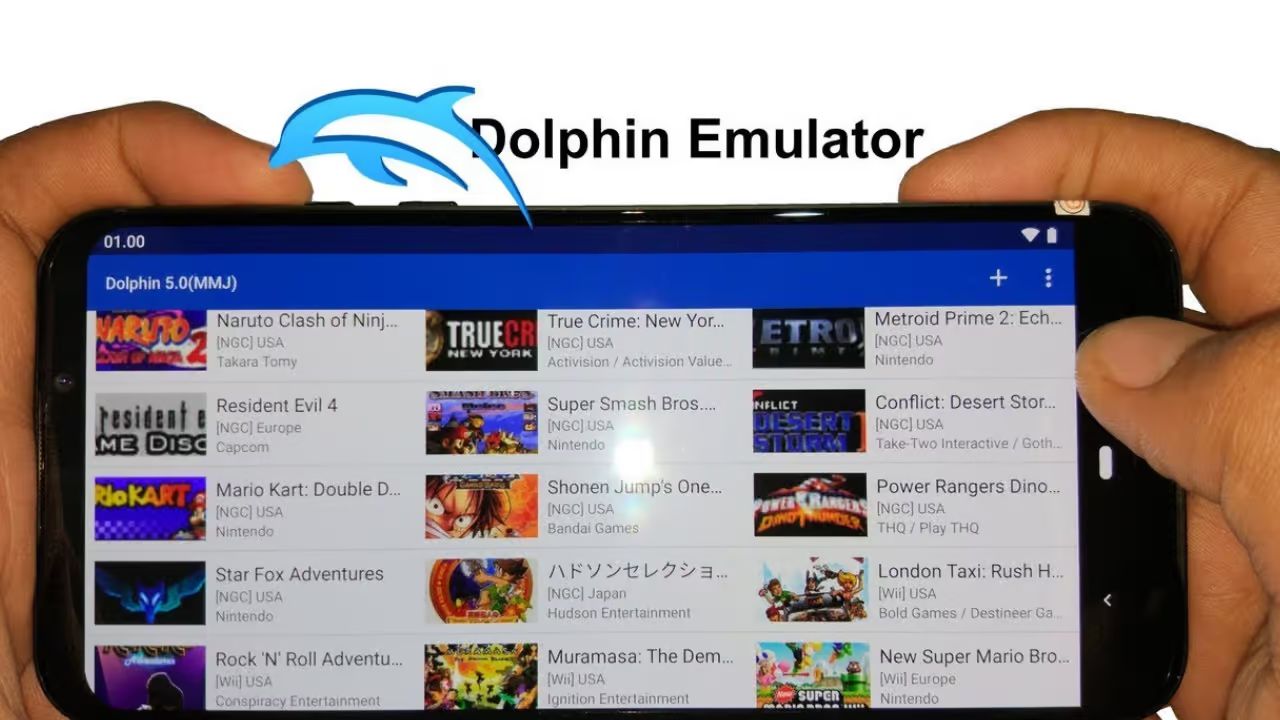
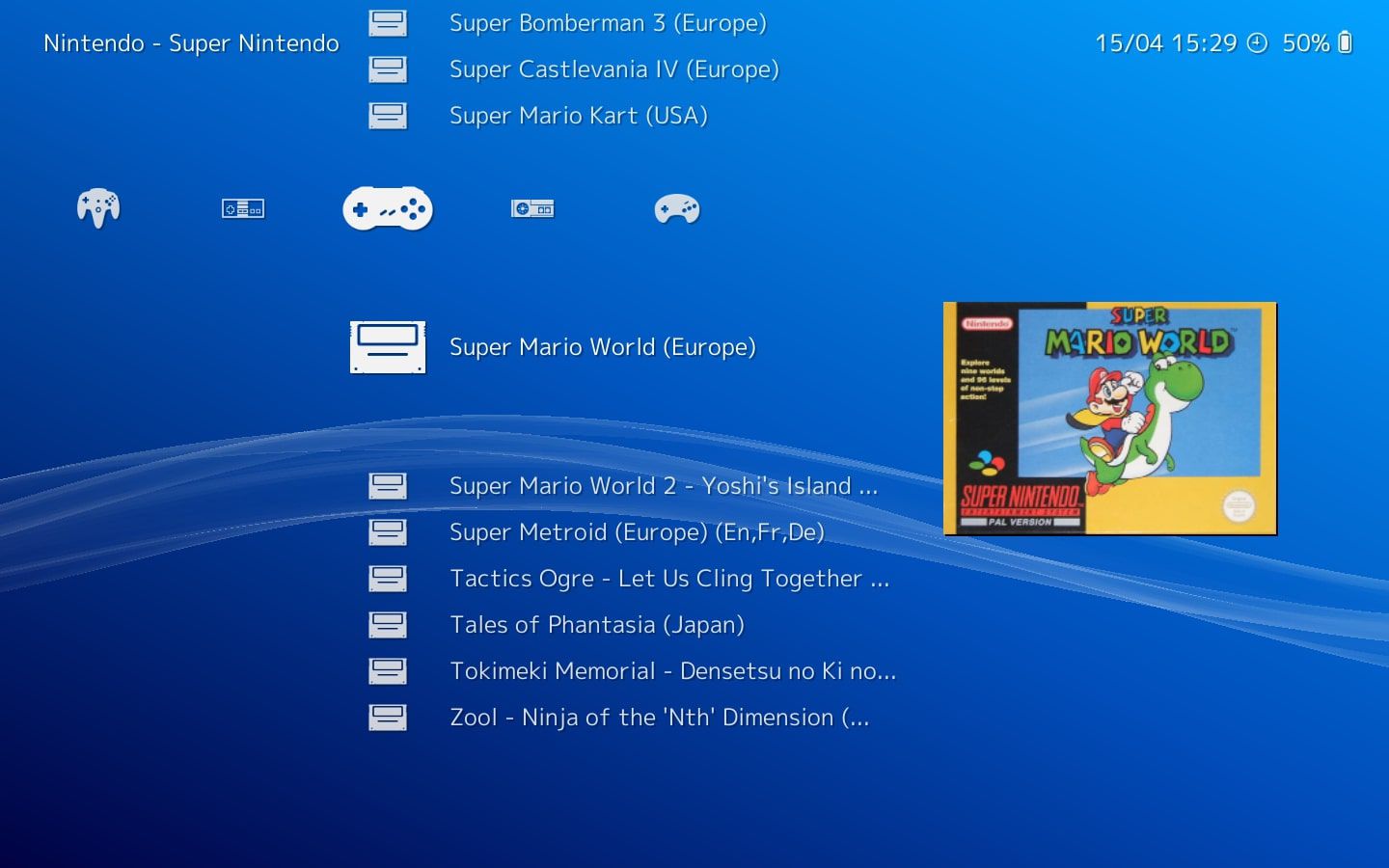
Several articles help you get started with specific emulators and libraries. For example, guides cover downloading games for Retroarch, building a legal game library for the Dolphin emulator, and finding legitimate PS2 and PSP options for PCSX2 and other programs. Other pieces address preservation and legal alternatives, such as the article on Nintendo Switch game preservation and legal PC alternatives, or the one explaining whether you need a hacked Switch to dump games for Ryujinx, the answer is framed around ownership and safe dumping practices, not piracy.
A second group of articles solves hardware and performance problems. You can read about minimum system requirements for emulating Mortal Kombat 9 on PC, or how to fix missing DLC in that same game under RPCS3. There are also broader how-to pieces, like building your own gaming console, and beginner-friendly walkthroughs for playing Wii, Wii U, and GameCube titles on PC. Throughout, the emphasis is on doing things legitimately, using your own game discs or digital purchases, and following safe, legal steps for emulation.