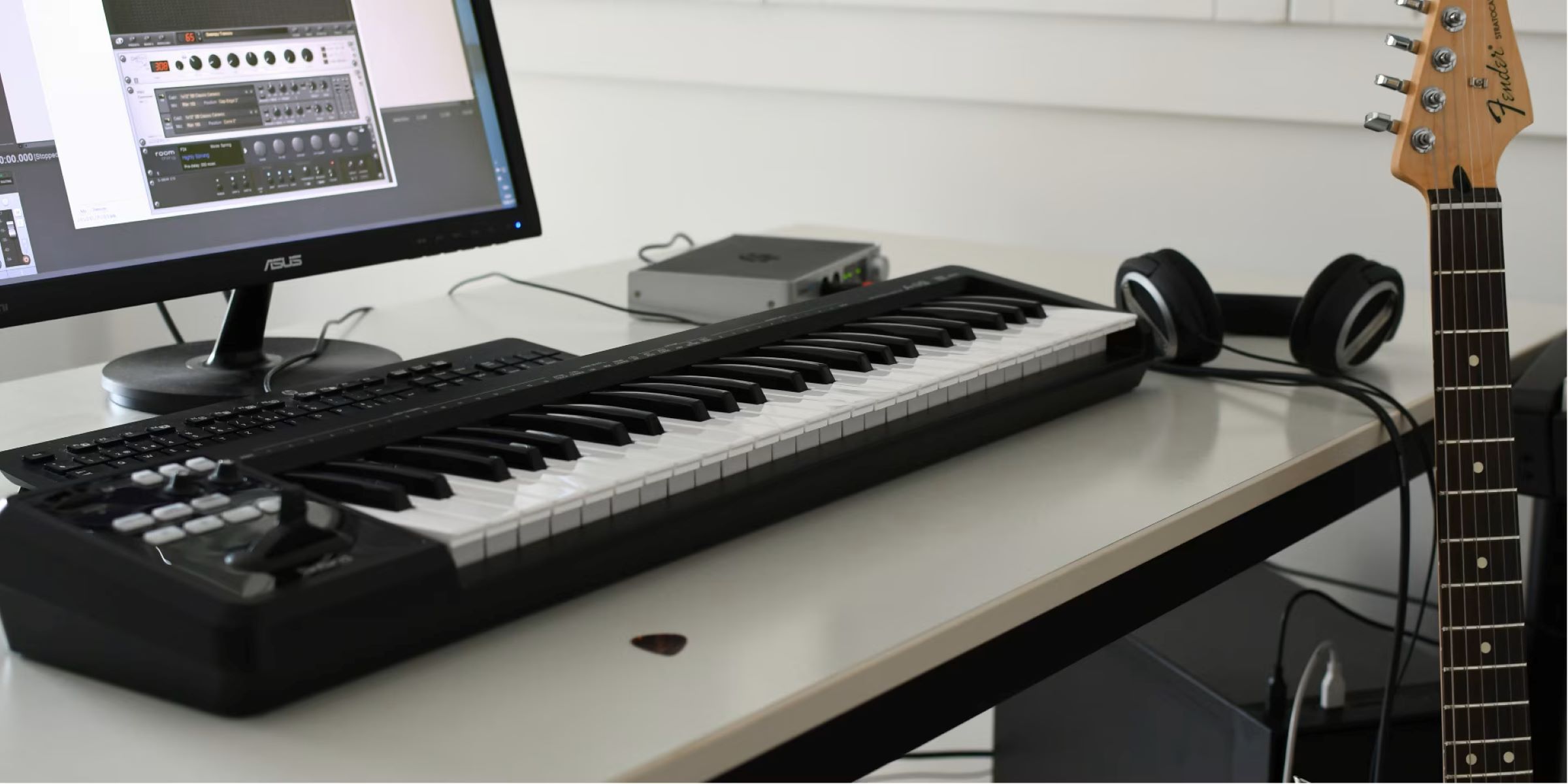
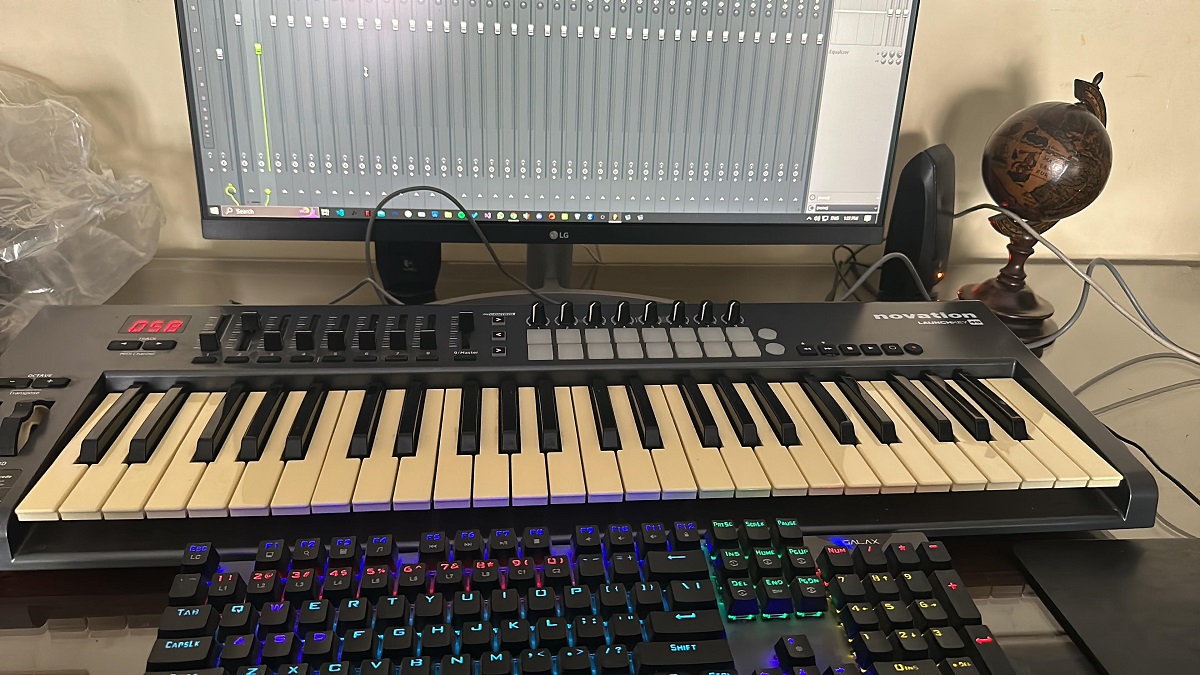
To record digital piano with Audacity, connect your piano to your computer via USB or audio cables, then select it as the input device in Audacity’s Audio Setup before arming...
How to transpose a Yamaha digital piano To transpose a Yamaha digital piano, you'll press and hold a specific button combination while pressing a key that corresponds to the desired...
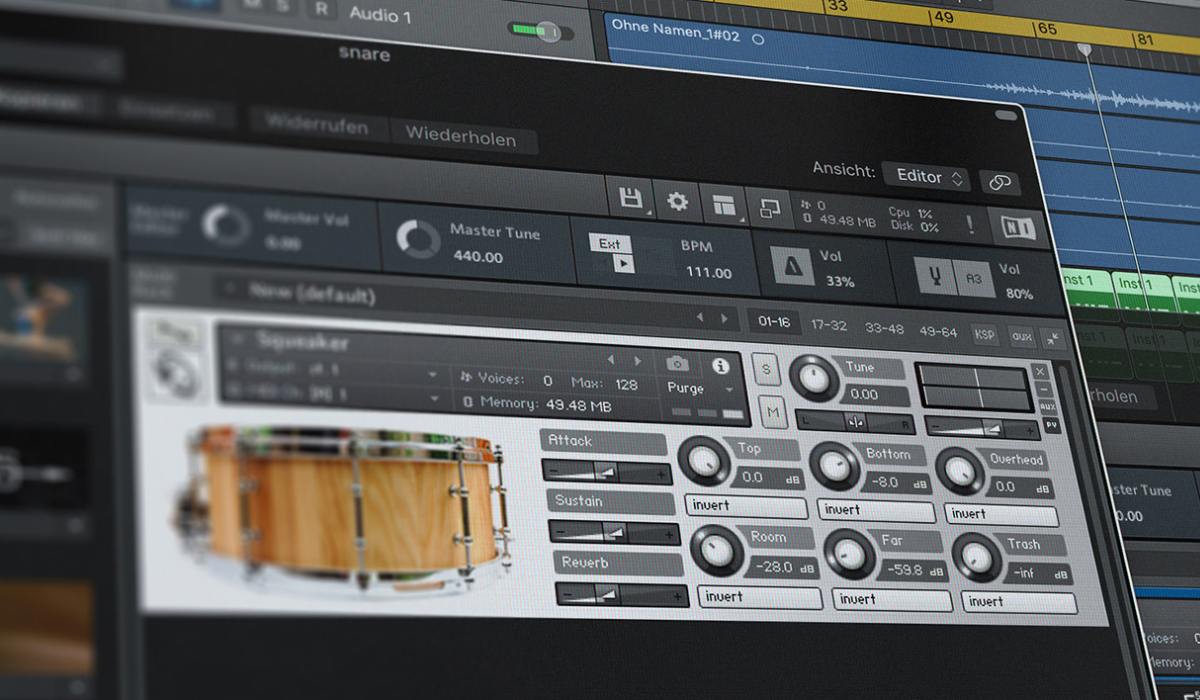
If you want to start making beats immediately without spending a cent, the best free drum machine software is LMMS, thanks to its full-featured step sequencer and cross-platform support. For...
To activate a BM 800 condenser microphone on your computer, you must first understand that it requires 48V phantom power and cannot be powered by a standard 3.5mm computer port....
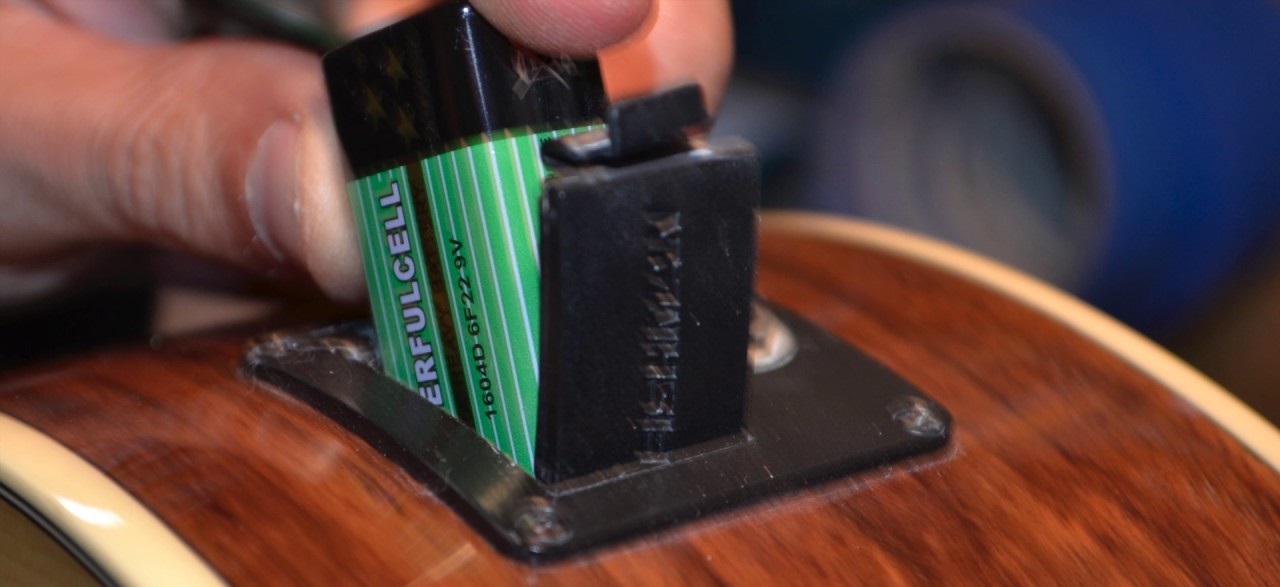
To change acoustic electric guitar battery, you first need to identify which of the two main systems your guitar uses: a standard 9V battery in a side preamp or tail...
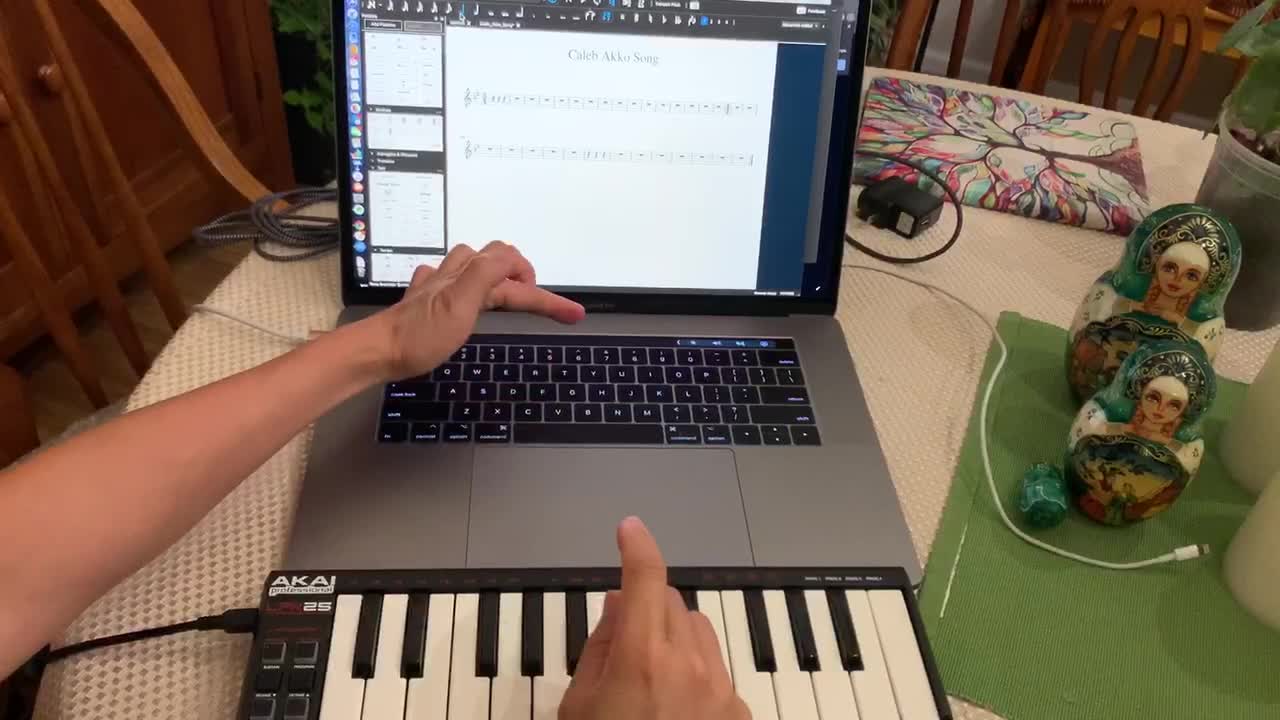
To use a MIDI keyboard in MuseScore, you need to connect the keyboard to your computer, select it as the input device in MuseScore's preferences, and then enable note entry...
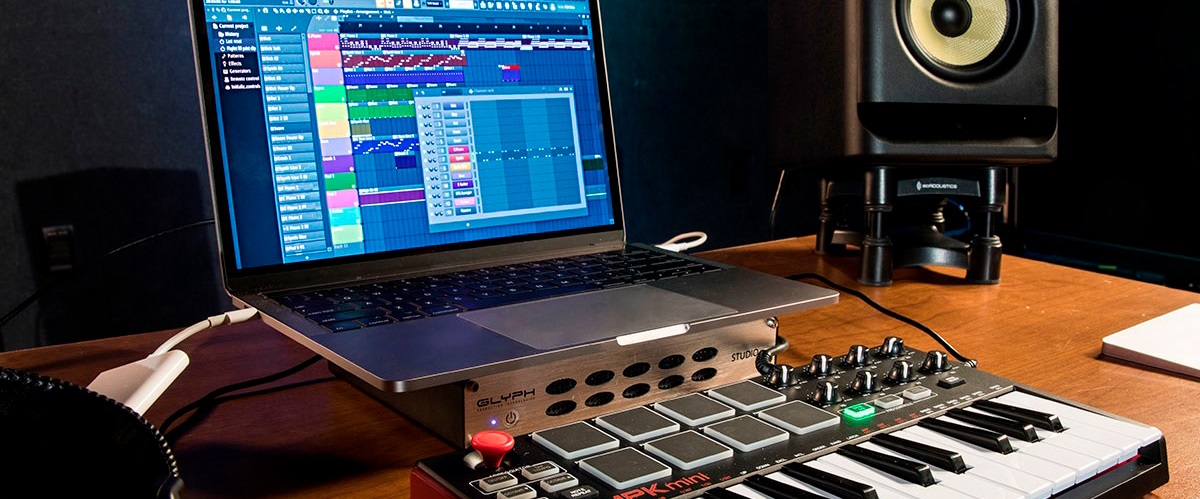
To set up Akai MPK Mini FL Studio, connect the keyboard via USB, select the DAW preset on the hardware, and configure the MIDI input in FL Studio's settings. This...
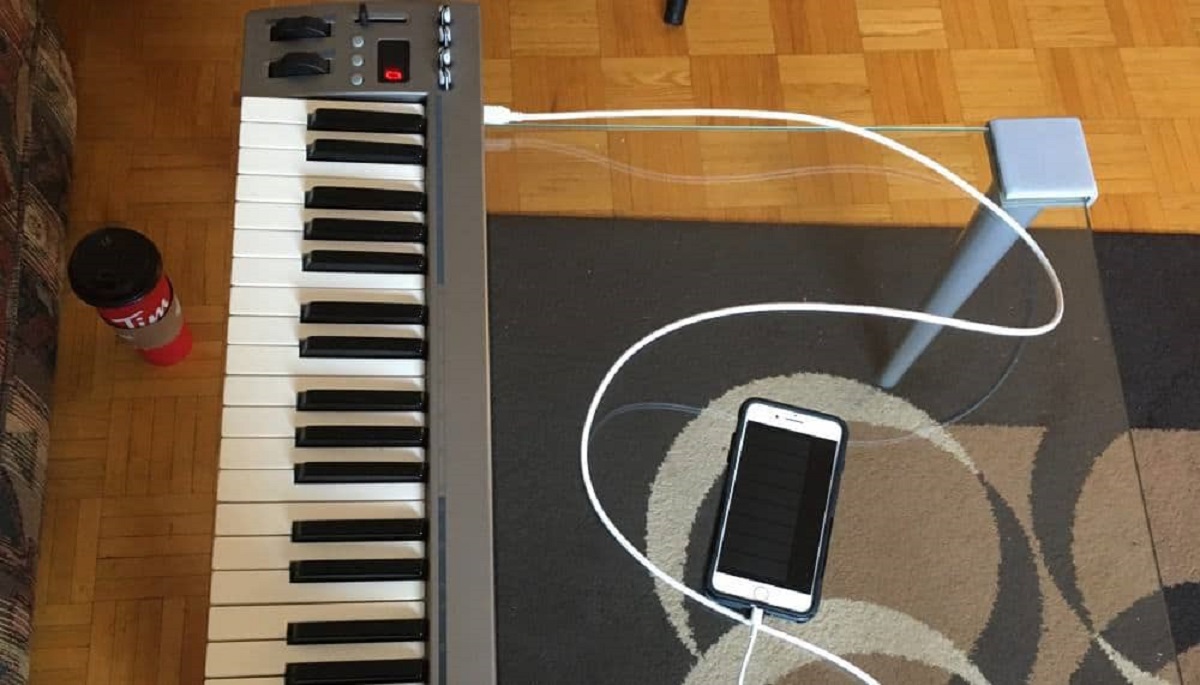
To connect a MIDI keyboard to an iPhone, you need the correct adapter for your keyboard’s port type and then set the keyboard as an input device inside a music...
If Reaper isn't recognizing your MIDI keyboard, the cause is almost always a settings issue, not a hardware failure. Reaper requires you to manually enable each MIDI device in its...
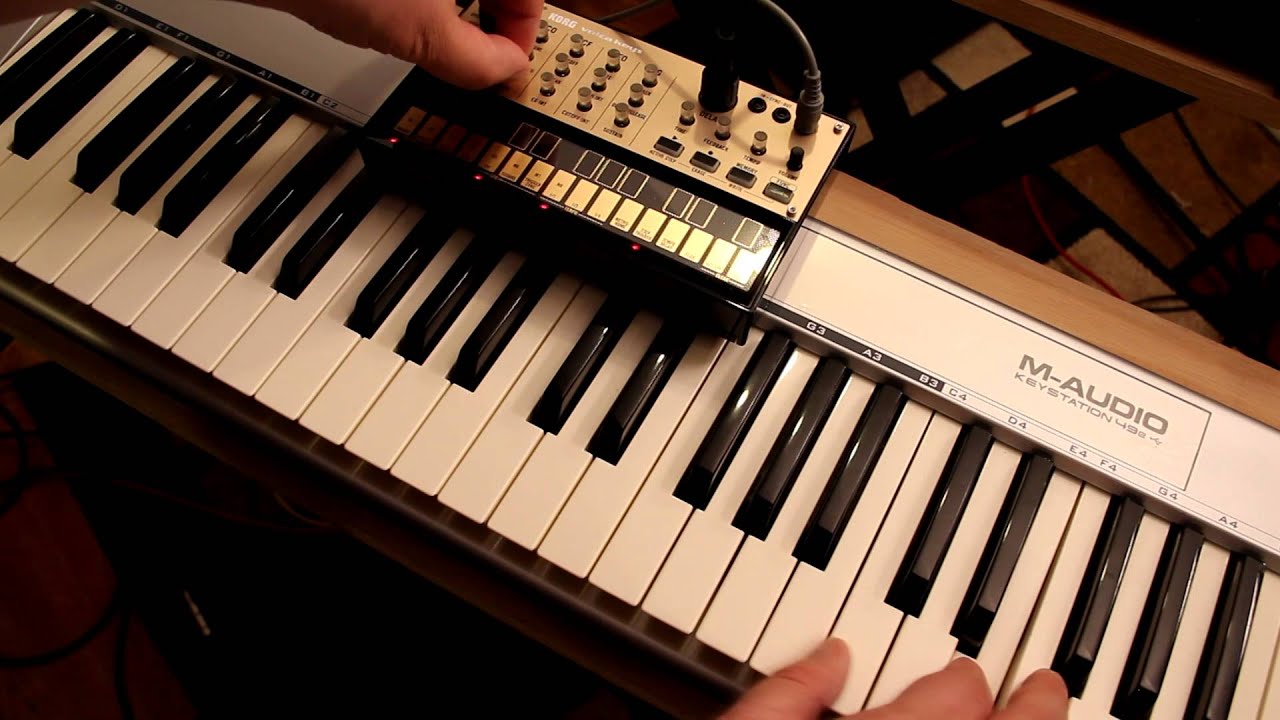
To use a MIDI keyboard with Korg Volca, you only need a standard 5-pin DIN MIDI cable, any MIDI keyboard with a MIDI Out port, and a Korg Volca, all...
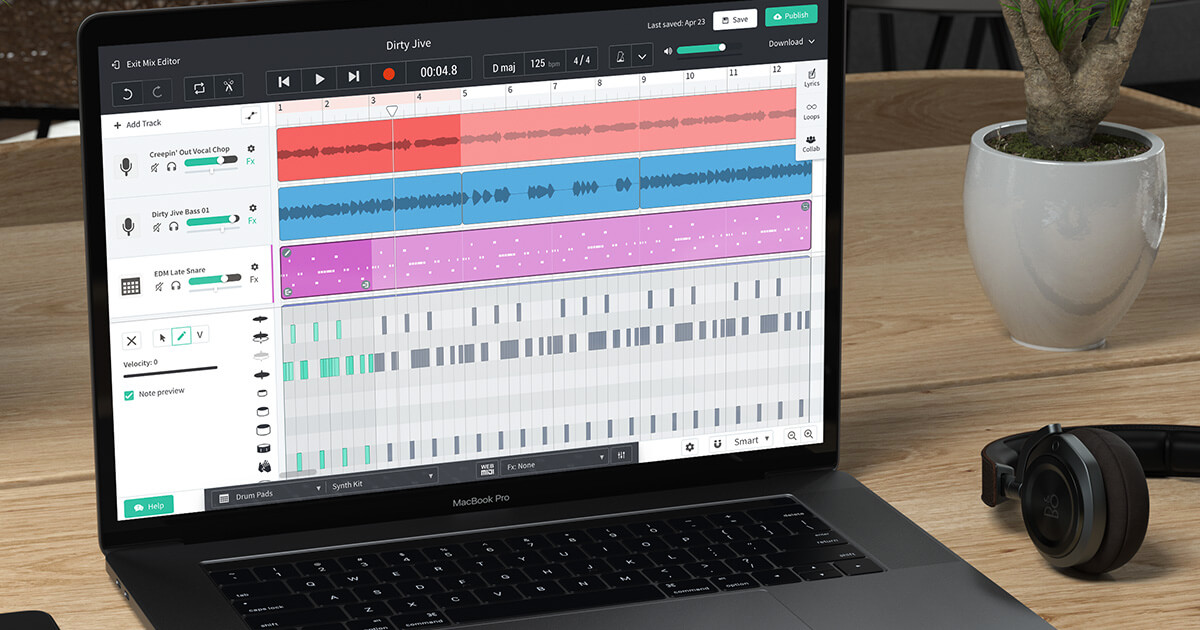
To use a MIDI keyboard in BandLab, connect it to your computer or mobile device, open BandLab Studio, and create a Virtual Instrument track, your keyboard should be detected automatically,...
To record MIDI keyboard in piano roll in FL Studio, you connect your controller, enable it in MIDI settings, and capture live note data directly into the Piano Roll for...
This website uses cookies so that we can provide you with the best user experience possible. Cookie information is stored in your browser and performs functions such as recognising you when you return to our website and helping our team to understand which sections of the website you find most interesting and useful.
Strictly Necessary Cookies
Strictly Necessary Cookie should be enabled at all times so that we can save your preferences for cookie settings.
If you disable this cookie, we will not be able to save your preferences. This means that every time you visit this website you will need to enable or disable cookies again.