This tag collects our guides on controlling subtitles and closed captions across the streaming services and television brands people actually use at home. It is written for everyday viewers, not just tech enthusiasts, who want to adjust on-screen text for themselves or for family members, whether to make dialogue clearer, to watch in a noisy room, or simply to remove captions that have turned on by accident.
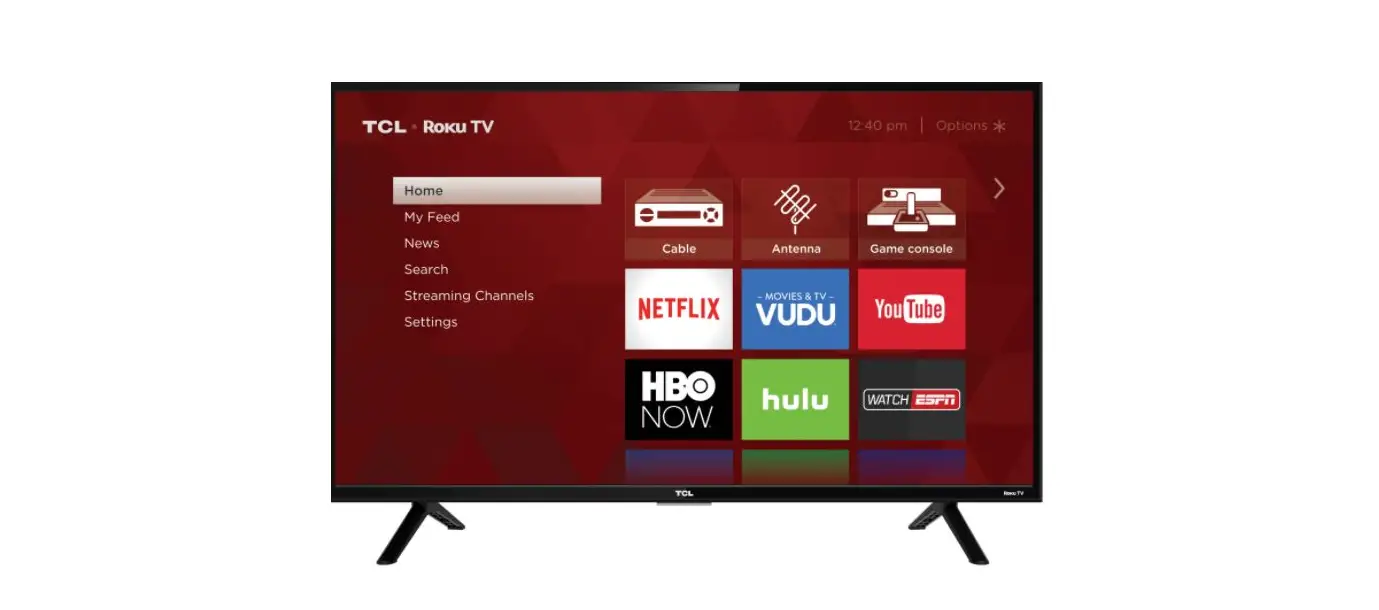
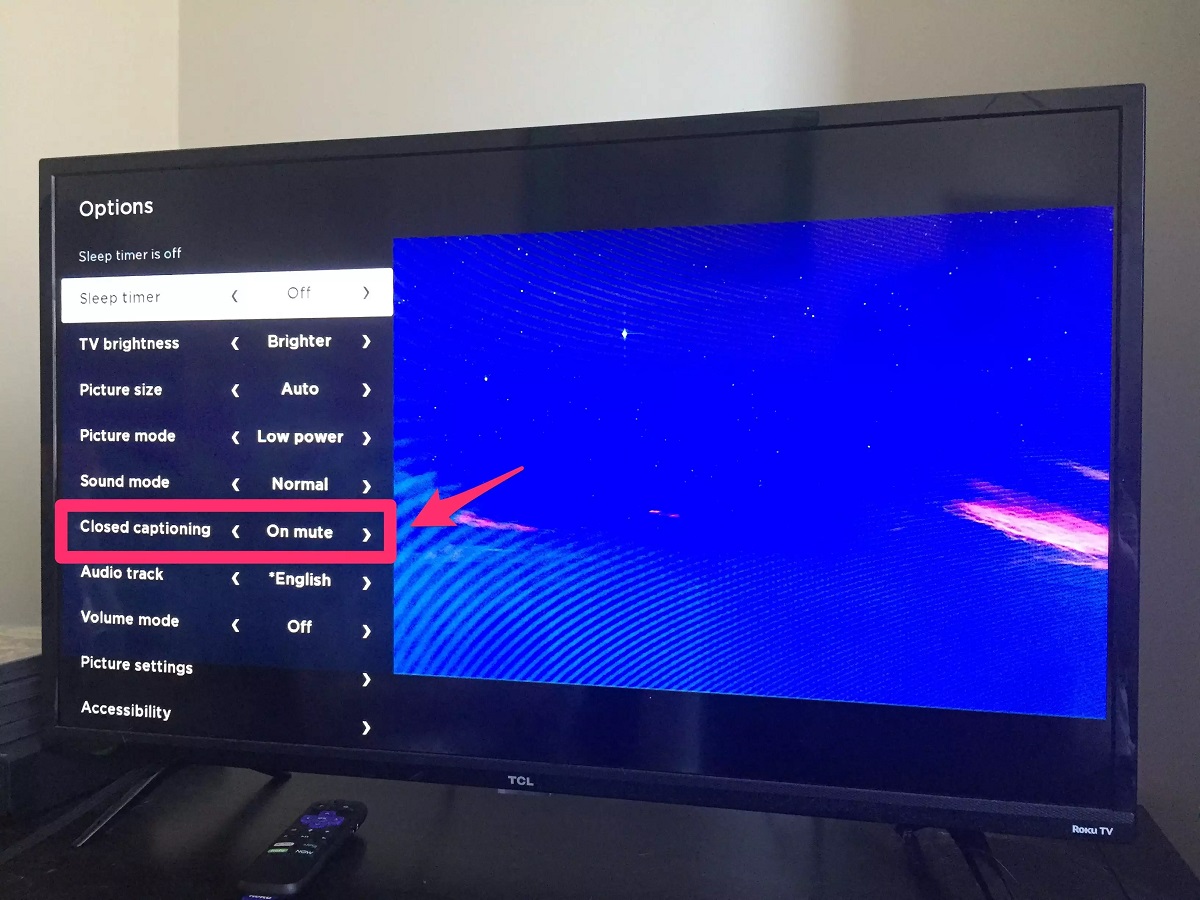
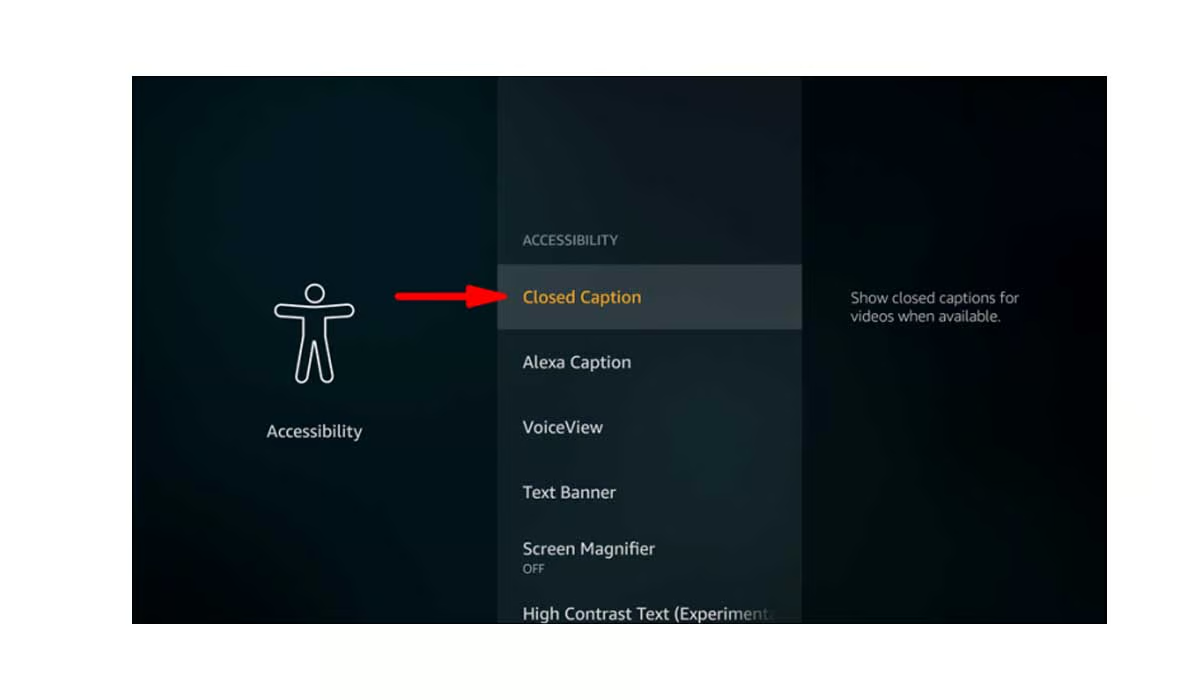
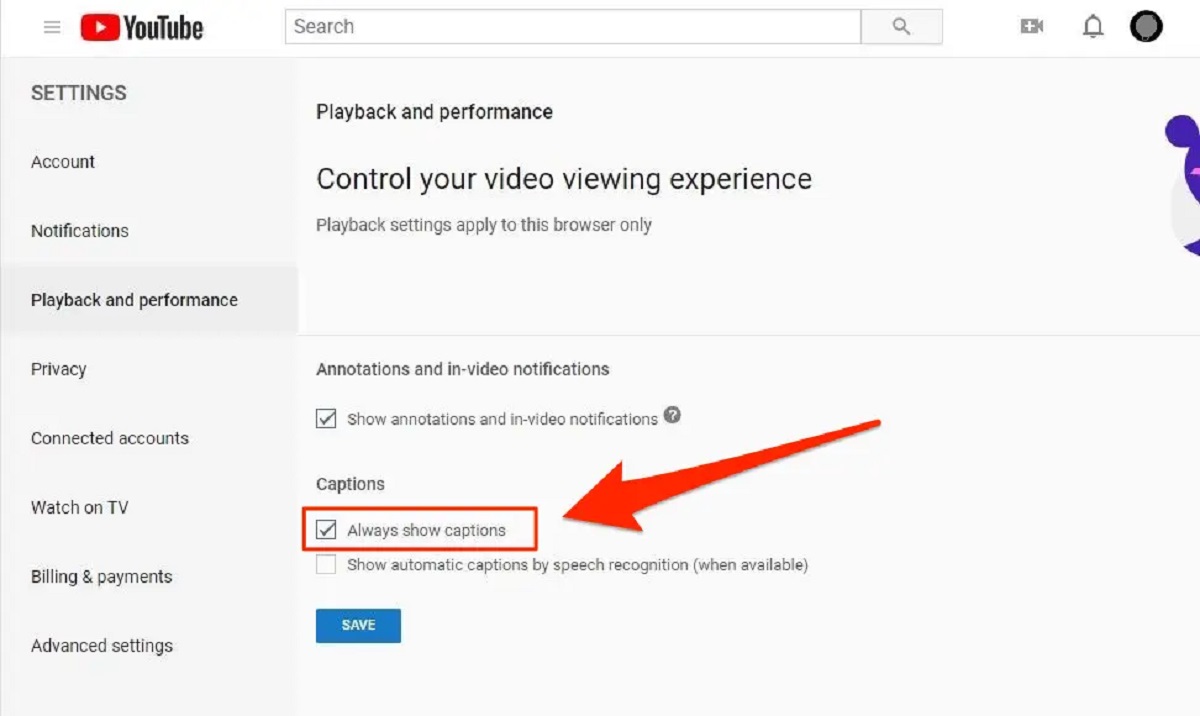
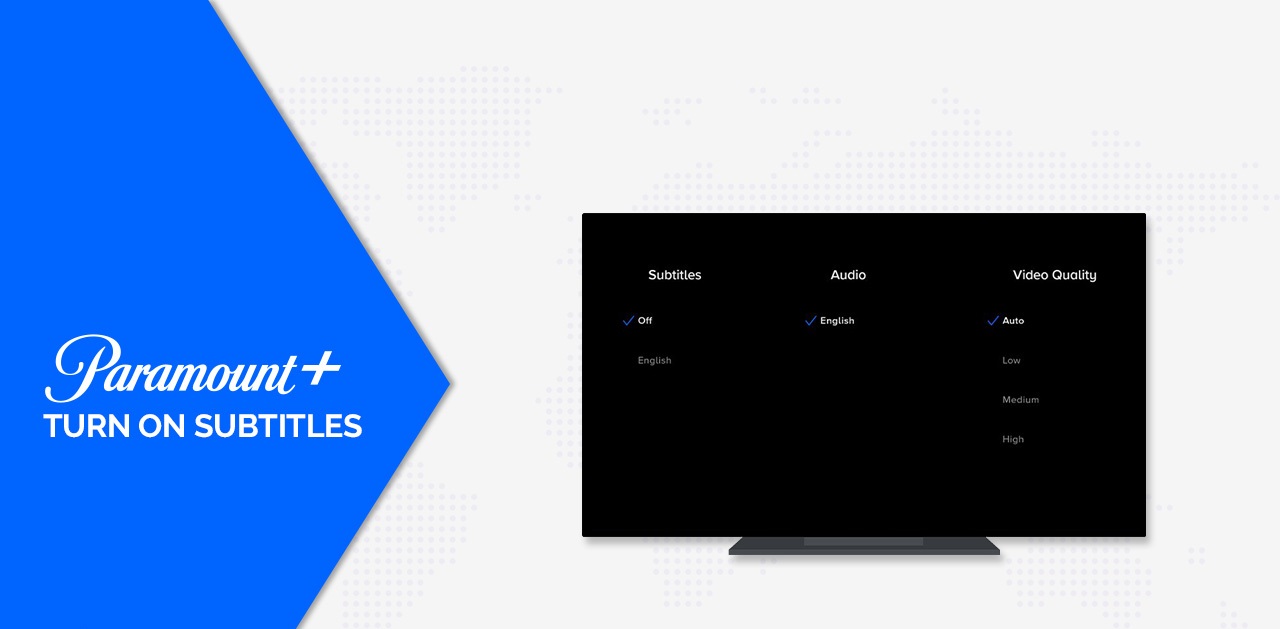
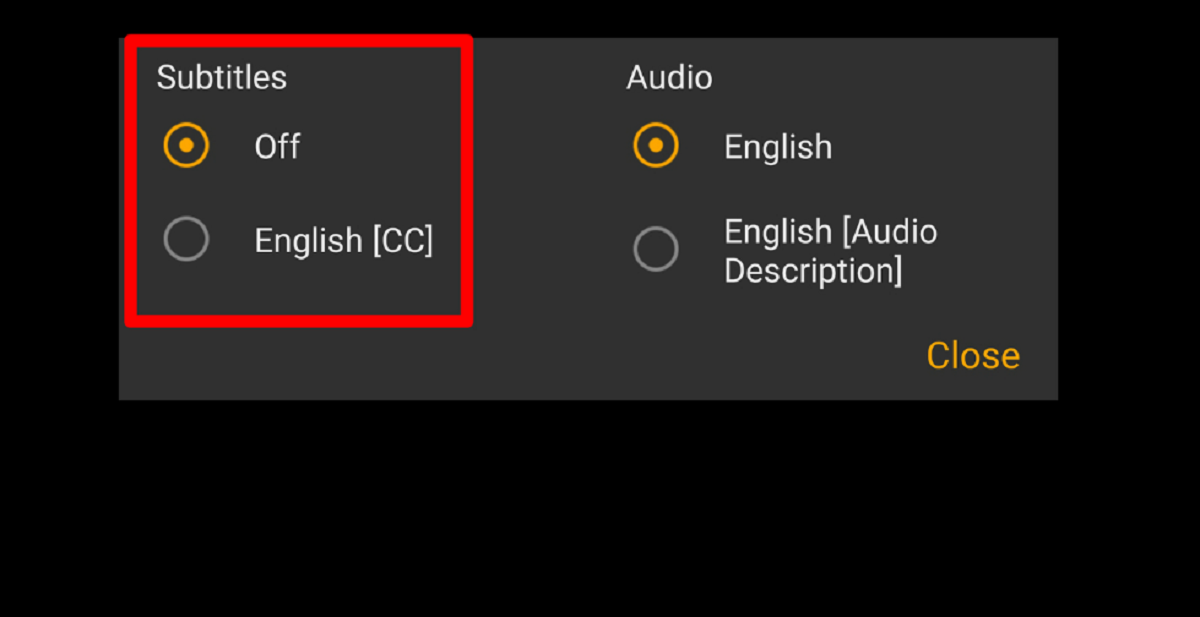
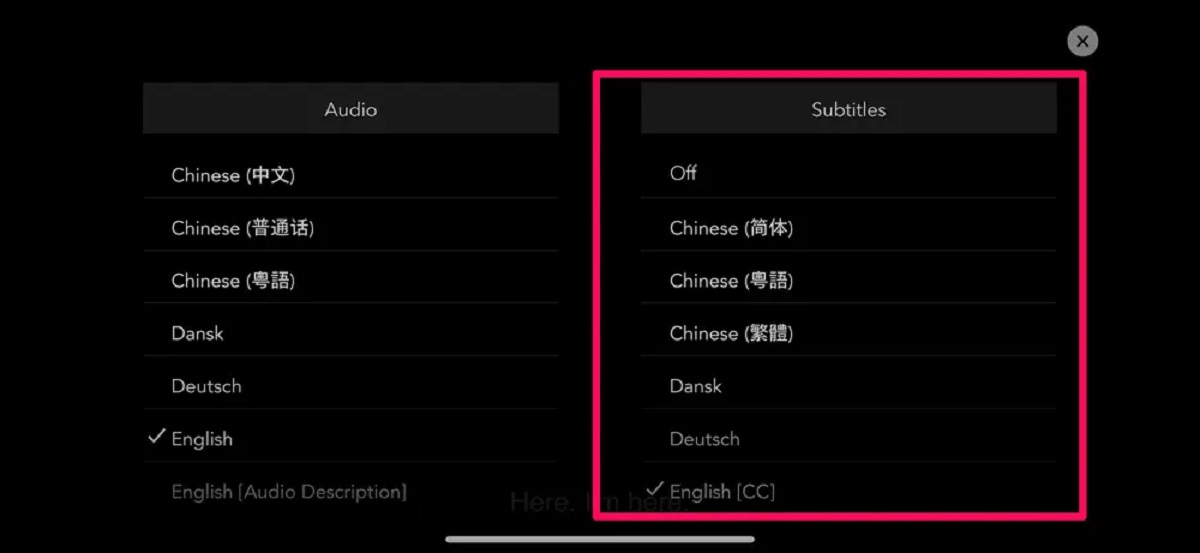
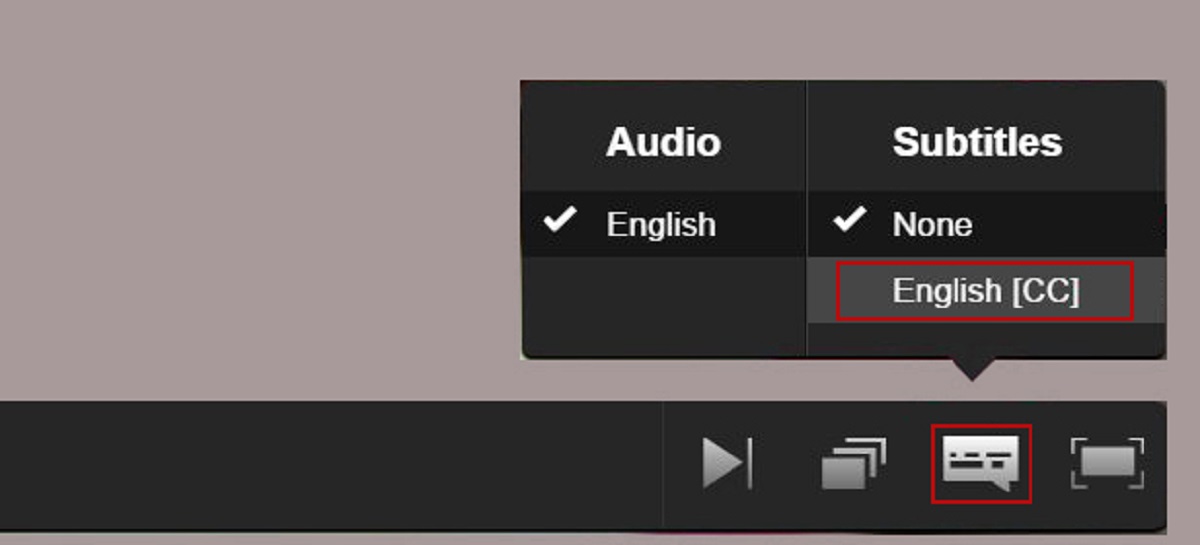
The articles fall into two practical groups. The first group helps you switch captions on or off within a specific streaming app, such as turning on subtitles for Tubi or AMC Plus, or disabling them on Paramount Plus, Disney Plus, or ESPN Plus. The second group addresses the television set itself, with guides for enabling subtitles on an LG TV or a TCL Smart TV, and for removing captions on a Panasonic TV when the remote is missing. Several articles also cover broader, everyday questions like how to turn on subtitles for YouTube or how to get subtitles working on any device when the option is not obvious.
Beyond simple how-to steps, some pieces approach the topic from a practical or safety-minded angle. For example, the guide on removing subtitles from a Panasonic TV without a remote explains menu navigation using the TV’s physical buttons, which is useful if the remote is lost or broken, not as a workaround for any restricted content. Likewise, the guides for turning off captions on smart TVs help you restore your normal viewing experience when a setting has been changed accidentally, and the subtitle-on guides are framed around accessibility and comprehension, not around bypassing any platform rule. In all cases, the goal is to give you direct control over the text on your screen, legally and safely.