This tag collects articles about getting old camcorder footage off tape or memory cards and onto modern computers and TVs. It is for anyone with a camcorder from the last two decades, MiniDV, DVD, or hard-drive models, who wants to play or archive that footage without losing quality or getting stuck with a dead battery. The focus is on practical, everyday connections, not professional editing or exotic gear.
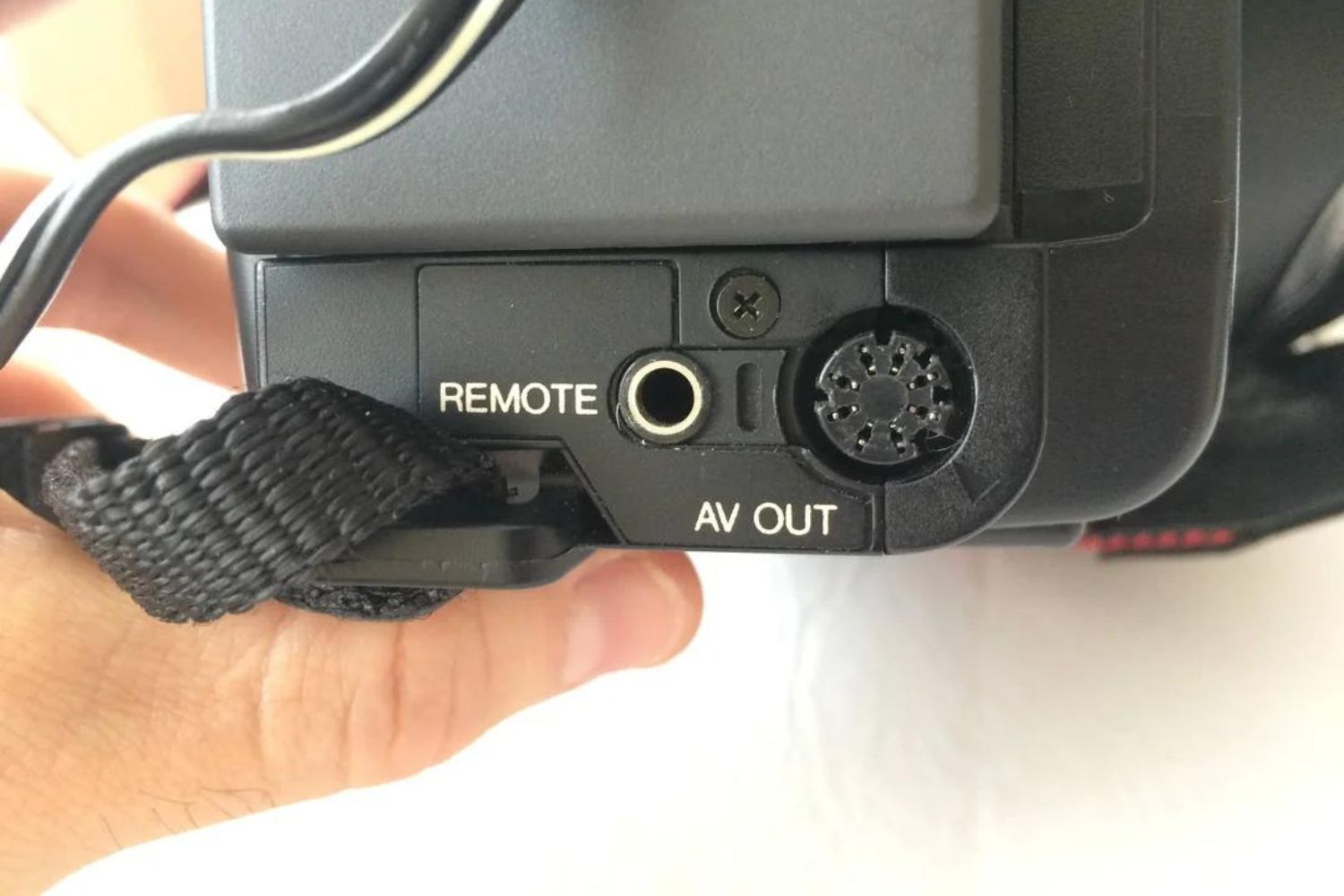
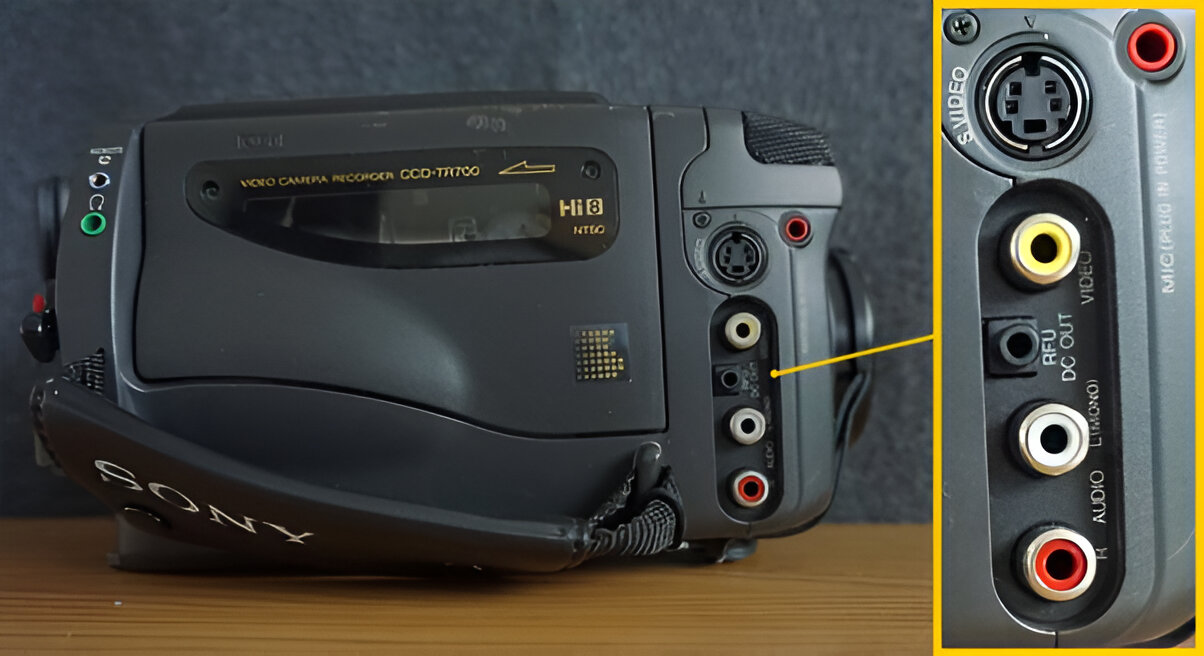
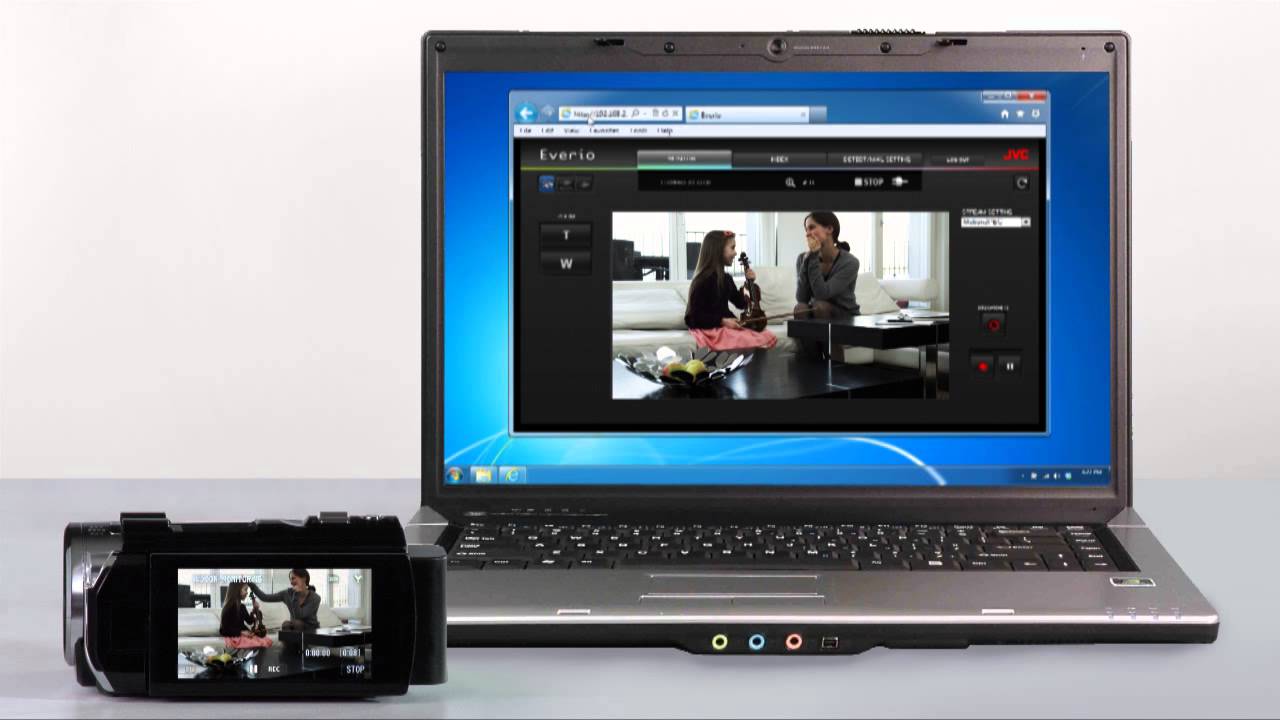
The articles fall into two main themes. The first is direct transfer and playback: you will find step-by-step guides for moving video from a JVC or Sony camcorder to a Windows PC, a Mac, or a smart TV. For example, one piece explains the specific cable and port setup needed to show old tape footage on a modern television, while another walks through the import process for macOS users. The second theme is troubleshooting and understanding unusual ports and modes. One article decodes the purpose of the RFU DC Out plug on a Sony camcorder, which is useful for powering accessories or understanding the manual. Another explains how to get a JVC camcorder out of Safeguard mode, a protective state that prevents recording or playback, and a related piece covers the same brand’s transfer process on Windows 10.
Rather than encouraging risky workarounds, these articles treat the camcorder as a legitimate, aging device. They help you recover your own home movies, understand the manufacturer’s safety lockouts, and use the correct, legal cable or software for your computer. No hacking, no piracy, no bypassing copy protection, just clear, safe steps for connecting, importing, and troubleshooting your own hardware.