This tag collects practical guides for fixing common software and app problems on everyday consumer devices. It is written for non-technical readers who have hit a frustrating error on their phone, smart TV, tablet, or computer and want a clear, step-by-step path to get things working again without calling a repair shop or searching through dense support forums.
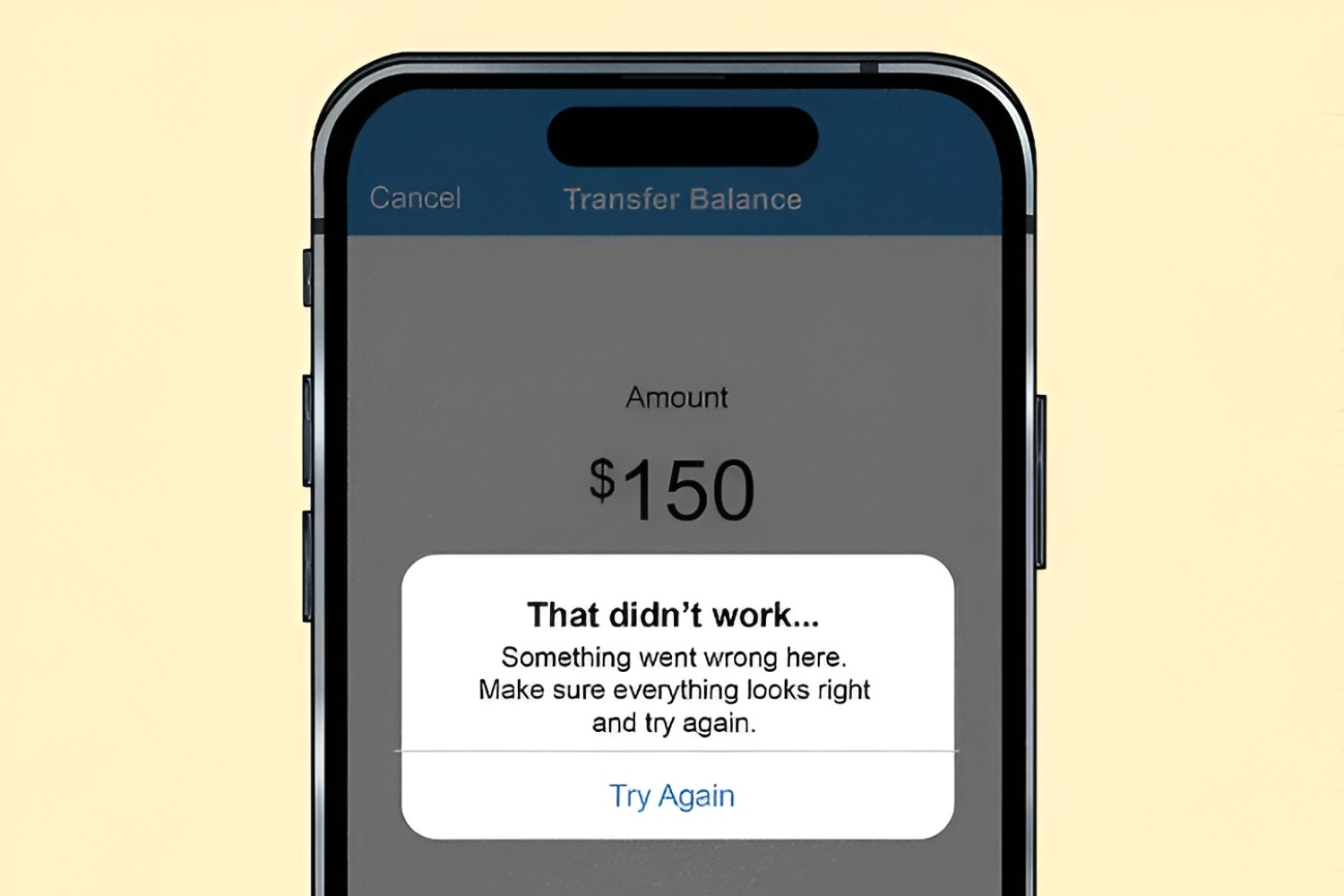
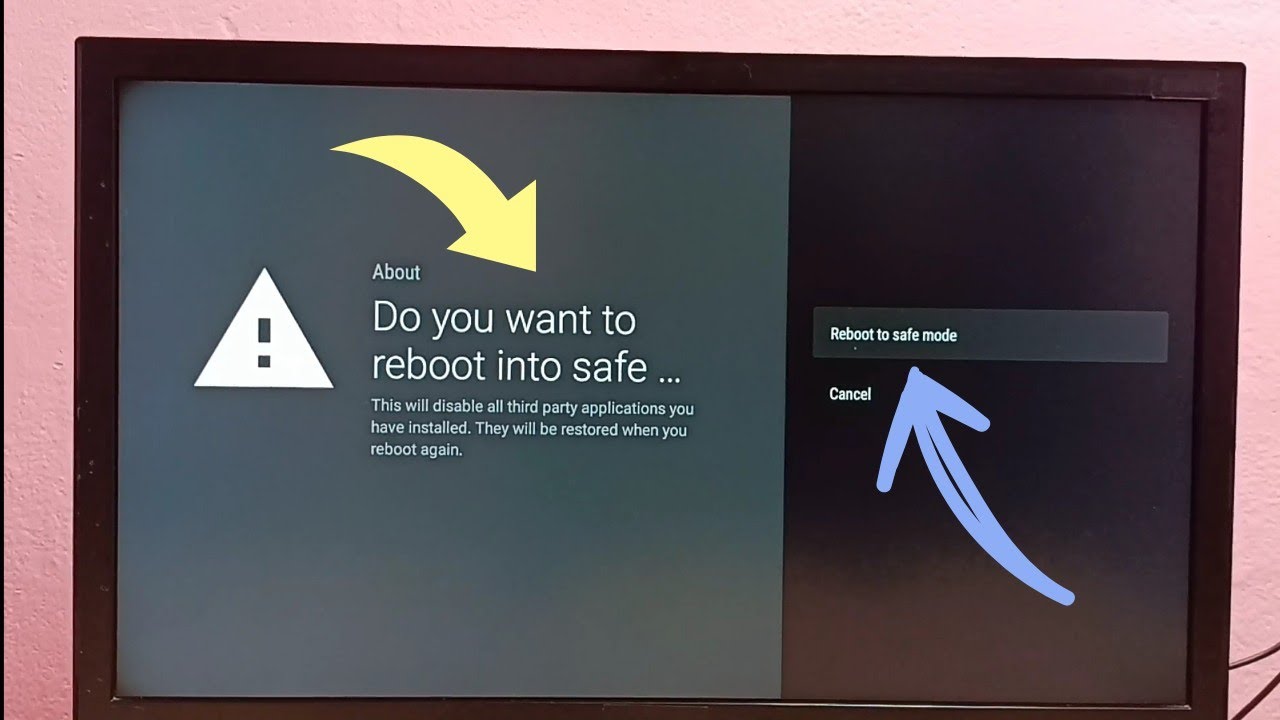
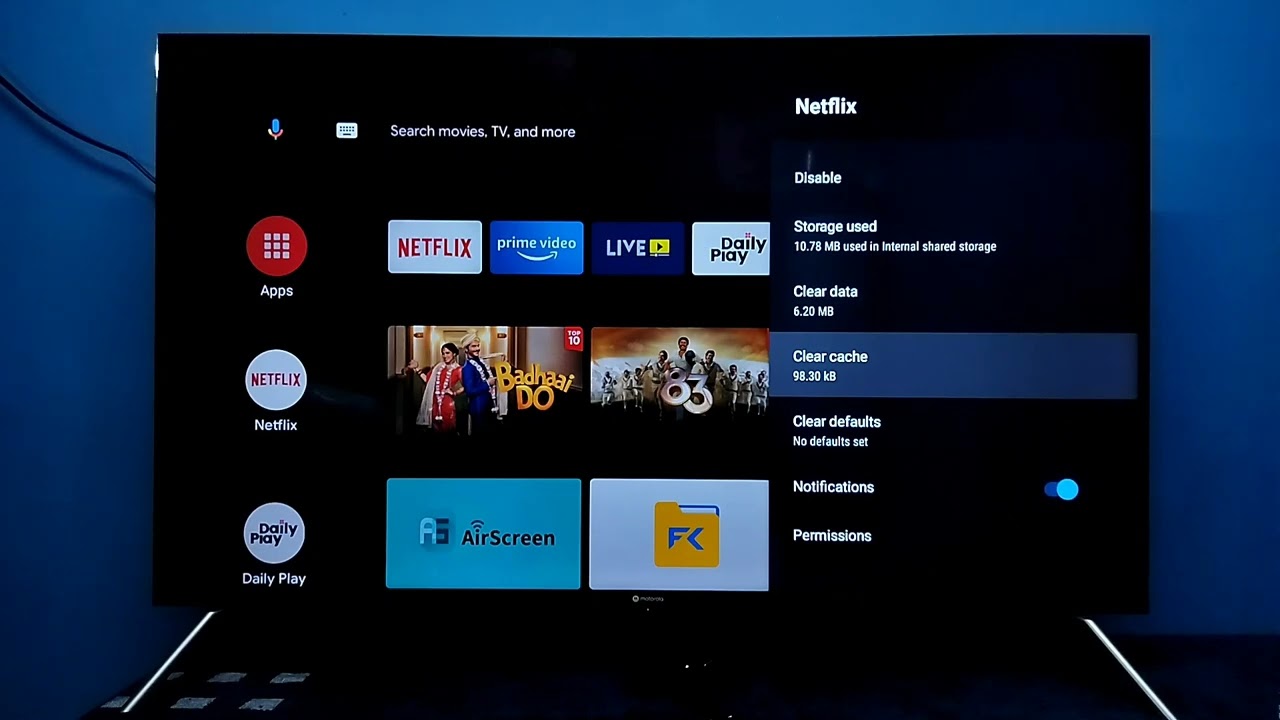
The articles here fall into two main groups. One group tackles access and login troubles: for example, the piece on Venmo explains why a payment might be blocked and how to resolve account or verification issues, while the Fox Sports article walks through the steps to get your TV provider login accepted again. The other group focuses on clearing glitches and frozen states on smart TVs and apps. You will see guides on restarting Prime Video on a smart TV, clearing the cache on an LG TV, and turning off Safe Mode on a Philips TV, all of which help you recover from a screen that is stuck, slow, or behaving oddly.
There is also a guide for fixing the Kindle app when it will not open on Windows 11, which covers typical startup failures and refresh routines. Across all these articles, the emphasis is on legitimate troubleshooting: resetting, restarting, clearing temporary data, or verifying account details. Nothing here involves bypassing security, pirating content, or hacking a device. Instead, the goal is to help you restore normal, intended functionality so you can get back to streaming, reading, or paying friends without the headache.