Practical, step-by-step guides for expanding what your favorite games and streaming services can do. It is written for everyday users, parents helping kids, hobbyists tinkering with their consoles, or viewers who just want their entertainment setup to work the way they expect. The articles here focus on legitimate, supported methods for adding features, content, or services, with an emphasis on doing so safely and within the rules.
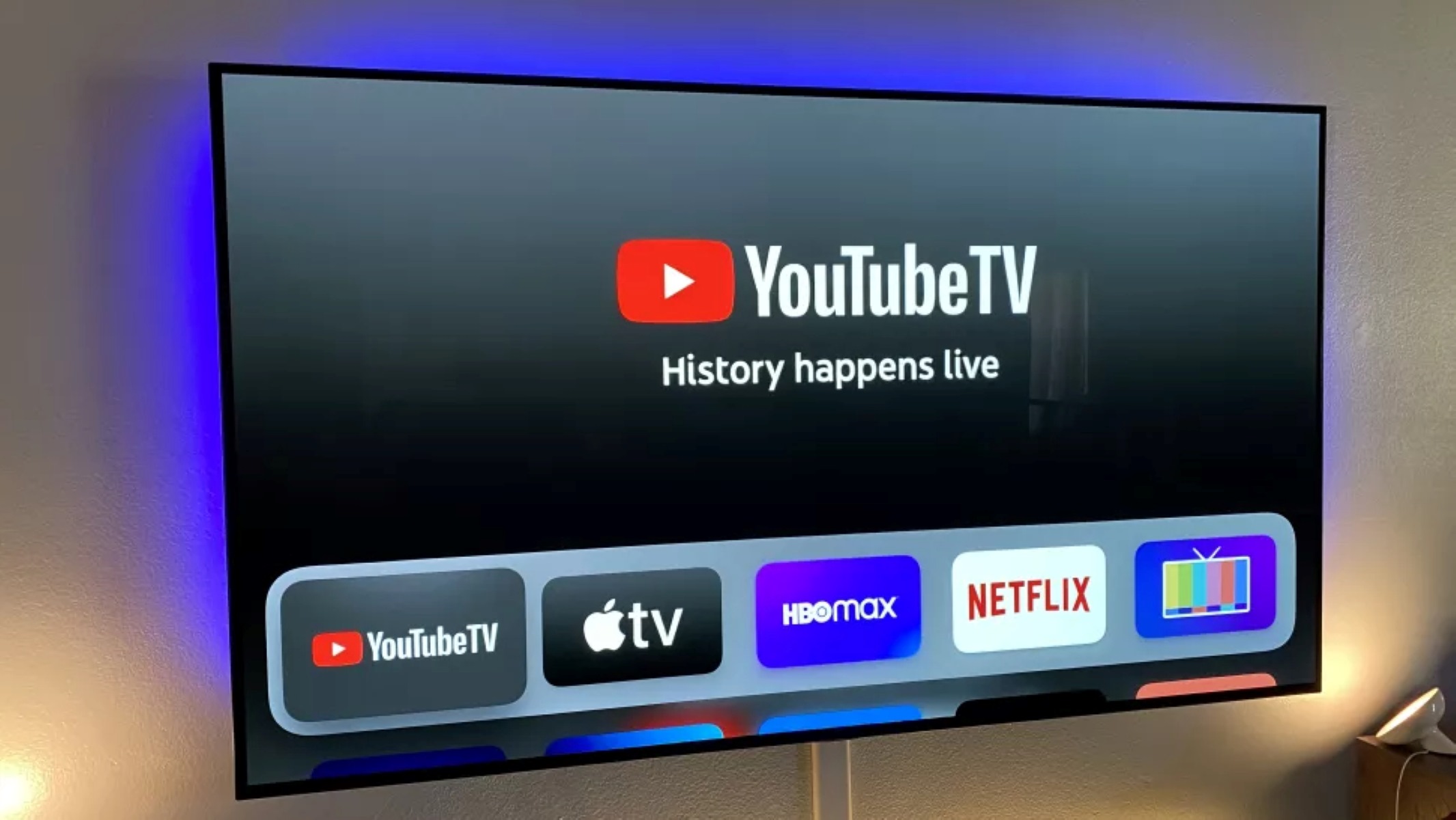
A clear theme is integrating new streaming services into existing hardware or apps. For example, one guide walks through the supported process of adding HBO Max to a YouTube TV subscription, so you can watch everything from one interface. Another group of articles deals specifically with Minecraft, but from a content-creation and customization angle rather than a workaround. You can find help with making a Minecraft world from scratch, getting the game installed on a new device, or adding custom heads to your builds, all using the game’s own tools and marketplace. A second theme covers mods, but always through official channels: there are guides for getting mods on PS4 Minecraft, downloading mods on Xbox, and even a 2022 guide for adding Pixelmon to a Nintendo Switch, each one focused on the console’s approved add-on store or the game’s built-in mod browser.
Notably, several articles address legal and security angles directly. Instead of showing how to bypass restrictions, they explain what is available through official stores, how to avoid unsafe third-party downloads, and why sticking to supported add-ons keeps your device and account secure. The goal is to help you extend functionality without risking your hardware, your data, or your warranty.