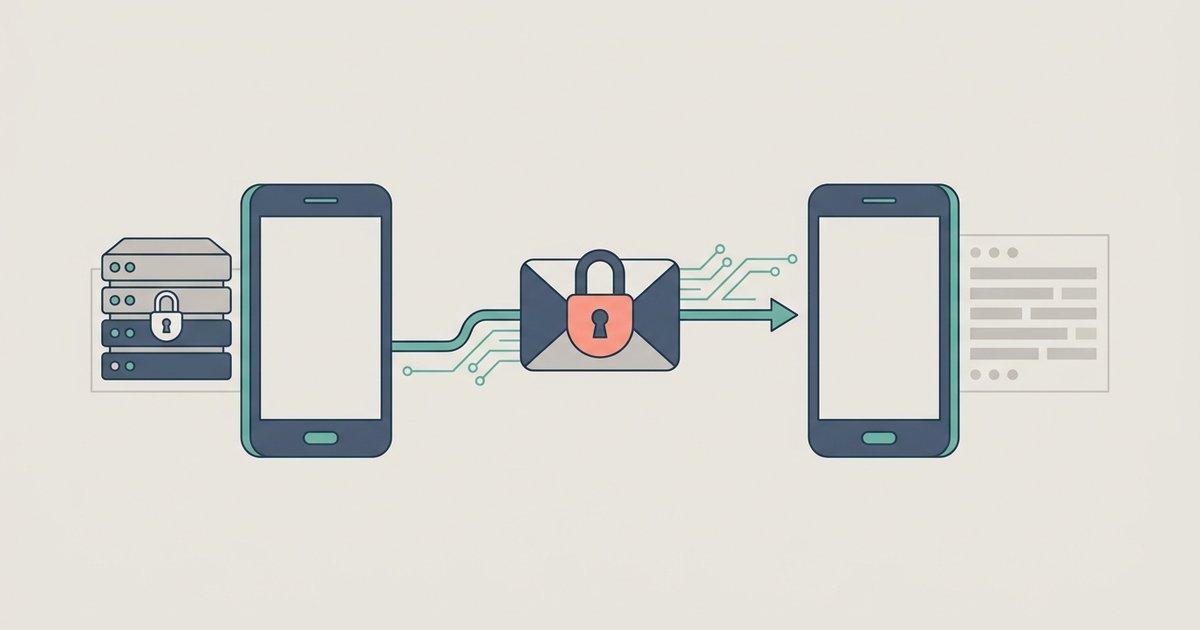
Yes, WhatsApp is genuinely end-to-end encrypted, and it is on by default for personal messages and calls. It uses the Signal protocol, the same one behind the Signal app, and WhatsApp itself cannot read the contents of your conversations. That part is not marketing.
What that encryption covers is content. It does not cover the record of who you are, who you talk to, or the copies of your messages that end up outside the encrypted channel. The honest answer to "is WhatsApp safe" depends entirely on which of those you were worried about.
What is encrypted end to end
WhatsApp lists messages, photos, videos, voice messages, documents, live location, status updates and calls as end-to-end encrypted. Nothing needs to be switched on. Personal messages and calls inside communities are encrypted the same way, and each linked device you use connects independently while keeping the same encryption.
Group chats are end-to-end encrypted too. The encryption does not prevent any member of the group from screenshotting, forwarding or reading out what you wrote, which is a different risk and one that no protocol solves.
What is not encrypted
WhatsApp's own privacy summary is unusually clear about this. The following is not end-to-end encrypted, which means WhatsApp can see it:
- Your phone number and your profile name
- Your profile picture and "about" text, if you set them
- Your contacts
- Information about the communities, groups and broadcast lists you belong to
- Your WhatsApp settings
- Anything you send when contacting WhatsApp support
On top of that, WhatsApp automatically collects technical information: how you use the app, how well the service is performing, and details about your device, your internet connection and your general location at the level of a country. Some of it is unavoidable, since a message cannot be delivered without knowing where to deliver it.
This is the metadata distinction, and it is the one most "WhatsApp is encrypted" summaries skip. The content of a conversation being unreadable does not mean the existence of the conversation is invisible.
Cloud backups are the biggest gap
Your chat history is backed up to Google Drive on Android or iCloud on iPhone, and WhatsApp states plainly that chats you back up are not protected by its end-to-end encryption unless you turn on end-to-end encrypted backup. By default, the most complete copy of your messages sits in a cloud account secured by that account's own login, not by WhatsApp's encryption.
You can close that gap. Go to Settings then Chats then Chat Backup, tap End-to-end encrypted backup, then tap Turn on and follow the prompts to create a passkey, a password of your own, or a 64-digit key WhatsApp generates. After that the backup is unreadable without that credential, including by WhatsApp and by the cloud provider.
The cost is real: lose the credential and the backup is gone. WhatsApp cannot send you a copy, reset it, or restore it for you. That is what makes the encryption meaningful, and it is why the decision deserves a moment's thought rather than a reflexive tap.
Device access beats encryption every time
End-to-end encryption protects a message in transit. It does nothing about someone holding your unlocked phone, where the messages are already decrypted and sitting on screen. Anyone with your device and your passcode has your conversations.
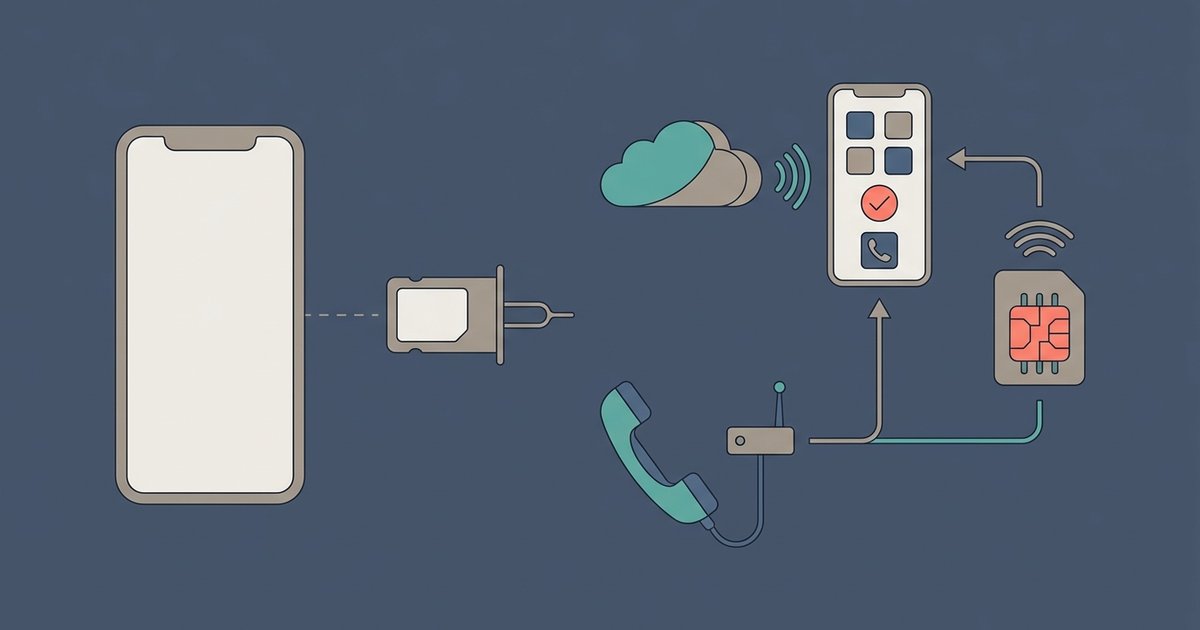
The practical defenses are ordinary: a screen lock, WhatsApp's app lock, and chat lock for specific conversations. Two-step verification adds a PIN that is required to register your number on a device, which is what stops someone who has taken over your SIM from moving your account to their phone.
Check your linked devices periodically as well. A linked laptop or companion phone holds a copy of recent messages. Open Linked devices, look for anything you do not recognize, and log it out.
Business chats are a different category
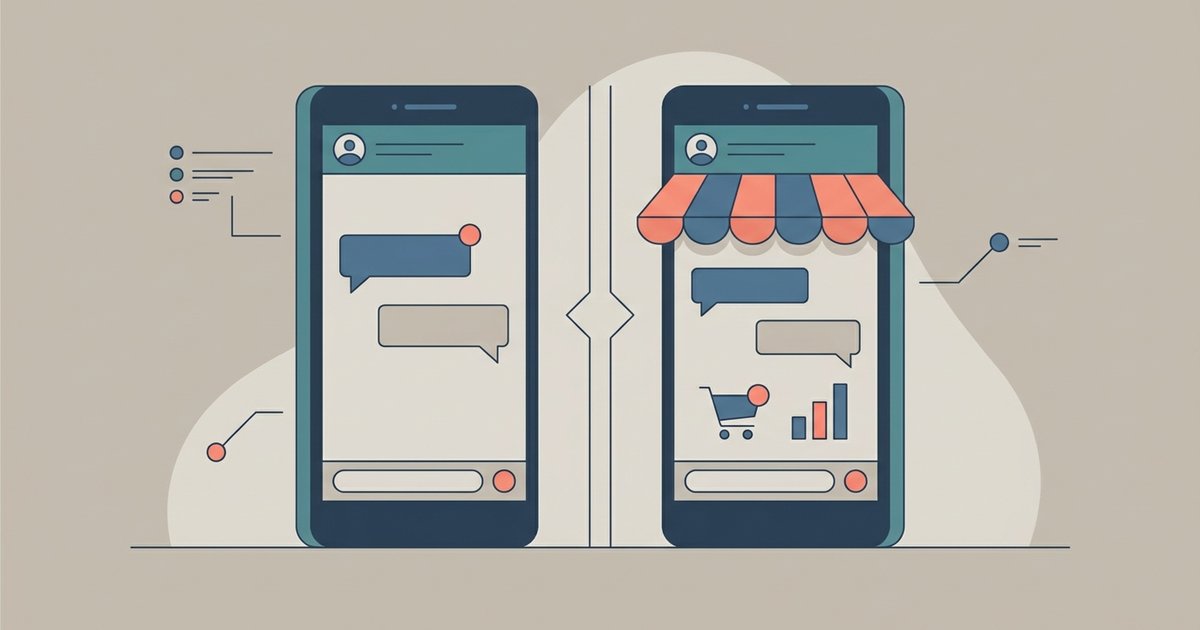
This is where the blanket claim breaks down, and WhatsApp says so itself. Chats with businesses that use the WhatsApp Business app, or that store customer messages on their own systems, are end-to-end encrypted to the business's chosen destination. But once the message arrives, it is subject to that business's privacy practices. The business can have employees or outside vendors handle it, and can use the chat for its own marketing, including advertising on Meta.
Some businesses choose optional services instead. A business can have Meta host and respond to its customer messages, and WhatsApp explicitly does not consider those conversations end-to-end encrypted. Others use Meta's AI to help draft replies, in which case Meta receives the chats. WhatsApp says the encryption status of a chat cannot change without being visible to you, and labels these cases in the chat, including a "uses AI from Meta" note under the business name.
Payments are also not end-to-end encrypted, because financial institutions cannot process a transfer without seeing the details of it.
Verifying a chat yourself
Each one-to-one chat has its own security code, shown both as a QR code and a 60-digit number, which you reach by opening the contact info screen and tapping Encryption. Comparing that code with your contact, by scanning in person or reading the number over another channel, confirms nobody is sitting between you. It also confirms that both of your lists of linked devices are current.
Most people will never do this by hand, and WhatsApp does not expect them to. It runs automatic verification of these codes through a process it calls key transparency, so the verification page tells you the result without you comparing anything. The manual comparison is there for when you want to confirm it yourself.
Codes change when someone reinstalls WhatsApp, changes phones, or adds or removes a linked device, which is usually innocent. You can be notified when that happens by going to Settings then Account then Security notifications and turning them on, which has to be done on each device separately.
Where that leaves you
| What you are protecting | Does WhatsApp encryption cover it |
|---|---|
| The content of personal messages and calls | Yes, by default |
| Group chat content | Yes, but every member can copy it |
| Who you talk to and when | No |
| Your profile, contacts and group memberships | No |
| Your cloud backup | Only if you turn on encrypted backup |
| Messages to a business | Depends on how that business is set up |
| Someone holding your unlocked phone | No |
If you want the strongest version of what WhatsApp offers, three settings do most of the work: turn on end-to-end encrypted backup and record the credential somewhere safe, turn on two-step verification, and check the linked devices list every so often. None of that changes the metadata question, which is a matter of whether you are comfortable with Meta knowing that you and a given number exchange messages regularly. If that specific thing is your concern, no WhatsApp setting addresses it.