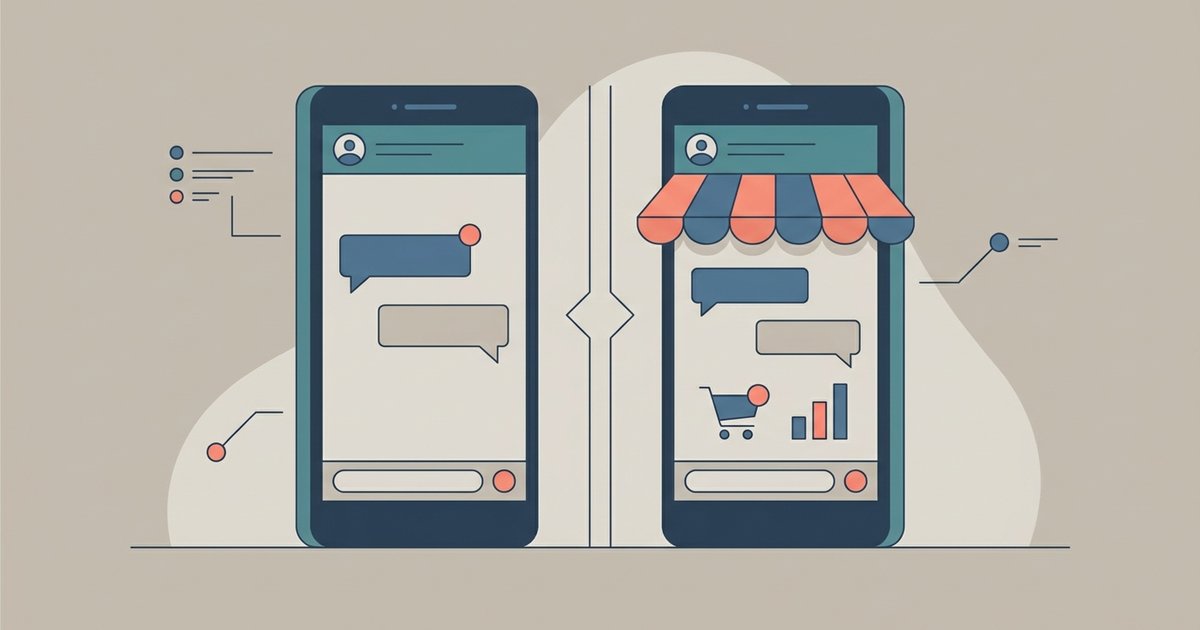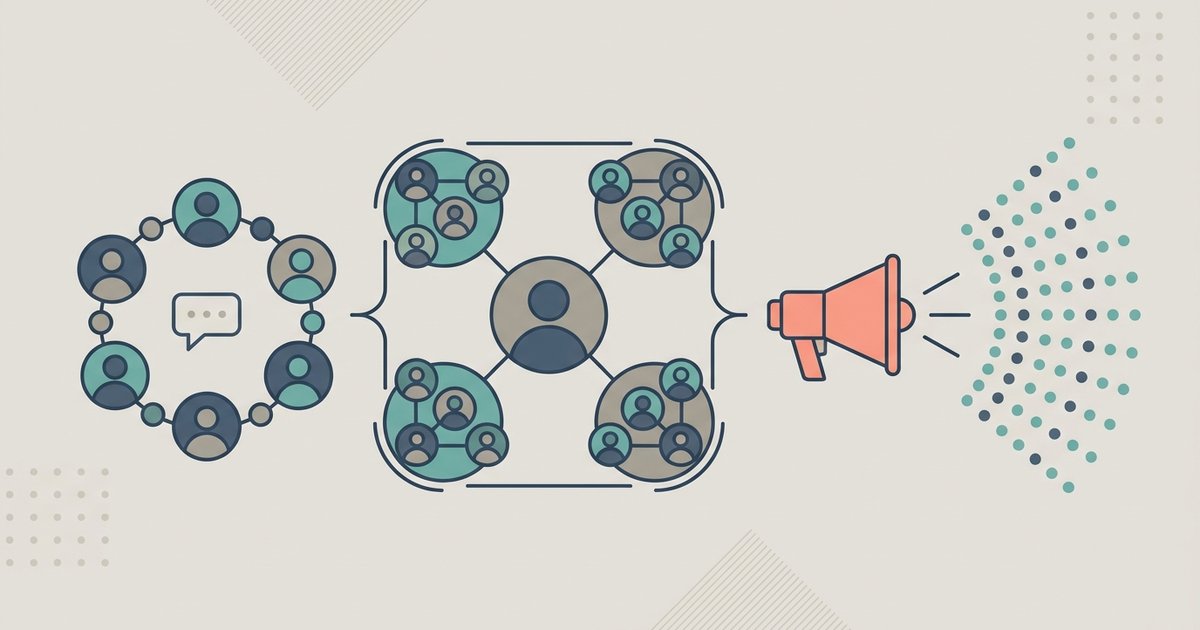
WhatsApp has three ways to reach more than one person, and they work nothing alike. A group is a conversation where everyone can post. A community is an umbrella that ties related groups together and gives admins one announcement channel to all of them. A channel is a one-way broadcast that followers can react to but cannot reply to.
The differences that matter in practice are who can speak, who can see your phone number, and how many people each one holds. Those three questions tell you which to use.
Groups
A WhatsApp group holds up to 1,024 members and is a normal end-to-end encrypted conversation. Any member can send messages unless admins restrict it, and members can use polls, events, reactions, file sharing and replies.
The privacy point is the one people miss: when you are added to a group, every member of that group can see your phone number. There is no setting that hides it. Joining a group of strangers means handing your number to all of them.
Admins add people from their contacts, by typing a phone number that is not saved, or by sharing an invite link. Groups can be set so new members need admin approval, and admins can review pending join requests. When you add someone, you may get the option to send them recent history, up to 100 messages from the last 14 days, though admins can turn that option off entirely.
Adding a lot of people quickly can trip a limit, after which you may need to wait 24 hours before adding more.
Communities
A community groups related chats under one roof. It can hold up to 100 groups (though some sources report a 50-group limit), and up to 2,000 members in total counting everyone across the sub-groups and the announcement group. Anyone can create one, though it is not available in the WhatsApp Business app.
Every community automatically gets an announcement group. Only admins can post there, and it reaches every member of the community at once. Members can reply and react to an announcement, vote in and react to polls, see the total member count, report an admin announcement and mute notifications. You cannot leave the announcement group on its own; leaving it means leaving the community.
Community membership changes the phone number rule in a useful way. Inside a community, your number is visible only to community admins, to people who have saved you as a contact, and to people who already have your number from other chats. That makes a community a better fit than one enormous group for a school year, a building or a club.
To create one, open the Communities tab, tap New Community and then Get started. You give it a name of up to 100 characters, an optional description and an icon, then create new groups inside it or add existing ones.
Channels
A channel is a broadcast tool, and it lives in the Updates tab rather than alongside your chats. Admins can share text, images, videos, stickers, links, audio and polls to an unlimited number of followers. Followers cannot reply and cannot message the admins; the only responses available are emoji reactions and poll votes.
Following a channel is deliberately low-commitment. You are not subscribed to anything automatically, notifications are muted by default until you turn them on per channel, channels stay in their own tab, and you can unfollow at any time.
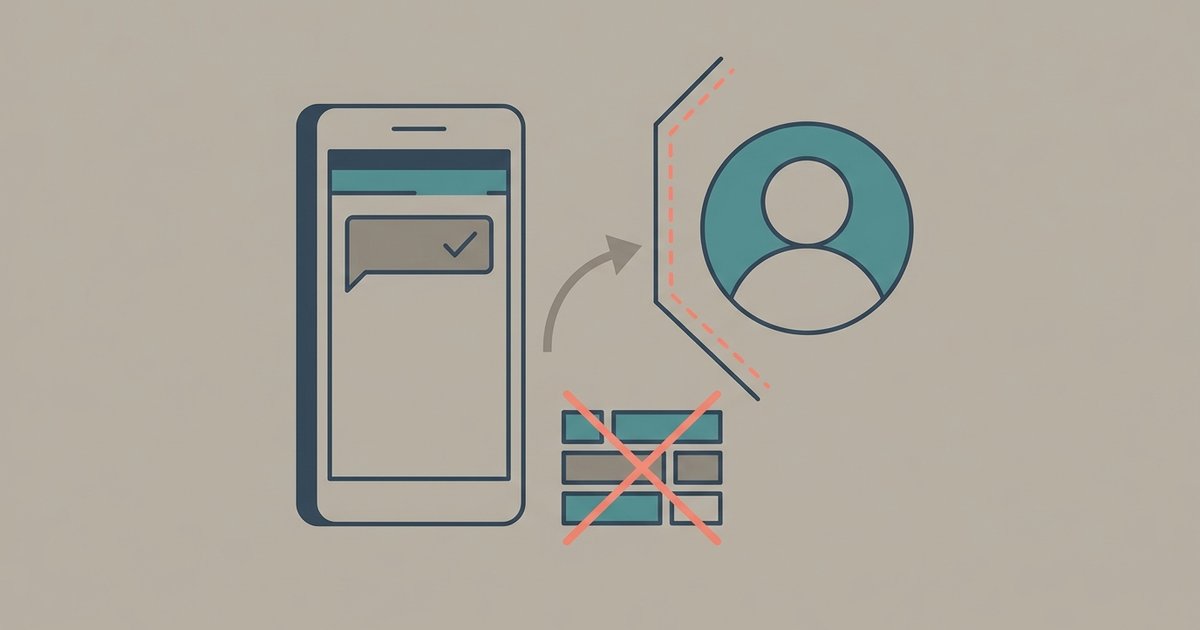
Privacy runs in both directions. People viewing a channel cannot see who follows it, and your name, phone number and profile picture are not visible to them, nor are your reactions and poll votes. Channel admins cannot see your profile name or profile photo unless they have you saved as a contact. Going the other way, followers do not see an admin's WhatsApp profile name, picture or phone number.
People find channels through a link shared elsewhere on the web, through contacts sharing them in the app, and by searching or browsing WhatsApp's in-app directory, where some channels are sorted into categories. Admins get metrics covering the last 30 days, including accounts reached, top regions, follows and unfollows, the follower count, and reaction and poll results.
Creating a channel is done from the Updates tab: you name it, add an optional description and an optional icon, and start posting. Deleting one is permanent, and admins are visible to each other even though they are hidden from followers.
Side by side
| Group | Community | Channel | |
|---|---|---|---|
| Who can post | Any member, unless restricted | Admins in announcements, members in sub-groups | Admins only |
| Size limit | 1,024 members | 100 groups, 2,000 members | Unlimited followers |
| Can followers reply | Yes | Yes, in groups and to announcements | No, reactions and polls only |
| Who sees your number | Every member | Admins and existing contacts | Nobody |
| Where it appears | Chats tab | Chats tab | Updates tab |
| End-to-end encrypted | Yes | Yes, for messages and calls | No, it is a public broadcast |
Picking the right one
Use a group when the point is conversation and the members already know each other well enough to share a phone number. Once a group is constantly noisy because it is really four conversations happening at once, that is the signal to turn it into a community and split those conversations into separate groups, keeping the announcement group for the things that genuinely concern everybody.
Use a channel when you are publishing rather than talking. A newsletter, match updates, shop opening hours and service alerts are all channel material. If you would be annoyed by 200 replies, you want a channel.
Common mistakes
- Using a giant group as a noticeboard. Everyone can post, so it stops being a noticeboard within a day. A community announcement group or a channel does what you actually wanted.
- Forgetting the number exposure. Adding 300 people to one group shares 300 phone numbers with 300 strangers. A community limits that considerably.
- Expecting replies on a channel. Followers physically cannot answer you. If you need responses, run a poll or point people to a group.
- Trying to leave an announcement group. It only exits when you leave the whole community.
- Assuming a channel is private. It is a broadcast. Channel content is not end-to-end encrypted the way a personal chat is.
If you are setting something up from scratch for a real group of people, start with a community rather than a group even when you only need one chat at first. Adding groups to a community later is easy, whereas migrating a 900-member group into a community after the fact means asking hundreds of people to join something new, and a fair number of them will never get round to it.
\nRelated reading: WhatsApp Disappearing Messages and View Once Explained.