This tag collects step-by-step setup guides for getting a surround sound system working with the devices you already own. It is written for everyday consumers, not AV professionals, who want to connect a TV, streaming stick, cable box, or voice assistant to their speakers or receiver without calling a technician. Whether you are wrestling with an older audio setup or a brand-new smart TV, the articles here focus on practical, safe wiring and configuration.
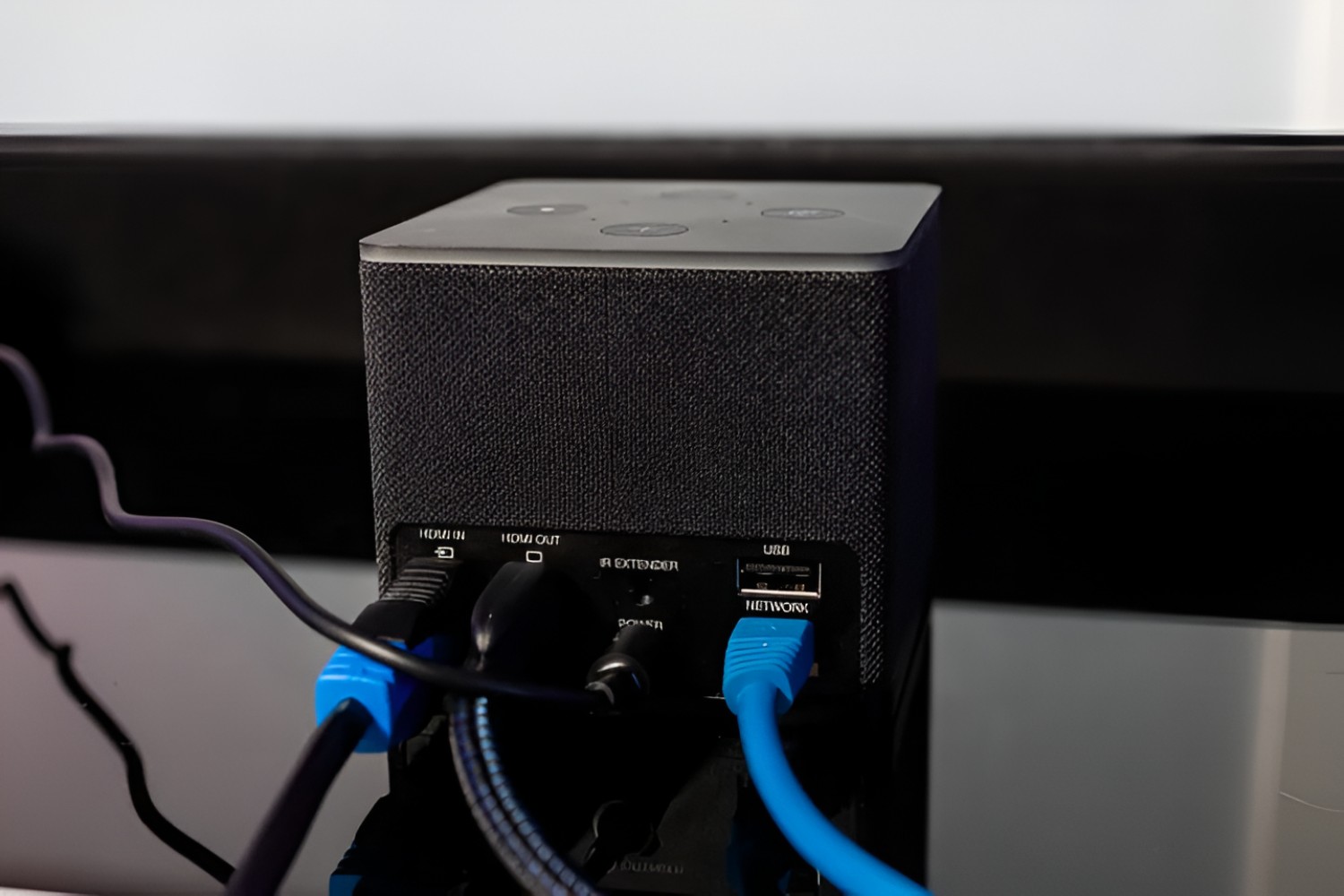
The problems covered fall into three main themes. First, there are direct connection challenges: several articles walk you through linking a specific TV model (like a Samsung Smart TV) or a streaming device (such as a Fire Stick or Fire TV Cube) to an AV receiver or surround sound system. Second, you will find remotes and voice control: these pieces explain how to program a Verizon Fios remote for a Sony system or how to get Alexa to issue commands to your speakers. Third, there is a focus on bridging old and new technology, one article specifically addresses hooking up an older surround sound system to a newer TV, which often involves HDMI ARC or optical audio adapters.
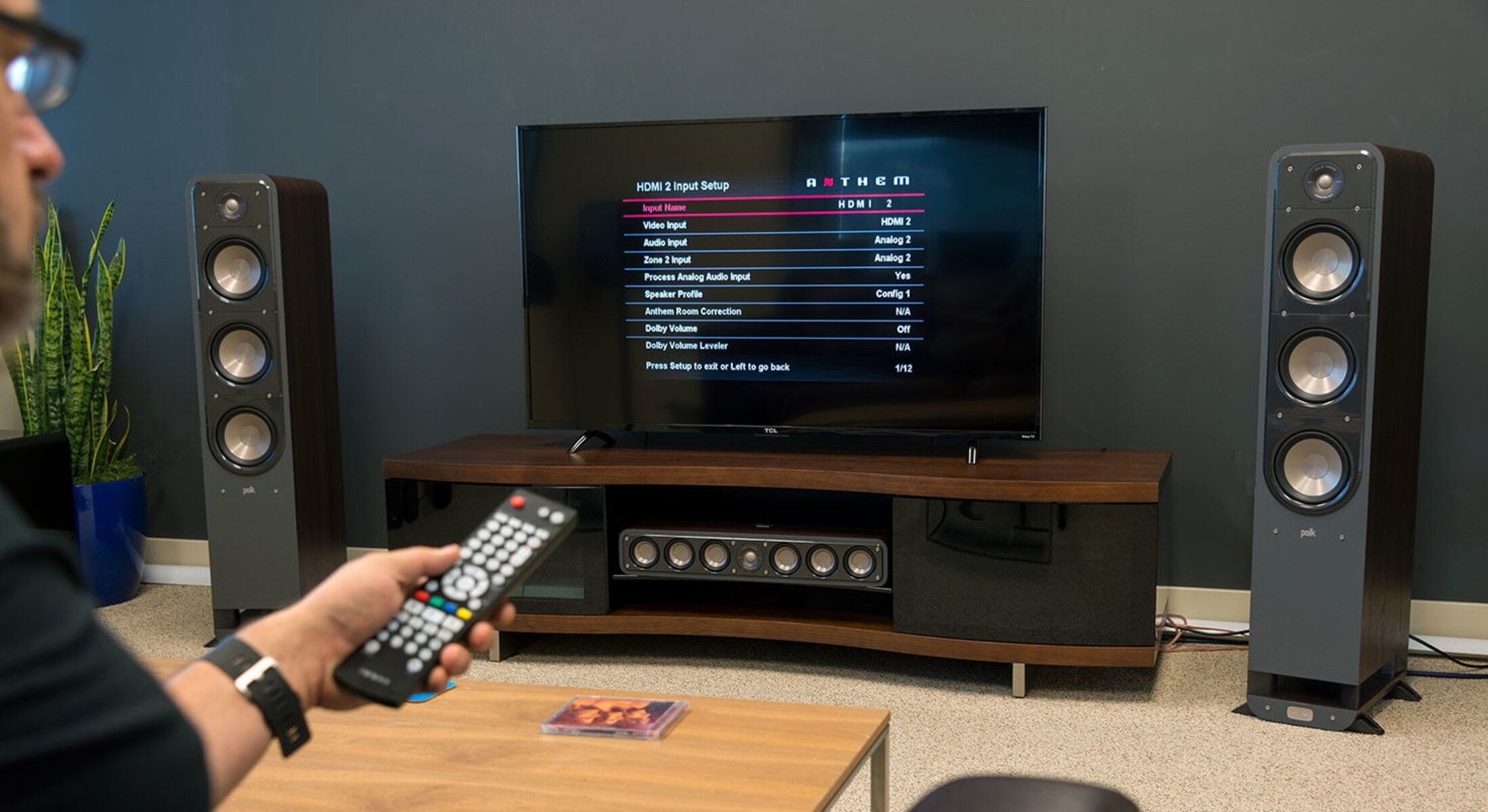
By reading these guides, you will learn how to route audio correctly, pair devices over Wi‑Fi or Bluetooth, and set up your receiver’s input and output settings. The instructions are written to be followed safely, with an emphasis on using standard cables and avoiding any workaround that would require modifying hardware or bypassing copy protection. No article here covers pirating content or hacking a device, instead, they help you get the most out of legally owned equipment, whether that means programming a remote, enabling voice control, or simply making an old amplifier work with a new flatscreen.