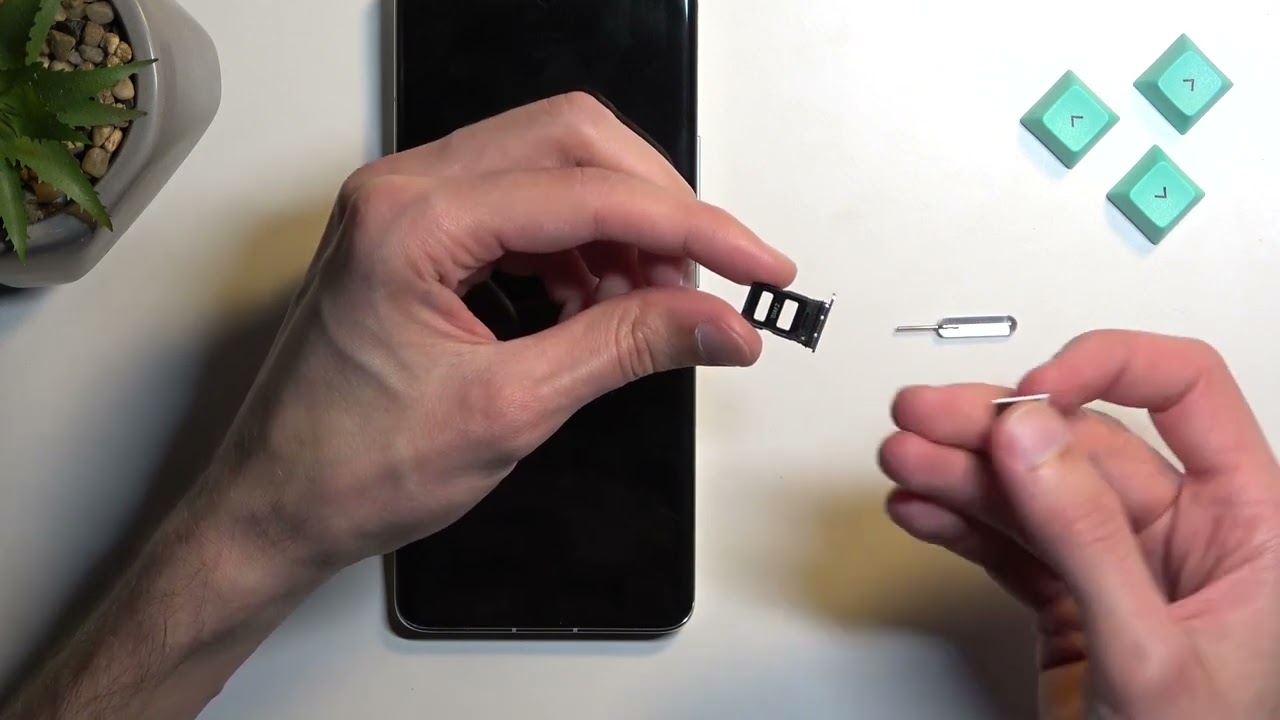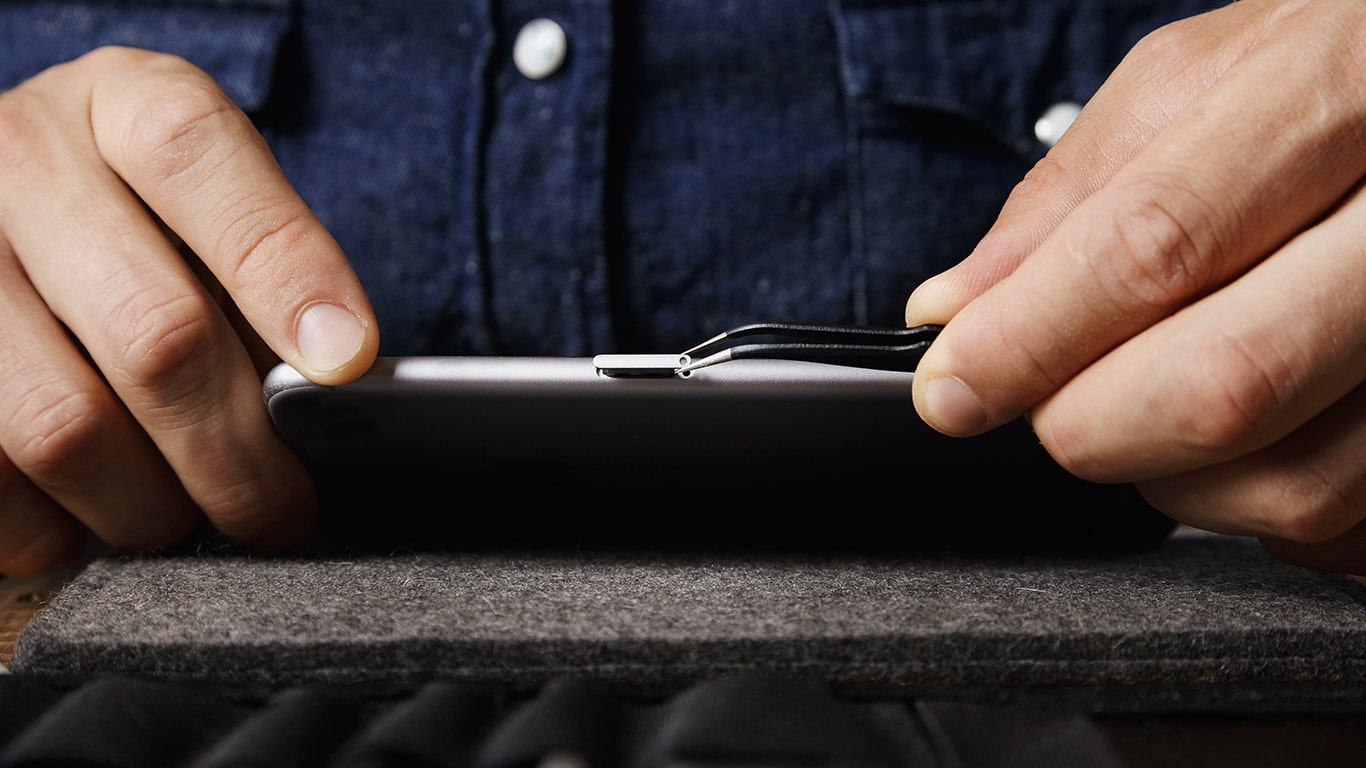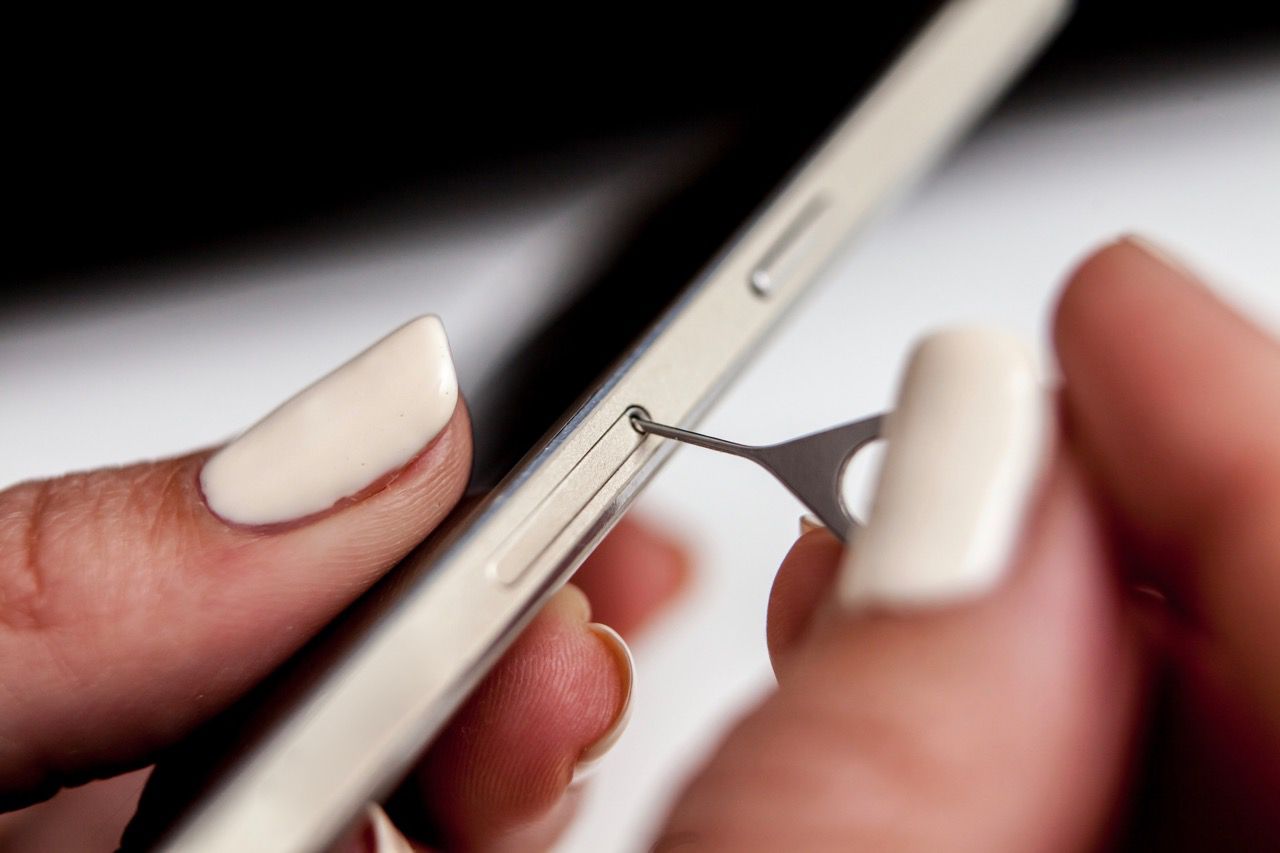
To insert a SIM card in a flip phone, you must first power off the device completely and identify whether you have a classic model with a removable battery or...
Before You Call: Immediate Steps for Blocking a Stolen SIM Card If your phone is gone, the fastest way to block a stolen SIM card is through your carrier’s app...
Removing your SIM card immediately cuts your phone off from the cellular network, stopping calls, texts, and mobile data, while Wi-Fi, offline apps, and GPS continue to function. If you...
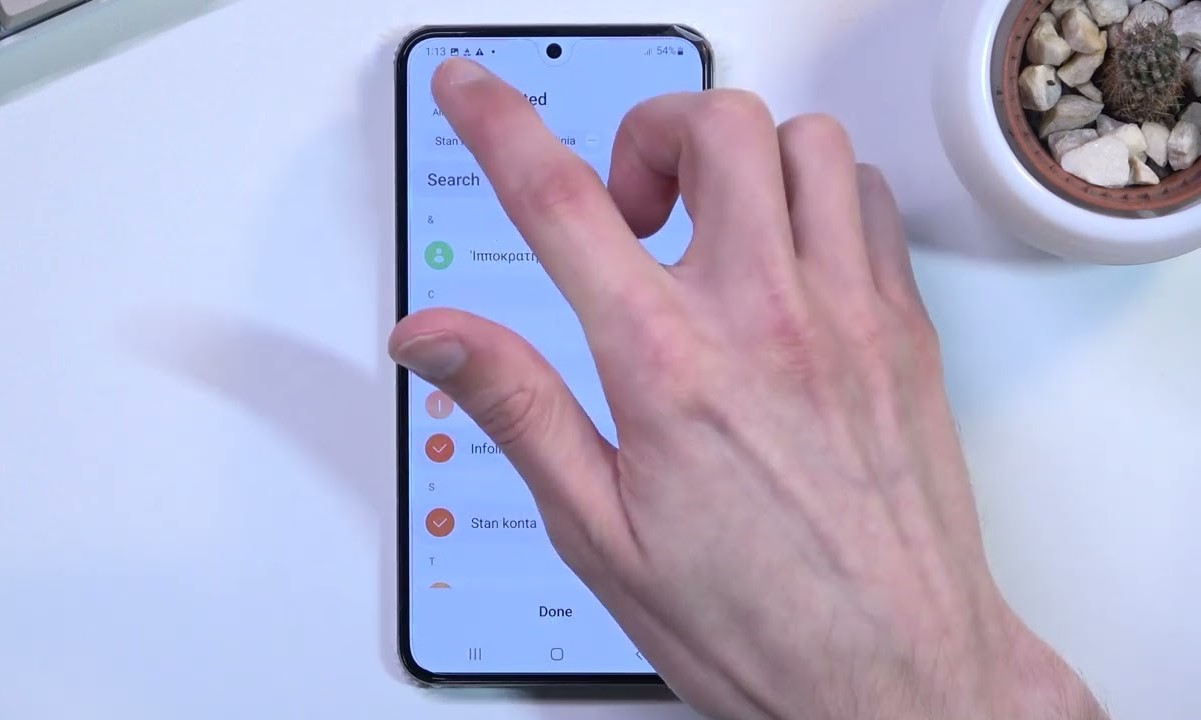
Saving data to SIM card on Android is only possible for two types of information: contacts and text messages. The SIM card cannot store photos, videos, apps, or any other...
To check if your SIM card is working, start by looking for common signs of failure like "No Service," "SOS Only," or "Emergency Calls Only" on your screen, or an...
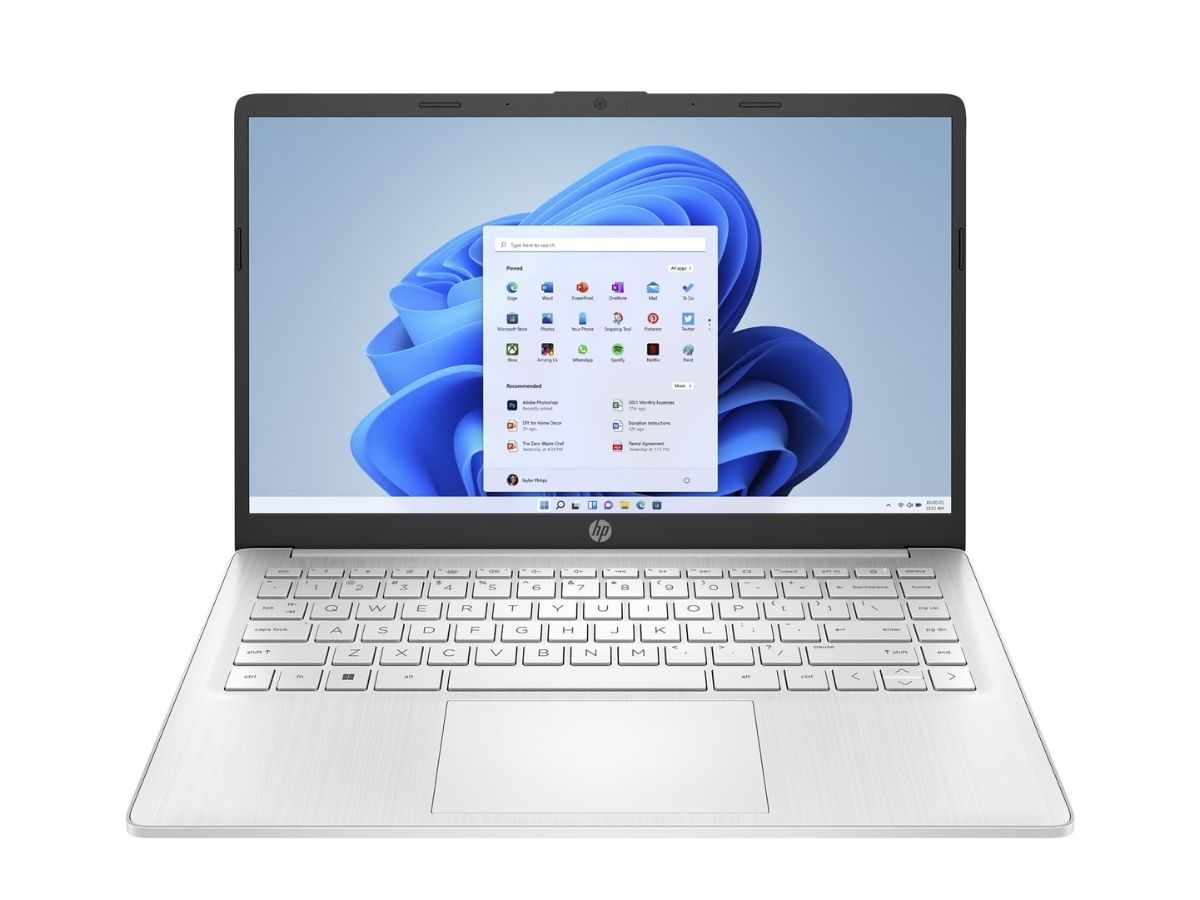
Configuring a SIM card in an HP laptop involves inserting a physical SIM into the correct slot and then adjusting Windows cellular settings to enable mobile data. This guide provides...
To activate your EE SIM card, insert it into your phone and complete the activation online via the EE website. Keep your phone switched on throughout the process, and have...
You can access free internet without data by using public Wi-Fi, sharing a friend's hotspot, or using zero-rated apps that don't count against your plan. While completely free mobile data...
To change my phone number, you need to request a new number from your current mobile carrier, it’s an account-level change, not something you do by editing or replacing the...
The fastest way of identifying if your SIM card is 5G-compatible is to check your phone's network settings. If 5G appears as an option in those settings, your SIM is...
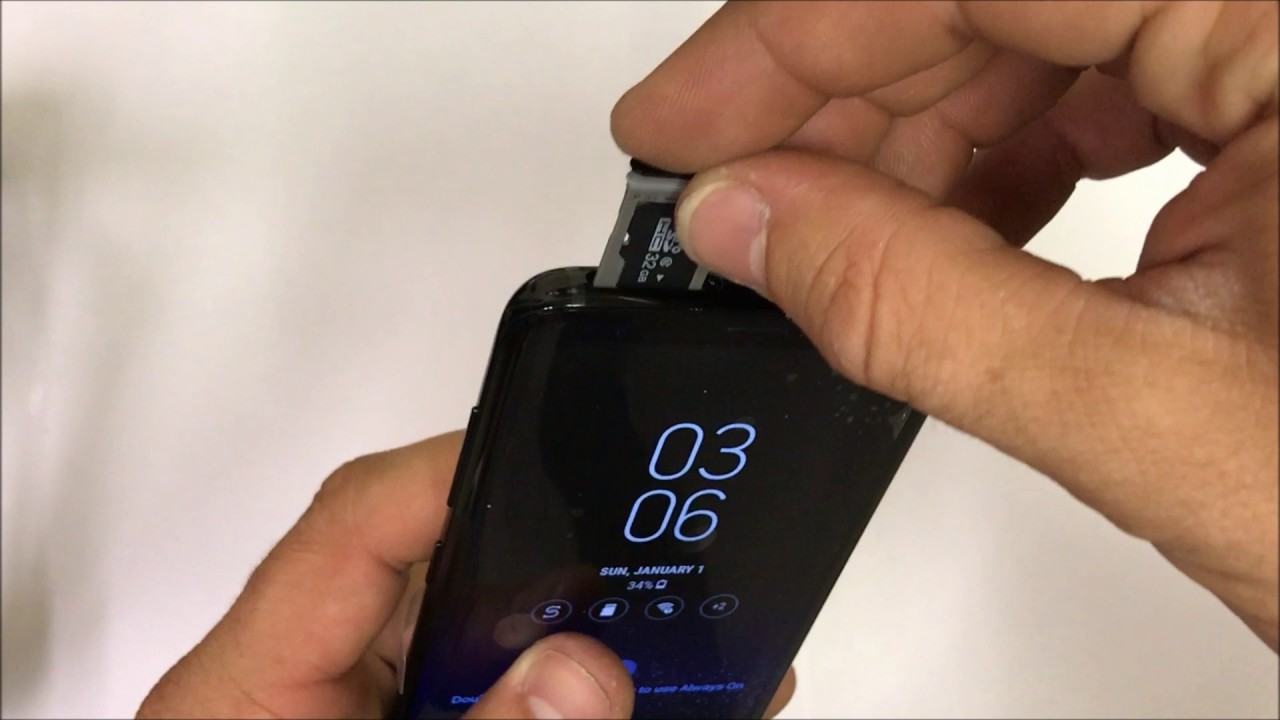
Opening the SIM card slot on your phone is a straightforward task that requires powering off your device first, then using the SIM eject tool or a straightened paperclip to...
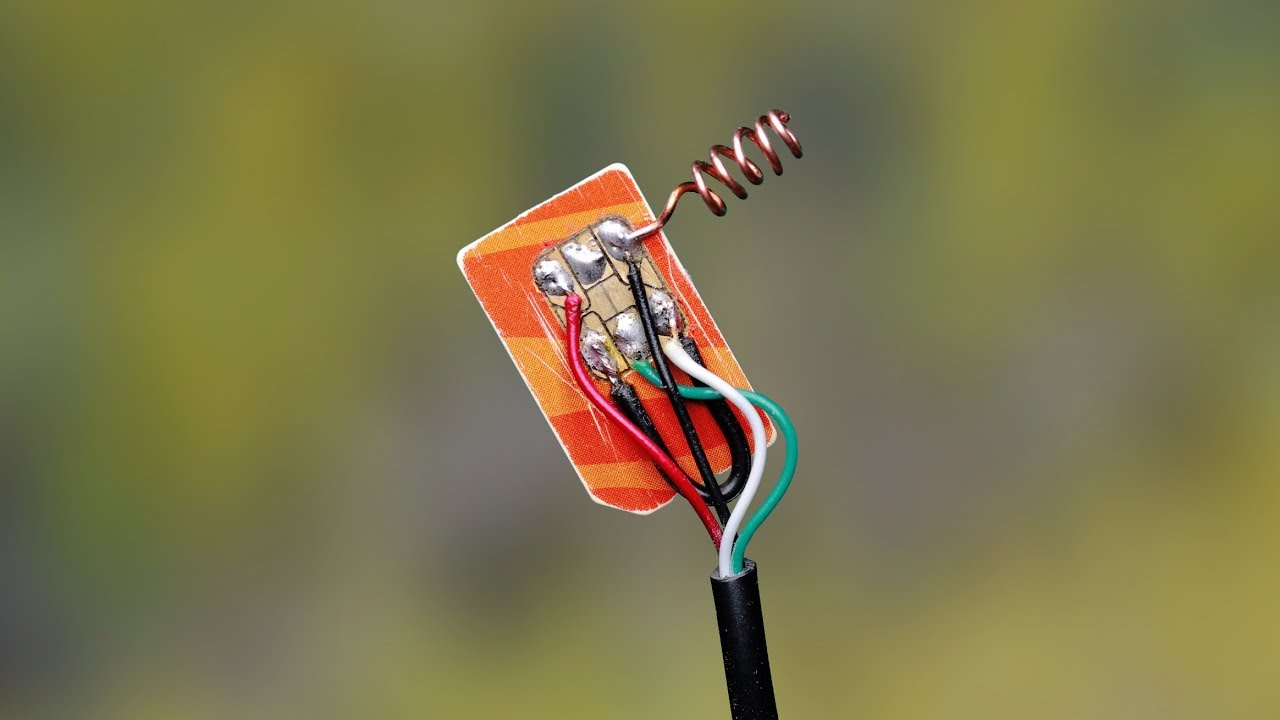
Configuring a GF-07 GPS tracker setup begins with preparing the SIM card and sending SMS commands, not with a mobile app. While some third-party apps may support tracking, the core...
This website uses cookies so that we can provide you with the best user experience possible. Cookie information is stored in your browser and performs functions such as recognising you when you return to our website and helping our team to understand which sections of the website you find most interesting and useful.
Strictly Necessary Cookies
Strictly Necessary Cookie should be enabled at all times so that we can save your preferences for cookie settings.
If you disable this cookie, we will not be able to save your preferences. This means that every time you visit this website you will need to enable or disable cookies again.