This tag collects articles about managing and troubleshooting the search engine settings in your web browser. It is intended for everyday users, people who are not necessarily technical experts but who want to take back control of their homepage, default search provider, or new-tab page. Whether you are dealing with an unwanted redirect, a stubborn extension, or a simple preference for a different search tool, the guides here are written to help you fix the issue step by step.
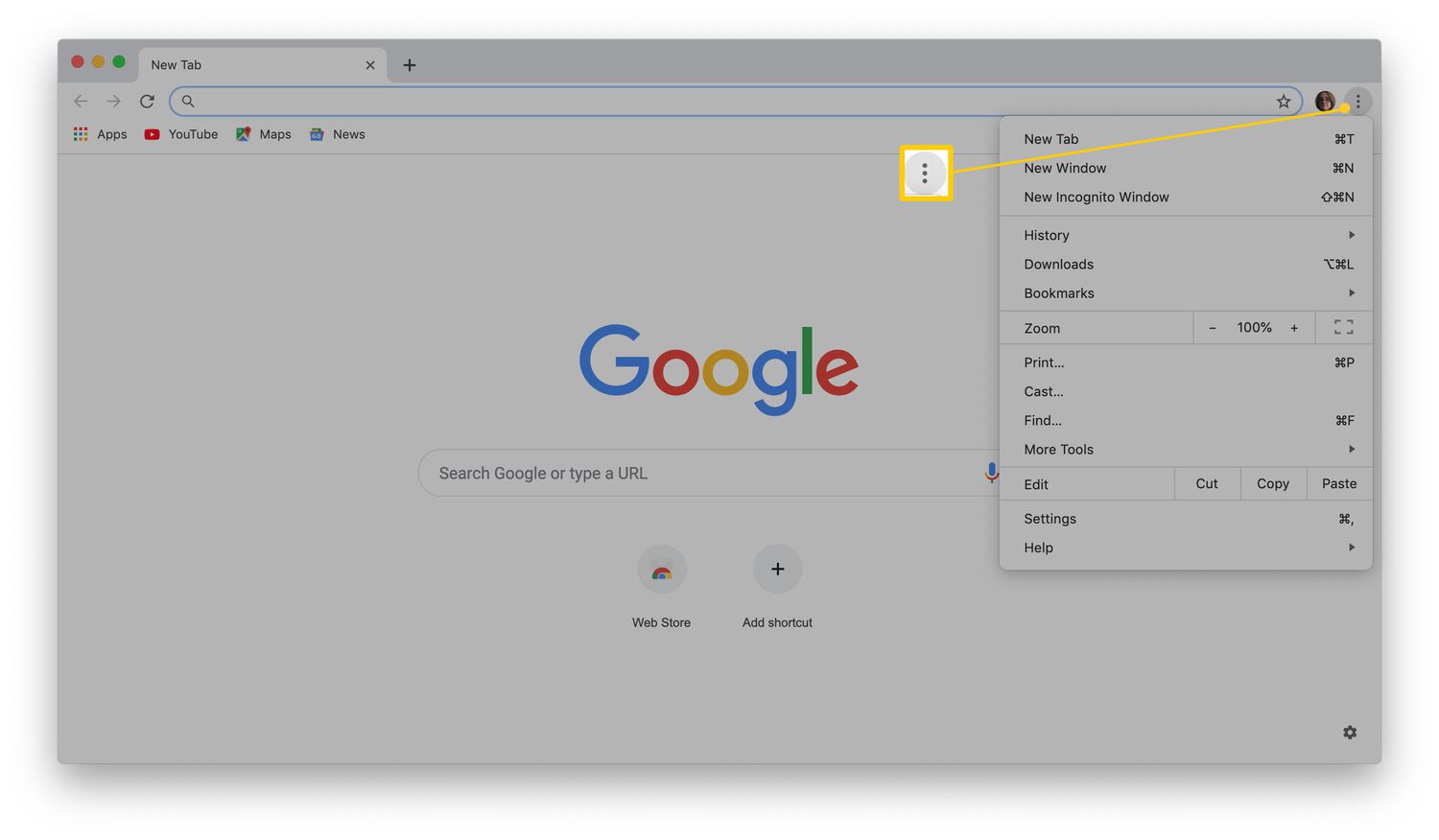
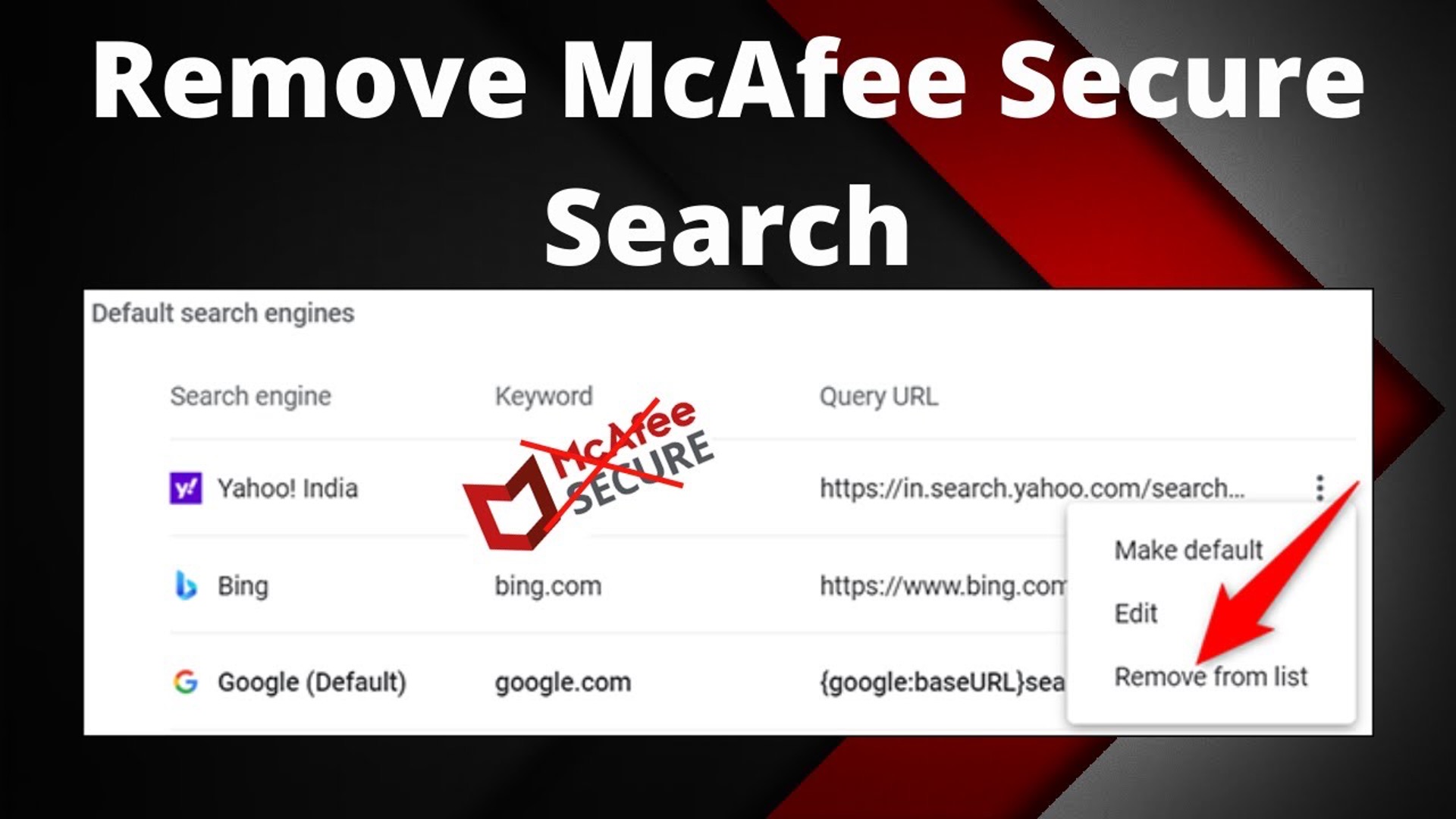
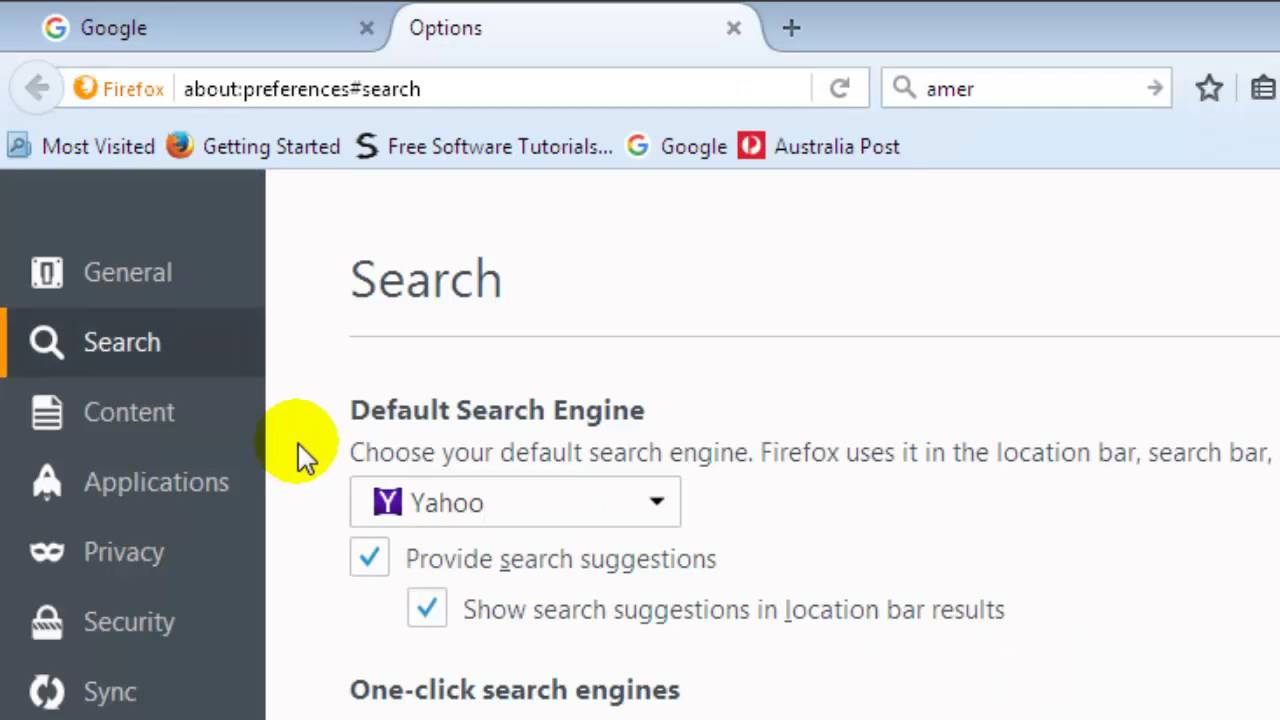
The articles fall into two main groups. The first group is about changing and locking down your default search engine. For example, you will find straightforward instructions on making Google the default in Chrome, or removing DuckDuckGo from Safari on both iOS and macOS. These pieces also cover related annoyances, such as why Yahoo keeps opening in Chrome when McAfee is installed, or why your Chrome homepage setting will not save after a restart, problems often caused by third-party software or corrupted preferences. The second group clarifies the difference between a browser and a search engine, which helps you understand why you are seeing certain results and how to choose the right tool for the job.
Beyond simple preference, some articles address safety and security angles. For instance, the guide on finding anything on the dark web is framed as an educational overview of a secure environment, not as a way to access illegal content. It explains how to navigate that space responsibly and legally. Similarly, the other “remove” and “get rid of” articles help you reclaim your browser from potentially unwanted programs or adware that hijack your search settings. In every case, the goal is to help you perform a specific, legitimate action, like switching providers, cleaning up an unwanted toolbar, or understanding why a setting keeps reverting, so you can browse with confidence and without confusion.