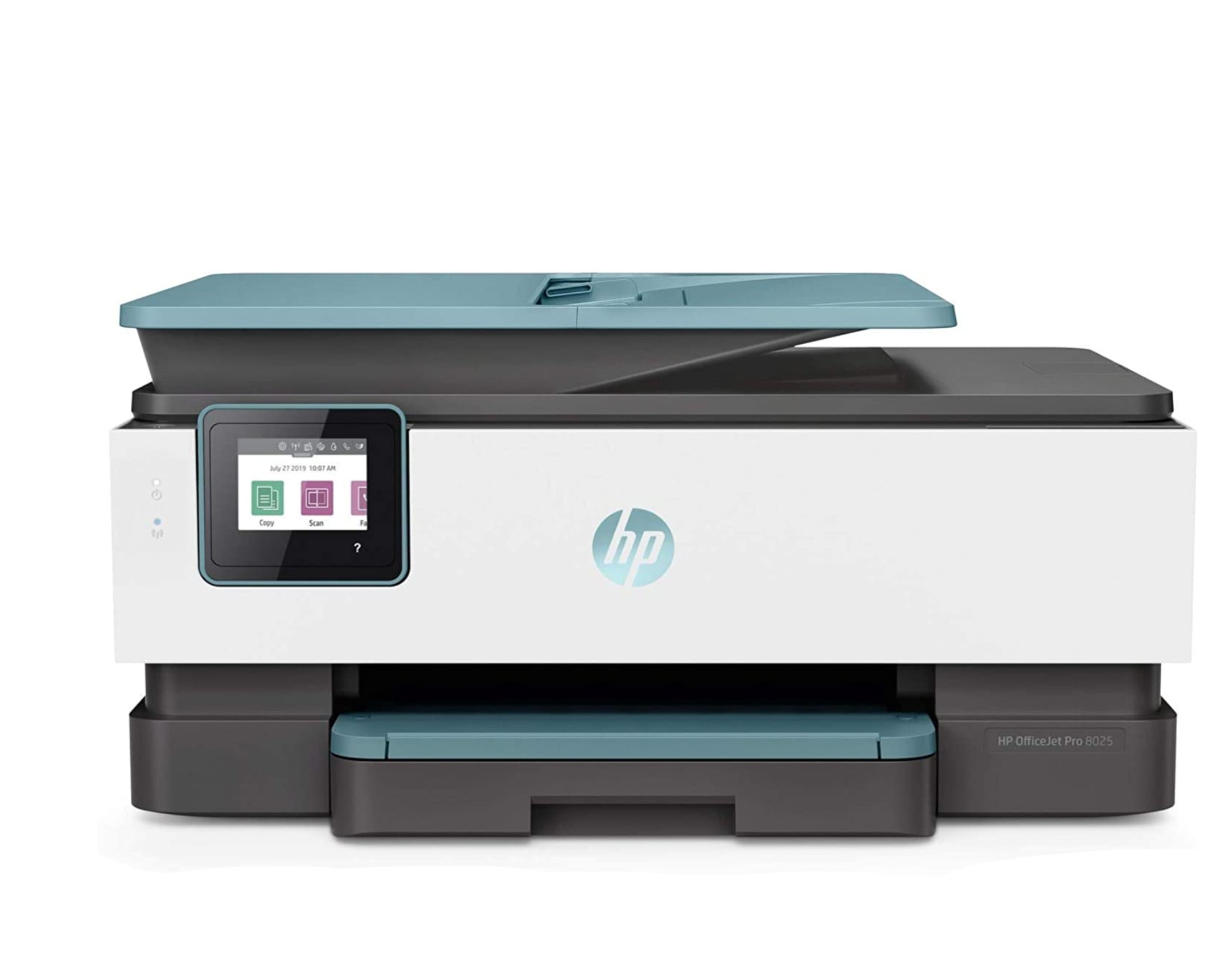
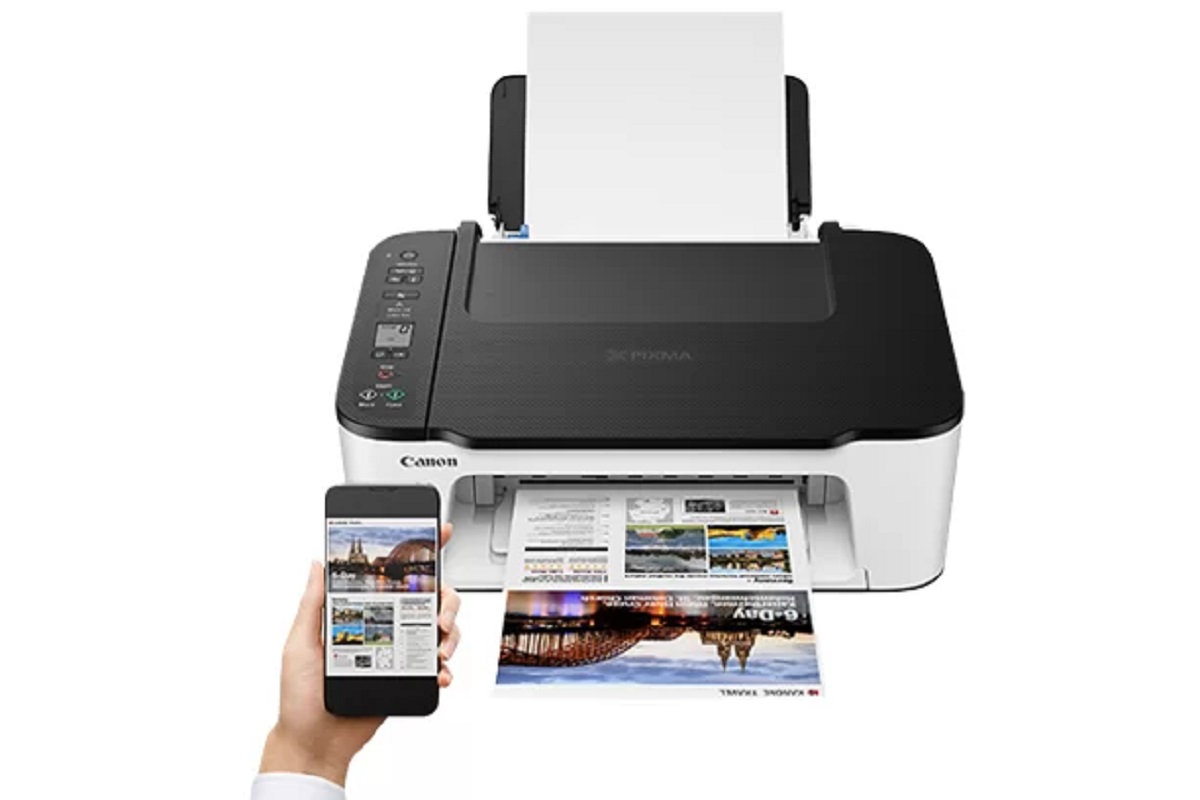
This tag collects our guides on getting a printer connected and working on your network, whether that is a home Wi-Fi network, a mobile hotspot, or a wired Ethernet setup. It is written for everyday users who are not IT professionals, people who just bought a new printer, are trying to get an older model back online, or are troubleshooting a connection that has suddenly stopped working. The articles assume you have a router and a printer but no special technical knowledge.
The problems covered here fall into a few clear themes. First, several articles focus on the initial connection process for specific brands, such as connecting an HP DeskJet 4100 or an HP Envy Pro 6455 to Wi-Fi, or getting a Canon Pixma onto your network. Second, a group of articles deals with alternative connection methods, including using an Ethernet cable for an HP printer, or connecting a Canon or HP printer to a phone’s hotspot when no regular router is available. Third, some guides address the underlying network details that often trip people up, like finding the IP address of a Brother printer, locating the WPS PIN for a wireless setup, or entering a PIN into your wireless router during the pairing process.
Beyond the simple “how do I connect” questions, the articles help you understand the options and limitations of your equipment. For example, one guide explains whether you can set up a wireless printer without a computer or smartphone app, while another describes the steps for reconnecting an HP printer after a network change. The content is practical and direct, helping you get from a blinking error light to a successful print job without calling for tech support.