This tag collects practical, step-by-step guides for regaining access to your own devices and accounts when a password or PIN has been forgotten. It is written for everyday consumers, people using Chromebooks, Android tablets, Samsung phones, smart TVs, external drives, or web email, who are locked out of their own hardware or software and need a clear, safe path back in. The articles assume you are the rightful owner or have legitimate authorization to access the device in question.
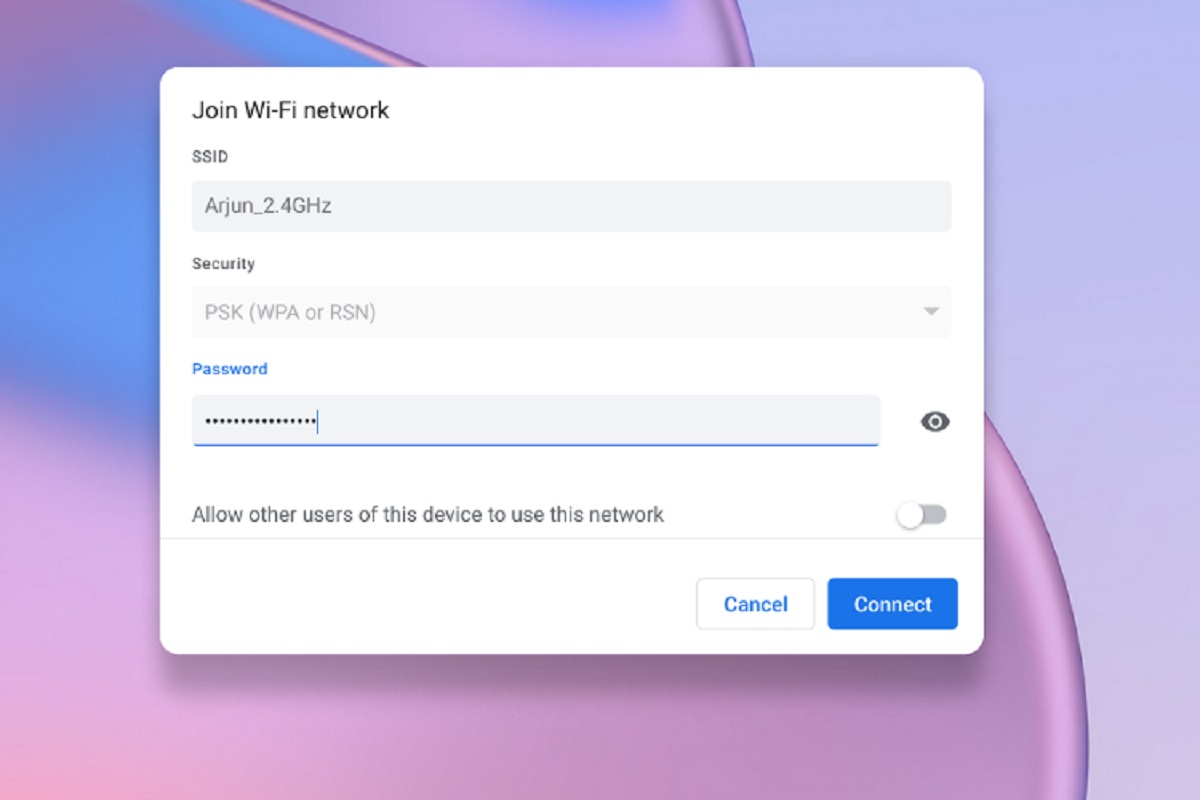
The problems covered here fall into two broad themes. The first is device recovery: resetting or unlocking a specific gadget without losing more data than necessary. For example, several articles walk through factory reset options for Chromebooks and Samsung tablets, while others focus on unlocking budget Android tablets like the Onn or Celero 5G. The second theme is credential recovery for accounts and storage media, including retrieving a Yahoo password without a phone number or alternate email, finding an email password you’ve misplaced, or unlocking a WD external hard drive and a Samsung Portable SSD. A third, smaller theme involves viewing saved Wi‑Fi passwords on devices like a Chromebook or a smart TV, so you can reconnect other gadgets without resetting the router.
Throughout, the articles emphasize legitimate, manufacturer-supported methods, using recovery modes, account verification, or built‑in reset tools, rather than workarounds. They also cover the security angle, such as how to recover a password inside a VMware Workstation virtual machine without compromising the host system. The goal is always to help you regain lawful access to your own property, not to bypass protections on someone else’s.