This tag collects articles about getting more out of the Nintendo Switch’s built-in eShop and system software, aimed at everyday owners who want to manage their digital library or access streaming media on the console. Whether you are new to the Switch or have owned one for years, these guides focus on practical, legitimate uses of the device, covering what you can do through official channels and where the system’s limitations lie.
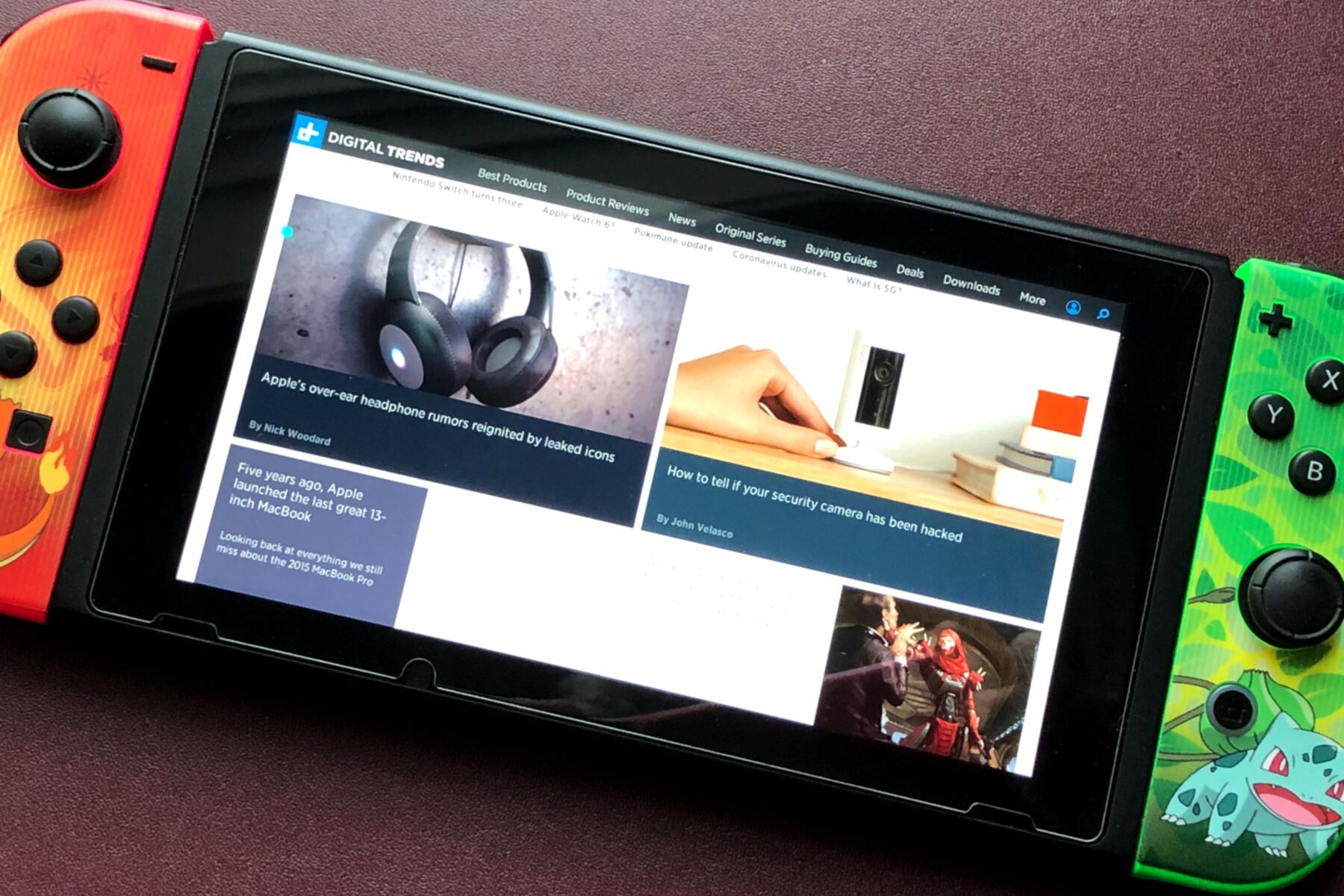
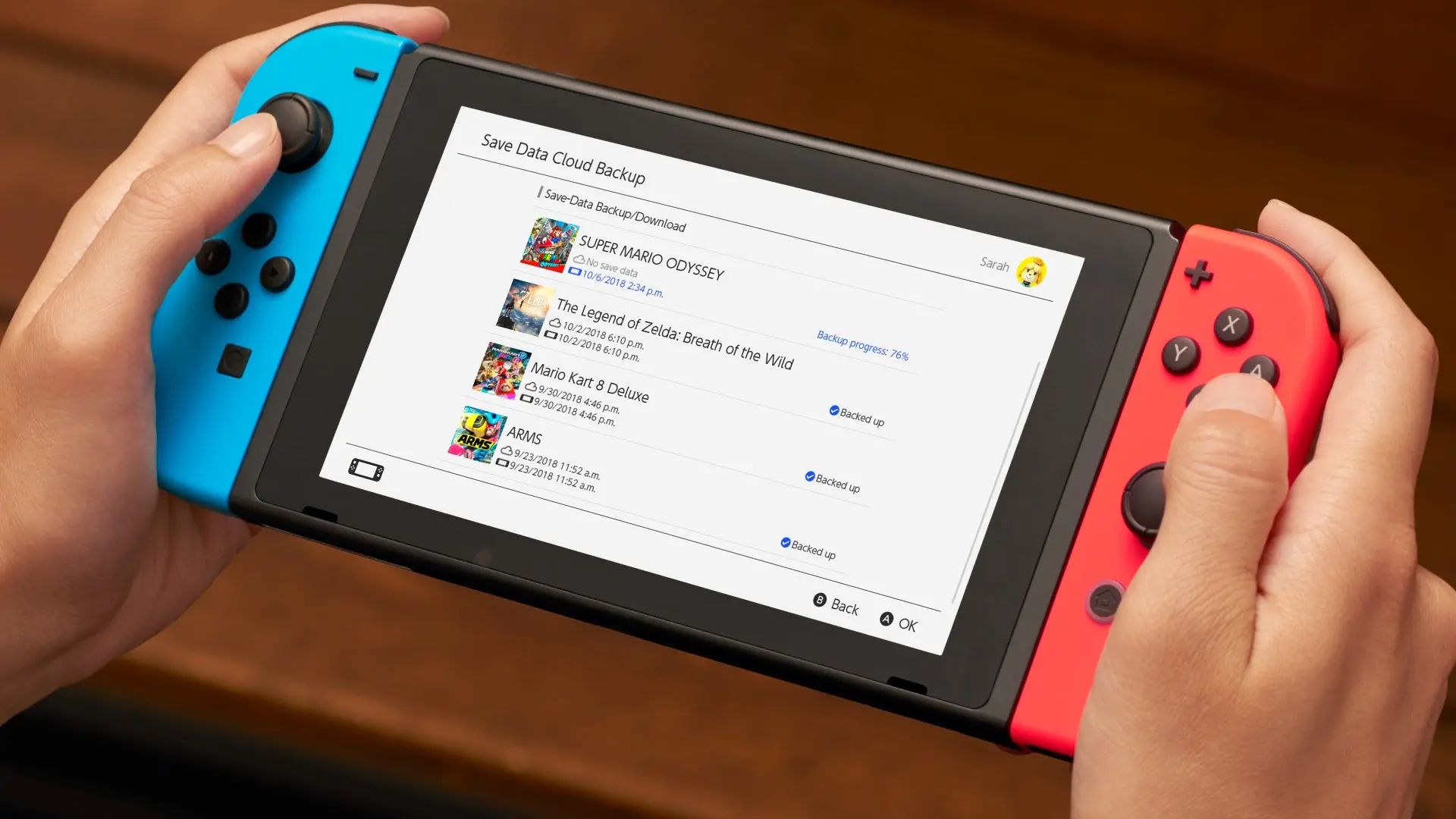
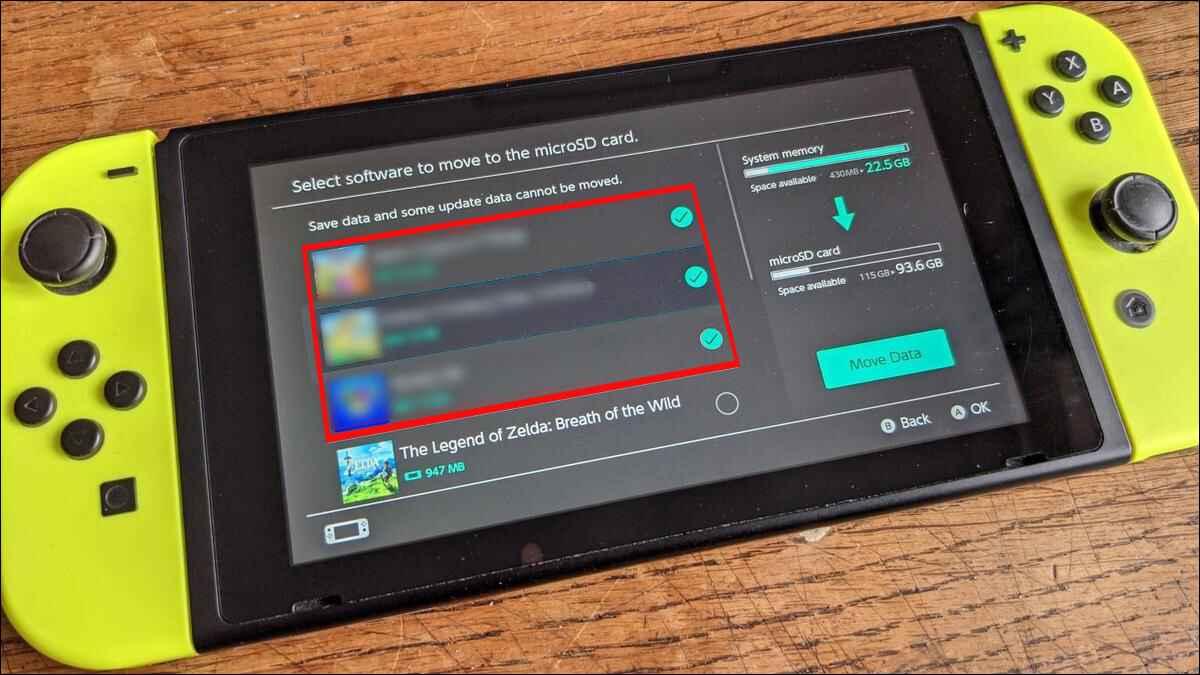
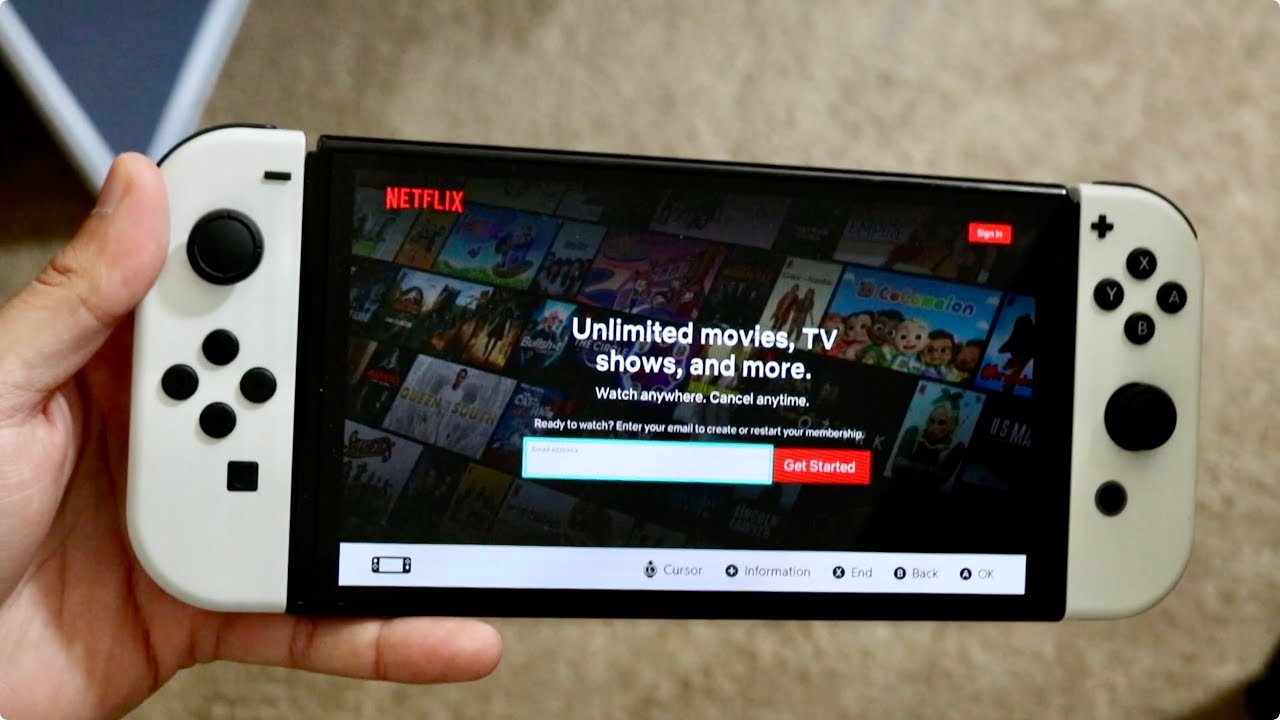
The articles group around three clear themes. First, several pieces address media playback, helping you figure out how to watch videos or stream services like Netflix on a device that doesn’t natively support them, including using the Switch’s built-in browser to reach video sites or finding safe, legal ways to download movies for offline viewing. Second, a cluster of stories tackles game storage and purchasing, explaining your options for expanding internal memory, using microSD cards, or managing downloads when space runs low. Third, and most importantly, a few articles approach the topic of “free” content from a safety and security angle, they clarify what the eShop legally offers (demos, free-to-play titles, sales) and warn against unofficial methods, so you can avoid scams or system-bricking hacks. Specific topics named in the tag include Netflix setup, movie downloads, digital storage choices, and the Switch browser’s video capabilities. The overall goal is to help you use your Switch more fully without risking your hardware or account.